
Subtitles, Dubbing or Voiceover for Video
shootsta.
Subtitles, Dubbing or Voiceover for Video
By Shootsta · Published July 24, 2026 · Updated October 2026
Subtitles, dubbing and voiceover each fit different content and markets. Here is how to choose the right one without blowing the localization budget.
Should you use subtitles, dubbing or voiceover?
Use subtitles when speed and budget matter and the speaker stays on screen, voiceover when you want a native-sounding narrator over b-roll or animation, and dubbing when lip-sync to a presenter is essential. The right answer depends on the content type and the market, so one house rule for every video will not hold up.
It is tempting to ask which one is best. A more useful question is which one fits this specific video in this specific market. A training module and a CEO address have different needs, and treating them the same is where cost and quality slip.
When do subtitles make sense?
Subtitles are the fastest and cheapest route. They keep the original audio, which preserves tone, and they work well for talking-head content, interviews and most internal training. They also help accessibility, which matters in regulated and public-sector settings. The choice between burned-in and SRT files affects flexibility and accessibility, and we cover that in detail in burned-in vs SRT subtitles.
The limit is attention. If a viewer has to read while watching a complex demo, comprehension drops. For dense product walkthroughs in a high-priority market, a spoken track often pays off.
When is voiceover the better fit?
Voiceover replaces the narration with a native speaker while the picture stays the same. It suits explainers, b-roll-driven brand films and animation, where there is no on-camera mouth to match. It reads as native to the local audience, and it costs far less than dubbing because there is no lip-sync work.
Voiceover is the workhorse of multilingual video at scale. Because it only swaps the audio, a well-built master can take a new language track quickly, which is the same principle behind localizing animated video at scale.
When do you need dubbing?
Dubbing matches new audio to the lip movements of a presenter on screen. It is the most natural experience for the viewer and the most expensive to produce. Reserve it for high-stakes, presenter-led content in your largest markets: a flagship product launch, a leadership message, or customer-facing marketing where polish drives the result.
In a typical enterprise library, dubbing is a small share of the work. The bulk runs on subtitles and voiceover, with dubbing applied where the return clearly justifies the cost.
How does the choice affect cost at scale?
The format you pick multiplies across every video and every language, so the decision is a budget decision as much as a creative one. A simple rule of thumb is to use subtitles for volume, voiceover for clarity and dubbing for flagship moments. We work through the numbers in how much video localization costs.
How do you make the decision repeatable?
Set a format policy by content type and market tier so teams are not deciding from scratch each time. This is part of treating localization as a system, which is the theme of our pillar on how to localize video for global markets. If you build the masters to be re-versioned and keep audio separate from the picture, the format choice becomes a quick swap instead of a rebuild. The Shootsta team can set this policy with you and handle delivery across languages; start with a free consultation.
Sources
- CSA Research: share of buyers who prefer content in their own language.
- Shootsta multilingual production across 70,000+ videos in many languages.
- Shootsta regional delivery hubs in Sydney, London, Singapore and San Diego.
Take this article with you
Read the latest at shootsta.com/blog/subtitles-dubbing-voiceover-global-video
You might also like
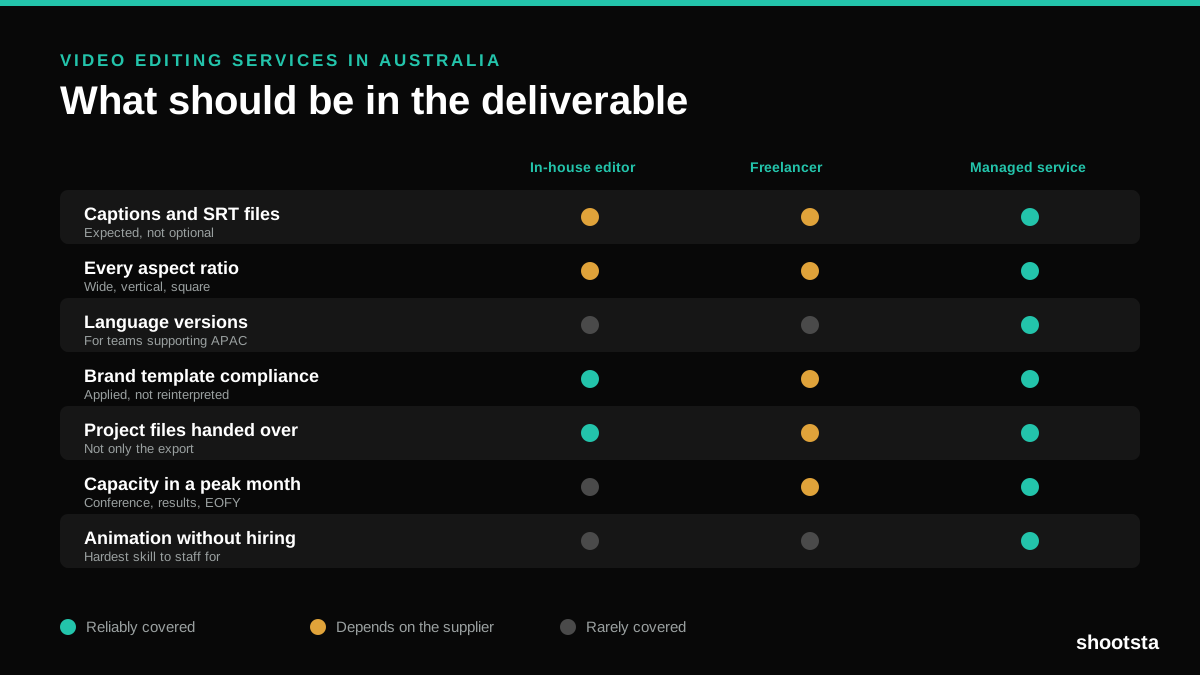
Video Editing Services in Australia
Australian teams are spread across time zones and offices, so the editing queue matters more than the editing. Here is what to expect on cost and turnaround.
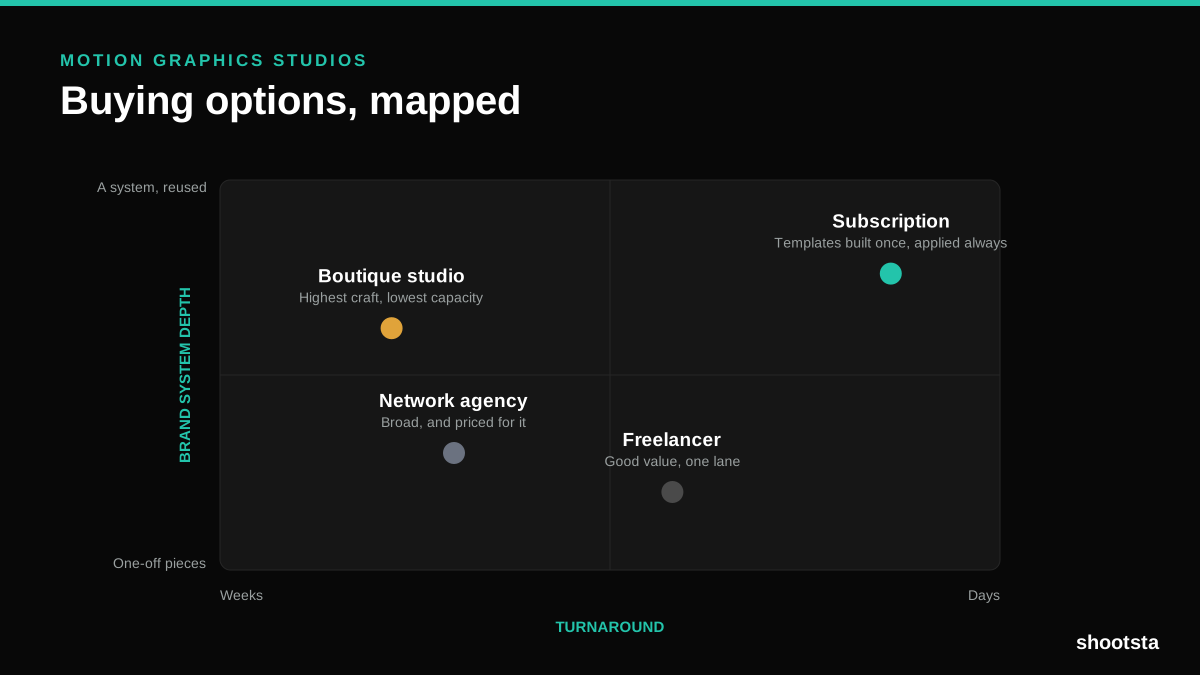
How to Choose Between Motion Graphics Studios
Every motion graphics studio has a good reel. The reel is the one thing that will not tell you how the fifth project goes. These ten criteria will.
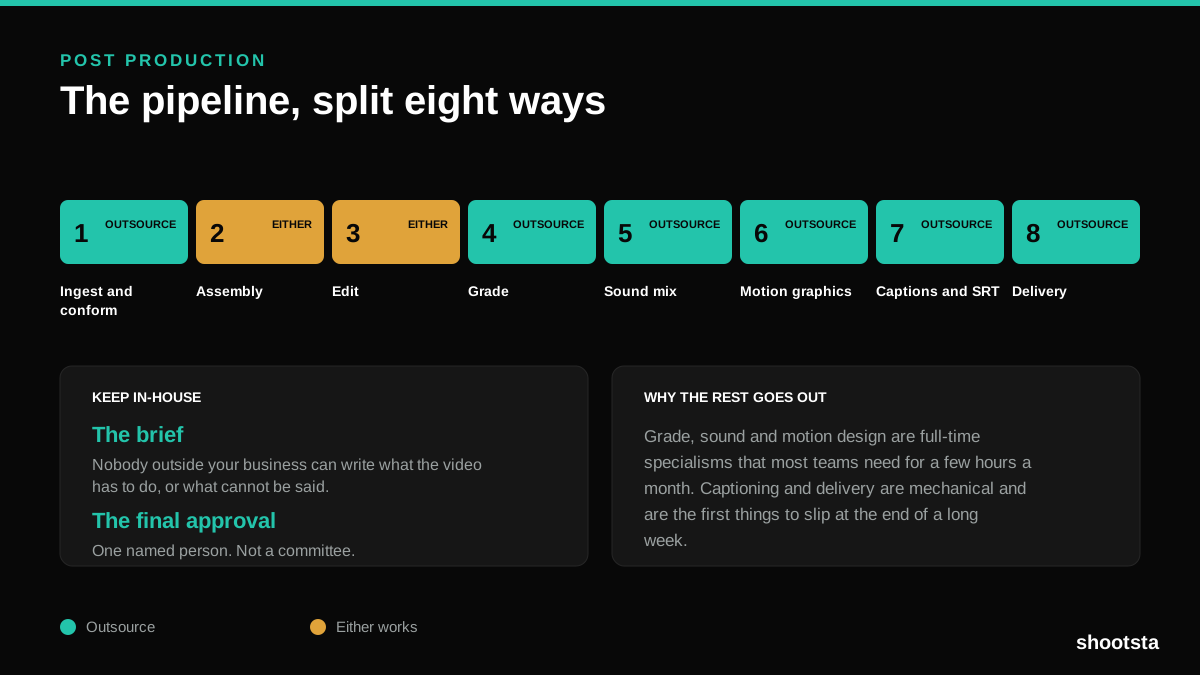
Post Production Agency or In-House Team?
Post production is eight stages, not one. Some of them need context only your team has. The rest are mechanical and are the first things worth handing over.
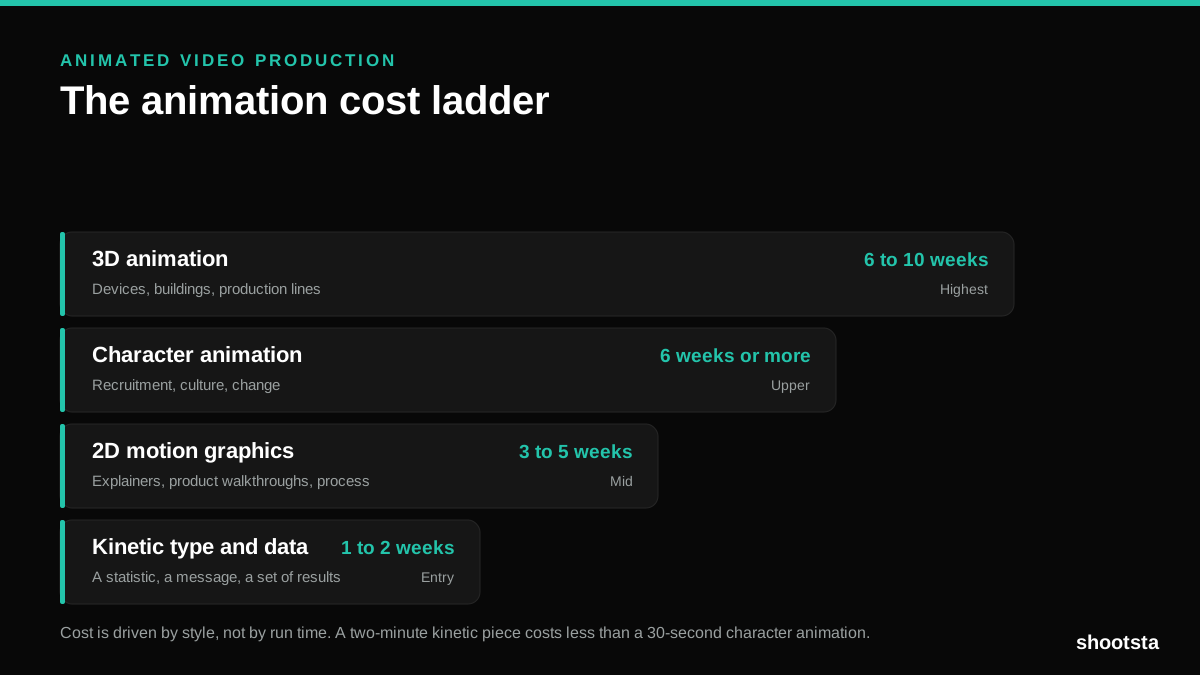
Animated Video Production Cost in the US
Animated video production costs move with style, not with length. Kinetic type, 2D motion, character and 3D sit on four rungs of a ladder. Here is what separates them.
How to Commission Medical Training Animation
Commissioning a medical training animation is mostly decisions you make before anyone animates a frame. The brief fields that matter, what to ask a studio, how much expert time to budget, and the contract terms that stop a rebuild in two years.
How to Write an Animation Brief
How to Write an Animation Brief
Most animation briefs cause delays because they over-specify the visual style and under-specify the outcome. Here are the nine fields an animation production team needs to quote accurately and start without rework.