
How to Write an Animation Brief
shootsta.
How to Write an Animation Brief
By Shootsta · Published August 13, 2026 · Updated October 2026
Most animation briefs cause delays because they over-specify the visual style and under-specify the outcome. Here are the nine fields an animation production team needs to quote accurately and start without rework.
An animation brief is the document you hand to an animation production team before work starts. It covers your audience, your message, your style preferences, your timeline, and your technical delivery requirements. An hour spent on the brief saves weeks of back-and-forth once production starts.
Most briefs that cause delays are specific about the wrong things. Animation teams need strategic clarity first. The visual detail follows from that.
What goes in an animation brief?
Nine fields that every animation team will ask about, regardless of style or budget.
1. The audience
Start by naming who watches the video. Give their job title and industry context, what they know going in and what they do not know yet. "Marketing managers at mid-size B2B companies" is more useful than "business professionals." "New employees in their first week of onboarding, unfamiliar with the compliance process" is more useful than "our team." The script and visual tone both follow from a precise audience description.
2. The outcome
Write down what the viewer should think, feel or do after watching, and pick one clear outcome only. "Understand how the product works" is different from "click to book a demo" and different again from "feel confident about our data security practices." Scripts written against three competing outcomes tend to land on none of them.
3. The key message
The key message is one sentence. It is the thing that has to stick if someone watches on a bus and only pays half attention. If you cannot write this sentence before briefing, the animation team cannot write it for you. An hour of internal alignment on this line is cheaper than the rounds of revision that follow a vague one.
4. The animation style
Motion graphics, 2D illustrated, whiteboard, or 3D. If you have existing brand assets such as brand guidelines, approved character designs, or a previous animated video, include them. If you do not know which style fits the brief, describe the feeling you want and let the production team recommend. For detail on the style options and what each one costs, see the different kinds of video animation for business.
5. The intended length
Give a length or a target range. Marketing videos usually run 60 to 90 seconds, while product explainers and training content run 2 to 4 minutes. Length is one of the main cost drivers in animation, so "as long as it needs to be" is not a useful briefing position. If you are unsure, explain the content volume you need to cover and the team can recommend a length.
6. The distribution channel
Website landing page, LinkedIn paid social, internal LMS, conference screen, or all of the above. Distribution determines the aspect ratios you need at delivery: 16:9 for web and YouTube, 9:16 for mobile and stories, 1:1 for paid social. If you do not specify this upfront, you will ask for vertical cuts after delivery and pay for additional edit time.
7. The budget range
Give a range rather than a precise figure. "Between $8,000 and $15,000" lets the production team design to what is achievable. "Whatever it costs" leads to proposals that miss the mark. If you are not sure what animation at your quality bar costs, share examples of videos you like and ask for a ballpark. A good production team will give you one in an introductory call.
8. The deadline
The hard deadline, not the preferred date. If there is a launch event, a regulatory filing, or a board presentation driving the timeline, say so. Standard animation production runs 4 to 8 weeks for a single explainer. If your deadline is tighter than that, the team needs to know at brief stage, not after the proposal is signed.
9. Sign-off structure
Who reviews, how many rounds of feedback are expected, and who has final approval. This field is often skipped, and it causes more production delays than any other. An animation team delivering work to five stakeholders simultaneously gets five sets of contradictory feedback. Knowing upfront that there is a two-stage review (marketing lead, then legal) lets the team build that into the timeline from the start.
What is the most common briefing mistake?
The most common mistake is over-specifying the visual style and under-specifying the strategic outcome. A brief that says "we want blue animated characters on a white background with a piano soundtrack" but cannot answer "what should the viewer do after watching?" will slow production down. The animation team cannot write a script without a clear outcome. The visual preferences are easily accommodated; the strategic ask cannot be invented on the client's behalf.
The second most common mistake is unclear sign-off. "The team will review it" is not a sign-off structure. Identify one person with final approval authority before the project starts.
How do you brief the storyline?
You do not have to write the script yourself. Usually the production team writes the script from your brief. What you should include is the narrative arc at a high level: the problem the viewer has, the solution the video explains, and the action the viewer takes at the end.
If your organization has a strong point of view on narrative structure, include a rough outline. If not, let the production team propose one. Either way, reviewing animation storyline planning before your kickoff call will help you give better feedback on the first script version.
What technical requirements belong in the brief?
At minimum: the delivery formats you need (file types and aspect ratios), whether captions are required, and whether you need the source files for future edits. Source files such as After Effects projects or Lottie files are often not included in base quotes. Ask for them explicitly if you plan to update the animation without going back to the production partner.
For enterprise programs running animation across multiple markets, specify whether you need a multilingual version. Animation is easy to adapt for other languages because the visual layer stays identical across languages; only the voiceover and any text overlays need swapping. If multilingual delivery is likely, flagging it in the brief allows the team to build a language-swap architecture into the source files from the start, which costs far less than retrofitting it later.
Frequently asked questions
How long should an animation brief be?
One to two pages covers most projects. You do not need a long document; you need precise answers to the nine fields above. A ten-page brief with extensive visual references but no clear audience or outcome is harder to work from than a one-page brief with a clear strategic ask and a link to your brand guidelines.
Should I include examples of animation I like?
Yes. Be specific about what you like in each example. "The pacing in this video" or "the character style in this one" is useful. "Something like this" with no further detail forces the production team to guess which element you are referencing. Three references with specific annotations are more useful than ten links with no commentary.
Do I need to brief the voiceover separately?
Voiceover tone and preference can go in the same document. Whether you want a warm conversational read or a more authoritative presenter style, include that direction. If your organization has an approved voice talent it already uses, note that too. Voiceover casting and animation are developed in parallel in most production workflows, so the sooner the voice direction is clear, the faster that track moves.
Can I send the brief before I have final internal sign-off on the project?
Yes. A production partner will usually review a brief and give a rough estimate without a formal project commitment. That estimate can support your internal business case. Just note in the brief that you are at the scoping stage; it helps the team calibrate how much time to invest in the proposal.
Where to go next
If you are still deciding on the animation style, the different kinds of video animation for business covers motion graphics, 2D illustrated, whiteboard, and 3D with cost and use-case guidance. For the full production process once the brief is approved, how to produce an animated explainer video covers the timeline from brief sign-off to final delivery.
To discuss your animation project and get a quote from Shootsta, book a free consultation.
If the piece is type, data or interface work rather than character animation, see motion graphics production.
Take this article with you
Read the latest at shootsta.com/blog/how-to-write-animation-brief
You might also like
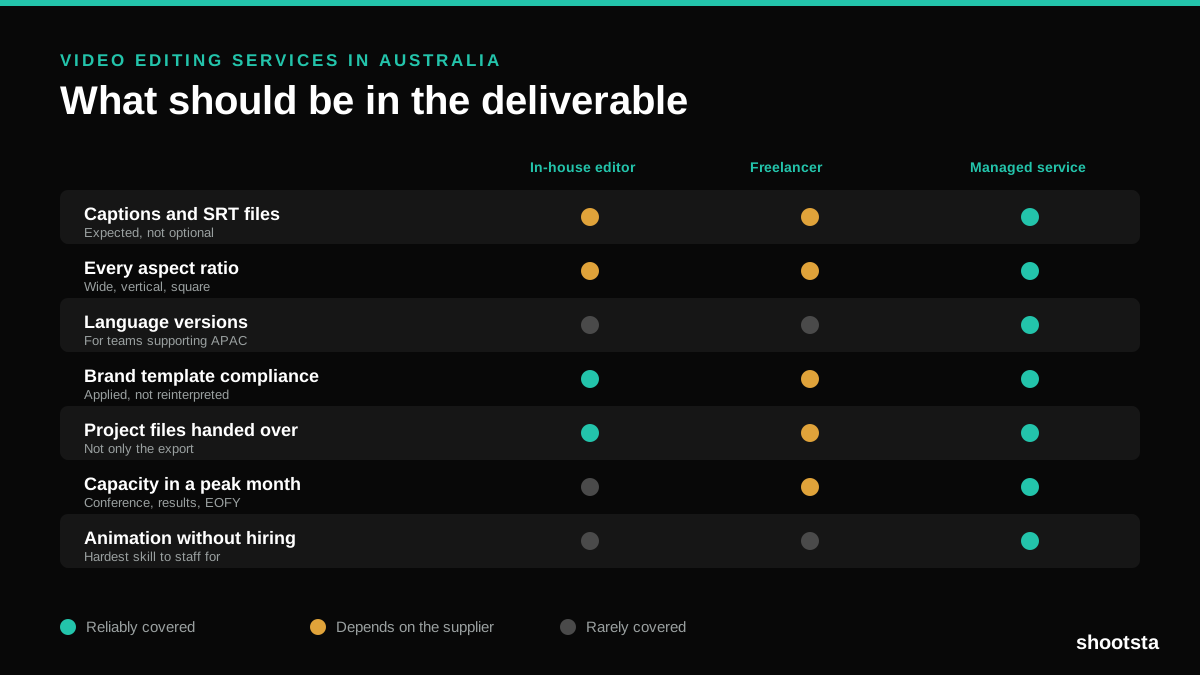
Video Editing Services in Australia
Australian teams are spread across time zones and offices, so the editing queue matters more than the editing. Here is what to expect on cost and turnaround.
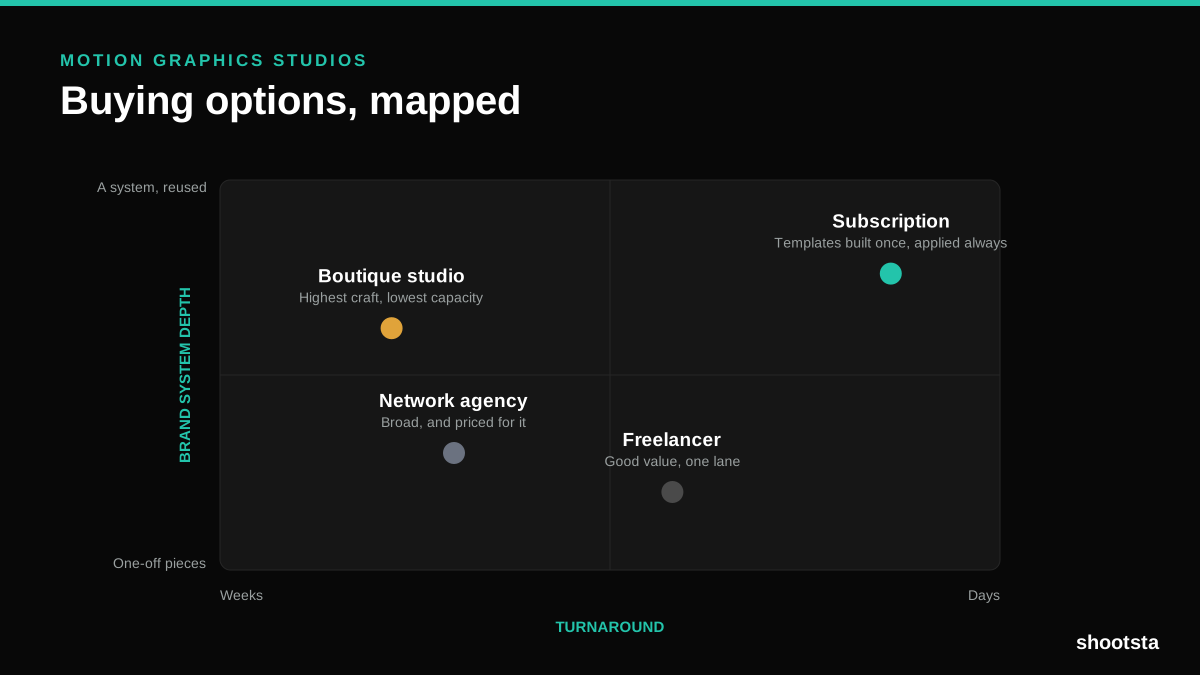
How to Choose Between Motion Graphics Studios
Every motion graphics studio has a good reel. The reel is the one thing that will not tell you how the fifth project goes. These ten criteria will.
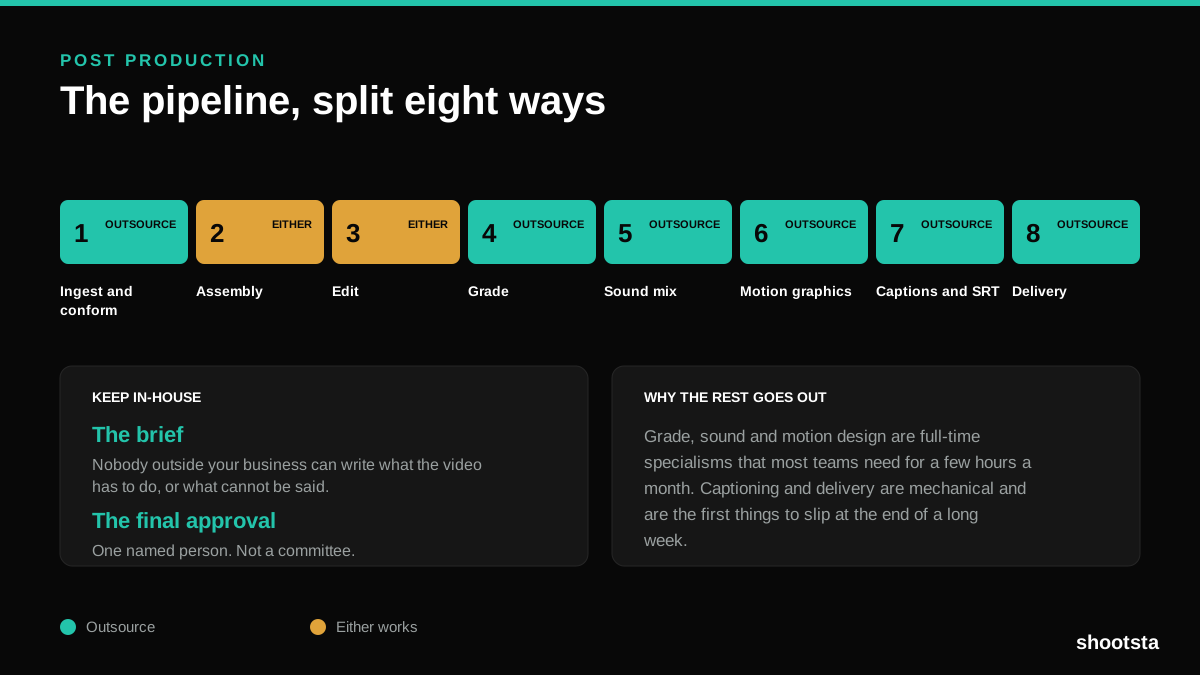
Post Production Agency or In-House Team?
Post production is eight stages, not one. Some of them need context only your team has. The rest are mechanical and are the first things worth handing over.
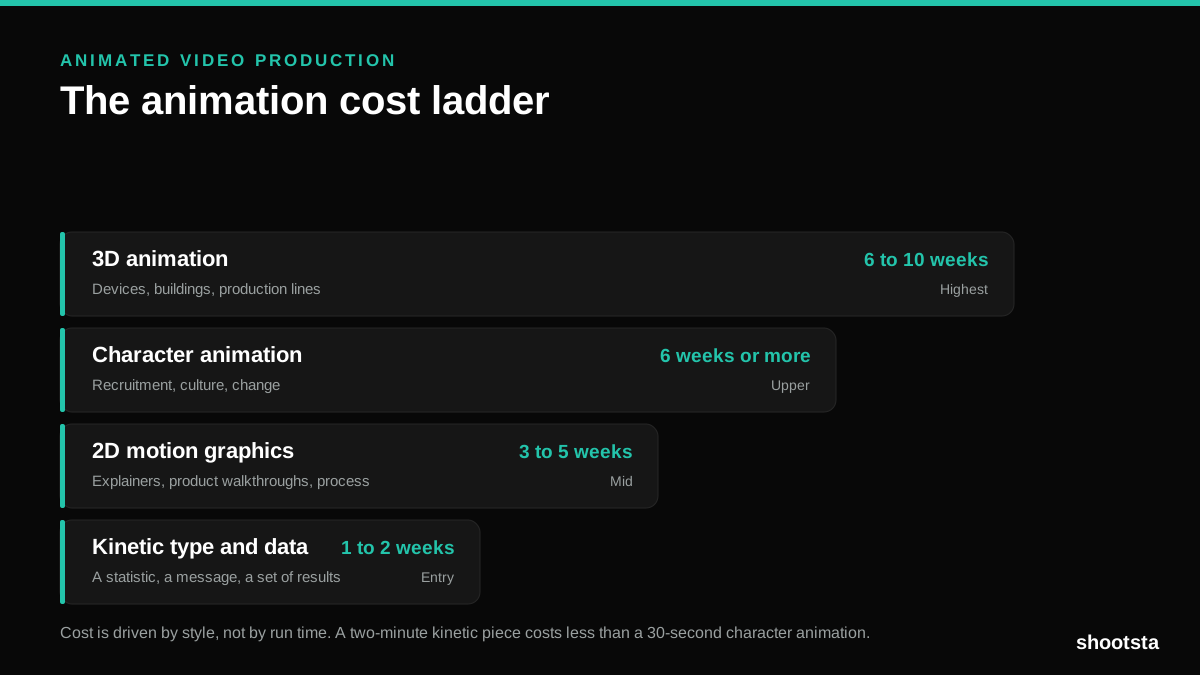
Animated Video Production Cost in the US
Animated video production costs move with style, not with length. Kinetic type, 2D motion, character and 3D sit on four rungs of a ladder. Here is what separates them.
How to Commission Medical Training Animation
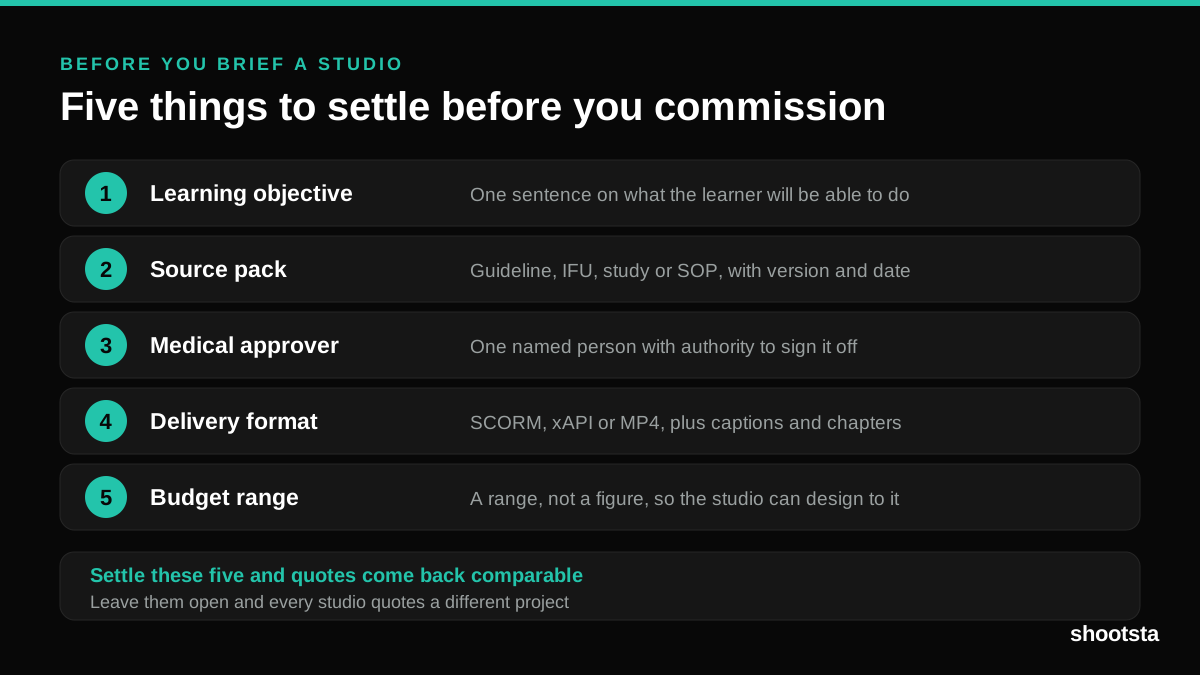
Commissioning a medical training animation is mostly decisions you make before anyone animates a frame. The brief fields that matter, what to ask a studio, how much expert time to budget, and the contract terms that stop a rebuild in two years.
How to Localize Animated Video at Scale
How to Localize Animated Video at Scale
Animated video is the easiest format to localize because text and audio live in editable layers. Here is how to scale it across languages cleanly.