
2-Person Interview Setup: A Filming Guide
shootsta.
2-Person Interview Setup: A Filming Guide
By Justin · Published June 13, 2025 · Updated October 2026
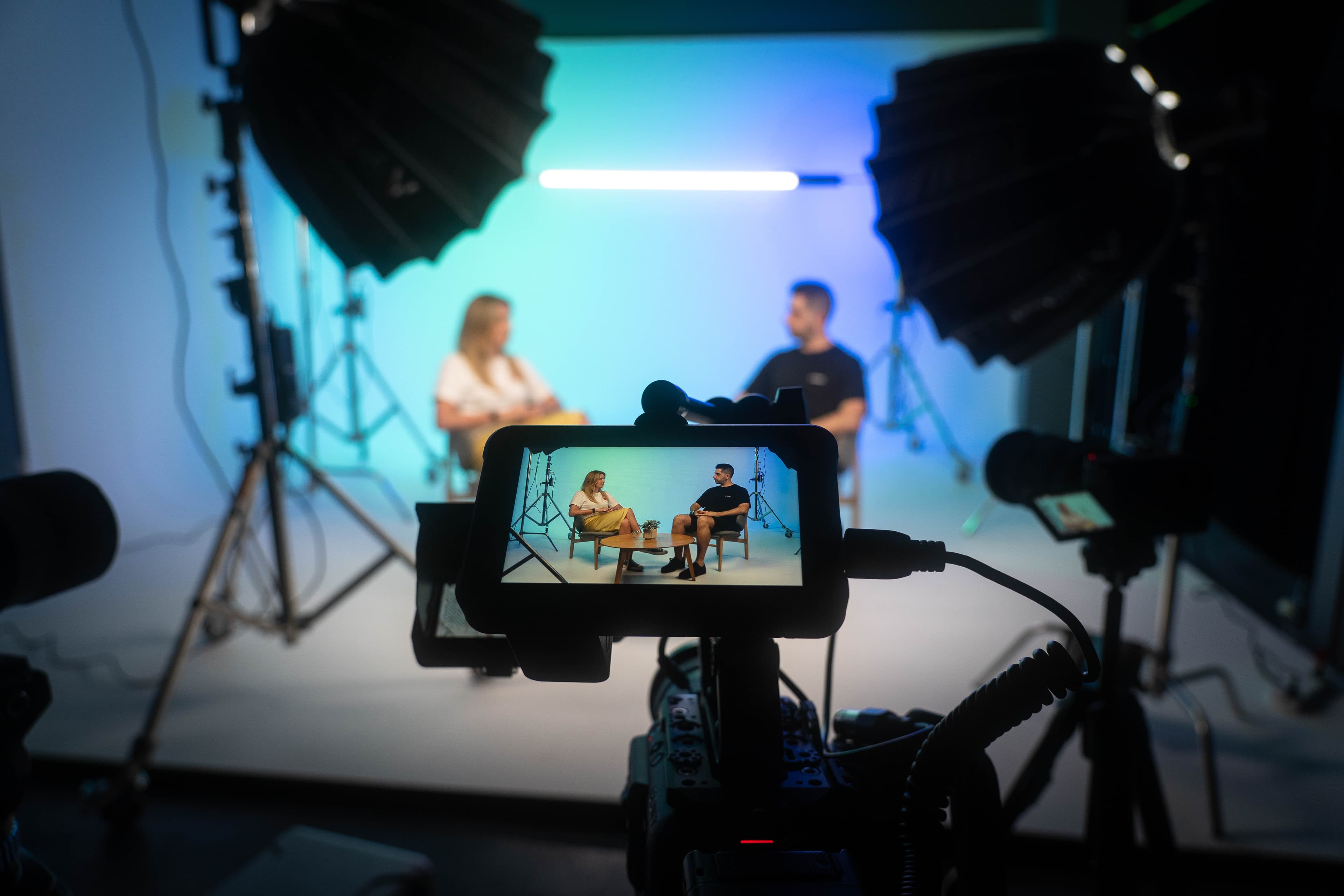
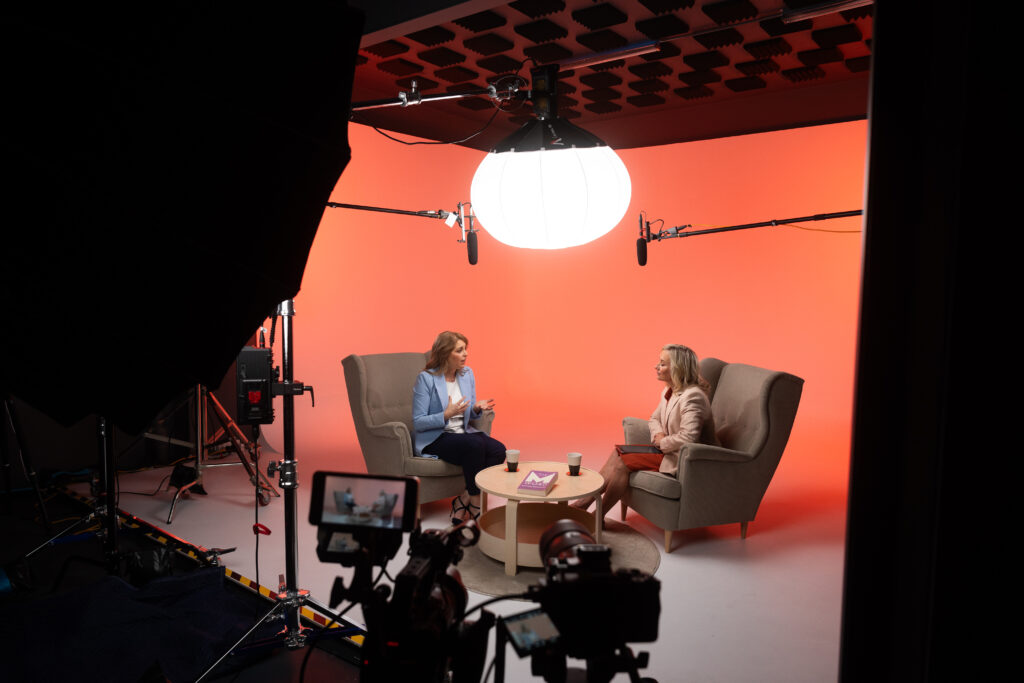
How Do I Film a 2-Person Interview?
Estimated reading time: 4 minutes
- Effective camera setup decides how watchable the interview is.
- Quality audio keeps every word clear for the viewer.
- Proper lighting gives both speakers a clean, even look.
- Maintain consistent framing and eye lines to engage viewers.
- Use editing best practices for smooth video transitions.
Table of Contents
- Camera Setup and Angles
- Audio Techniques
- Lighting Setup
- Framing and Eye Lines
- Additional Tips
- Summary Table: Two-Person Interview Setup
- Conclusion
What does a good two-person interview setup look like?
A two-person interview setup has four moving parts: where the cameras sit, where the subjects sit, how each person is miked, and where the light comes from. Get those four right and the edit is straightforward. Get any one of them wrong and no amount of post-production rescues it.
The short version of the interview setup that works for most corporate shoots: two cameras, one framed on each subject, both shooting across the space rather than head-on. Lavalier microphones on both people, recorded to separate tracks. A soft key light on each subject from roughly 45 degrees, with enough separation from the background to keep the image from going flat.
Everything below is the detail behind those four decisions, in the order you should make them.
Camera Setup and Angles
A successful 2-person interview starts with where you put the cameras. Using more than one camera gives the viewer more to look at and gives your editor more choices. Here's how to set it up:
- Use at Least Two Cameras:
- A-Cam (Wide Shot): Position one camera to capture a wide or medium shot framing both subjects from the waist up. This is your master shot, and it shows the viewer the whole conversation.
- B-Cam (Close-Ups): Use a second camera to alternate between close-ups of each interviewee. Ideally, the B-Cam operator should pan while switching focus between speakers. If you have the budget, a third camera can hold a dedicated close-up on each subject.
- Keep Cameras Aligned:
Stack cameras as close as possible, ideally one directly above or beside the other, to keep the sightlines matched. This method minimizes visible shifts when cutting between angles, keeping viewers engaged.
Audio Techniques
High-quality audio is critical for any video production, especially for interviews where clear speech is essential.
- Microphone Choices: Give each subject their own microphone, either a lavalier (clip-on) mic or a boom mic. Recording each microphone to its own track allows for cleaner audio mixing and easier removal of background noise.
- Three-to-One Rule: When using more than one microphone, ensure that the second mic is three times farther from its subject than the first is from theirs. This helps avoid audio phase issues and maintains clarity.
Lighting Setup
Lighting has a big effect on how polished the interview looks. Even light on both faces is the goal.
- Key Light Distribution: Position your main light source equidistant between both participants to achieve balanced lighting and avoid harsh shadows. This will ensure that both interviewees are well lit and visually consistent.
- Enhancing the Look: Incorporate fill and backlights to add depth and separation from the background, creating a more engaging visual environment.
Framing and Eye Lines
Framing covers more than camera placement. It decides where the viewer looks and keeps attention on the speakers for the whole interview.
- Eye-Level Shots: Keeping cameras at eye level makes the subjects feel natural and approachable to the audience.
- Positioning: Subjects should be comfortably angled towards each other but also directed enough towards the camera so that viewers can see their expressions clearly. If the interview requires it, instruct subjects where to focus their gaze, whether slightly towards each other for a conversational feel or off-camera to the interviewer.
Watch a Behind-the-Scenes Set Up of a 2-person Interview
Additional Tips
To ensure your video interviews run smoothly and are easy to edit:
- Consistency is Key: Maintain consistent lighting and camera color settings throughout the shoot. This simplifies the editing process and enhances visual coherence.
- Minimize Retakes: Conduct thorough visual and audio checks before the interview begins to minimize the need for retakes. Aim to capture clean audio and video during the initial recording.
- Sync Audio and Video: Use visual cues like a clap or a slate to help sync audio if you are recording to external devices.
Summary Table: Two-Person Interview Setup
| Aspect | Recommendation |
|---|---|
| Cameras | 2 (wide/master + close-up); 3rd optional for dedicated close-ups |
| Audio | 2 mics (lavs or booms), recorded separately; follow three-to-one rule |
| Lighting | Key light evenly distributed; add fill/backlight as needed |
| Framing | Eye-level shots, medium/wide for both, close-ups for singles |
| Eye Lines | Stack cameras for consistent gaze; subjects face each other or interviewer |
| Editing | Multiple camera angles; clean audio tracks for each subject |
Conclusion
At Shootsta, we understand the demands of creating high-quality video content quickly and effectively. Our services, including Shootsta Pro for scalable video creation and Shootsta Premier for high-impact projects, ensure that your team can produce compelling video content to meet your organization's needs.
If you want help filming your internal communications or marketing videos, explore our services or book a chat with our Shootsta team to talk through how we can help with your next interview shoot.
Two-person interview FAQs
How do you film an interview with two people?
The standard setup uses two cameras. The first camera frames both people in a wide medium shot at roughly 45 degrees to the line between them. The second camera covers the person speaking in a tighter single. Both cameras roll continuously, and the editor cuts between the wide and the tight as the conversation flows. A two-camera setup is the difference between a 2-person interview that feels professional and one that feels like a meeting recording.
What is the best camera setup for a 2-person interview?
Three camera positions cover most two-person interview work. The first camera holds a wide two-shot from a 45-degree angle, framing both speakers. A second camera takes a tight single on speaker A, and an optional third takes a tight single on speaker B. With two cameras you swap the second camera between speakers during a pause. With three cameras you cover everything in real time, which is the cleaner edit. Position the cameras so neither subject has to look between two cameras - they should look at each other or at the interviewer.
How do you set up audio for a 2-person interview?
Each person needs their own microphone. Two lavalier (lapel) mics clipped to the chest are the standard setup, recorded onto separate audio channels so the editor can balance levels independently. Avoid a single shared mic between the two speakers - the speaker further from the mic always sounds quieter and more distant, which is impossible to fix in post. If you are using shotgun mics on boom poles, you need one boom per speaker.
What is the best framing for a two-person interview?
Frame the wide so both speakers are clearly visible, with the lens roughly at their eye line. Leave a little headroom but not too much - the eyes should sit on the upper third line of the frame. For the tight singles, frame each speaker from chest to just above their head, with the camera positioned so the speaker is looking slightly off-camera toward their conversation partner rather than directly into the lens.
How do you light a two-person interview?
The simplest reliable setup uses a soft key light on each speaker positioned 45 degrees off-camera, plus a fill light or reflector on the opposite side to soften shadows. A back light or hair light separates each speaker from the background. Avoid lighting the wall behind the speakers more brightly than the speakers themselves. The eye goes to the brightest part of the frame, and you want that to be the people.
What is a two camera interview setup?
A two camera interview setup uses one wide camera covering both speakers and one tight camera on whoever is speaking, swapped between speakers as the conversation flows. The wide is the safety shot - it works as fallback footage at any moment in the conversation. The tight is the storytelling shot - the close-up that lets the viewer read the speaker's expression. Most professional two-person interview content uses this exact configuration.
How long should a two-person interview be?
Film for as long as the conversation takes - typically 45 to 90 minutes for a substantial business interview. The published edit is almost always 3 to 6 minutes long, which means the editor needs roughly 10 to 20 minutes of usable conversation per minute of finished video. The unused footage is not wasted - it provides the cutaway and reaction-shot material that holds the final edit together.
How does Shootsta handle two-person interviews?
Shootsta produces two-person interview content for testimonials, expert panels, leadership conversations, podcast spinoffs, and recruitment video. The standard production runs two or three cameras, dual lavalier audio, and lighting designed for the room. Footage uploads to the Shootsta platform; first cut returns within 48 hours with cutaways already placed and audio levels balanced. See interview video production for the full service detail.
Who edits the interview once you have filmed it?
A 40-minute two-camera interview takes an experienced editor most of a day to cut into a usable three-minute story, and longer if it needs subtitles, cutdowns and a branded top and tail. That is the step that quietly caps how many customer stories a team ships in a year. See the best video editing services for customer stories for partners built around this exact format, or the best video editing subscription services compared for ongoing editing capacity.
Keep reading
Take this article with you
Read the latest at shootsta.com/blog/simple-guide-to-filming-a-2-person-interview
You might also like
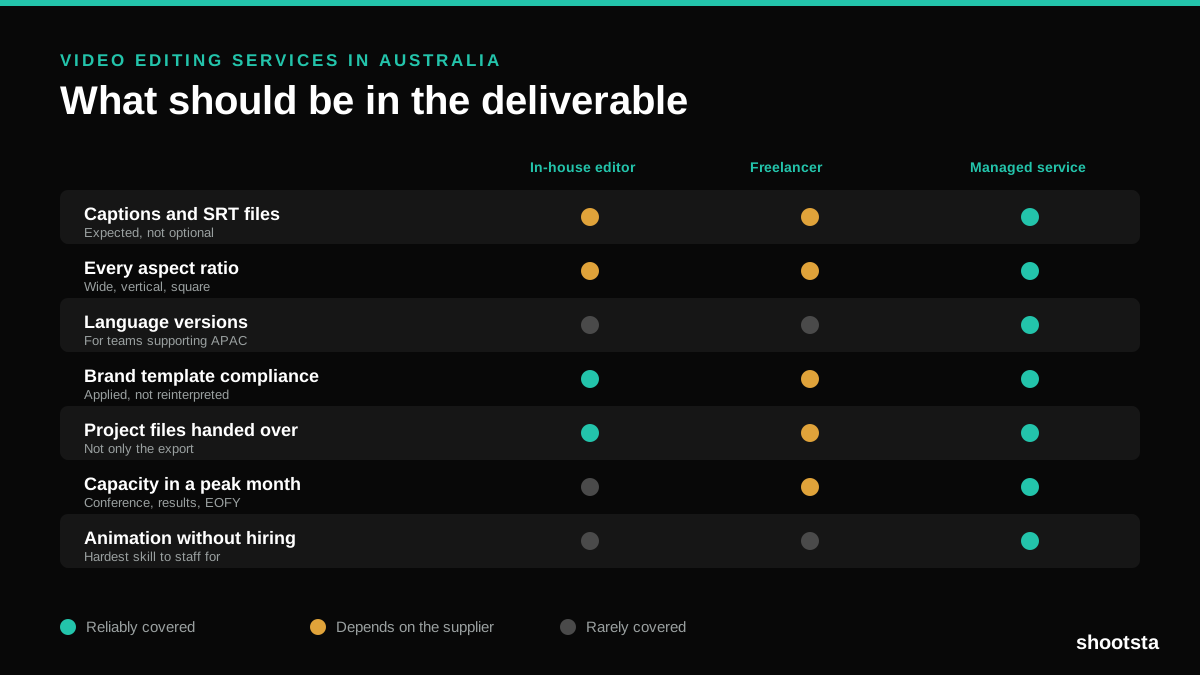
Video Editing Services in Australia
Australian teams are spread across time zones and offices, so the editing queue matters more than the editing. Here is what to expect on cost and turnaround.
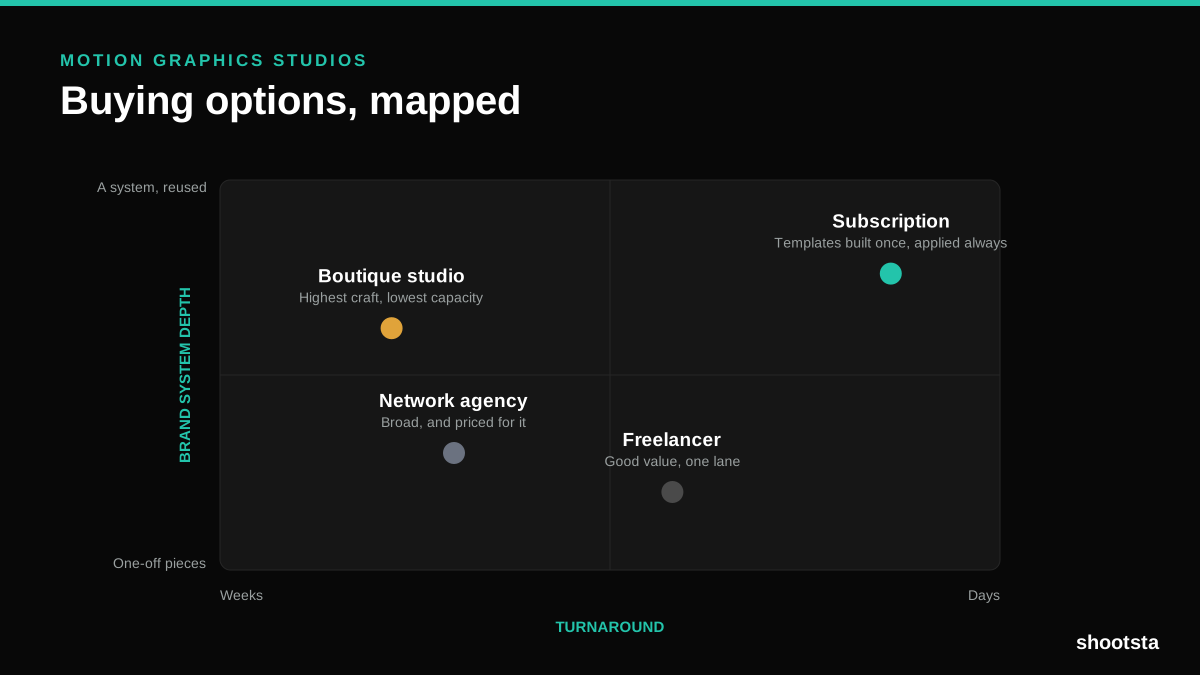
How to Choose Between Motion Graphics Studios
Every motion graphics studio has a good reel. The reel is the one thing that will not tell you how the fifth project goes. These ten criteria will.
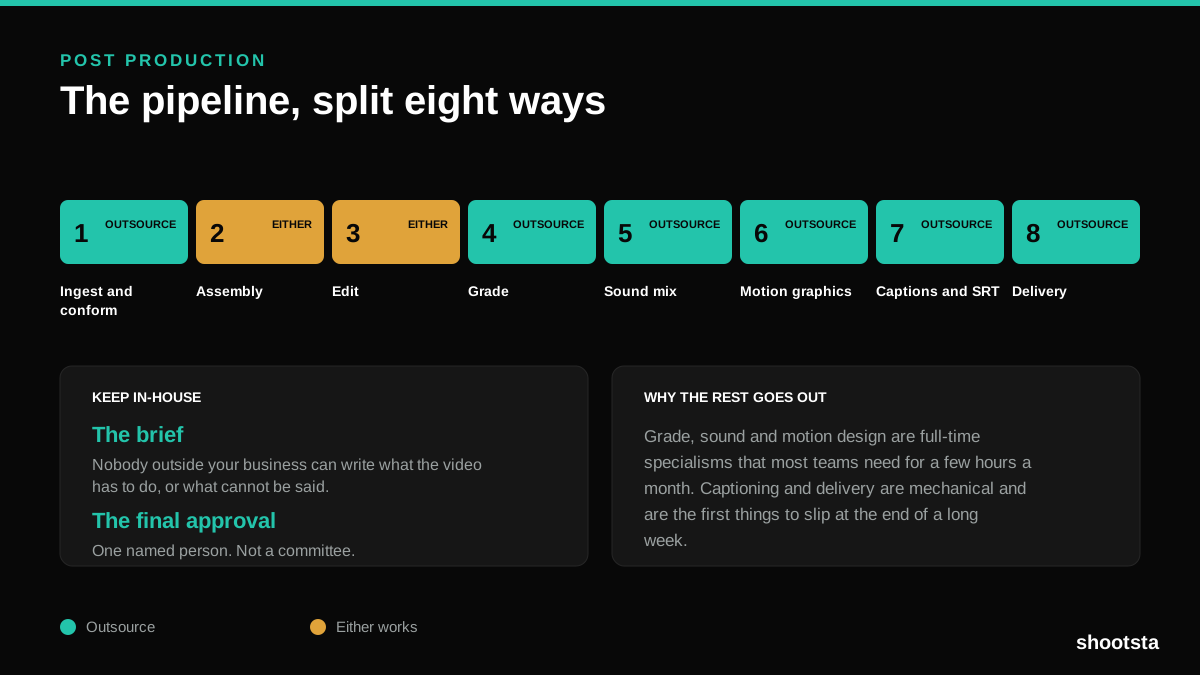
Post Production Agency or In-House Team?
Post production is eight stages, not one. Some of them need context only your team has. The rest are mechanical and are the first things worth handing over.
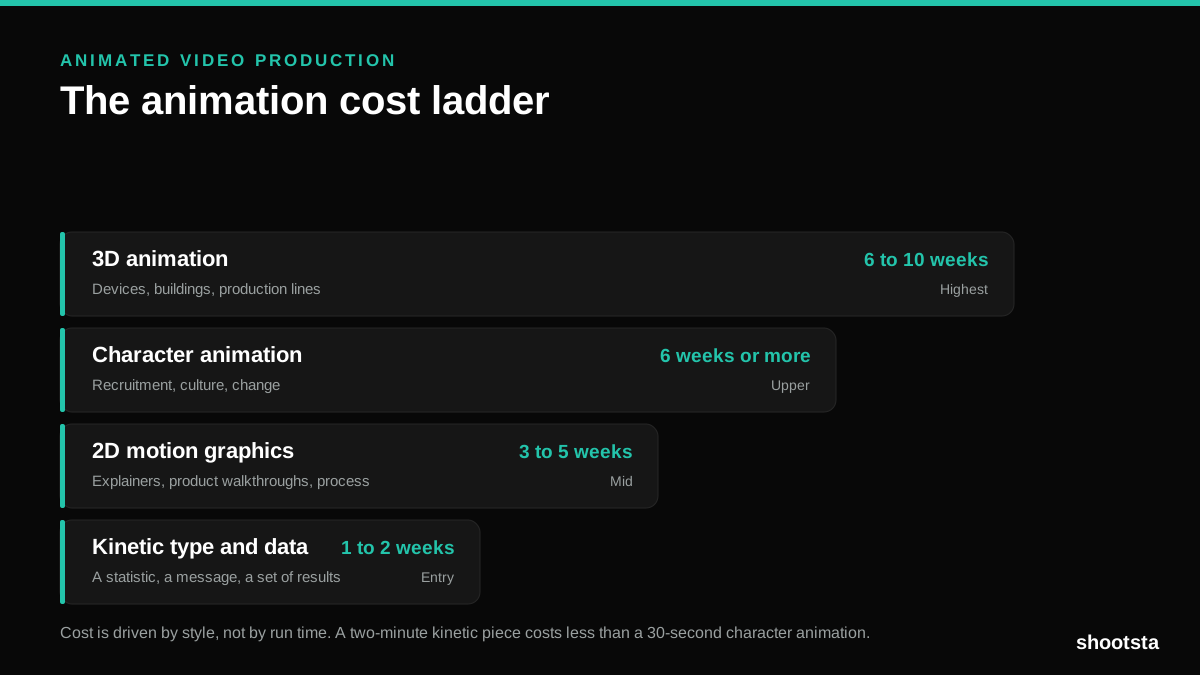
Animated Video Production Cost in the US
Animated video production costs move with style, not with length. Kinetic type, 2D motion, character and 3D sit on four rungs of a ladder. Here is what separates them.
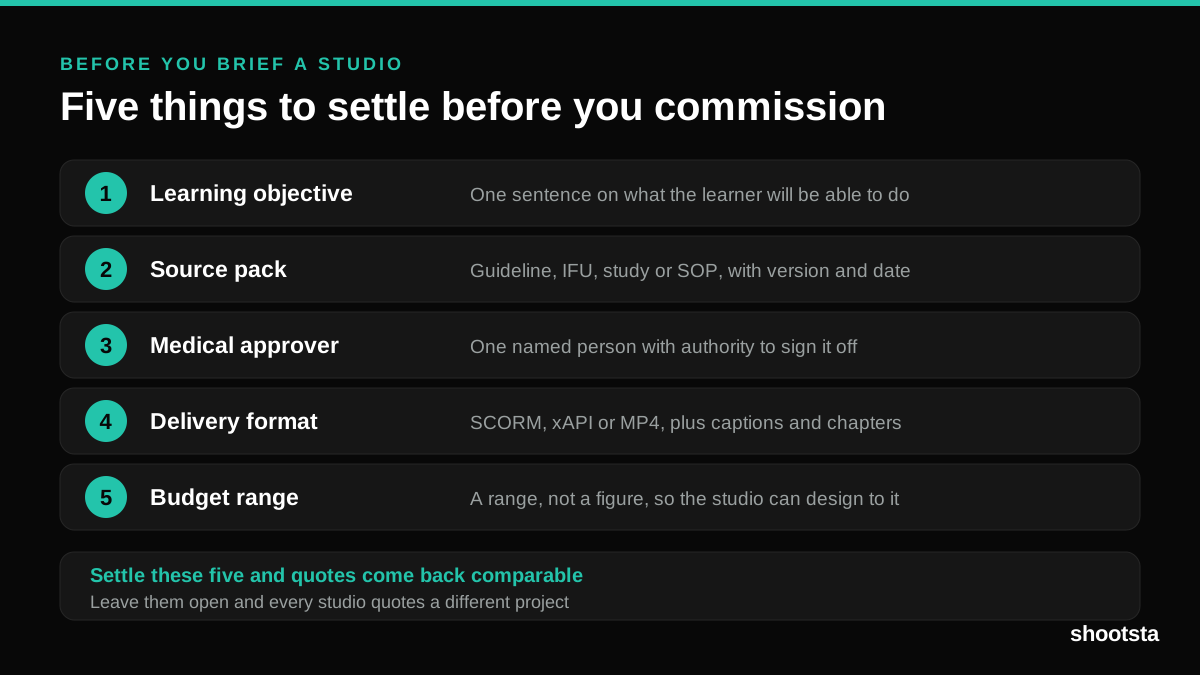
How to Commission Medical Training Animation
Commissioning a medical training animation is mostly decisions you make before anyone animates a frame. The brief fields that matter, what to ask a studio, how much expert time to budget, and the contract terms that stop a rebuild in two years.
How to Write an Animation Brief
How to Write an Animation Brief
Most animation briefs cause delays because they over-specify the visual style and under-specify the outcome. Here are the nine fields an animation production team needs to quote accurately and start without rework.