
Video Storyboard Templates: When to Use Them
shootsta.
Video Storyboard Templates: When to Use Them
By Shootsta · Published May 1, 2026 · Updated October 2026
Storyboard templates are everywhere. Google Slides decks, Canva boards, downloadable PDFs. But templates solve a formatting problem, not a creative one. Here's when they help and when an AI storyboard generator is the better move.
Search for "storyboard template" and you'll find hundreds of options. There are Google Slides decks with empty frames, Canva boards with placeholder text and downloadable PDFs with numbered panels. Some are free and some are paid, and they range from simple to very detailed.
They all solve the same problem by giving you a blank structure to fill in. That is a formatting problem, and the creative problem is still waiting for you. The hard part of storyboarding was never the shape of the panels. It was deciding what should go in them.
This guide covers when templates help, when they get in the way, and what to use instead.
What is a storyboard template?
A storyboard template is a pre-formatted document with empty panels arranged in sequence. Each panel typically has space for:
- A sketch or image representing the shot
- A text field for narration or dialogue
- A label for shot type (wide, close-up, etc.)
- Notes for the production team
Templates come in different layouts: 3-panel horizontal strips, 6-panel grids, single panels with large note areas. Some include camera direction symbols or aspect ratio frames (16:9, 9:16, 1:1).
The template itself is just a container. You still need to fill in the script, plan the shots, sketch or source the visuals, and organize everything into a coherent narrative.
When storyboard templates work well
You already have a clear script and shot list
If you've written the script, planned every camera angle, and know exactly what each scene looks like, a template is a good way to organize that work into a shareable format. At that stage you are arranging decisions you have already made.
This is common for experienced video producers who think in shots and have already storyboarded the video in their head. The template makes that plan visible to the rest of the team.
You need a specific format for your workflow
Some production houses have a standard storyboard format with set panel sizes, label positions and export requirements. A custom template makes sure every project matches that format.
You're teaching someone how storyboards work
Templates are good training wheels. If someone has never created a storyboard, the structure tells them what information to include. "Fill in this box" is easier than "create a storyboard from scratch."
When storyboard templates don't help
You don't have a script yet
A template with empty panels is about as useful as a blank page. If you haven't written the script, you don't know how many panels you need, what goes in each one, or how the narrative flows. Starting with a template at this stage just adds a formatting step before the real work begins.
You need to iterate quickly
Templates are static. When the brief changes - and it will - you're manually redoing panels, rewriting narration boxes, and shuffling slides around. This is where templates reveal their biggest weakness, because they are built for a single version of the idea.
If your team goes through several concept rounds before it lands on a direction, filling in a fresh template for each round eats hours you could spend on the idea itself.
You need brand-specific output
Templates are generic by design. They don't know your brand's tone, your audience, or what your company does. The visuals are placeholder boxes. The text is "insert narration here." Every template produces the same starting point regardless of whether you're making a tech product demo or a healthcare training video.
You need to share with non-creatives
Executives, clients, and stakeholders often struggle to read traditional storyboard templates. Empty sketch boxes with production jargon ("ECU," "rack focus," "J-cut") don't communicate a video concept to someone who doesn't work in production. If the goal is stakeholder alignment, you need illustrated panels with plain-language descriptions, and a blank template gives you neither.
Free AI Storyboard Tool
Skip the template, generate the storyboard
Shootsta's AI tool turns your brief into a ready-to-edit storyboard in minutes. It is free to try in your browser.
The alternative: AI-generated storyboards
An AI storyboard generator skips the template entirely. Instead of giving you empty panels to fill in, it generates the complete storyboard from a text description: illustrated panels, narration, camera directions, and scene notes.
Here's the practical difference:
| Blank template | AI storyboard generator | |
|---|---|---|
| Starting point | Empty panels + your script | Text description of the video concept |
| Time to shareable draft | 1-3 hours | Under 60 seconds |
| Visuals | You sketch or source them | AI-generated illustrations |
| Script | You write it separately | Generated with the panels |
| Brand alignment | Manual | Automatic (from URL scan) |
| Iteration speed | Redo panels manually | Regenerate in seconds |
| Sharing | Export PDF, email | Shareable link, no login |
Templates still have their place in structured production workflows. If your marketing, comms or L&D team works in fast rounds with several stakeholders, brand rules and little production experience, an AI generator gets you to a shareable draft faster.
Popular storyboard template formats compared
If you do use templates, here's what works for different video types:
Google Slides / PowerPoint templates
You put one scene on each slide. This works well because everyone already has the software, and the deck is easy to share and comment on. The downside is that slides aren't built for storyboarding, so you spend time fighting the layout instead of planning the video.
Best for: Internal teams who need something fast and collaborative.
Canva storyboard templates
Canva templates come with attractive layouts, which helps when the storyboard itself is part of a presentation. They look polished, but they're still empty. You need to source all the images and write all the text yourself.
Best for: Teams that need the storyboard itself to look presentable (client-facing agencies).
Printable PDF templates
Paper templates are old school, but production crews who sketch on set still use them. You print them out, draw in pencil and pass them around. Some directors prefer working by hand.
Best for: On-set shot planning during live production.
Dedicated storyboard tools
Apps like Boords or Storyboarder give you purpose-built panels with drag-and-drop reordering, shot type labels, and export options. They are more structured than slides and less automated than AI generators.
Best for: Freelance producers who storyboard frequently and want a repeatable workflow.
When to use which approach
Use a template when you have a finished script, a clear shot list, and an experienced team that knows how to fill in the creative details. The template organizes existing work.
Use an AI storyboard generator when you're starting from a concept or rough brief, need to iterate quickly, want brand-specific output, or need something that stakeholders outside production can read and react to.
Use both when you want to start with an AI-generated draft and then refine it in a template tool for final production planning. You get the concept quickly and then polish the details by hand.
The bottom line
Storyboard templates are one option among several. For the full picture of what teams use instead of templated storyboards, see storyboard alternatives in modern video production.
Storyboard templates answer the question "what format should my storyboard be in?" AI storyboard generators answer the question "what should my storyboard contain?" If you make business video, the second question is usually the harder one.
If you want to try it, Shootsta's AI storyboard generator is free to start with no sign-up required. Describe your video idea, add a brand URL if you want, and see what comes back. From there you can export it into whatever template format your workflow needs.
For teams producing video regularly, the storyboard generator is part of Shootsta Create, a set of AI pre-production tools including script generators, a browser teleprompter, and screen recording. And when storyboards need to become finished videos, Shootsta Pro and Shootsta Premier handle the production and editing.
Take this article with you
Read the latest at shootsta.com/blog/video-storyboard-templates-guide
You might also like
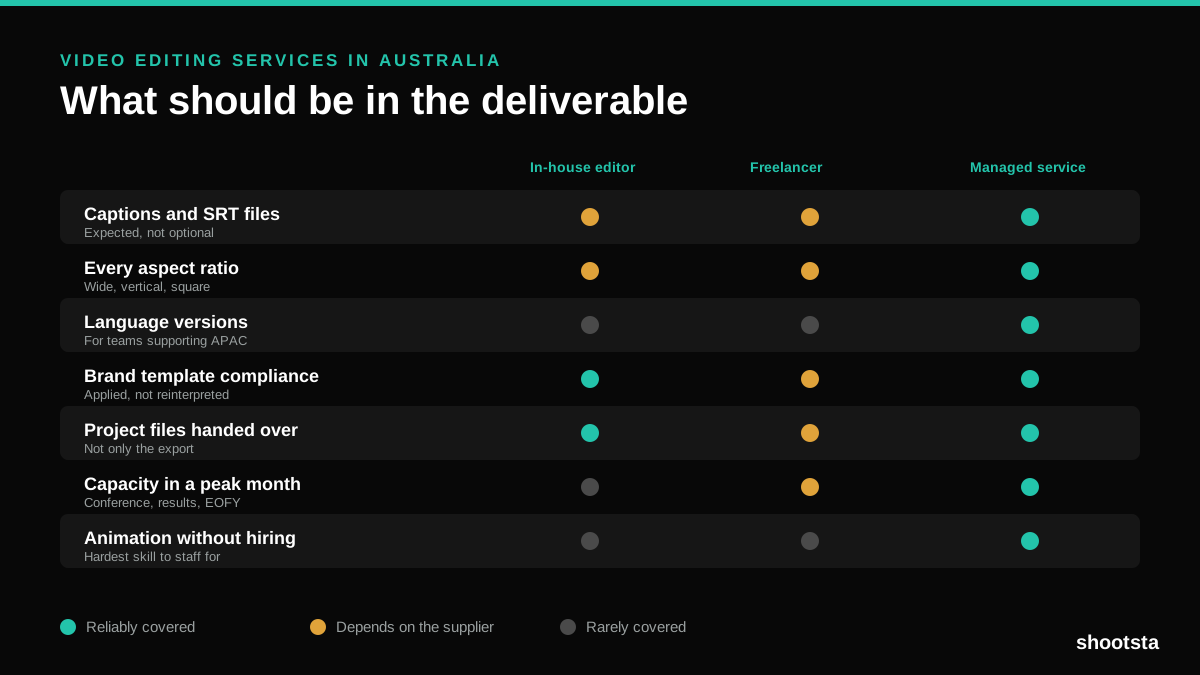
Video Editing Services in Australia
Australian teams are spread across time zones and offices, so the editing queue matters more than the editing. Here is what to expect on cost and turnaround.
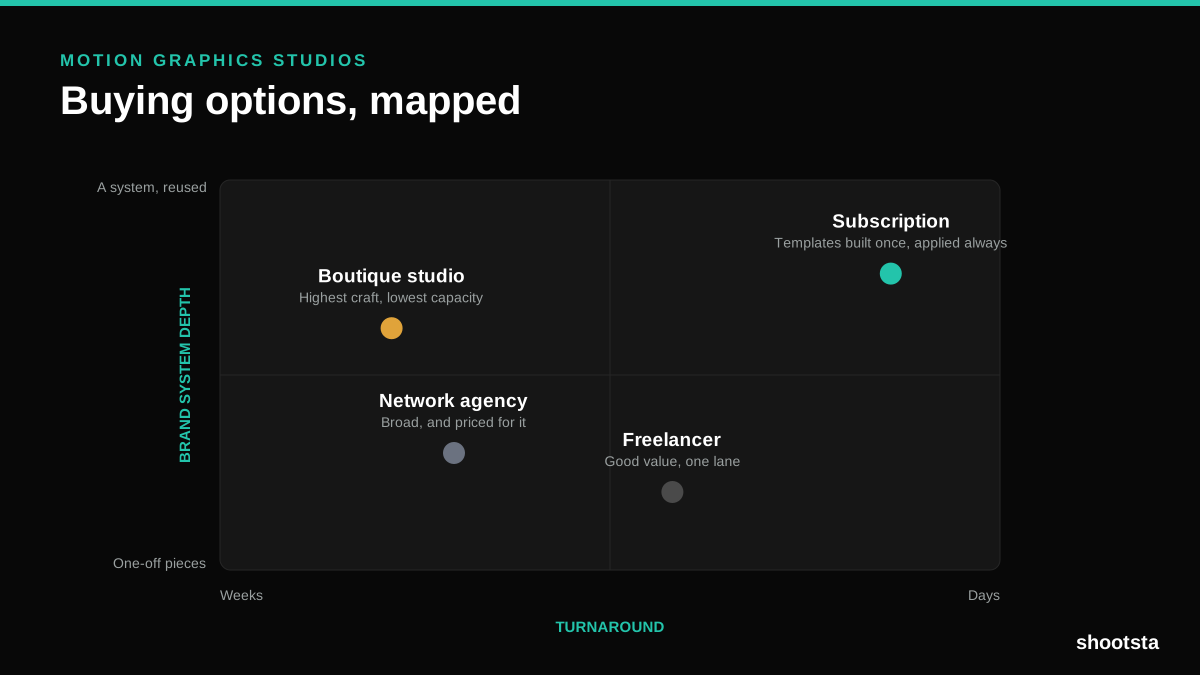
How to Choose Between Motion Graphics Studios
Every motion graphics studio has a good reel. The reel is the one thing that will not tell you how the fifth project goes. These ten criteria will.
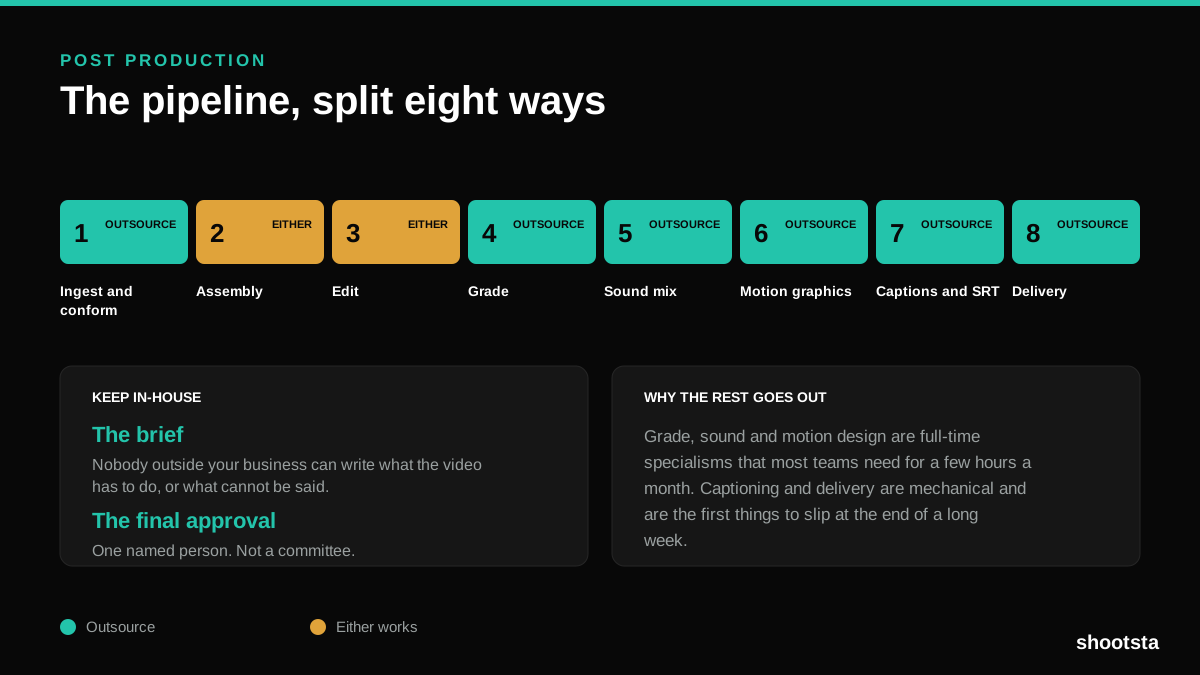
Post Production Agency or In-House Team?
Post production is eight stages, not one. Some of them need context only your team has. The rest are mechanical and are the first things worth handing over.
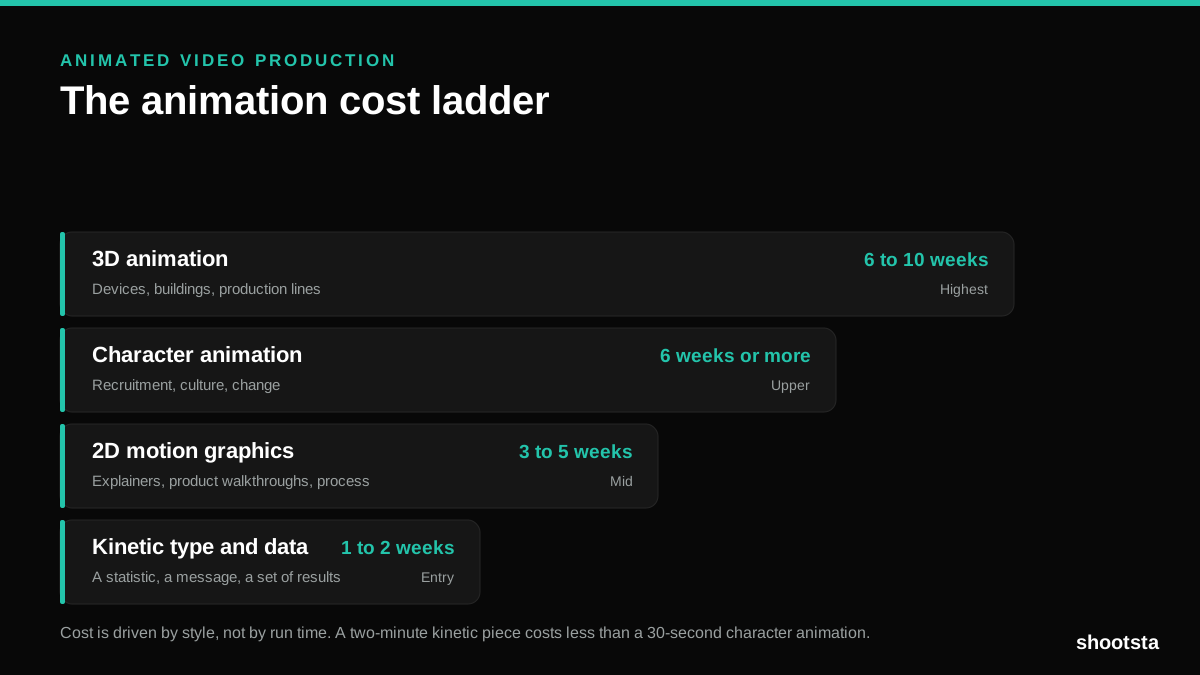
Animated Video Production Cost in the US
Animated video production costs move with style, not with length. Kinetic type, 2D motion, character and 3D sit on four rungs of a ladder. Here is what separates them.
How to Commission Medical Training Animation
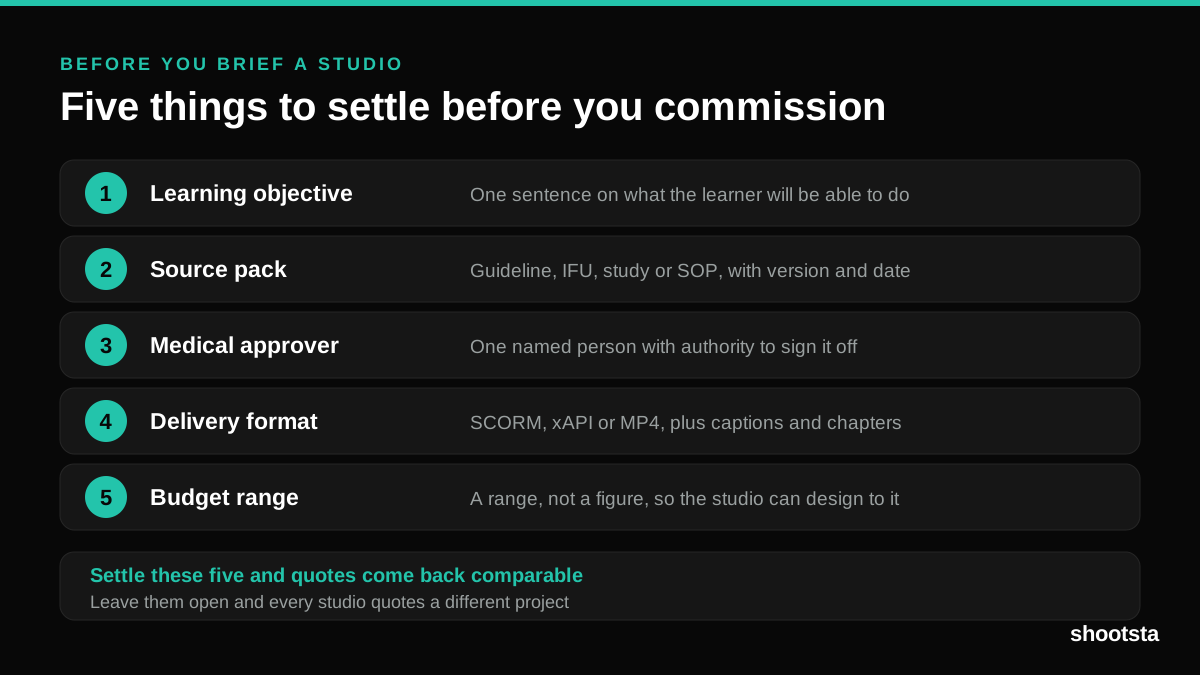
Commissioning a medical training animation is mostly decisions you make before anyone animates a frame. The brief fields that matter, what to ask a studio, how much expert time to budget, and the contract terms that stop a rebuild in two years.
How to Write an Animation Brief
How to Write an Animation Brief
Most animation briefs cause delays because they over-specify the visual style and under-specify the outcome. Here are the nine fields an animation production team needs to quote accurately and start without rework.