
Employee Onboarding Video: What to Include
shootsta.
Employee Onboarding Video: What to Include
By Shootsta · Published March 25, 2026 · Updated October 2026
How to build an employee onboarding video program that gets new hires up to speed faster. Covers what to include, how many videos you need, filming tips, and measuring time to productivity.
Why do companies use onboarding videos?
Every new hire goes through the same first few weeks: meet the team, learn the tools, understand how things work. Without video, the process depends on whoever is free to explain things that week. Quality varies from one hire to the next, key details get missed, and someone on the team loses a week to playing tour guide.
Onboarding videos fix the consistency problem. Every new hire gets the same introduction to the company and the same walkthrough of the tools. It doesn't matter if they start on a Monday in Sydney or a Friday in London - the experience is the same.
Video also helps new hires get up to speed sooner. They can watch at their own pace and rewatch the sections they missed the first time. That frees their live meetings for questions instead of basic briefings.
What should an onboarding video program include?
Don't try to put everything into one long video. Build a series of short modules that cover the key areas. Here's a practical structure.
Welcome and company overview (1 video, 3-5 min)
A message from the CEO or senior leader welcoming the new hire. Cover the company's mission, history, and what makes it different. Keep it personal. A talking-head video from the CEO lands better with a new starter than a corporate montage. This is also a natural piece of internal communications video that sets the tone for the employee experience.
Culture and values (1-2 videos, 2-3 min each)
Show what your values look like in practice. Employee testimonials work well here - let team members describe what the culture feels like day to day. Skip the scripted, corporate-speak versions, because new hires trust a candid answer more than a polished one.
Team introductions (1 video per department, 1-2 min each)
Each department head records a short introduction: who they are, what their team does, and how new hires will interact with them. This helps new employees put faces to names before they meet everyone in person.
Tools and systems walkthrough (2-4 videos, 3-5 min each)
Use screen recordings to show how your key tools work, such as email, project management, time tracking, HR systems and chat platforms. These are the videos new hires will rewatch most often. Keep them updated when tools change.
Policies and compliance (2-3 videos, 2-4 min each)
These videos cover the mandatory topics, such as the code of conduct, data privacy, security policies and expense procedures. See our compliance training video guide for detailed advice on making this content engaging.
Role-specific training (varies)
This is where the generic onboarding program branches into role-specific content. Sales teams get product training and engineers get architecture overviews, while customer success teams get process walkthroughs. These videos are usually produced by the team lead or subject matter expert.
How many onboarding videos do you need?
A solid onboarding program typically includes 8-15 videos totaling 30-60 minutes of content. That sounds like a lot, but new hires usually watch it across their first 1-2 weeks rather than in one sitting.
Start with 5 videos covering the most common questions new hires ask in their first week. Add more modules over time based on feedback. Ask recent hires: "What do you wish someone had told you in your first week?" Those answers become your next videos.
How do you produce onboarding videos efficiently?
The biggest mistake is trying to make onboarding videos too polished. New hires want useful information, and a corporate documentary gets in the way of it.
CEO welcome: Film it on a phone or webcam in the CEO's own office. Aim for about 3 minutes with no script, so the CEO talks the way they would to a new starter. Here the candor counts for more than production quality.
Team introductions: Each team lead records a short video. Provide a simple template: "Hi, I'm [name], I lead [team]. We do [what]. You'll work with us when [context]. If you have questions, reach out on [channel]." Each person can record theirs in about 5 minutes.
Systems walkthroughs: These are narrated screen recordings. The person who knows the system best records their screen while talking through the key workflows. Tools like Loom make this easy.
Professional editing: Upload all the raw footage to Shootsta. Your editors add branded intros, consistent lower thirds, captions, and a professional finish. You get a first cut back in about 48 hours, and nobody on your team has to learn editing software.
With a video production subscription, producing the full onboarding series costs a fraction of what a single agency-produced video would cost. Updating a single module when something changes is quick and costs little.
How do you keep onboarding videos up to date?
Onboarding videos go stale fast, because tools change, policies get updated and teams restructure. Set a quarterly review cycle where someone on the L&D or HR team watches through the entire onboarding series and flags anything that's outdated.
Because the videos are modular, updating one module doesn't affect the rest. Re-film the changed section, send it for editing, and swap it into your LMS. The rest of the program stays live the entire time.
How do you measure onboarding video effectiveness?
The metric that matters most is time to productivity - how quickly new hires become self-sufficient in their role. Compare this metric before and after you introduce video onboarding. The metrics below are also worth tracking.
- Video completion rates: Check whether new hires watch every module. If completion is low on a specific video, it may be too long or not relevant.
- Time spent in live onboarding sessions: This should decrease as video takes over the information transfer. Live sessions can then focus on Q&A and relationship building.
- New hire survey scores: Ask recent hires to rate their onboarding experience. Include specific questions about the video content.
- 90-day retention: Strong onboarding correlates with better early retention. Track whether video onboarding moves this number.
How do you get started?
Start with the CEO welcome video and one systems walkthrough. Film both this week, since they do not need to be perfect. Deploy them to your next new hire cohort and collect feedback. Use that feedback to decide what to produce next.
For the full picture on building a video program for your team, see our guide to video for L&D teams or explore corporate training video production at Shootsta.
Take this article with you
Read the latest at shootsta.com/blog/employee-onboarding-video-guide
You might also like
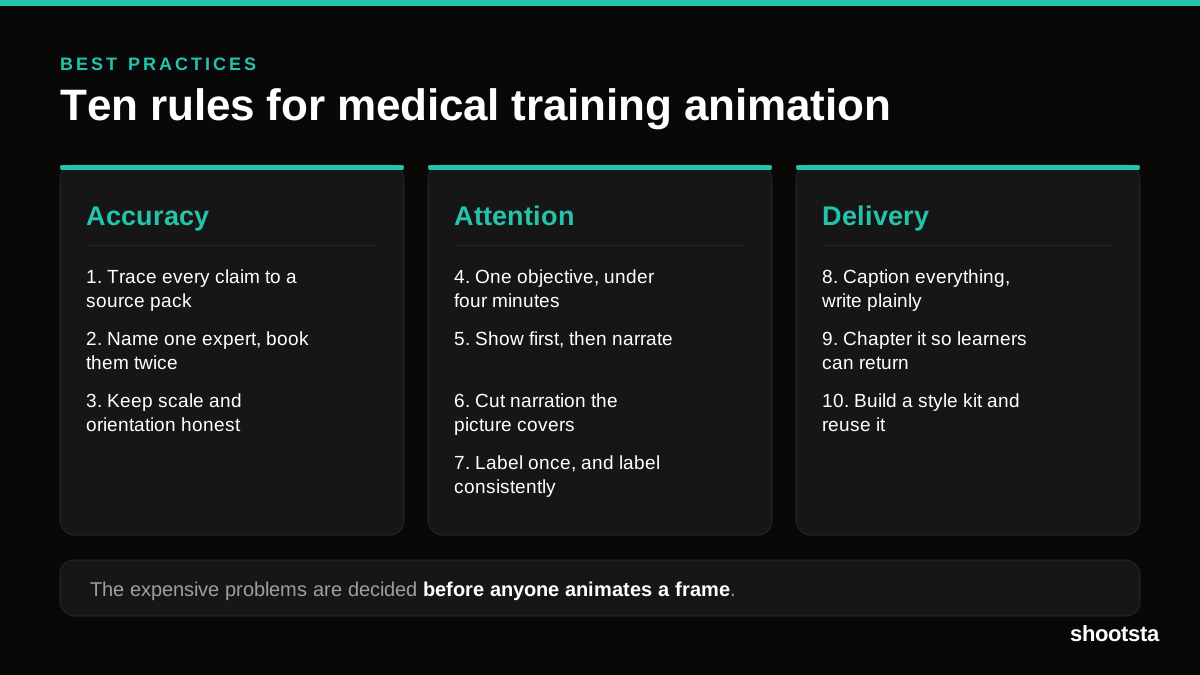
Medical Training Animation Best Practices
Ten rules that hold up across device training, clinical protocol work and mechanism of action modules. Most medical animation fails for dull reasons: too many objectives, narration that repeats the picture, and review that arrives too late to change anything.
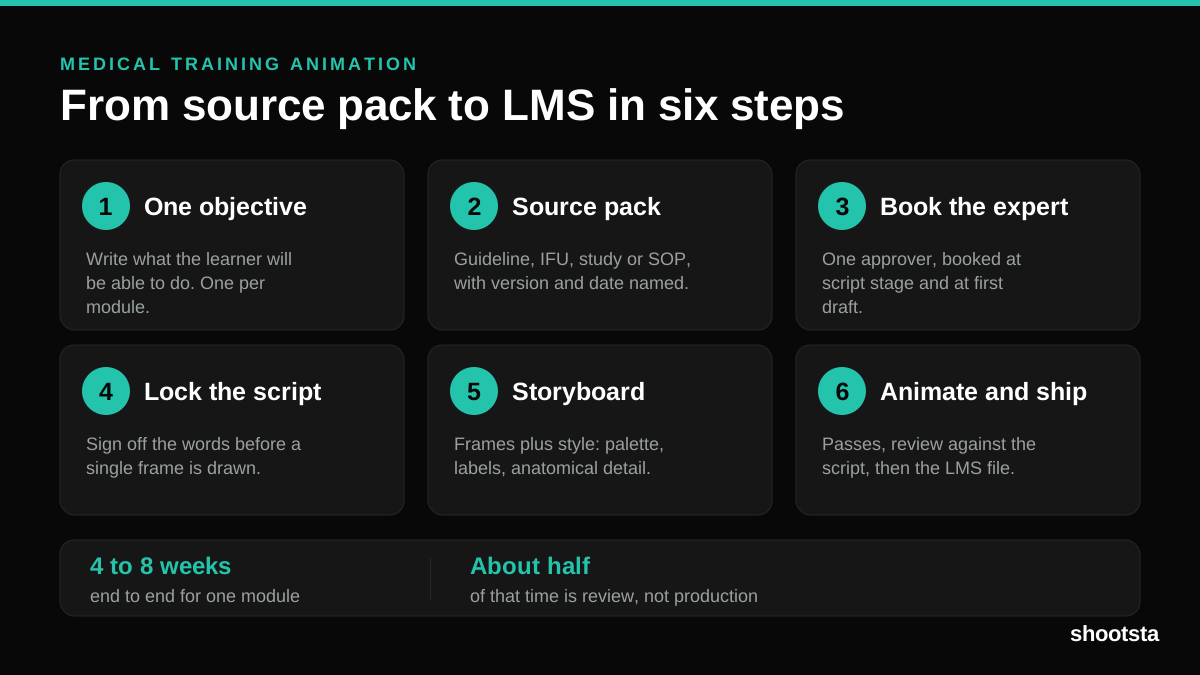
Medical Training Animation: A Complete Guide
A medical training animation teaches a procedure, a device workflow, or a mechanism the camera cannot reach. Here is how one gets made, what it costs, and how to keep medical review from eating the schedule.
What Delayed Training Videos Cost L&D Teams
What Delayed Training Videos Cost L&D Teams
When training video ships late, employees work without the knowledge for longer. For a distributed enterprise, that backlog has a large, measurable cost.
Australian Corporate Training Video Production
Australian Corporate Training Video Production
A practical guide to corporate training video production for Australian teams: compliance and WHS modules, LMS-ready formats, AEST turnaround, and what a training library costs to build.
What Makes a Great Learning Video
What Makes a Great Learning Video
A great learning video changes what someone can do after watching it. Here is how the best ones are built, the mistakes that lose learners, and how the panel scores them.
Animation Use Cases for L&D Teams
Animation Use Cases for L&D Teams
Learning and development teams get more out of animation than almost any other function. Here are the places it works hardest, and where you should still reach for a camera.