
FSI Onboarding: Build a Training Video Library
shootsta.
FSI Onboarding: Build a Training Video Library
By Shootsta · Published May 14, 2026 · Updated October 2026
Farmers is onboarding 1,700 new agents in 2026. Progressive is hiring 12,000 staff. Northwestern Mutual is moving 2,000 employees into a new campus. None of that scales without a video library.
Why does FSI onboarding break at scale?
Three large-scale hiring or onboarding programs are running in US financial services right now. Farmers announced 1,700 new agency owners for 2026. Progressive planned to hire 12,000 staff during 2025. Northwestern Mutual is moving nearly 2,000 employees into a modernized campus over the next 3 to 5 years.
None of these programs scale on a live-instructor model. Even with a strong L&D team, you cannot run the same workshop 50 times for new cohorts. You need a training video library that gives every cohort the same message, whether it is the first time it plays or the hundredth.
What goes in a scalable FSI training library?
Six categories cover most of what new hires, agents, and brokers need in their first months:
1. Welcome and brand orientation
This is one short video of 2 to 3 minutes. It covers the company's story, its mission, and what it means to work or partner with the brand. You film it once and refresh it every couple of years.
2. Compliance and regulatory training
The mandatory modules: data privacy, anti-bribery, AML, conduct. These are typically the most-watched videos in any library. Keep modules under 5 minutes and run them through your LMS. We cover the production approach in compliance training videos that don't put people to sleep.
3. Product and policy walkthroughs
These are short, role-specific videos that cover each major product or policy. Update them one module at a time when products change so you do not have to rebuild a 30-minute course.
4. Systems and tools training
These are screen-recorded walkthroughs of the CRM, agent portal, claims system, advisory platform, or whatever tools your people use daily. They go out of date fastest because the tools change often. Plan for monthly updates.
5. Sales and advisory skills
This is the soft-skills training: discovery conversations, objection handling and presenting complex products. Scenario-based filming works best here. A real agent or advisor showing a real conversation is more valuable than a polished e-learning module.
6. Leadership and executive context
Short messages from named executives covering strategy, quarterly priorities, and culture. They keep the program current, so treat them as an ongoing series rather than a one-time recording. Plan for one new executive video per quarter.
How big does the library need to be?
For an FSI firm onboarding hundreds or thousands of agents or staff per year, plan for 40 to 60 active videos in the library at any time. A smaller library leaves gaps, and a much larger one is hard to keep current.
Of those, expect 20 to 30% to need updating each year. Compliance modules change when regulations do, product videos change with your offerings, and systems training follows your tools. Only the brand and leadership videos stay fairly stable.
How fast does each video need to come back?
Different parts of the library have different turnaround needs. Compliance modules can take 3 to 4 weeks because they need careful legal review. Product walkthroughs and systems training need 1 to 2 weeks. Leadership pulse messages and quarterly updates need 24 to 48 hours.
For L&D teams, filming is rarely the bottleneck and editing usually is. Filming a CFO recording a 2-minute quarterly update takes about 30 minutes. Editing it, captioning it, branding it, and getting it on the LMS in a useful timeframe is where teams fall behind. See our 48-hour video workflow piece for how to compress that cycle.
What format works best for which audience?
For new agents and brokers
New agents and brokers need a mix of the welcome video, scenario-based skills training, and product walkthroughs. Keep modules under 5 minutes and pair each video with a quick comprehension check.
For new internal staff
Internal staff need more brand, compliance, and systems training. They need less scenario work because many internal roles are not customer-facing. They can also handle longer modules (up to 10 minutes) on complex internal processes.
For program partners (in specialty insurance, MGA models)
Partner videos should be shorter and more focused on the product. Partners do not need the full internal compliance program. They need to understand the product, the underwriting approach, and the support process. This is closer to a partner-facing explainer library than a full training library.
How do you avoid the library becoming stale?
Tag every video with a review date when you produce it. Set quarterly audits where you delete or refresh anything that has aged out. The worst possible outcome is having two contradictory videos in the library because the policy changed and only one was updated.
This is where modular video beats one long e-learning course. You can re-record a single 4-minute module without rebuilding a 40-minute course. That makes ongoing maintenance affordable.
Where to start
If you are building from scratch, start with compliance and systems training. Those two cause the most onboarding pain for L&D. Get them right first, then add product and soft-skills videos as the library grows. Read more about producing employee training videos, our employee onboarding video guide, or explore training video production services.
Take this article with you
Read the latest at shootsta.com/blog/scalable-fsi-training-video-library-onboarding-agents
You might also like
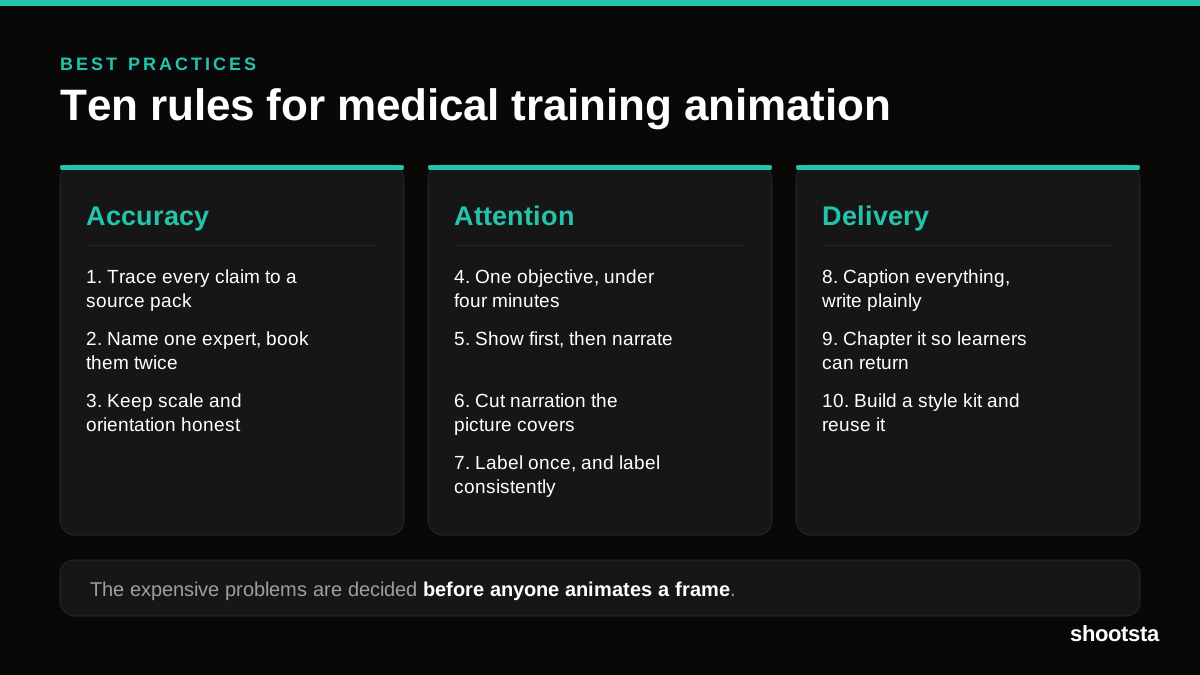
Medical Training Animation Best Practices
Ten rules that hold up across device training, clinical protocol work and mechanism of action modules. Most medical animation fails for dull reasons: too many objectives, narration that repeats the picture, and review that arrives too late to change anything.
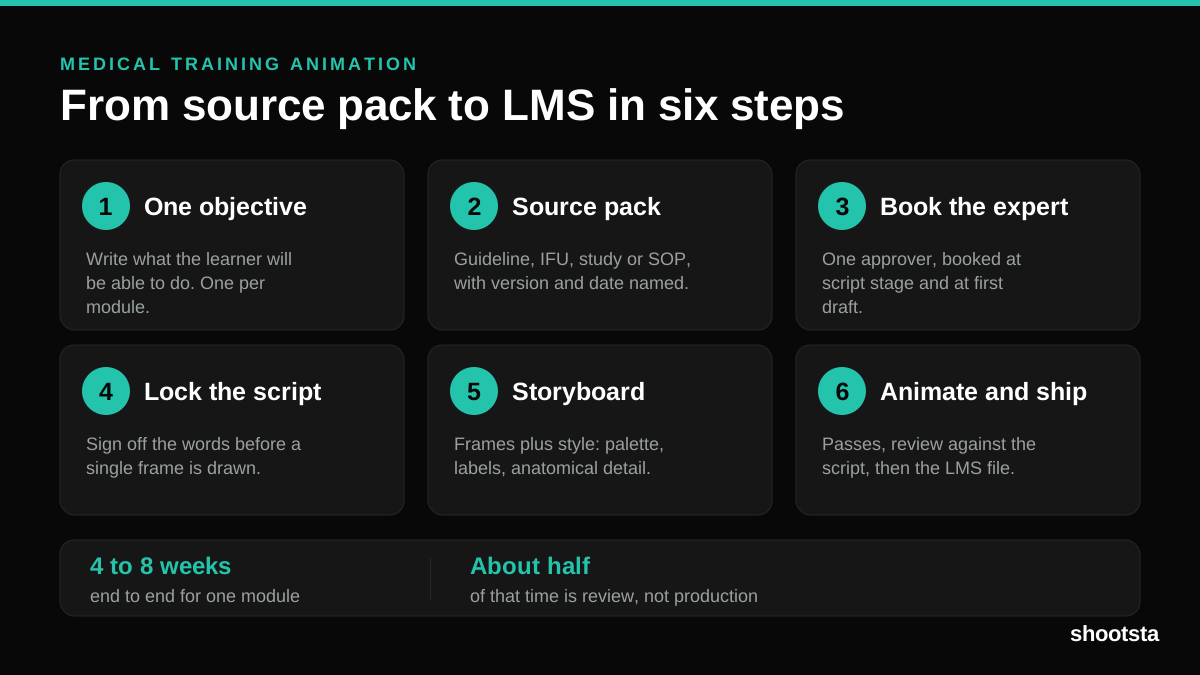
Medical Training Animation: A Complete Guide
A medical training animation teaches a procedure, a device workflow, or a mechanism the camera cannot reach. Here is how one gets made, what it costs, and how to keep medical review from eating the schedule.
What Delayed Training Videos Cost L&D Teams
What Delayed Training Videos Cost L&D Teams
When training video ships late, employees work without the knowledge for longer. For a distributed enterprise, that backlog has a large, measurable cost.
Australian Corporate Training Video Production
Australian Corporate Training Video Production
A practical guide to corporate training video production for Australian teams: compliance and WHS modules, LMS-ready formats, AEST turnaround, and what a training library costs to build.
What Makes a Great Learning Video
What Makes a Great Learning Video
A great learning video changes what someone can do after watching it. Here is how the best ones are built, the mistakes that lose learners, and how the panel scores them.
Animation Use Cases for L&D Teams
Animation Use Cases for L&D Teams
Learning and development teams get more out of animation than almost any other function. Here are the places it works hardest, and where you should still reach for a camera.