
15 Training Video Ideas Your L&D Team Can Produce This Month
shootsta.
15 Training Video Ideas Your L&D Team Can Produce This Month
By Shootsta · Published April 8, 2026 · Updated October 2026
Stuck on what training videos to make? Here are 15 ideas that cover onboarding, compliance, skills, and professional development - with production tips for each.
Why do L&D teams run out of training video ideas?
You probably have plenty of topics. What you lack is a clear rule for which topics work as video and which are better as documents, workshops or coaching. The best training videos are visual, since showing beats telling. They are also repeatable, so several cohorts watch the same video, and they replace something that now takes a person's live time to deliver.
The 15 training video ideas below meet all three tests, grouped by category.
Onboarding videos (ideas 1-4)
1. Welcome from the CEO
In this 90-second video, the CEO welcomes new hires, shares the company's mission and sets expectations. Film it on a phone in the CEO's office, because a natural delivery works better than a polished one here. Update it each year or when leadership changes.
2. Company culture and values walkthrough
This video shows what your values look like in practice, instead of reading the values statement aloud. Interview 3-4 employees from different departments and ask each one for a short story about a company value showing up in their work. Keep the finished video to 3-4 minutes.
3. Systems and tools orientation
Record a screen walkthrough of every system new hires need, from email setup and Slack to project management, expense reporting and time tracking. Give each tool its own 2-3 minute module. New hires can then watch on their first day instead of sitting through a 2-hour IT session.
4. Team introductions by department
Each department records a 60-second "meet the team" clip that covers who they are, what they do and how they will work with new hires. Teams can film on phones in each office. This helps most in remote-first companies, where new hires may not meet everyone in person for months.
Compliance and safety videos (ideas 5-8)
5. Data privacy and security awareness
Build this one around scenarios. Show common mistakes, such as clicking phishing links, sharing passwords or walking away from an open laptop, and then show the correct response. Three 60-second scenarios and a quiz are enough. Update the video when regulations change. See our compliance training video guide.
6. Workplace safety procedures
Film in your own workspace and show the correct way to handle equipment, wear safety gear and follow emergency procedures. Footage of your facility means more to staff than stock footage of a generic warehouse.
7. Anti-harassment and respectful workplace
Scenario videos show appropriate and inappropriate behavior in realistic situations. They need careful scripting, but they work better than a policy document. Consider using actors for the sensitive scenes.
8. Code of conduct highlights
Skip reading the entire code of conduct on camera. Pick the 5 most important points and explain each one in 60 seconds with a real-world example, then link to the full document for reference.
Skills and process training (ideas 9-12)
9. Product knowledge for sales teams
Your product manager walks through each product feature, explaining what it does, who cares, and the common objections. Sales reps watch these before customer calls, and you update them each quarter or when features change.
10. Customer service scripts and scenarios
Record your best support agent handling common customer situations: an angry caller, a complex technical question, a refund request. New support staff learn from real examples instead of reading a playbook.
11. Process walkthroughs
Use screen recordings for internal processes such as submitting a purchase order, requesting time off or filing a bug report. New employees ask these questions again and again, and managers answer them each time. If you record each process once and link it from your intranet, managers get those hours back.
12. Software and system training
When you roll out a new system (CRM, ERP, project management tool), record the training. Give each workflow its own 3-5 minute module. Employees can watch when they need it instead of attending a live session they'll forget.
Professional development (ideas 13-15)
13. Leadership skills series
Interview senior leaders about specific management skills: giving feedback, running meetings, managing remote teams, having difficult conversations. Edit each 10-minute interview down to its best 5 minutes, and the library grows with every session.
14. Expert knowledge sharing
Your best people know things that aren't written down anywhere. Interview them before they change roles or leave. A 5-minute answer to "How do you approach [complex task]?" keeps that knowledge inside the company.
15. Industry trends and market updates
Your strategy or research team records a 3-minute update each month on what's happening in your industry. It keeps the whole company informed and builds a useful archive over time.
How do you produce these efficiently?
You can film most of these ideas on a smartphone in under an hour. The editing, branding and polish are where professional help makes the difference. With Shootsta's training video production, your team films and our editors return a branded first version in about 48 hours.
Start with the ideas that save the most live training time. If your onboarding program currently takes 3 days of facilitator time, onboarding videos are the highest-ROI starting point. Work through the list in order of impact.
Read our guide to making training videos employees actually watch for format and length tips.
Take this article with you
Read the latest at shootsta.com/blog/15-training-video-ideas-ld-team-produce-this-month
You might also like
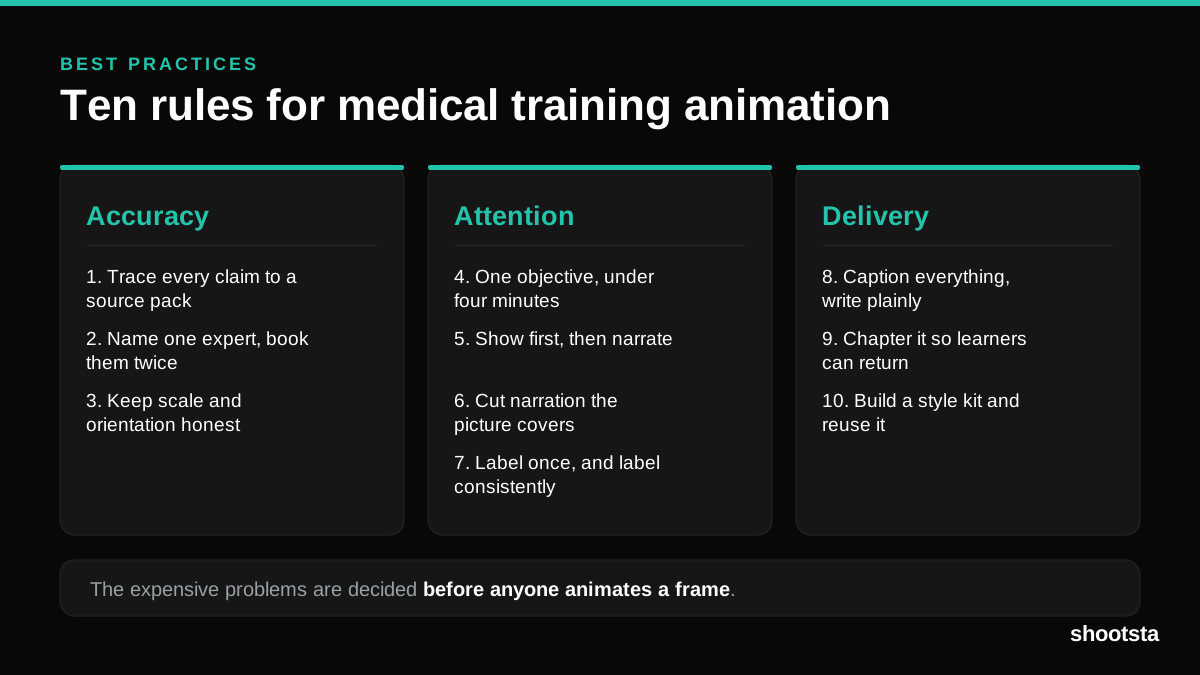
Medical Training Animation Best Practices
Ten rules that hold up across device training, clinical protocol work and mechanism of action modules. Most medical animation fails for dull reasons: too many objectives, narration that repeats the picture, and review that arrives too late to change anything.
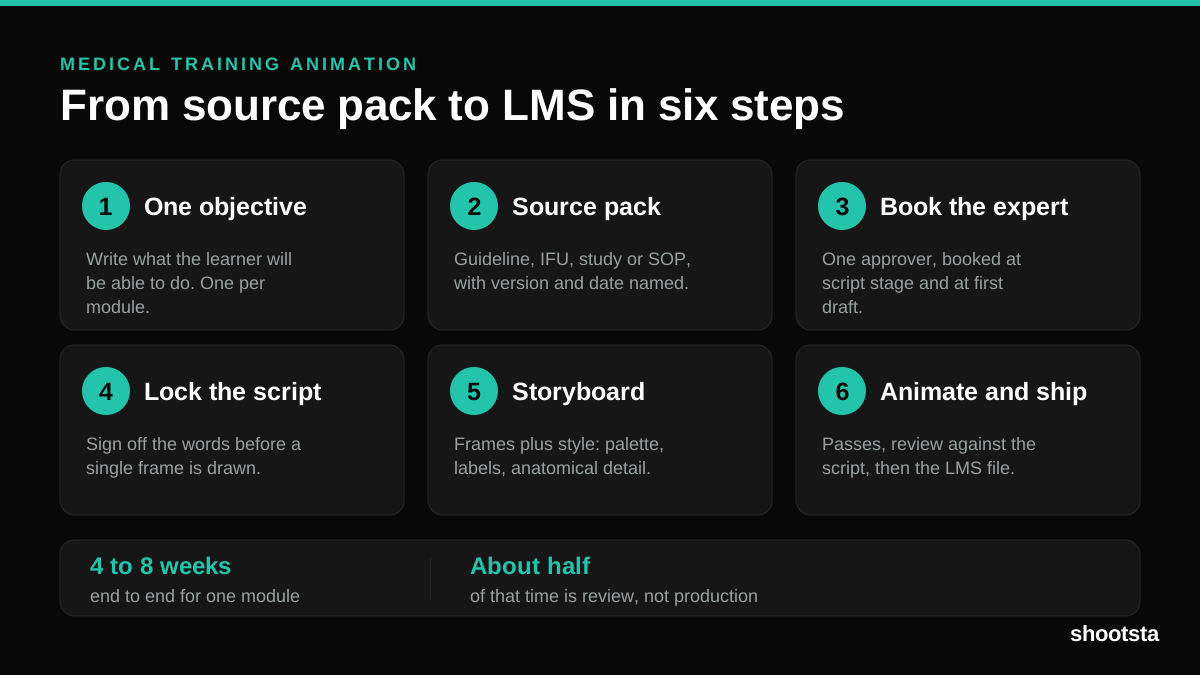
Medical Training Animation: A Complete Guide
A medical training animation teaches a procedure, a device workflow, or a mechanism the camera cannot reach. Here is how one gets made, what it costs, and how to keep medical review from eating the schedule.
What Delayed Training Videos Cost L&D Teams
What Delayed Training Videos Cost L&D Teams
When training video ships late, employees work without the knowledge for longer. For a distributed enterprise, that backlog has a large, measurable cost.
Australian Corporate Training Video Production
Australian Corporate Training Video Production
A practical guide to corporate training video production for Australian teams: compliance and WHS modules, LMS-ready formats, AEST turnaround, and what a training library costs to build.
What Makes a Great Learning Video
What Makes a Great Learning Video
A great learning video changes what someone can do after watching it. Here is how the best ones are built, the mistakes that lose learners, and how the panel scores them.
Animation Use Cases for L&D Teams
Animation Use Cases for L&D Teams
Learning and development teams get more out of animation than almost any other function. Here are the places it works hardest, and where you should still reach for a camera.