
Compliance Training Video Production
shootsta.
Compliance Training Video Production
By Shootsta · Published March 18, 2026 · Updated October 2026
How to produce compliance training videos that employees watch. Covers regulated industries, mandatory topics, version control, and how to keep content current without reshooting everything.
Why is compliance training video more effective than slides?
Compliance training has a reputation problem. Employees treat it as a box-ticking exercise because it usually looks like one. Picture a slide deck of dense legal text, read out loud by someone who clearly wishes they were somewhere else.
Video changes how people respond. When you show a realistic scenario of a data breach, a workplace harassment situation or a regulatory breach, employees engage with it differently. They're following a story instead of reading a policy document, and people remember stories long after they forget a slide.
You can test this in your own LMS. Compare the completion rates and assessment scores of a video module with a slide-based or document-based module on a similar topic, and let the numbers make the case.
What compliance topics work best as video?
Any compliance topic benefits from video, but some formats are a particularly strong fit.
Workplace health and safety
Showing correct procedures - how to lift equipment, how to respond to a spill, how to use safety gear - is more effective on video than in a manual. Employees see exactly what "correct" looks like, which reduces ambiguity and risk.
Anti-harassment and discrimination
Scenario-based videos work well here. Show realistic workplace situations and walk through what constitutes harassment, how to report it, and what the company's response process looks like. Animated videos can handle sensitive scenarios where live-action might feel uncomfortable.
Data privacy and cybersecurity
Phishing simulations, password hygiene and data handling procedures are easier to show on screen than to explain in text. Screen recordings with narration work well for showing employees what a phishing email looks like or the right way to handle sensitive data.
Industry-specific regulations
Financial services compliance (AML, KYC), healthcare regulations (HIPAA, clinical protocols), and construction safety standards all have specific video requirements. For healthcare specifically, see how clinical video production handles regulated content.
Code of conduct and ethics
Abstract policies become concrete when you show employees what ethical decision-making looks like in practice. Use scenario-based videos that present a dilemma and walk through the reasoning behind each rule as well as the rule itself.
How do you keep compliance video content current?
Regulations change and policies get updated on a schedule you don't control. That is the biggest objection L&D teams raise about compliance video: "it'll be outdated by next quarter."
The solution is modular production. Instead of creating one 30-minute compliance video that covers everything, build a library of short modules (2-4 minutes each) that cover individual topics. When a regulation changes, you re-film and re-edit that one module instead of scrapping the entire program.
With a video production subscription, updating a single module takes days instead of weeks. Film the updated section, upload it, and receive the edited version within 48 hours. Your existing modules stay live while the updated one replaces the old version in your LMS.
How do you prove compliance training was completed?
Regulators want more than proof that training exists. They want evidence that employees completed it, understood it and can apply it.
Video-based compliance training integrates with your LMS to provide completion tracking at the individual employee level. You get a clear audit trail: who watched what, when they watched it, whether they passed the assessment, and when their certification expires.
For added accountability, include a short quiz or acknowledgment form after each video module. This creates a documented record that the employee both watched the module and confirmed they understood it.
What does a compliance video production workflow look like?
A typical compliance video project follows this path:
- Content review: Work with your legal or compliance team to list the mandatory points the video must cover. Separate "must include" from "nice to have."
- Script and scenario development: Write realistic scenarios that illustrate the policies. Get legal sign-off on the script before filming.
- Filming: Record with your team using phones or a Shootsta video kit. For scenario-based videos, you'll need a few volunteers to act out situations. Keep the acting natural, because over-acted compliance videos lose credibility.
- Editing and branding: Shootsta's editors add your brand kit, captions, graphics, and any necessary disclaimers or legal text overlays.
- Review cycle: Legal and compliance teams review the final cut. Revisions are turned around quickly.
- LMS deployment: Upload the final video to your Learning Management System, assign it to the relevant employee groups, and set completion deadlines.
The whole process typically takes 1-2 weeks from script to LMS deployment, compared to months with traditional production.
How do you make compliance video engaging?
The bar is low here. Compliance training has a reputation for being dry, so even a modest effort stands out. These are specific things that work.
Use real scenarios over hypotheticals. "Imagine you receive an email from an unknown sender" is less engaging than showing an actual phishing email on screen and walking through the red flags.
Keep videos under 5 minutes. A mandatory module still doesn't need to be long. Break big topics into 2-4 minute modules, because attention falls away the longer a training video runs.
Include consequences. Show what happens when compliance fails, from the regulatory fine to the data breach notification and the disciplinary process. Real consequences make abstract policies feel concrete.
Add captions. Many employees watch training at their desk without headphones. Captions also help non-native English speakers in global teams. If your team produces compliance videos at volume, read our guide on captioning business videos at scale.
For more production advice, see our broader guide to video for L&D teams or explore corporate training video production.
Take this article with you
Read the latest at shootsta.com/blog/compliance-training-video
You might also like
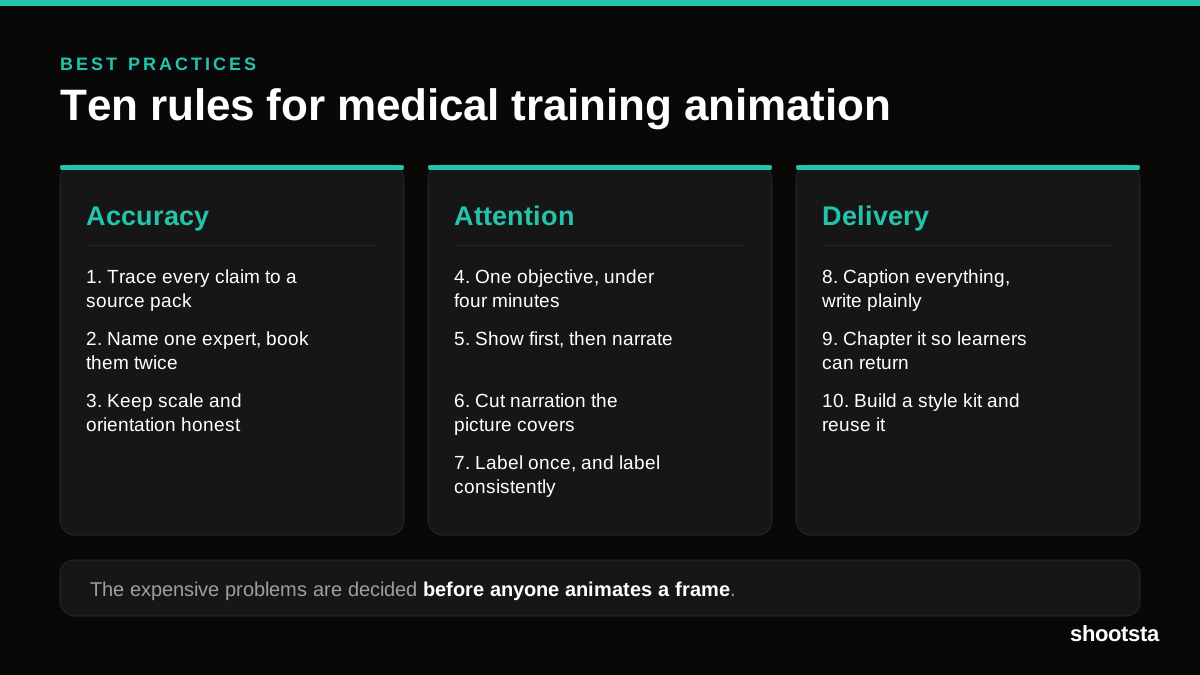
Medical Training Animation Best Practices
Ten rules that hold up across device training, clinical protocol work and mechanism of action modules. Most medical animation fails for dull reasons: too many objectives, narration that repeats the picture, and review that arrives too late to change anything.
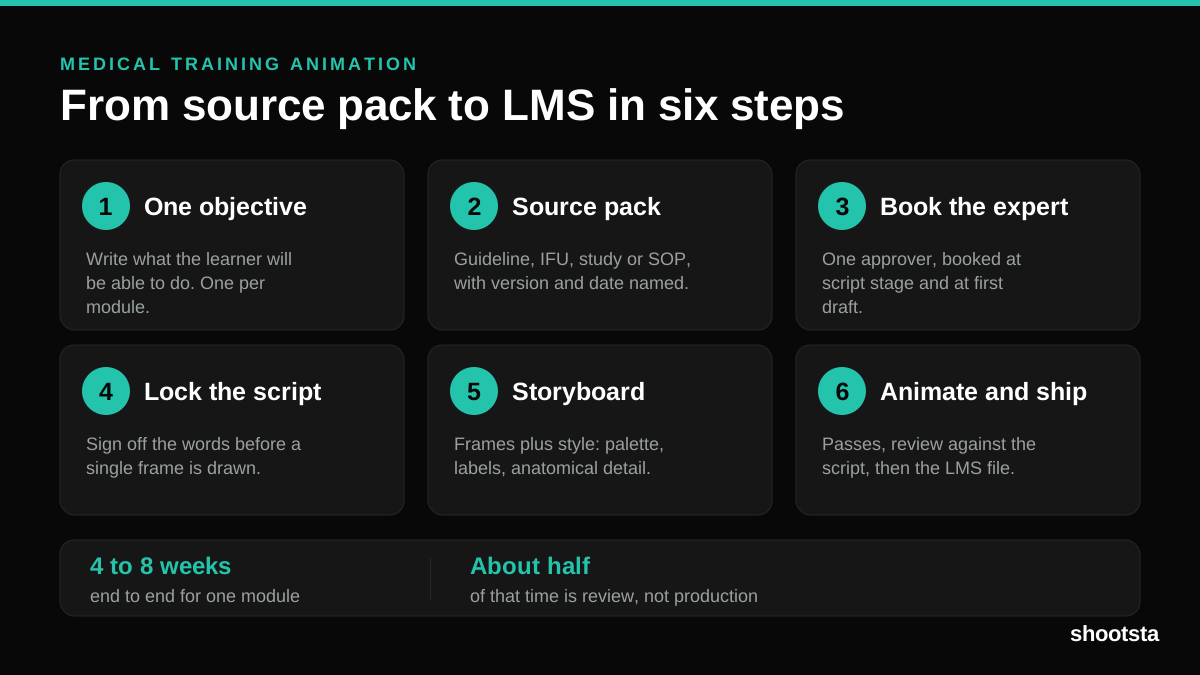
Medical Training Animation: A Complete Guide
A medical training animation teaches a procedure, a device workflow, or a mechanism the camera cannot reach. Here is how one gets made, what it costs, and how to keep medical review from eating the schedule.
What Delayed Training Videos Cost L&D Teams
What Delayed Training Videos Cost L&D Teams
When training video ships late, employees work without the knowledge for longer. For a distributed enterprise, that backlog has a large, measurable cost.
Australian Corporate Training Video Production
Australian Corporate Training Video Production
A practical guide to corporate training video production for Australian teams: compliance and WHS modules, LMS-ready formats, AEST turnaround, and what a training library costs to build.
What Makes a Great Learning Video
What Makes a Great Learning Video
A great learning video changes what someone can do after watching it. Here is how the best ones are built, the mistakes that lose learners, and how the panel scores them.
Animation Use Cases for L&D Teams
Animation Use Cases for L&D Teams
Learning and development teams get more out of animation than almost any other function. Here are the places it works hardest, and where you should still reach for a camera.