
How to Make Training Videos Employees Actually Watch
shootsta.
How to Make Training Videos Employees Actually Watch
By Shootsta · Published April 4, 2026 · Updated October 2026
Most training videos get ignored. The problem is not the topic - it is the format. Here is how to produce training videos that hold attention and improve retention.
Why do most training videos fail?
Many corporate training videos are never watched to the end. Employees press play because it's mandatory, hide the window, and do something else until the quiz at the end. The content might be accurate, but it's not watchable.
The problem is usually one of three things: the video is too long, the format is wrong for the content, or there's no reason for the viewer to care. Fix those three things and completion rates jump.
How long should training videos be?
Keep each training video under 6 minutes. Research from MIT and edX found that engagement drops sharply after the 6-minute mark. On longer videos, viewers tend to leave well before the end.
The fix is modular design. Break a 45-minute workshop into 8-10 short modules, each covering one concept. A "How to use the new expense system" training becomes four modules. The first covers logging in (2 min) and the second covers submitting a claim (3 min). After that come approving claims (2 min) and common errors and fixes (3 min).
Short modules let employees watch during gaps in their day instead of blocking out an hour. They can skip modules they don't need and rewatch the ones they do.
What format works best for training content?
Talking head with screen recording
For software and process training, the most effective format is a small circle of the presenter's face in the corner while the screen shows the actual system. The face gives the viewer a person to follow, while the screen recording shows exactly what to do. This is quick to film with free tools like Loom or OBS.
Scenario-based video
For compliance and behavior training, scenarios outperform lectures. Instead of reading a policy, employees watch a realistic situation unfold and see the right and wrong responses. This requires more production effort but delivers much higher retention for topics like harassment prevention, data privacy, and workplace safety.
Expert interview
For skills training and professional development, a filmed conversation with an expert feels more natural than a scripted presentation. Ask 5-6 specific questions, film for 20 minutes, and edit down to 8-10 minutes of the best insights. Read our guide on how to film a professional interview.
Animated explainer
For abstract concepts, data flows, or processes that are hard to film, animated video gives you complete visual control. Animation works well for technical training, system architecture, and any topic where a diagram communicates better than a person talking.
How do you make training videos people care about?
Start with why, not what
"This video covers the new leave policy" doesn't make anyone press play with enthusiasm. "This 3-minute video explains how to get an extra day off using the new flexible leave system" does. Lead with the benefit to the viewer and leave the topic label for the file name.
Use real people, not actors
When your Head of People explains the benefits program on camera, employees pay attention. When a generic presenter reads a script, they don't. Internal subject matter experts are more credible and relatable than hired talent. They don't need to be polished, as long as they sound like themselves.
Add visual variety
A single locked-off camera angle for 10 minutes is visually exhausting. Mix in screen recordings, photos, graphics, text overlays, and b-roll. A professional editor can add these elements to basic footage - that's the advantage of separating filming from editing.
Include knowledge checks
Interactive quizzes or reflection questions between modules force active engagement. Instead of passively watching, employees process the information. Most LMS platforms support embedded quizzes between video modules.
How do you produce training videos without a big budget?
You don't need a studio. A smartphone, a quiet room with decent lighting and a clear outline of what to say will do. Your L&D team films the footage. Professional editors handle the polish - branding, graphics, music, and pacing.
With a video production subscription, you can produce an entire onboarding series in a month. Film 10 modules in a week, upload the footage, and receive edited versions within 48 hours each.
See the full training video production page for details on how the process works, or read about enabling non-creatives to film on-brand content.
Take this article with you
Read the latest at shootsta.com/blog/how-to-make-training-videos-employees-actually-watch
You might also like
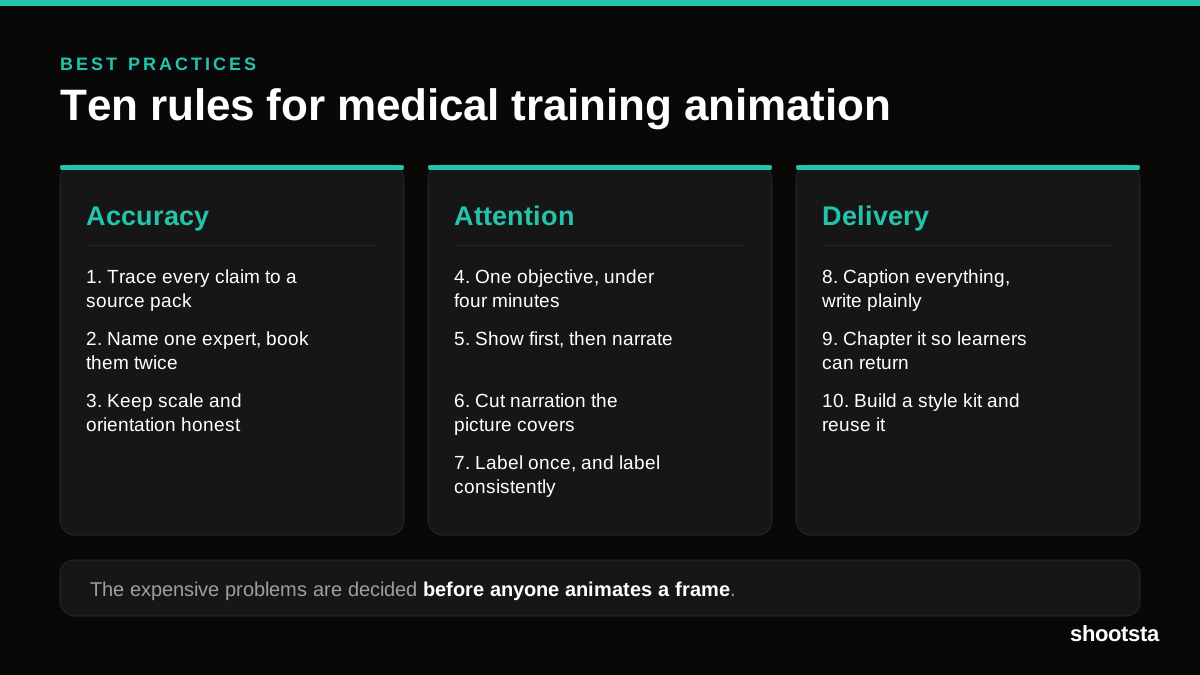
Medical Training Animation Best Practices
Ten rules that hold up across device training, clinical protocol work and mechanism of action modules. Most medical animation fails for dull reasons: too many objectives, narration that repeats the picture, and review that arrives too late to change anything.
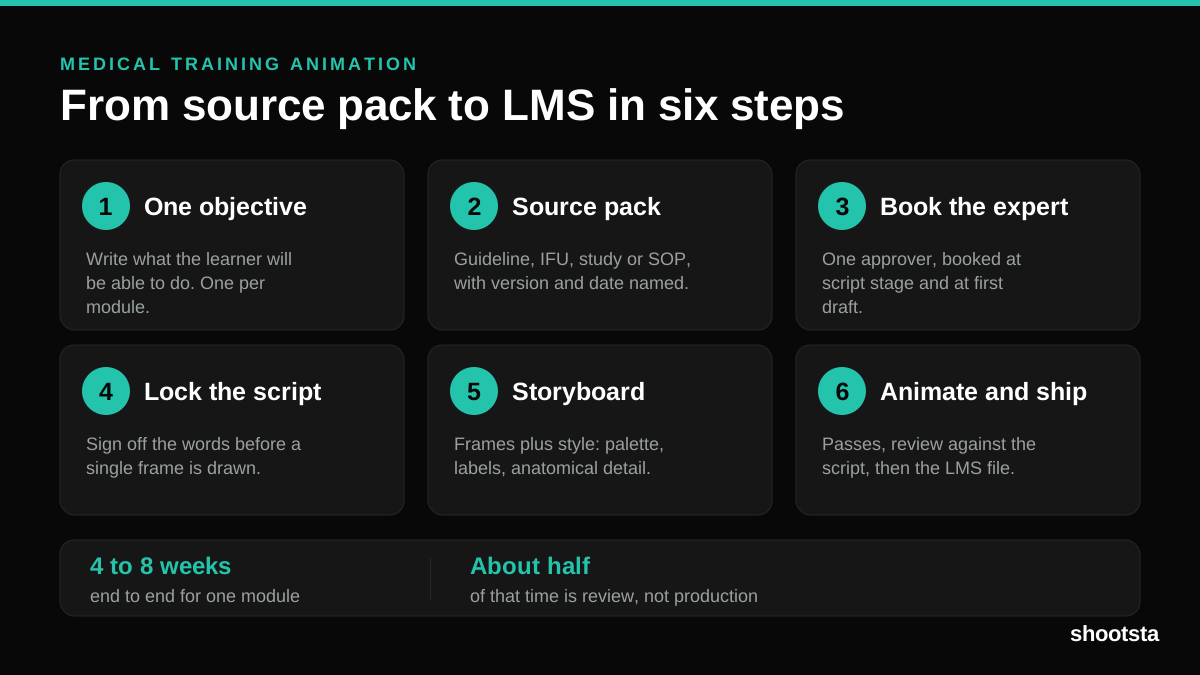
Medical Training Animation: A Complete Guide
A medical training animation teaches a procedure, a device workflow, or a mechanism the camera cannot reach. Here is how one gets made, what it costs, and how to keep medical review from eating the schedule.
What Delayed Training Videos Cost L&D Teams
What Delayed Training Videos Cost L&D Teams
When training video ships late, employees work without the knowledge for longer. For a distributed enterprise, that backlog has a large, measurable cost.
Australian Corporate Training Video Production
Australian Corporate Training Video Production
A practical guide to corporate training video production for Australian teams: compliance and WHS modules, LMS-ready formats, AEST turnaround, and what a training library costs to build.
What Makes a Great Learning Video
What Makes a Great Learning Video
A great learning video changes what someone can do after watching it. Here is how the best ones are built, the mistakes that lose learners, and how the panel scores them.
Animation Use Cases for L&D Teams
Animation Use Cases for L&D Teams
Learning and development teams get more out of animation than almost any other function. Here are the places it works hardest, and where you should still reach for a camera.