
Video for L&D Teams: A Practical Guide
shootsta.
Video for L&D Teams: A Practical Guide
By Shootsta · Published April 1, 2026 · Updated October 2026
A practical guide for L&D teams who want to produce training videos at scale. Covers formats, production workflows, LMS integration, and how to measure learning impact.
Why L&D teams are moving to video
Learning and development teams have always known that video is an effective training medium. The hard part has always been producing it. Traditional video production costs too much, takes too long and leans on external agencies, so it cannot keep up with the pace L&D teams work at.
Modern video production tools have changed that. Your L&D team can now produce professional training videos in-house (or close to it) for a fraction of the cost and time of traditional methods. Teams that make this shift produce far more training video each year, and learners get material that is current when they need it.
What makes video effective for learning?
Video works for learning because it combines visual and auditory information, which improves retention compared to text alone. For L&D teams, the bigger gain is operational: video changes how you deliver and maintain training as well as how people learn from it.
Consistency at scale
When hundreds of new hires go through onboarding each year across several offices, a video gives every person the same quality of instruction. The message does not vary between facilitators, and it does not drift over time.
On-demand access
Employees can watch training videos whenever they need them, including between scheduled sessions. This supports just-in-time learning and reduces the need for live facilitation for routine topics.
Easy to update
When a process changes, you update the video. With a video production subscription, re-editing an existing video to reflect new information takes days rather than weeks.
Measurable
Video platforms and LMS integrations give you data on who watched what, how long they watched, and where they dropped off. This is much harder to track with live training sessions or documents.
Video formats that work for L&D
Microlearning videos (1-3 minutes)
These are short, focused videos that teach one concept or skill. They work well for reinforcement, quick reference, and mobile learning. Stack multiple microlearning videos into a pathway for more comprehensive topics.
Screen recording with narration
For software training, system walkthroughs, and process documentation, screen recordings are fast to produce and directly show learners what to do. Add a voiceover or webcam overlay to keep it engaging.
Talking head / direct-to-camera
Here a subject matter expert explains a concept directly to camera. The format feels personal and carries authority. It works especially well for leadership messages, policy explanations, and expert knowledge sharing.
Interview-style videos
Pair a facilitator with a subject matter expert in a structured interview format. This is often easier for SMEs who aren't comfortable presenting alone, and the conversational format keeps learners engaged.
Animated explainer videos
For abstract concepts, compliance scenarios, or sensitive topics where live-action doesn't work, animated videos are highly effective. They simplify complex information and can be updated without reshooting.
Scenario-based and role-play videos
Show employees what good (and bad) looks like in realistic situations. This format is common in compliance, customer service and sales training. It takes more production effort, and learners tend to stay engaged and remember it.
Building a video production workflow for L&D
The goal is a repeatable process that lets your L&D team produce videos regularly without being dependent on an agency for every project.
Step 1: Identify your content priorities
Audit your existing training materials. Look for the topics with the highest attendance, the most frequent updates or the widest audience, because those are your first candidates for video.
Step 2: Choose your production approach
A hybrid model suits many L&D teams. You film the raw content yourselves, such as screen recordings, webcam pieces and phone footage of demonstrations, and send it to professional editors for polish. This gives you speed and control without requiring in-house editing skills.
With Shootsta Pro, your L&D team films with provided video kits or their own devices, uploads the footage, and receives edited videos within 48 hours. Brand guidelines, intros, and graphics are built into every edit.
Step 3: Create templates and standards
Develop video templates for your most common formats. A standard intro sequence, consistent lower thirds for speaker names and a branded outro with links to related resources are a good start. Templates speed up production and keep everything visually consistent.
Step 4: Integrate with your LMS
Host completed videos in your Learning Management System so learners can find them and you can assign and track them. Modern LMS platforms generally support video embedding, SCORM packaging, or direct URL linking.
Step 5: Measure and iterate
Track completion rates, quiz scores (if applicable), and learner feedback. Use this data to improve your videos over time. If a 10-minute compliance video has a 40% completion rate, consider splitting it into three shorter modules.
Common challenges L&D teams face with video
"Our SMEs don't want to be on camera"
You will hear this one often, and the answer is to make filming low-stakes. Start with audio narration over slides or screen recordings, then introduce webcam overlays as SMEs get comfortable. Use simple filming techniques that don't require a studio setup.
"We don't have budget for video production"
Compare the cost of video against the cost of live training. An instructor-led session for a large group gets expensive once you add facilitator time, travel, the venue and time away from work. A training video costs a fraction of that, and thousands of people can watch it.
"Our content changes too frequently"
Frequent change is a reason to use video. With a subscription model, updating a video is fast and inexpensive. Film the changed section, send it for editing, and have an updated version within 48 hours.
"We can't get consistent quality across regions"
A centralized video production platform solves this. Whether your team films in London, Sydney or San Diego, the same brand kit, templates and editing team keep the output consistent. See how Shootsta works for L&D teams.
Measuring the ROI of L&D video
The metrics that matter for L&D video programs are:
Time to competency: Measure how quickly new hires reach full productivity. Video-based onboarding lets people learn at their own pace from day one, so compare ramp-up times against your classroom-only cohorts.
Training reach: Count how many employees completed the training. Video removes the seat limit of live sessions, so this number should rise well above what a classroom schedule allowed.
Content utilization: Compare the videos people watch most with the ones they skip. The gap tells you which training is useful and which needs work.
Cost per learner: Divide your total video production cost by the number of employees who completed the training. At scale, this number drops with every additional viewer.
Getting started
Pick one training program that currently relies on live delivery or static documents and convert it to video. Measure the results, then use them to make the case for expanding video across your L&D function.
Explore corporate training video production to see the full range of training videos you can produce, or talk to Shootsta about setting up a video production workflow for your L&D team.
Take this article with you
Read the latest at shootsta.com/blog/video-for-learning-and-development-teams
You might also like
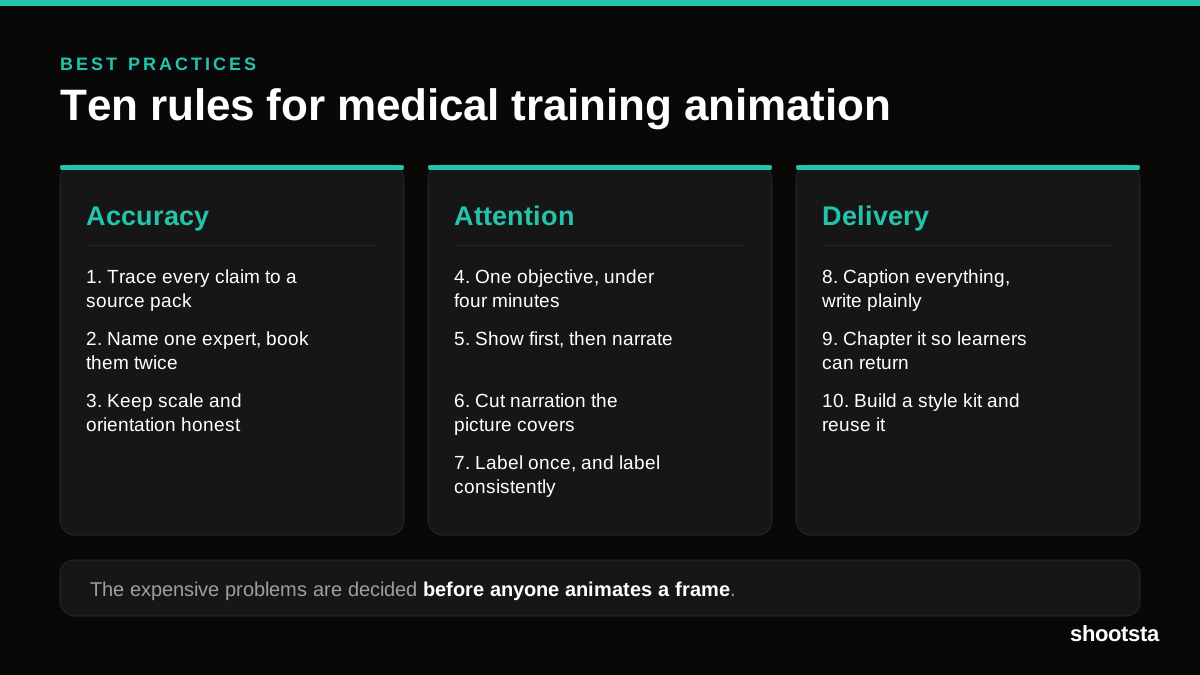
Medical Training Animation Best Practices
Ten rules that hold up across device training, clinical protocol work and mechanism of action modules. Most medical animation fails for dull reasons: too many objectives, narration that repeats the picture, and review that arrives too late to change anything.
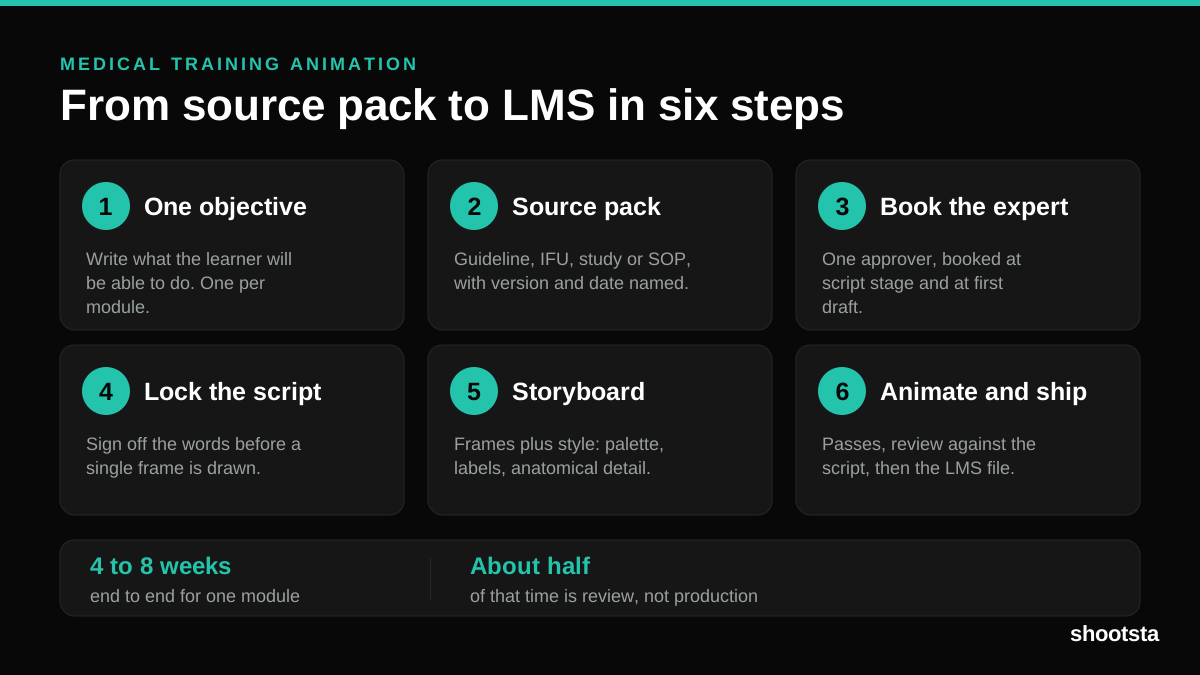
Medical Training Animation: A Complete Guide
A medical training animation teaches a procedure, a device workflow, or a mechanism the camera cannot reach. Here is how one gets made, what it costs, and how to keep medical review from eating the schedule.
What Delayed Training Videos Cost L&D Teams
What Delayed Training Videos Cost L&D Teams
When training video ships late, employees work without the knowledge for longer. For a distributed enterprise, that backlog has a large, measurable cost.
Australian Corporate Training Video Production
Australian Corporate Training Video Production
A practical guide to corporate training video production for Australian teams: compliance and WHS modules, LMS-ready formats, AEST turnaround, and what a training library costs to build.
What Makes a Great Learning Video
What Makes a Great Learning Video
A great learning video changes what someone can do after watching it. Here is how the best ones are built, the mistakes that lose learners, and how the panel scores them.
Animation Use Cases for L&D Teams
Animation Use Cases for L&D Teams
Learning and development teams get more out of animation than almost any other function. Here are the places it works hardest, and where you should still reach for a camera.