
Employee Training Videos: A Complete Production Guide
shootsta.
Employee Training Videos: A Complete Production Guide
By Shootsta · Published April 3, 2026 · Updated October 2026
Employee training videos save time and money when done right. Here is how to produce onboarding, compliance, and skills training videos your employees will watch.
Why do companies use employee training videos?
Every company trains its people, so the question is how efficiently. An onboarding program run as live workshops needs a facilitator, a room and a schedule that suits everyone. You then repeat it for each cohort, location and department.
Employee training videos take over the repetitive parts. You record the content once and every new hire can watch it, and you update it when a process changes. Your LMS tracks who watched it and whether they passed the assessment. That frees the facilitator for the parts of training that need a live person, such as Q&A, coaching and hands-on practice.
What types of employee training videos should you produce?
Onboarding videos
New hires form a view of you in week one. A welcome video from the CEO, a walkthrough of company culture and values, an introduction to key systems and tools, and a tour of the office (or virtual workspace) give every new hire a consistent start regardless of when or where they join.
Compliance training
Anti-bribery, data privacy, workplace safety and the code of conduct are mandatory training that every employee must complete. Short scenario-based videos hold attention better than slide decks. Instead of reading a policy, employees watch a realistic situation and see the correct response.
Skills and product training
These videos show staff how to use internal systems, follow a set process or explain how the product works. They answer the questions new employees ask in their first 90 days, which takes load off managers and peers.
Leadership and professional development
This group covers recorded workshops, expert interviews and skills sessions for career growth. You can produce them internally with subject matter experts filmed on their phones, or sourced from external trainers.
How do you produce employee training videos cost-effectively?
The biggest mistake is treating every training video like a big production. A compliance module rarely needs a film crew and a scriptwriter, so match the production level to the content.
CEO welcome videos and culture pieces work well filmed on a smartphone and edited by a professional. Here, people trust a real voice more than a polished one.
Process walkthroughs suit a screen recording with a voiceover. A tool like Loom captures these in minutes.
Compliance and scenario-based training needs guided filming with actors or employees, then a professional edit with your brand kit. This is where a video production subscription pays off, because a full compliance series can ship within weeks.
For skills training, record your best trainer delivering the content once. An editor then cuts it into modular segments that you upload to your LMS.
How long should training videos be?
Keep training videos short, because attention fades the longer a video runs. A good structure is 3-5 minute modules that each cover one concept.
A 45-minute workshop should become 8-10 short modules, not a single 45-minute video. This lets employees watch at their pace, rewatch specific sections, and complete training in gaps between meetings rather than blocking out an hour.
How do you measure training video effectiveness?
Track completion rates (how many employees finish the video), assessment scores (did they learn the material), and time-to-competency (how quickly do new hires reach productivity). Compare these metrics before and after introducing video-based training.
Completion rates tend to rise when employees can watch at their own pace. Time-to-competency often shortens too, since new hires can rewatch a module instead of waiting for the next scheduled workshop.
Explore Shootsta's full training video production capabilities, or learn how to enable non-creatives to create on-brand video so your L&D team can produce training content independently.
Take this article with you
Read the latest at shootsta.com/blog/employee-training-videos-complete-production-guide
You might also like
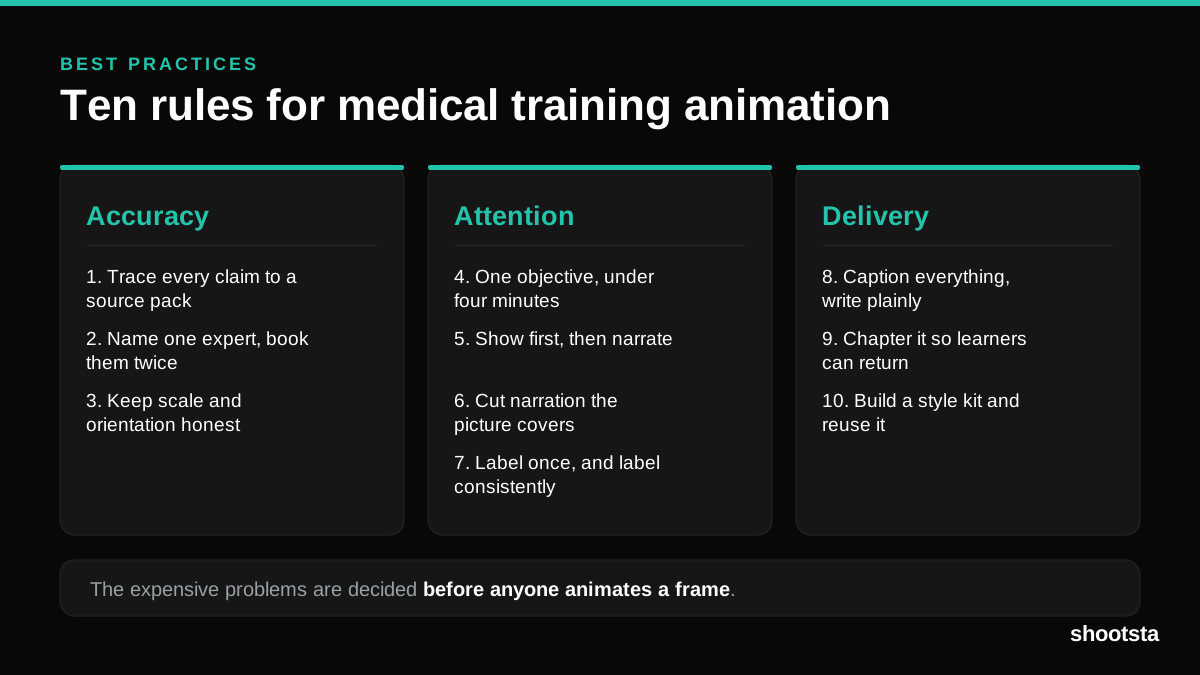
Medical Training Animation Best Practices
Ten rules that hold up across device training, clinical protocol work and mechanism of action modules. Most medical animation fails for dull reasons: too many objectives, narration that repeats the picture, and review that arrives too late to change anything.
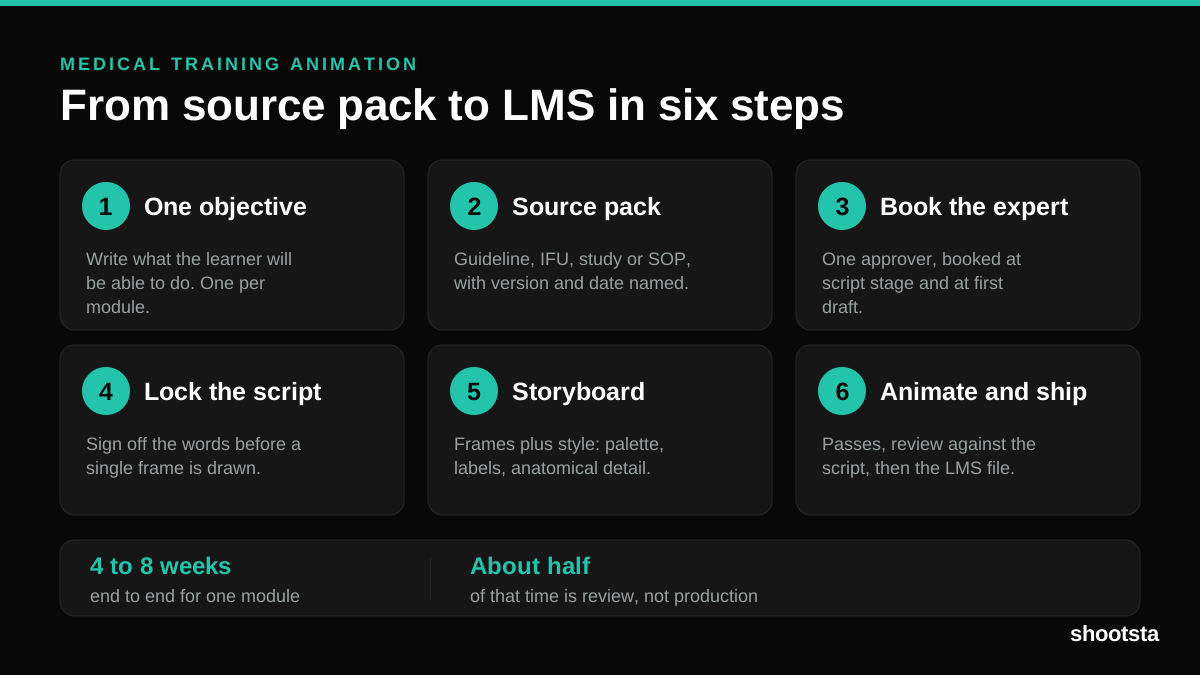
Medical Training Animation: A Complete Guide
A medical training animation teaches a procedure, a device workflow, or a mechanism the camera cannot reach. Here is how one gets made, what it costs, and how to keep medical review from eating the schedule.
What Delayed Training Videos Cost L&D Teams
What Delayed Training Videos Cost L&D Teams
When training video ships late, employees work without the knowledge for longer. For a distributed enterprise, that backlog has a large, measurable cost.
Australian Corporate Training Video Production
Australian Corporate Training Video Production
A practical guide to corporate training video production for Australian teams: compliance and WHS modules, LMS-ready formats, AEST turnaround, and what a training library costs to build.
What Makes a Great Learning Video
What Makes a Great Learning Video
A great learning video changes what someone can do after watching it. Here is how the best ones are built, the mistakes that lose learners, and how the panel scores them.
Animation Use Cases for L&D Teams
Animation Use Cases for L&D Teams
Learning and development teams get more out of animation than almost any other function. Here are the places it works hardest, and where you should still reach for a camera.