
Short-form vs Long-form Video on LinkedIn
shootsta.
Short-form vs Long-form Video on LinkedIn
By Mark Ashworth · Published April 21, 2026 · Updated October 2026
Is shorter video better on LinkedIn? Here is what the data says about video length, when long-form works, and how to hook viewers in the first 3 seconds.
What is the ideal video length for LinkedIn?
For most organic content on LinkedIn, the sweet spot is 15-30 seconds. That number comes from how people use the platform. They scroll through a feed full of text posts, articles and images, and your video has a tiny window to earn their attention.
Short clips suit the way people move through a B2B feed, and for most types of video, engagement falls away sharply after 60 seconds. The exception is a video where the audience has a strong reason to keep watching, which we cover below.
Every video does not have to be 15 seconds. Your default format should be short, and you should have a specific reason any time you go longer.
Why does engagement drop after 60 seconds?
LinkedIn works differently from YouTube. People there are not sitting down to watch videos. They scroll between meetings, over lunch or while waiting for a call to start, which is a very different setting from a platform where people search for a video and click on it.
After 60 seconds, you are asking a busy B2B professional to give your video real time, and only some of them will. The ones who stay need a strong reason, such as a topic they care about, a presenter they already trust or a clear promise of something useful.
The engagement curve is a slope rather than a cliff. You lose people gradually from the first second onward, so every second of your video needs to earn the next one. That is why the first 3 seconds matter more than anything else.
How important are the first 3 seconds?
The first 3 seconds of your LinkedIn video determine whether someone stops scrolling or keeps going. LinkedIn's auto-play feature means your video starts playing silently as someone scrolls past it, so you have roughly 3 seconds to make them stop.
In those 3 seconds, a bold statement, a surprising number, a direct question or a sudden visual change will stop the scroll. A logo animation, a slow fade-in or a generic greeting like "Hey everyone, today I want to talk about..." will lose people.
Test your hooks hard. Film the same video with 3 different openings and see which one gets the highest view-through rate, because the hook is the part of a LinkedIn video where a small change makes the biggest difference. For more on testing different elements, our guide to measuring LinkedIn video ROI covers A/B testing methodology.
When does long-form video work on LinkedIn?
Long-form video (anything over 2 minutes) works on LinkedIn in specific situations, so it is worth keeping in your plan.
LinkedIn Live broadcasts are inherently long-form. A 20-30 minute live session with audience interaction performs well because the format itself creates engagement. People stick around for the real-time element and the ability to ask questions. Learn more about choosing between formats in our LinkedIn Live vs native video comparison.
In-depth interviews with industry experts can hold attention for 5-10 minutes if the topic is specific and relevant. A generic "state of the industry" chat will lose people early. A focused title like "How Company X shortened its sales cycle with video" will keep the right people watching.
Webinar replays posted as native video can do well, especially if you add a clear description and timestamp the key moments. The replay format works because the audience selects itself. Anyone who clicks play on a 30-minute webinar replay already cares about the topic.
In each case, long-form works because the audience has a reason to give it the time. It does not work as a default format for organic posting, so save it for the moments that earn the length.
Free PDF Guide
Get the LinkedIn Video Spec Cheat Sheet
Target length for feed, ads, and Live, plus every limit and ratio LinkedIn accepts.
Does frequency beat production value?
Yes, and it is one of the clearest patterns in B2B LinkedIn video performance. Ten 15-second videos posted over two weeks will build more familiarity and generate more engagement than one 2-minute polished video posted once.
The logic is simple. Each video is another chance to appear in someone's feed, and each appearance builds recognition. Over time, seeing you often makes people familiar with you, and that familiarity turns into trust. One video, however well made, cannot match the effect of showing up in someone's feed ten times.
Quality still matters, but the minimum bar is lower than many B2B marketers assume. A phone video with good lighting and clear audio is good enough. Waiting three weeks for a polished 2-minute production is almost always the wrong trade-off.
The relationship between video length and your posting frequency is direct. Shorter videos are faster to produce, so you can post more often and build familiarity faster. Each short video makes the next one easier to justify.
Why do captions matter so much on LinkedIn?
A lot of LinkedIn video is watched with the sound off. People are at their desks, in open-plan offices or on public transport, and they will not turn the sound on unless they are already hooked.
Captions let your video get its message across with the sound off. For LinkedIn video, treat them as a requirement, because a muted video without captions gives the viewer no reason to stay.
There are two approaches. Burned-in captions (baked into the video file) are the most reliable. They show up on every device regardless of settings. LinkedIn's auto-captions are convenient but less accurate, especially with technical B2B terminology. For important content, use burned-in captions and double-check the accuracy.
Captions also make your videos accessible to deaf and hard-of-hearing professionals. That is the right thing to do, and it widens the audience who can follow your message.
How should you mix short-form and long-form in your content plan?
Think of short-form as your daily bread and long-form as your monthly feast. Around 80-90% of your LinkedIn video output should be short-form, such as quick tips, reactions, data points and behind-the-scenes moments. These are fast to produce and good at building reach and familiarity.
The remaining 10-20% can be long-form. That might mean a monthly LinkedIn Live, an occasional in-depth interview or a quarterly webinar replay. These pieces build depth and authority with the audience you have already attracted through your short-form content.
This ratio aligns with how effective LinkedIn video strategies are structured. Short-form gives you volume and frequency, while long-form builds depth and trust. You need both, in very different proportions.
What should you do this week?
Film three 15-second videos this week, each with a single insight, tip or opinion. Use the first 3 seconds to hook the viewer and add captions before you post. Then publish them on Tuesday, Wednesday and Thursday morning.
That gives you a full week of LinkedIn video, and it should take well under an hour to produce. Keep it up for a month and you will know more about what works for your audience than any best practices article can tell you.
For video length recommendations by funnel stage, captioning templates, and a 12-week content calendar that balances short and long-form, download the LinkedIn Video Strategy Guide.
For specific duration recommendations by format (feed, ads, Live, thought leadership), see our dedicated breakdown of optimal LinkedIn video length by format.
Take this article with you
Read the latest at shootsta.com/blog/short-form-vs-long-form-video-on-linkedin
You might also like
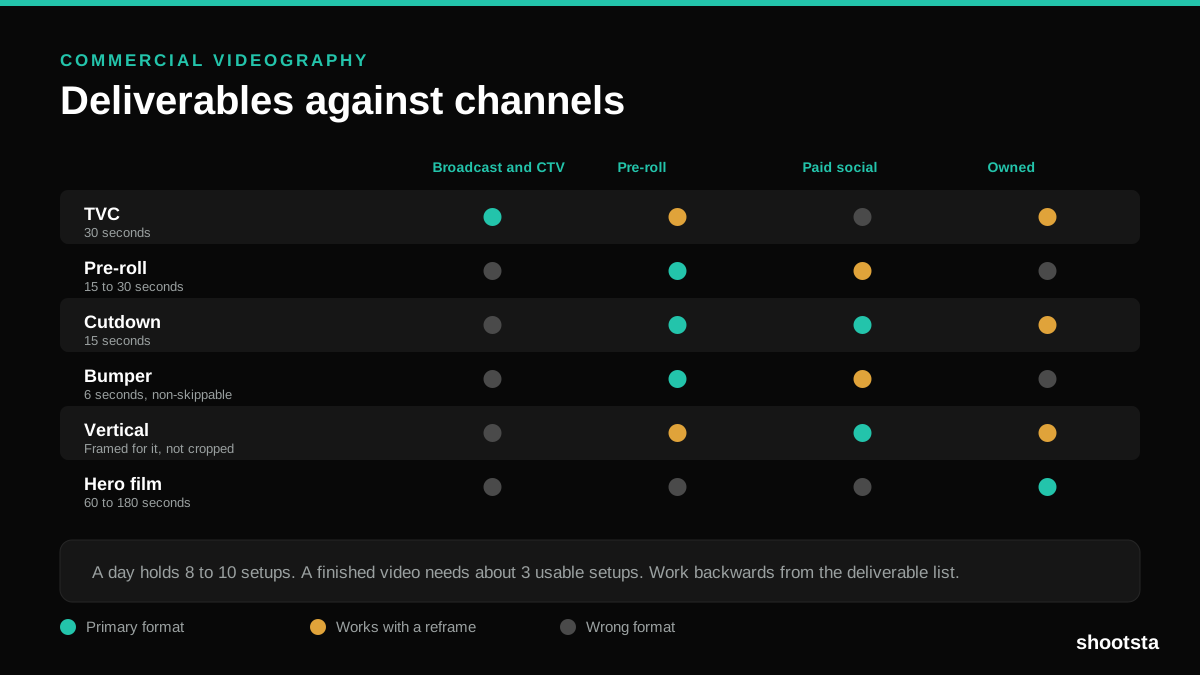
Commercial Videography: Cost and Scope
Commercial videography is priced by the day and judged by the deliverable. Most projects go wrong because those two numbers were never reconciled.
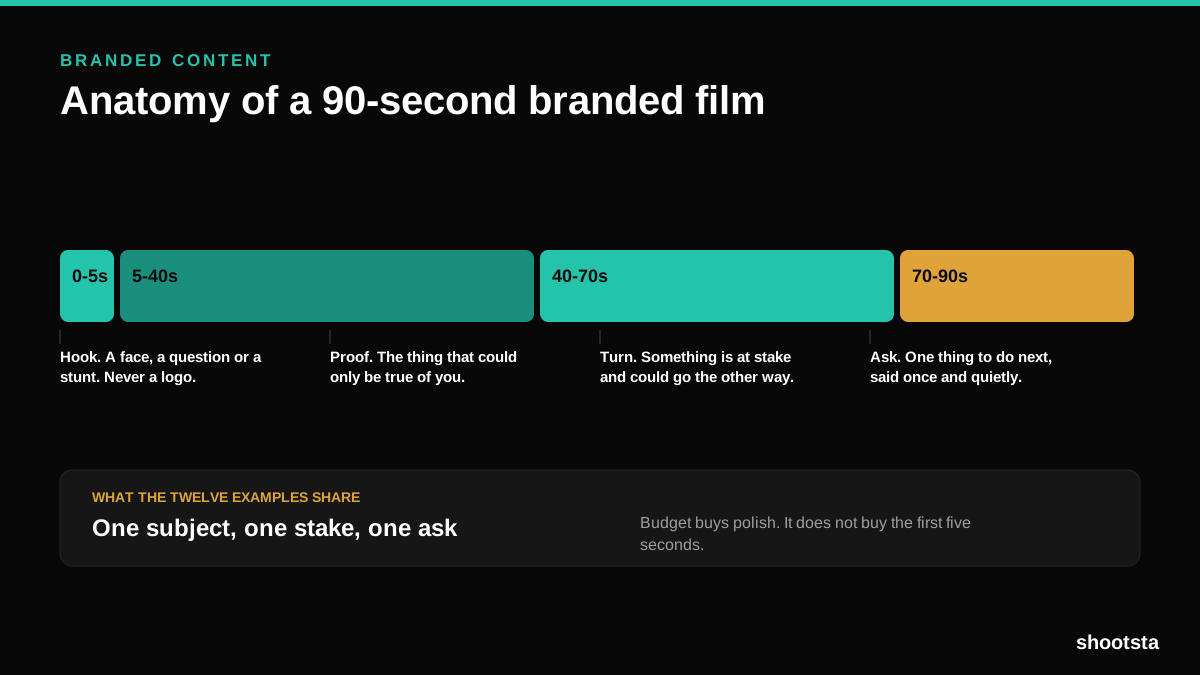
12 Branded Content Examples That Worked
Twelve pieces of branded content that people chose to watch, what each one got right, and the structure underneath all of them.
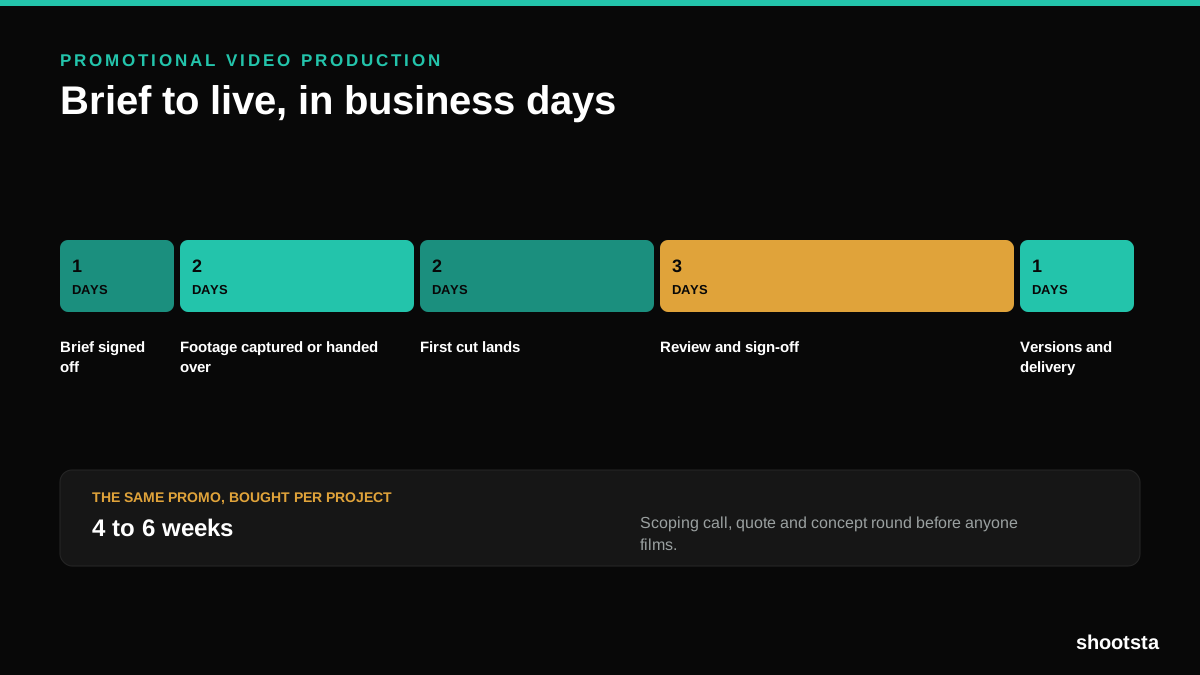
Promotional Video Production: Cost and Time
Most promotional video production schedules are not slow because of the edit. They are slow because of the approval chain. Here is where the days go.
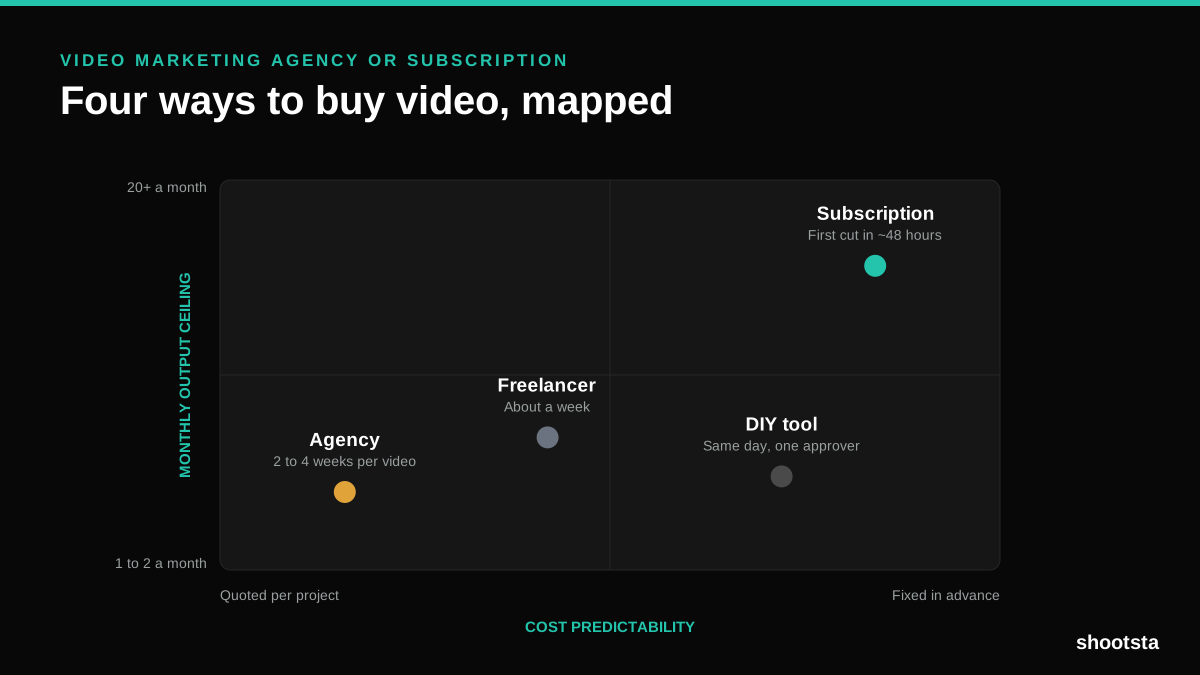
Video Marketing Agency or Subscription?
A video marketing agency prices per project and works in weeks. A subscription prices the year and works in days. Which one fits depends on how often you publish, not on which is better.

B2B Video Production: Costs and Buying Models
There are five ways to buy B2B video production. Each one works well up to a point and then breaks, usually at a volume nobody planned for. Here is what each costs and where the ceiling sits.
How to Measure Video Speed-to-Market
How to Measure Video Speed-to-Market
Speed-to-market is the lag between needing a video and publishing it. For marketing teams it is a revenue metric. Here is how to measure and improve it.