
LinkedIn Live vs Native Video: When to Use Each
shootsta.
LinkedIn Live vs Native Video: When to Use Each
By Mark Ashworth · Published April 19, 2026 · Updated October 2026
LinkedIn Live and native video serve different purposes. Here is when to use each format and how to get the most from both.
What is the difference between LinkedIn Live and native video?
LinkedIn gives you two distinct video formats, and they work differently. If you know when to use each one, you won't put the wrong content in the wrong format.
Native video is any pre-recorded video you upload directly to LinkedIn. It can be polished or scrappy, 10 seconds or 10 minutes. You film it, edit it (or don't), and post it. The audience watches it on their own time as it appears in their feed.
LinkedIn Live is a real-time broadcast. You go live, your audience watches as it happens, and they can interact through comments in real time. It builds urgency because it is happening right now, and it creates a different kind of connection than pre-recorded content.
Both formats sit on the same platform, but they solve different problems. A common B2B mistake is to treat them as interchangeable, when each one suits a different kind of message.
When should you use LinkedIn Live?
LinkedIn Live works best when the live element adds real value. If your content would be just as effective pre-recorded, skip Live and save yourself the production complexity.
Events and conferences are a natural fit. Broadcasting a keynote, panel discussion, or fireside chat gives your LinkedIn audience a front-row seat without the travel. The real-time comment stream adds a layer of interaction that recorded video can't replicate.
Q&A sessions are where Live works best. When your audience can ask questions and get answers in real time, they comment and stay far more than they would on a recording. Product launches, industry hot takes and "ask me anything" sessions with executives all benefit from the live format.
Product launches and demos create urgency. "Watch us unveil this live" drives more attendance than "here is a recording of our launch." The exclusivity of being there as it happens matters to B2B buyers who want to feel connected to the brands they follow.
LinkedIn reports that Live videos generate 24x more comments and 7x more reactions than native video from the same creators. Those numbers are hard to ignore if engagement is your goal.
When should you use native video?
Native video is your workhorse content. It is what you post consistently week after week to build authority and stay visible in your audience's feed.
Thought leadership clips - your CEO sharing a 30-second insight, a team member breaking down an industry trend, a quick reaction to news - work best as native video. They don't need the live element. What they need is a short runtime, a strong hook in the first seconds and a steady posting schedule.
Tips and how-to content belong in native format. You can edit out the "ums," add captions, tighten the pacing, and make sure every second earns its place. Live video doesn't give you that control.
Campaign content - product explainers, customer stories, brand videos - should be native. These are assets you plan, produce and polish. Going live with a customer testimonial makes no sense when you can film it with care and edit it down to the strongest answers.
For more on building a consistent native video program, the LinkedIn video strategy hub covers format selection, production workflows, and distribution tactics in detail.
Free PDF Guide
Get the LinkedIn Video Strategy Guide
LinkedIn Live, native video, and every other format that drives B2B pipeline - covered in the guide.
Does the replay outperform the live audience?
The replay of a LinkedIn Live often gets more views than the live broadcast itself, and it is easy to overlook. LinkedIn keeps your Live video on your profile as a regular video post after the broadcast ends. It continues to accumulate views for days or weeks.
That changes how you should plan, because a 30-minute LinkedIn Live session does two jobs. You get the real-time engagement and comment interaction during the broadcast, plus the long-tail views from people who watch the replay in their feed later.
For some brands, replay views run well ahead of the live audience. The live broadcast creates the event, and the replay carries most of the reach. Plan your Live content with that in mind, and structure it so the replay is as useful as the live session.
How do you repurpose Live footage into native clips?
One of the best things about LinkedIn Live is the raw footage it produces. A single 30-minute broadcast can yield 5-10 native video clips.
Pull out the best moments: a punchy quote from a panelist, a surprising data point, a direct answer to an audience question. Trim each one to 15-30 seconds, add captions, and you have a week's worth of native video content from one session.
This repurposing approach is the same principle behind maintaining a consistent posting frequency without burning out your team, because one production effort turns into many posts.
If you already run events, webinars or conferences, you have hours of usable footage waiting to be cut. The LinkedIn Video Strategy Guide includes a repurposing framework that shows exactly how to break down long-form footage into platform-ready clips.
What production setup do you need for each format?
For native video, the bar is lower than you think. A smartphone, decent lighting (a window works) and a quiet room get you most of the way there. For more polished content, add a lapel mic and a simple backdrop. Edit with any tool that lets you add captions and trim dead space.
For LinkedIn Live, the stakes are higher because you can't fix mistakes in post. Invest in a reliable streaming setup. At minimum you need a good webcam or camera, a wired internet connection instead of WiFi, a decent microphone and streaming software like StreamYard or Restream. Test everything before you go live, because technical glitches during a broadcast hurt your credibility.
The biggest production tip for Live is to have a producer. That person manages the broadcast, watches the comments and handles technical issues while the presenter focuses on the content. A presenter who tries to do both jobs at once usually ends up doing neither well.
Can you use both formats together?
The strongest LinkedIn video strategies use both formats as parts of a single system. LinkedIn Live creates the big moments on your calendar, and native video fills the gaps between them with regular posts.
A monthly Live session paired with 2-3 native posts per week gives you both benefits. You get the engagement spikes from live events and the steady brand building that comes from regular native posts.
Your calendar then has a rhythm to it. The live events mark the big dates each month, and native videos keep you in the feed in the weeks between them.
What should you try first?
If you are not doing any LinkedIn video yet, start with native. It carries less risk and less complexity, and it lets you build confidence on camera before you go live in front of an audience.
Once you are comfortable posting native video regularly, plan your first LinkedIn Live. Pick a topic your audience cares about, invite a guest to take the pressure off, and promote it a week in advance to build an audience.
For step-by-step production checklists for both formats, grab the LinkedIn Video Strategy Guide. And if you want to understand how video length affects performance across both formats, read our breakdown of short-form vs long-form video on LinkedIn.
Take this article with you
Read the latest at shootsta.com/blog/linkedin-live-vs-native-video
You might also like
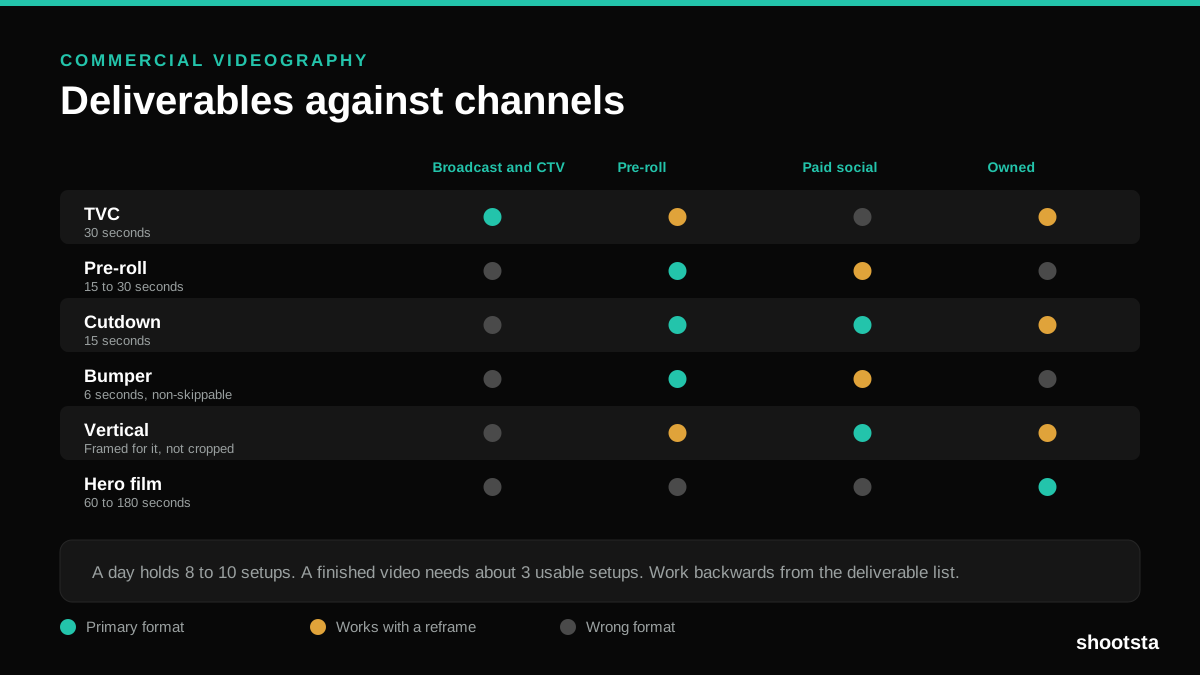
Commercial Videography: Cost and Scope
Commercial videography is priced by the day and judged by the deliverable. Most projects go wrong because those two numbers were never reconciled.
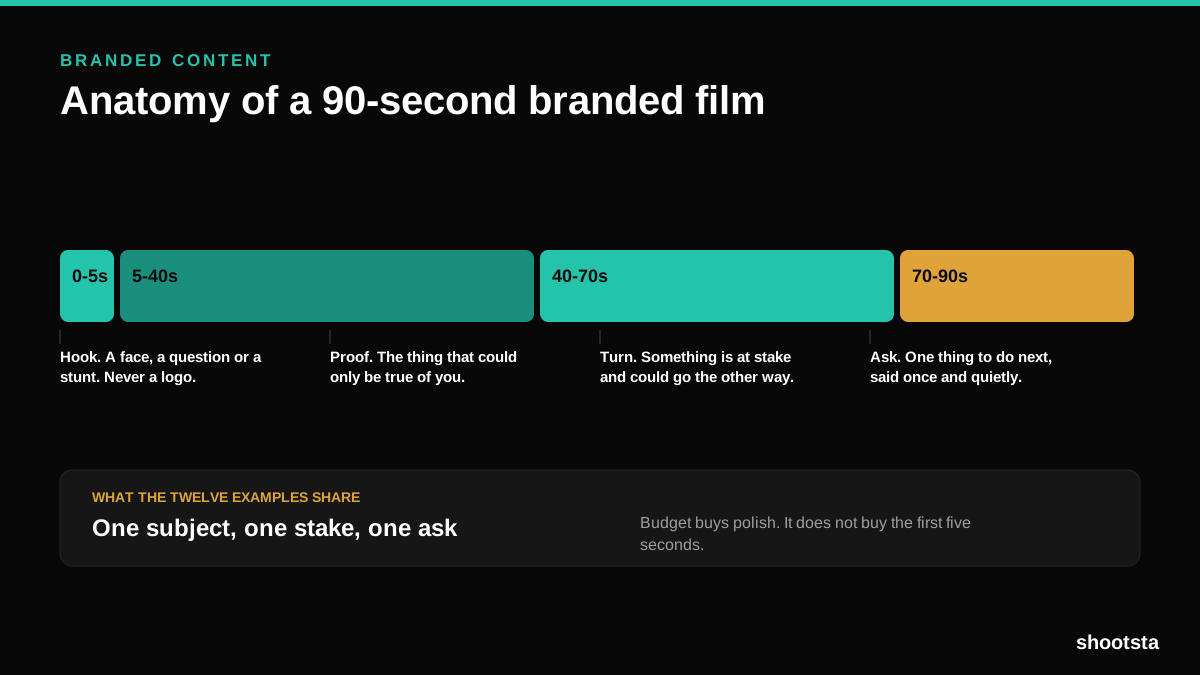
12 Branded Content Examples That Worked
Twelve pieces of branded content that people chose to watch, what each one got right, and the structure underneath all of them.
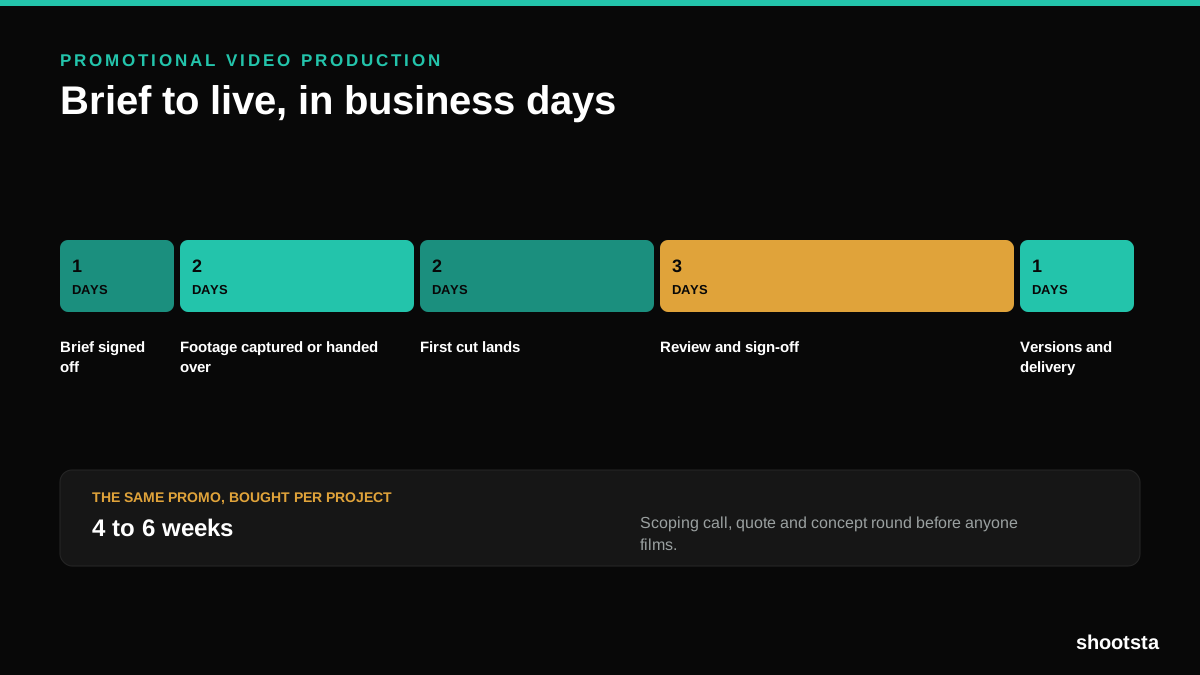
Promotional Video Production: Cost and Time
Most promotional video production schedules are not slow because of the edit. They are slow because of the approval chain. Here is where the days go.
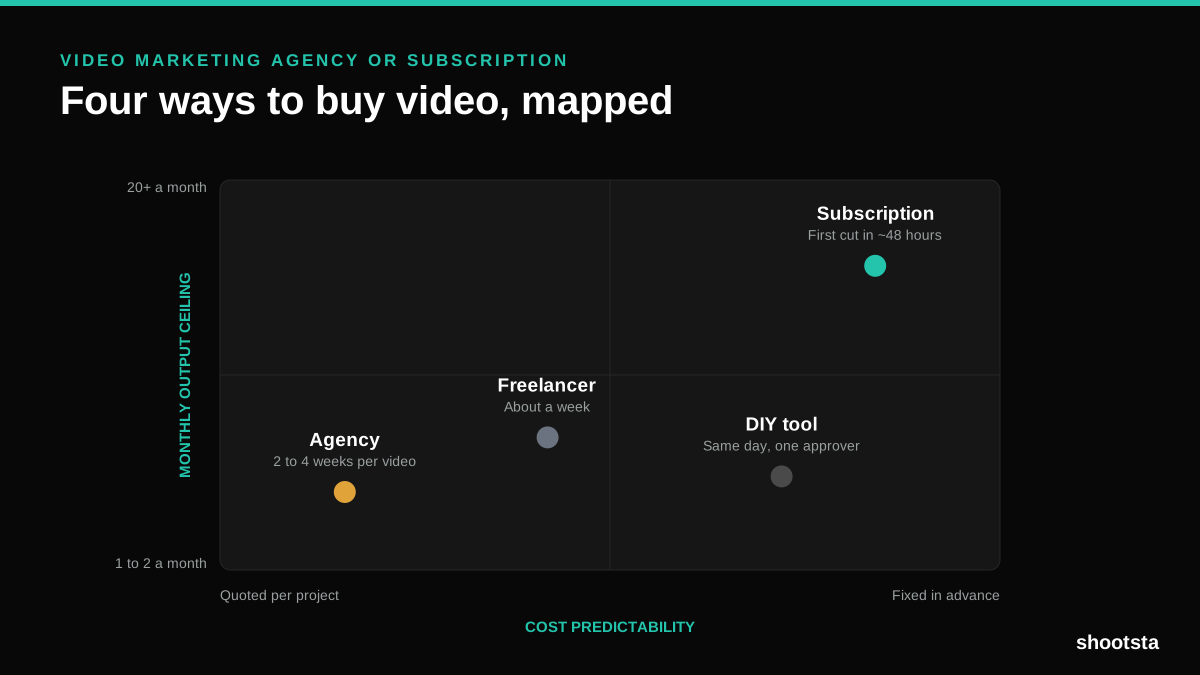
Video Marketing Agency or Subscription?
A video marketing agency prices per project and works in weeks. A subscription prices the year and works in days. Which one fits depends on how often you publish, not on which is better.

B2B Video Production: Costs and Buying Models
There are five ways to buy B2B video production. Each one works well up to a point and then breaks, usually at a volume nobody planned for. Here is what each costs and where the ceiling sits.
How to Measure Video Speed-to-Market
How to Measure Video Speed-to-Market
Speed-to-market is the lag between needing a video and publishing it. For marketing teams it is a revenue metric. Here is how to measure and improve it.