
How to Refresh Outdated FSI Animations (2026)
shootsta.
How to Refresh Outdated FSI Animations (2026)
By Shootsta · Published June 12, 2026 · Updated October 2026
If your financial services animations show an old logo, stale stats, or a product that has since changed, you do not always need to start over. Here is how to tell what to refresh and what to rebuild.
How do you know an animation is out of date?
Financial services teams often find out their animation is dated the embarrassing way: a customer or a regulator points at something on screen that is no longer true. By then the video has been live for months. The fix is to audit before someone else does.
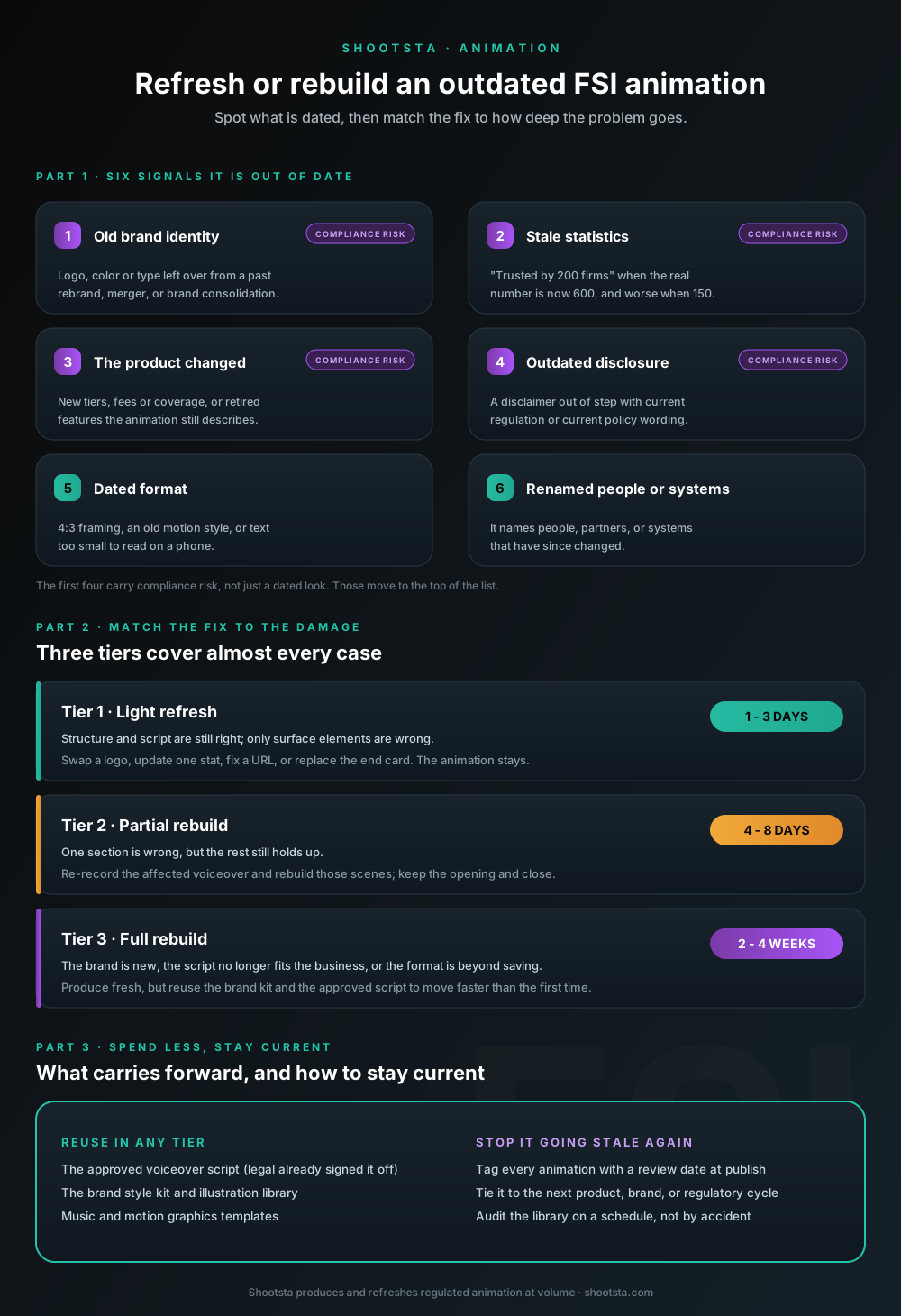
Six signals tell you an FSI animation needs work:
- The logo, color palette, or typography is the old brand. Common after a rebrand, an acquisition, or a brand consolidation.
- The stats are stale. "Trusted by 200 firms" reads badly when the number is now 600, and worse when it is now 150.
- The product changed to new tiers, new fees, new coverage or retired features, and the animation still describes the old version.
- A disclosure or disclaimer is out of step with current regulation or current policy wording.
- The format looks old. 4:3 framing, dated motion style, a play-button-heavy interface, or text too small to read on a phone.
- It names people, partners, or systems that have since changed.
The first four matter most in FSI because they carry compliance risk as well as aesthetic risk. An animation that overstates coverage or shows a superseded fee is a problem a watermark cannot fix.
Why does this happen so often in financial services?
FSI changes faster than its content does. Rebrands, mergers, regulatory updates and product launches all move on their own clocks, and the video library rarely keeps pace. We wrote about the rebrand side of this in using animation to align messaging during brand consolidation, and the launch side in why FSI marketing teams are bringing animation in-house.
The other reason is the old production model. When an animation cost tens of thousands and took months to get through an agency, nobody wanted to touch it again. So firms left dated videos in market rather than pay to redo them. That math has changed, and so should the habit of treating animation as a one-time spend.
Refresh or rebuild: which one do you need?
The useful question is "what specifically is wrong, and how deep does the fix go?" rather than "is this old?" Three tiers cover almost every case.
Tier 1: A light refresh (1 to 3 days)
Use this when the structure and script are still correct and only surface elements are wrong. Swapping an old logo for the new one, updating a single statistic, correcting an outdated phone number or URL, or replacing the end card. The animation itself stays. You are editing assets rather than rebuilding scenes.
Tier 2: A partial rebuild (4 to 8 days)
Use this when a section is wrong but the rest holds up. A product changed, so the 20 seconds describing it needs new voiceover and new animation, while the opening and closing stay. Re-record the affected narration, rebuild the affected scenes, keep everything else. This is the most common FSI case after a product or policy change.
Tier 3: A full rebuild (2 to 4 weeks)
Use this when the brand is entirely new, the script no longer reflects the business, or the format is too dated to salvage. Here you are producing a new animation, though you can still reuse the brand kit and the approved source documents to move faster than the first time around.
What can you reuse?
The answer is more than you might assume. The voiceover script, if the substance still holds, is the most valuable reusable asset because it is the part legal already approved. The brand style kit, illustration library, music, and motion templates all carry forward. Even in a Tier 3 rebuild, starting from an approved script and an existing style kit is far cheaper than starting from a blank brief.
This is the quiet advantage of animation over live action for regulated content. You cannot re-shoot one sentence of a talking-head video without bringing the executive back to a studio. You can re-record one line of voiceover and replace five seconds of animation in an afternoon. We covered the production economics in the different kinds of animation for business.
How do you handle compliance on a refreshed animation?
Treat the change as the thing under review, rather than the whole video. If you updated one statistic and one disclaimer, the compliance reviewer needs to confirm those two changes against the current source, not re-review 90 seconds they already approved.
Give the reviewer a clear diff: the old line, the new line, and the source document the new line comes from. That keeps the review to hours rather than weeks. The full timeline approach is in our guide on how to plan FSI animations without losing six weeks to legal.
What does a refresh cost compared to a new animation?
A Tier 1 refresh typically runs a small fraction of the original production cost because you are editing existing assets. A Tier 2 partial rebuild lands somewhere in the middle, scaled to how much of the animation changes. A Tier 3 rebuild approaches the cost of a new video, though reused brand assets and an approved script still take time and money out of it.
The cost that teams forget is the cost of doing nothing. A dated animation that misstates a product or shows a retired brand is not free. It erodes trust with the exact audiences the video exists to reassure, and in regulated work it can become a compliance finding.
How do you stop animations from going stale again?
Tag every animation with a review date when you publish it, and tie that date to the things most likely to change: the next product review, the next brand checkpoint, the next regulatory cycle. Then audit the library on a schedule instead of waiting for someone to notice.
The teams that stay current are the ones that treat animation as a living library rather than a finished project. That is easier under a volume or subscription production model than under per-project agency work, because the cost of the second and third update is low. For an example of a financial services team running production this way, see the Dual North America case study.
Where to start
Pull your three most-viewed FSI animations and run them against the six signals above. Sort each fix into refresh, partial rebuild, or full rebuild. Start with the highest-traffic video that carries a compliance error, because that is where a dated animation does the most damage.
To talk through an audit of your existing library, get a free consultation. For more on the format and how Shootsta produces regulated animation at volume, see our animation production services and Shootsta for financial services and insurance.
For the strategy behind producing animation at volume, see The Business Animation Playbook.
Take this article with you
Read the latest at shootsta.com/blog/refresh-outdated-fsi-animations
You might also like
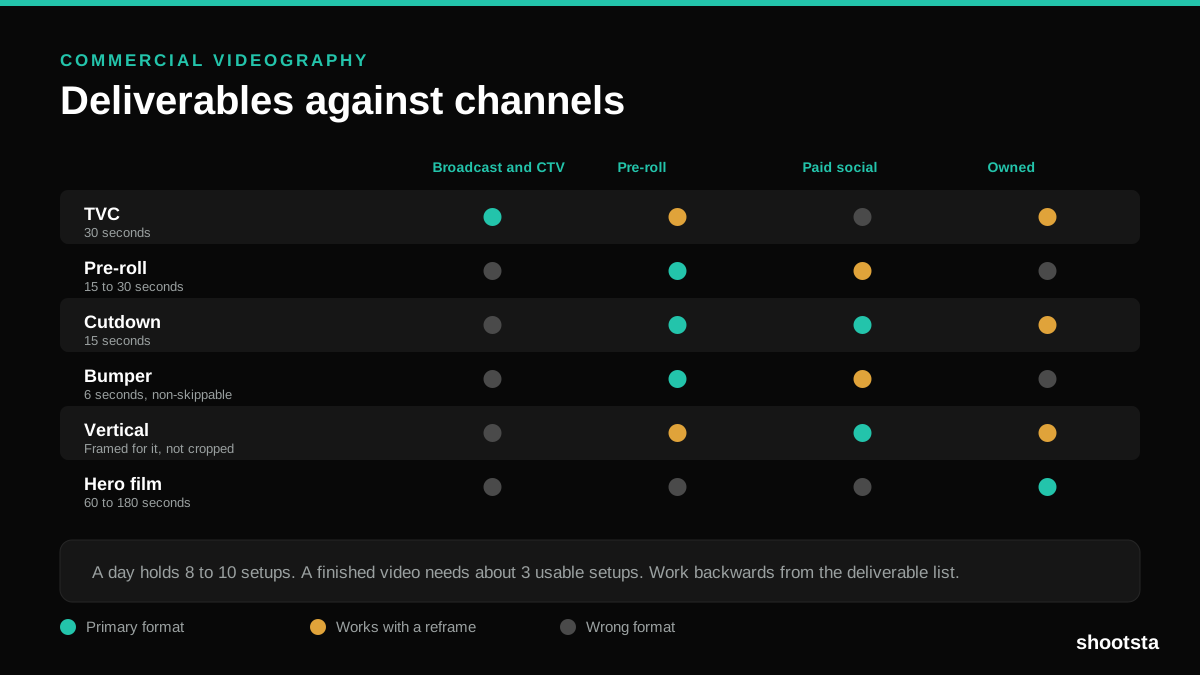
Commercial Videography: Cost and Scope
Commercial videography is priced by the day and judged by the deliverable. Most projects go wrong because those two numbers were never reconciled.
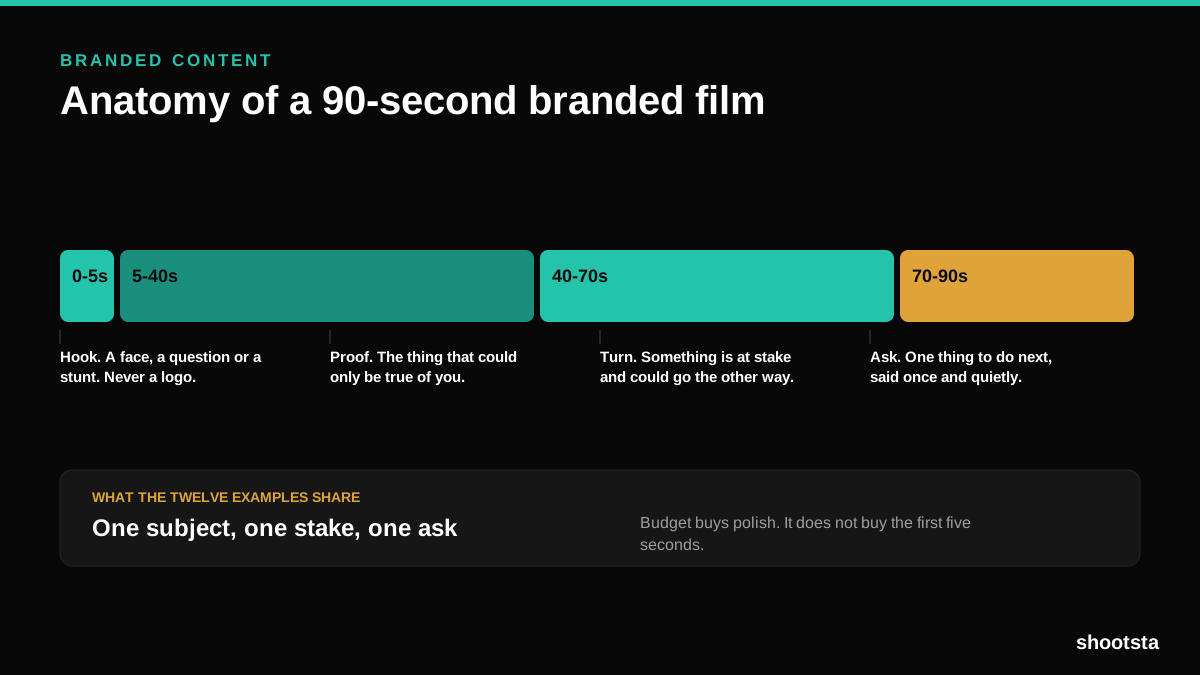
12 Branded Content Examples That Worked
Twelve pieces of branded content that people chose to watch, what each one got right, and the structure underneath all of them.
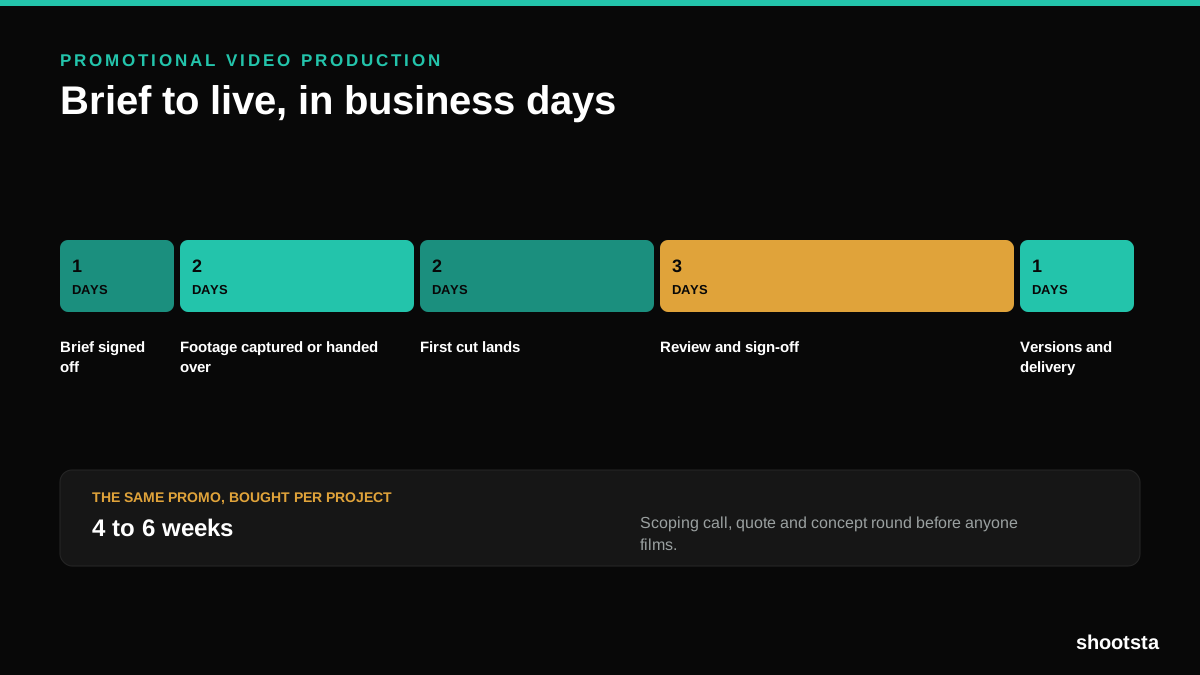
Promotional Video Production: Cost and Time
Most promotional video production schedules are not slow because of the edit. They are slow because of the approval chain. Here is where the days go.
Video Marketing Agency or Subscription?
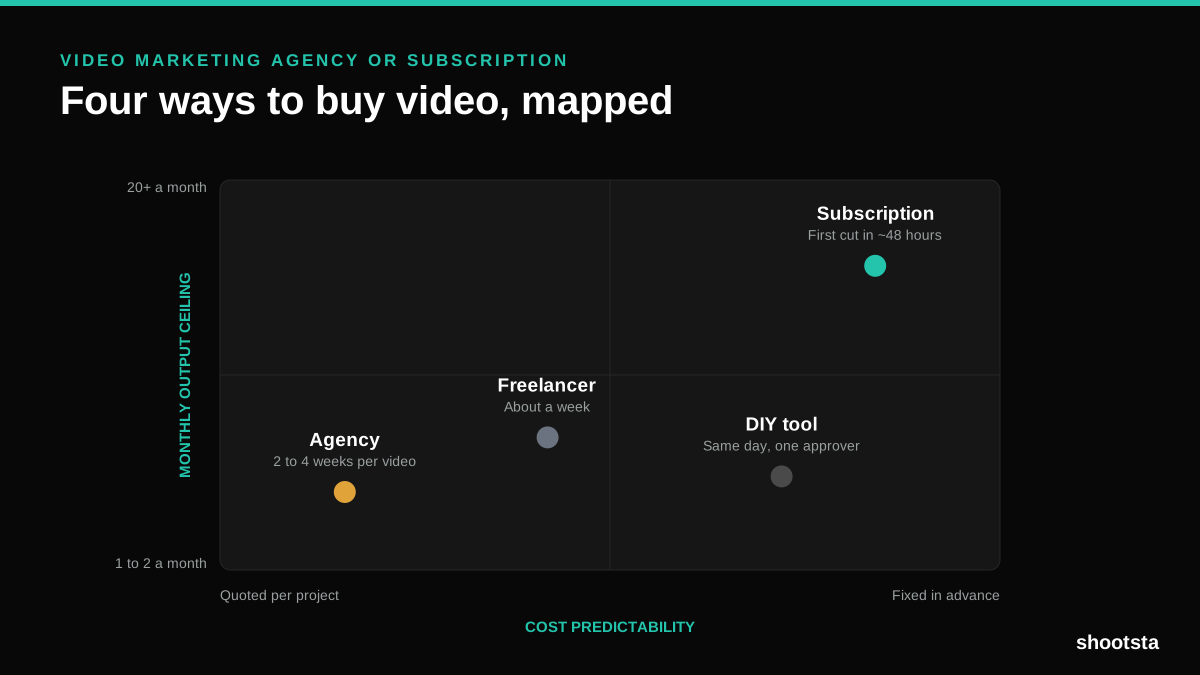
A video marketing agency prices per project and works in weeks. A subscription prices the year and works in days. Which one fits depends on how often you publish, not on which is better.

B2B Video Production: Costs and Buying Models
There are five ways to buy B2B video production. Each one works well up to a point and then breaks, usually at a volume nobody planned for. Here is what each costs and where the ceiling sits.
How to Measure Video Speed-to-Market
How to Measure Video Speed-to-Market
Speed-to-market is the lag between needing a video and publishing it. For marketing teams it is a revenue metric. Here is how to measure and improve it.