
Master Video on Every Social Media Platform
shootsta.
Master Video on Every Social Media Platform
By Rania Michaels · Published March 28, 2025 · Updated October 2026

Video draws more engagement on social feeds than most other formats, so making video for social media is an easy business decision. You can tick that box. The tricky part is working out how to tune your paid or organic videos for each platform.
Instagram, LinkedIn, Facebook, YouTube, TikTok and X each have their own features, audiences and video requirements. With that many choices, it's hard to know which strategy to take. This guide to posting business video on social media walks through the key differences between six major platforms. For each one, you get the information you need to adapt your videos so they perform well.
We'll start with the most 'business-y' platform, LinkedIn. It leads in professional networking. If your video strategy involves B2B marketing, thought leadership or industry insights, this is where to begin.
What is it? Businesses use LinkedIn video to show their expertise, teach their audience and build credibility. Whether you are giving useful advice to other professionals or telling your brand's story, it's a strong platform for building connections and influence.
Who uses it? LinkedIn is used by businesses and professionals looking for industry knowledge, networking and career growth. With narrow targeting options, it lets you put your video in front of decision-makers and executives with buying power.
What works best? Webinars, case studies, employee spotlights and informative videos perform well. Make sure your video is thoughtful and polished, because viewers are here to get down to business. For storytelling and industry insights, upload native videos. If you want more engagement, live videos and interviews are a strong option.
How long should my video be? For business-minded LinkedIn audiences, time is money. Keep your videos short and punchy, somewhere between 15 and 30 seconds long. You have a little more room to tell your brand story when you post in your feed, but try to keep it under 90 seconds.
Shootsta expert tip:
"LinkedIn audiences will sniff out impersonal, overly promotional content. Make sure your video is authentic and useful so you build credibility and relationships."
LinkedIn Video Specs
Here's how to set up your video for each LinkedIn video type. Check the specs before you export, because a rejected upload costs you time.
In-Feed Video
Minimum Size: 256 x 144 px
Maximum Size: 4096 x 2304 px
Supported Aspect Ratios: 1:2.4 to 2.4:1
Specs: ASF, AVI, FLV, MPEG-1, MPEG-4, MKV, QuickTime, WebM, H264/AVC, MP4, VP8, VP9, WMV2, and WMV3 formats, maximum length 10 minutes, maximum file size 5GB
Placement: Natively on LinkedIn Feed
Video Ads
Maximum Size: 1920 x 1080 px
Minimum Size: 480 x 360 px
Supported Aspect Ratios: 4:3 (horizontal), 16:9 (horizontal), 1:1 (square)
Specs: MP4, maximum length 30 minutes, maximum file size 200MB
Placement: Natively on LinkedIn Feed
To go deeper on LinkedIn video for B2B, read our full LinkedIn video strategy guide, or check out our posts on LinkedIn video ad specs and formats for 2026 and the best times to post LinkedIn video.
Other platforms are catching up, but Facebook's user base means it can still claim to be the world's biggest social network. With the right strategy, you can launch a video and get it in front of a huge audience.
What is it? Facebook is a community-driven platform where users connect with friends, family and interest-based groups. As the original mainstream social network, it's built for a mass audience and gives you plenty of room for video, both organic and paid.
Who uses it? Facebook has a broad demographic and suits both personal and business use. That makes it a good option if you want video to grow brand awareness and build relationships, from small communities to global audiences.
What works best? Facebook's algorithm rewards posts that spark comments and shares, so make your video relatable, with a short and memorable brand message. On-brand visuals that grab attention matter, so don't be afraid to play with animation and music. Live videos and behind-the-scenes content are popular Facebook strategies for boosting engagement.
How long should it be? Longer videos generally perform well, which gives brands room for thoughtful storytelling. That said, you don't want to lose your audience with a complicated or confusing story. Keep your message tight and on brand. Capping it at 90 seconds is usually the sweet spot.
Shootsta expert tip:
"Context matters on Facebook. Make sure your video works with the sound off on autoplay, and add clear captions, descriptions and links."
Facebook Video Specs
Here's how to set up your video for each Facebook video type. Each placement has its own size and length limits.
Feed Video
Supported Aspect Ratios: 16:9 (full landscape), 1:1 (square), 4:5 (vertical), 2:3 (vertical), 9:16 (full portrait)
Specs: MP4 or MOV format, maximum length 240 minutes, maximum file size 4 GB
Placement: Natively on Facebook Feed
In-Stream Video Ads
Size: 1280 x 720 px
Minimum Sizes: 600 x 315 px (1.9:1 landscape) or 600 x 600 px (1:1 square)
Supported Aspect Ratios: 16:9 (full landscape), 1:1 (square), 4:5 (vertical), 2:3 (vertical), 9:16 (full portrait)
Specs: MP4 or MOV format, maximum length 15 seconds, maximum file size 4 GB
Placement: Mid-roll during a video
Carousel Video Ads
Size: 1080 x 1080 px
Minimum Size: 600 x 600 px
Supported Aspect Ratios: 1:1 (square)
Specs: MP4 or MOV format, maximum length 240 minutes, maximum file size 4 GB, between 2 and 10 videos
Placement: Natively on Facebook Feed, Marketplace, or Instant Articles
Messenger Ads
Size: 1280 x 720 px
Supported Aspect Ratios: 16:9 (horizontal) to 1.91:1 (horizontal)
Specs: MP4 or MOV format, maximum length 240 minutes, maximum file size 4 GB
Placement: Natively on Facebook Messenger through Home or Sponsored Messages
YouTube
If your brand wants to educate, entertain or build deep audience relationships, get it on YouTube. It is the go-to platform for long-form video that holds attention. You can advertise on it to reach a very large audience, or embed a video on your website and share it with almost anyone.
What is it? YouTube is the giant of video sharing, and it makes watching videos online easy. Users can watch, like and comment on other people's videos, and they can create and upload their own.
Who uses it? On average, more than 500 hours of video are uploaded to YouTube every minute (not a typo). That's a lot of video, and it shows that people all over the world use YouTube. If they want to be entertained, YouTube has cat videos and baby reveal fails on tap. If they want to learn something, they can search a huge library of tutorials on almost any subject. On YouTube, anything goes.
What works best? YouTube is the hosting platform, so you have a lot of freedom in what you upload. Go for gold.
The platform works just as well for a high-quality brand film as it does for a product demo. It is also a good home for a video that walks curious viewers through a tricky subject.
How long should it be? People come here to watch video, so the right length depends on what your viewer wants to do. If they want to learn something, as with a webinar, your video can run as long as 60 minutes. Brand videos have room to stretch to three minutes.
Shootsta expert tip:
"Remember, YouTube is the hosting platform, not the final destination. Embed and share your YouTube video links anywhere and everywhere to get eyes on screen and include a compelling CTA to guide your viewers on what to do after they've finished watching."
YouTube Video Specs
Here's how to set up your video for each YouTube video type. Upload at the highest resolution you have, because YouTube makes the smaller versions for you.
YouTube Player
Sizes: 426 x 240 px (240p), 640 x 360 px (360p), 854 x 480 px (480p), 1280 x 720 px (720p), 1920 x 1080 px (1080p), 2560 x 1440 px (1440p), and 3840 x 2160 px (2160p)
Minimum Size: 426 x 240 px
Maximum Size: 3840 x 2160 px
Supported Aspect Ratios: 16:9 and 4:3
Specs: MOV, MPEG4, MP4, AVI, WMV, MPEGPS, FLV, 3GPP, or WebM format, maximum length 12 hours, maximum file size 128 GB
YouTube Video Ads
Same as above, except:
Skippable Video Ads: Maximum length 12 hours, skippable after 5 seconds
Unskippable Video Ads: Maximum length of 15, 20, or 30 seconds (depending on region)
Mid-Roll Video Ads: Minimum length 30 seconds
Bumper Video Ads: Maximum length 6 seconds
Instagram is a highly visual platform, which makes it a natural fit for video. Looks, trends and authenticity drive engagement here, so it suits brands that want to reach younger audiences.
What is it? Instagram draws people looking for lifestyle inspiration the way honey draws bees. It mixes short-form video (Reels, Stories) with longer videos and live streams. That gives you room to show off products, tell brand stories, ride viral trends and gain new followers.
Who uses it? Instagram has a strong influencer presence, thanks largely to its younger, visually minded audience. Users follow personalities and creators whose videos inspire them. They look for trends and ideas they can bring into their own brand and lifestyle.
What works best? Authenticity and a consistent look are your Instagram blueprint. Go for high-quality, on-trend videos that look great and make viewers feel something. Behind-the-scenes clips work well in Instagram Stories. For Reels, choose on-trend, short-form videos with music or effects, and save in-depth storytelling for longer feed videos.
How long should it be? Instagram lets brands tailor their videos to each format. Stories should be 15 seconds per slide and Reels up to 90 seconds, with longer feed videos used for longer-form storytelling.
Shootsta expert tip:
"Hook viewers in the first three seconds with eye-catching visuals and on-trend audio to get the most engagement on Reels."
Instagram Video Specs
Here's how to set up your video for each Instagram video type. Stories and Reels want vertical video, so frame your shoot with that in mind.
In-Feed Video and Video Ads
Size: 600 x 600 px (square), 600 x 315 px (horizontal), and 600 x 750 px (vertical)
Supported Aspect Ratios: 1:1 (square), 1.9:1 (horizontal), 4:5 (vertical)
Specs: MP4 or MOV format, maximum length 60 seconds, maximum file size 4 GB
Placement: Natively on Instagram Feed
Carousel Video Ads
Size: 1080 x 1080 px
Minimum Size: 600 x 600 px
Supported Aspect Ratios: 1:1 (square)
Specs: MP4 or MOV format, maximum length 60 seconds
Placement: Natively on Instagram Feed
Stories Video Ads
Size: 1080 x 1920 px
Minimum Size: 600 x 1067 px
Supported Aspect Ratios: 16:9 to 4:5 and 9:16
Specs: MP4 or MOV format, maximum length 60 seconds, maximum file size 4 GB
Placement: Between user Instagram Stories
X (formerly Twitter)
With attention spans getting shorter, it's little wonder this platform found success. X is a fast-paced, conversation-driven platform where users send bite-size 'tweets' to share breaking news, opinions and cultural moments. That makes it a good match for quick DIY business video.
What is it? Here is a quick backstory. Long before Elon took over and renamed it X, 'Twitter' began as an SMS-based platform, with a 140-character limit set by mobile carriers. As it grew into a web platform, it kept the limit because it fit the brand's mission of spreading information fast in short posts. Today the limit is 280 characters, and users can shape their feed around their own interests.
Who uses it? Thanks to its addictive, fast-paced format, X attracts people who want breaking news in real time, although that news is not always formal or serious. Many users come to the platform to be entertained or to share opinions on trending cultural moments.
What works best? It's no surprise that short, snappy videos perform best on X. Timing and relevance drive engagement, so look for ways to use video to respond to breaking news, trends and viral topics. Quick insights, product teasers and reaction videos are a good strategy. Organic posts on X have a short lifespan, so make the most of your chance to be seen.
How long should it be? Go for under 45 sec, preferably somewhere between 15 and 30 seconds. Be concise and always ask yourself, "is this longer than it needs to be?" If it is, X will rein you in anyway, because the maximum length for video posts is 140 seconds.
Shootsta expert tip:
"The videos on X autoplay, so grab attention with eye-catching visuals and text overlays."
X Video Specs
Here's how to set up your video for X's video requirements. Keep promoted videos well under the length cap so the message lands early.
Promoted Video
Size: 1280 x 720 px (horizontal), 720 x 1280 px (vertical), 720 x 720 px (square)
Minimum Size: 32 x 32 px
Maximum Size: 1920 x 1200 px
Supported Aspect Ratios: 1:2.39 to 2.39:1 (inclusive)
Specs: MP4 or MOV format, maximum length 140 seconds, maximum file size 512 MB, must use progressive scan, must have 1:1 pixel ratio, audio should be mono or stereo, not 5.1 or greater
Placement: Natively on X's Feed or as premium video content pre-roll
TikTok
TikTok is making waves in social media as a trend-driven, entertainment-first platform where creativity and authenticity rule. It's where the cool kidz hang out, and it's a bold option for brands willing to put themselves out there to reach younger, highly engaged audiences.
What is it? TikTok has been one of the fastest-growing social media platforms ever. If you have kids in high school, they have probably been caught up in one of the many TikTok crazes. Businesses get viral potential and organic reach by making short videos that use trends, sounds and challenges.
Who uses it? TikTok is the fifth most popular social media platform in the world with over 1.5 billion monthly active users, according to Statista, and expected to reach 2.2 billion users by 2027. In its relatively short life, the platform has won over younger generations, especially people in their late teens. For many in Gen Z it now sits alongside or ahead of Instagram, which shows how fast it has risen in video sharing.
What works best? TikTok is more an entertainment platform than a social network. Users come for fun, funny, trend-driven videos, which gives brands a safe space to loosen up and experiment. Even straitlaced brands use TikTok to post videos with a playful alter ego that appeals to younger viewers. Users also want to be inspired, so tutorials and DIY videos can work well too.
How long should it be? TikTok users lean toward short-form videos, and the app's algorithm clearly rewards bite-sized clips. In fact, according to a WIRED report, a high percentage of users watch videos at double speed, which shows how fast people want to get to the point. Clips of 10, 15 or 20 seconds are generally the best way to reach the most TikTok users. Remember that the app's product team tinkers with it often, so the minimum and maximum video lengths change too.
Shootsta expert tip:
"If you want to get noticed on TikTok, you've really got to understand your target audience. Explore popular hashtags and study the videos that get the most views."
TikTok Video Specs
Here's how to set up your video for each TikTok video type. Shoot vertical from the start, because a cropped horizontal video looks out of place in the feed.
TikTok In-Feed Videos
- Resolution: 1080×1920
- Aspect ratio: 9:16
- Max file size: 72MB (Android users) and 278.6MB (iOS users)
- Recommended video formats: MP4 or MOV
- Video length: Up to 3 minutes recorded in-app or 10 minutes when uploaded from another source
- Frame rate: 23-60fps
TikTok Feed Ads
- Resolution: 540×960, 640×640 or 960×540
- Aspect ratio: 9:16, 1:1 or 16:9
- Max file size: Up to 500MB
- Recommended video formats: MP4, MOV, MPEG, 3PG or AVI
- Video length: 5 seconds to 60 seconds
- Bitrate: 516 kbps minimum
- Frame rate: 23-60fps
Ready to make your video content work harder?
With the right format, length and approach for each platform, your videos can drive more engagement and reach the right audience. Whether you want to educate on LinkedIn, entertain on YouTube or ride trends on Instagram, Shootsta helps you make video cut to fit each platform's specs.
Our editors can cut one shoot into the versions each platform needs, so you don't have to resize every file yourself. Start tuning your video strategy with Shootsta today.
NOTE: The specifications outlined in this document are based on the latest available platform guidelines as of the time of writing. Social media and advertising platforms frequently update their ad specifications and requirements. We recommend verifying details directly with the respective platform's official documentation before launching any campaigns to ensure compliance with the most up-to-date standards.
Keep reading
Take this article with you
Read the latest at shootsta.com/blog/master-video-on-every-social-media-platform
You might also like
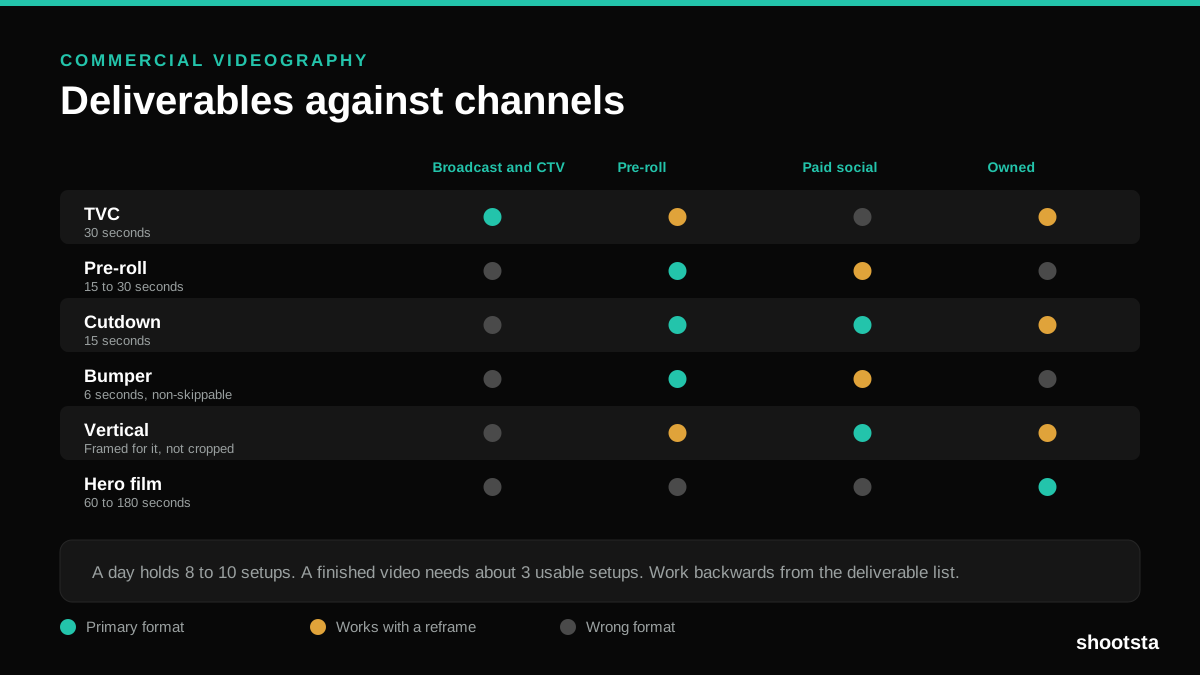
Commercial Videography: Cost and Scope
Commercial videography is priced by the day and judged by the deliverable. Most projects go wrong because those two numbers were never reconciled.
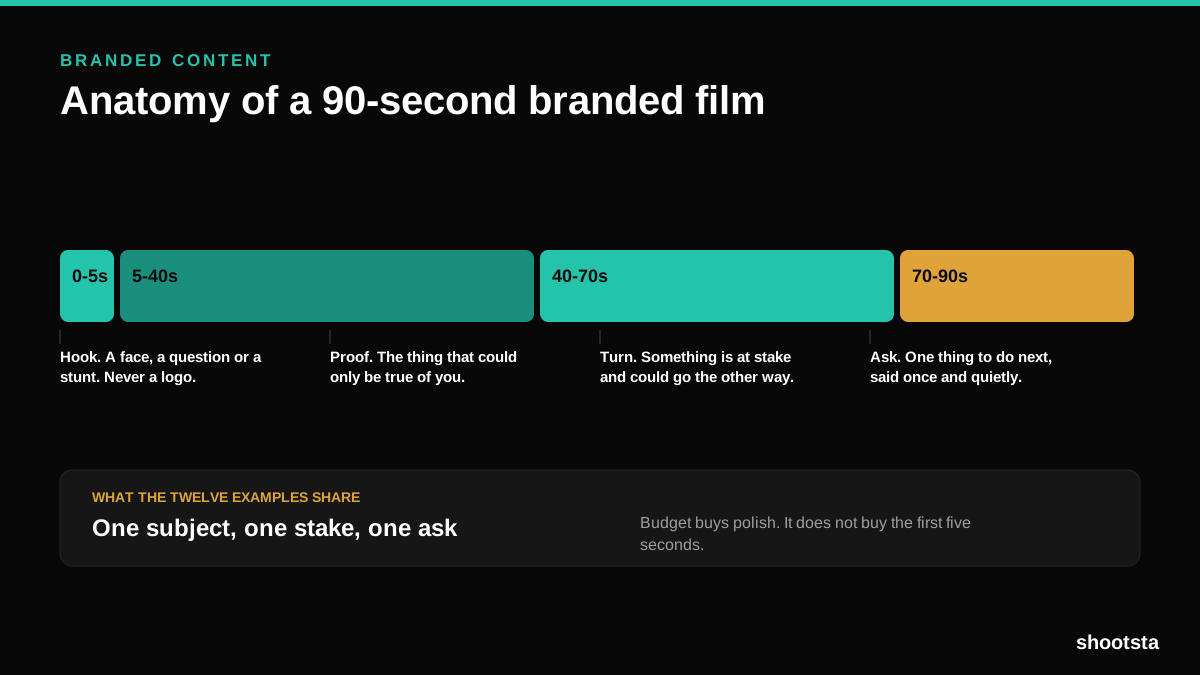
12 Branded Content Examples That Worked
Twelve pieces of branded content that people chose to watch, what each one got right, and the structure underneath all of them.
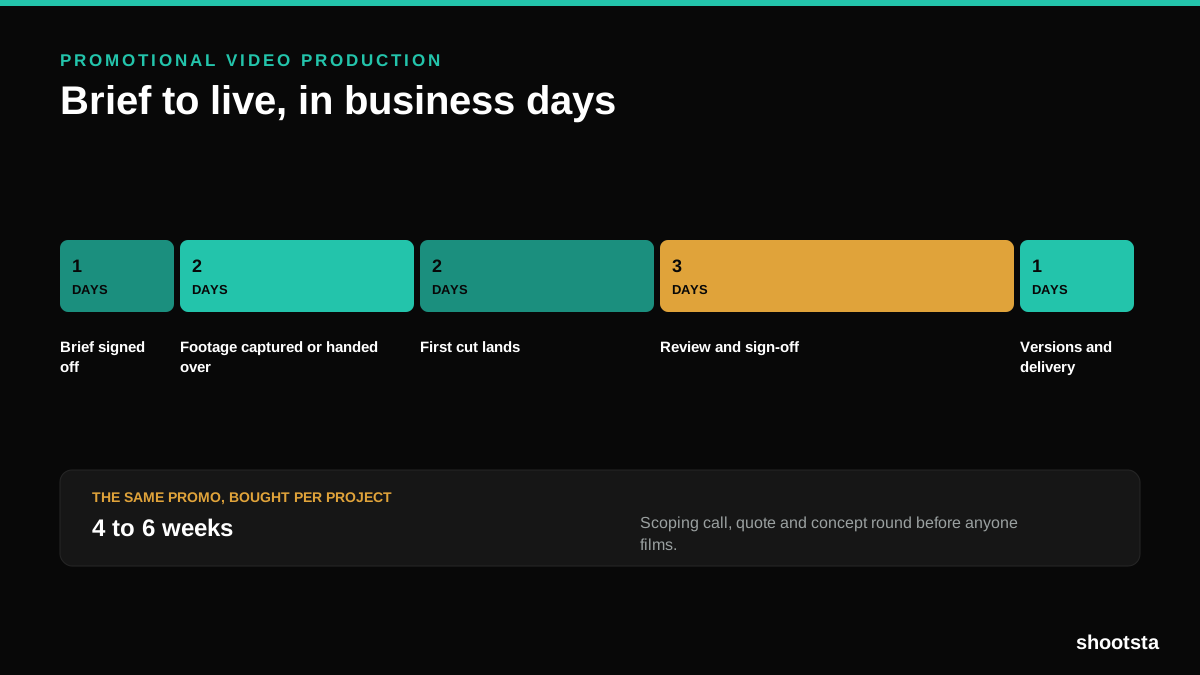
Promotional Video Production: Cost and Time
Most promotional video production schedules are not slow because of the edit. They are slow because of the approval chain. Here is where the days go.
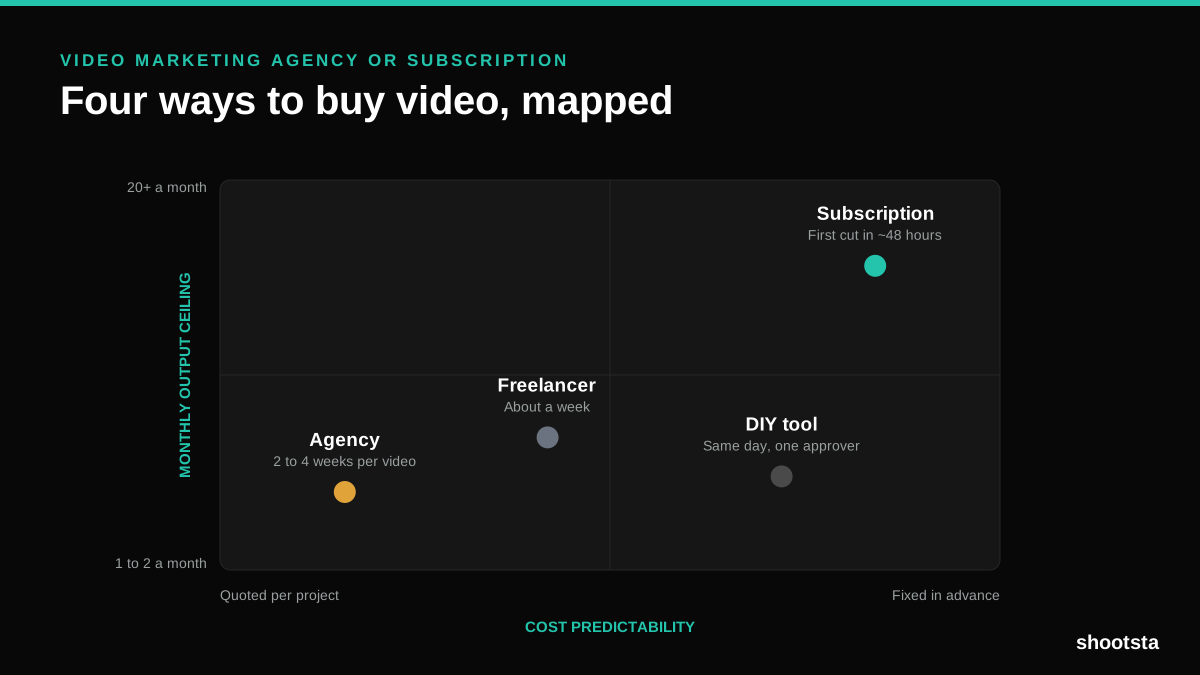
Video Marketing Agency or Subscription?
A video marketing agency prices per project and works in weeks. A subscription prices the year and works in days. Which one fits depends on how often you publish, not on which is better.

B2B Video Production: Costs and Buying Models
There are five ways to buy B2B video production. Each one works well up to a point and then breaks, usually at a volume nobody planned for. Here is what each costs and where the ceiling sits.
How to Measure Video Speed-to-Market
How to Measure Video Speed-to-Market
Speed-to-market is the lag between needing a video and publishing it. For marketing teams it is a revenue metric. Here is how to measure and improve it.