
LinkedIn Video Ad Specs and Formats 2026
shootsta.
LinkedIn Video Ad Specs and Formats 2026
By Mark Ashworth · Published April 14, 2026 · Updated October 2026
Every LinkedIn video ad format with exact specs, dimensions, file size limits, and duration caps. Updated for 2026 with performance data on what works.
What LinkedIn video ad formats are available in 2026?
LinkedIn has more video ad formats than many marketers expect. Each format has its own specs and placement rules, and each behaves differently once it runs. If you get the specs wrong, your video can be rejected, cropped badly or look amateur in the feed.
Here is every format available right now, with the exact technical requirements you need to hit before uploading.
What are the specs for sponsored content video ads?
Sponsored content video is the default LinkedIn video ad format. It appears directly in the feed, and it is the format most advertisers start with. These are the specs:
- Aspect ratios: 16:9 (horizontal), 1:1 (square), 9:16 (vertical), 4:5 (vertical)
- Resolution: Minimum 360p, recommended 1080p or higher
- File size: 75KB minimum, 200MB maximum
- Duration: 3 seconds to 30 minutes
- File formats: MP4 only
- Frame rate: 30fps recommended (up to 60fps supported)
- Audio: AAC or MPEG4, under 64KHz not recommended
Square (1:1) and vertical (4:5) videos take up more of the screen on a phone, and much of LinkedIn's use happens on mobile. A bigger frame is harder to scroll past, so square and vertical cuts tend to hold mobile viewers longer than horizontal 16:9 ones.
How do carousel video ads differ from single video?
Carousel ads let you combine up to 10 cards, and each card can be a video or an image. This format works well for product walkthroughs, multi-step processes, or comparing features side by side. The specs per card:
- Aspect ratio: 1:1 only (all cards must match)
- Resolution: 1080x1080 recommended
- File size: 200MB maximum per card
- Duration: Up to 30 minutes per card (but keep it under 60 seconds per card for engagement)
- Cards: 2-10 per carousel
Carousels give people a reason to swipe, which a single image does not. The video version works best when each card moves the story forward, rather than showing clips that stand on their own.
What specs apply to LinkedIn message ads with video?
Sponsored messaging (formerly InMail) now supports video attachments and embedded video. This format reaches people in their LinkedIn inbox, which gets it noticed but comes with stricter targeting rules.
- Aspect ratio: 16:9 recommended
- Resolution: 1080p recommended
- File size: 200MB maximum
- Duration: Keep under 2 minutes - inbox context means people expect brevity
- Auto-play: No - user must click to play
Because video in message ads requires a click to play, the thumbnail matters more than in any other format. Use a frame that shows a face, a text overlay or a clear visual hook, because people skip past generic thumbnails.
Free PDF Guide
Get the LinkedIn Video Spec Cheat Sheet
Every organic and ad limit, ratio, and file format on one page. Keep it next to your editor.
How do LinkedIn event ads with video work?
Event ads promote LinkedIn Events and LinkedIn Live broadcasts. You can attach a video preview to the event promotion. The ads show up in the feed and target people who are likely to register.
- Aspect ratio: 16:9 or 1:1
- Resolution: 1080p recommended
- File size: 200MB maximum
- Duration: 15-60 seconds recommended (this is a teaser, not the event itself)
Event ad videos should show a clip from a previous event or a direct-to-camera invite from the speaker. People are more likely to register when they can see who they will hear from. If you are running regular LinkedIn Live events, check out our guide on building a full LinkedIn video strategy to make the most of every broadcast.
Does video duration affect performance on LinkedIn?
Yes. Short videos get watched to the end far more often than long ones, and LinkedIn's own guidance favors keeping ads under 30 seconds. For brand awareness campaigns, a 15-second spot usually costs less per view than a 60-second version.
That said, the right length depends on your objective. Keep top-of-funnel awareness ads under 30 seconds. Mid-funnel videos such as product demos and case study snippets can run 30-90 seconds, while bottom-funnel retargeting videos should be 15-30 seconds with one clear CTA.
A slow start does more damage than length. LinkedIn auto-plays video in the feed with the sound off, so the first 3 seconds decide whether someone stops scrolling. Open with motion, a text overlay or a face, and save the logo animation for the end. For more on building a complete approach, see our LinkedIn video production guide.
What are the best practices for LinkedIn video creative?
Correct specs only get your video approved. These habits are what lift the results:
Always add captions. A large share of LinkedIn video is watched with the sound off. Burned-in captions that you have checked hold viewers better than auto-generated ones. Use high-contrast text that is easy to read on a phone.
Front-load the value. State your point in the first 5 seconds, because LinkedIn users scroll fast. If your video opens with "Hi, my name is...", many viewers will have moved on before you reach the point.
Match the format to the funnel stage. Use square and vertical for awareness, since those ads are seen mostly on phones. Horizontal 16:9 suits longer consideration videos that people watch on desktop, and carousels suit product comparisons and stories told in steps.
Test thumbnail images. LinkedIn lets you upload a custom thumbnail, so use it. The frame LinkedIn picks for you is rarely the best one. A/B test thumbnails the same way you would test ad headlines.
How do you produce LinkedIn videos at scale without breaking the budget?
You may already know that video does well on LinkedIn. The hard part is making enough of it to post regularly, because traditional production is slow and expensive at that volume.
That is the gap Shootsta's LinkedIn video production fills. With a subscription model, your team can produce several LinkedIn video formats each month, from thought leadership clips to product demos and event recaps. You do that without hiring freelancers or agencies for each project.
Download our LinkedIn Video Strategy Guide for a complete framework covering content planning, production workflows, and performance tracking.
What should you do next?
Get your specs right first, then focus on creative quality and posting on a steady schedule. On LinkedIn, the brands that do well with video tend to be the ones that publish regularly with a clear point of view, whatever their budget. Read our posts on building a thought leadership video program and measuring B2B video ROI to connect your LinkedIn video effort to actual business results.
Take this article with you
Read the latest at shootsta.com/blog/linkedin-video-ad-specs-and-formats-2026
You might also like

Shootsta at Day 1 of B2B Marketing Leaders Forum
Shootsta is at B2B Marketing Leaders Forum Asia in Singapore on 14 and 15 October 2026. Watch our day 1 video, edited overnight and ready before the first coffee break on day 2.
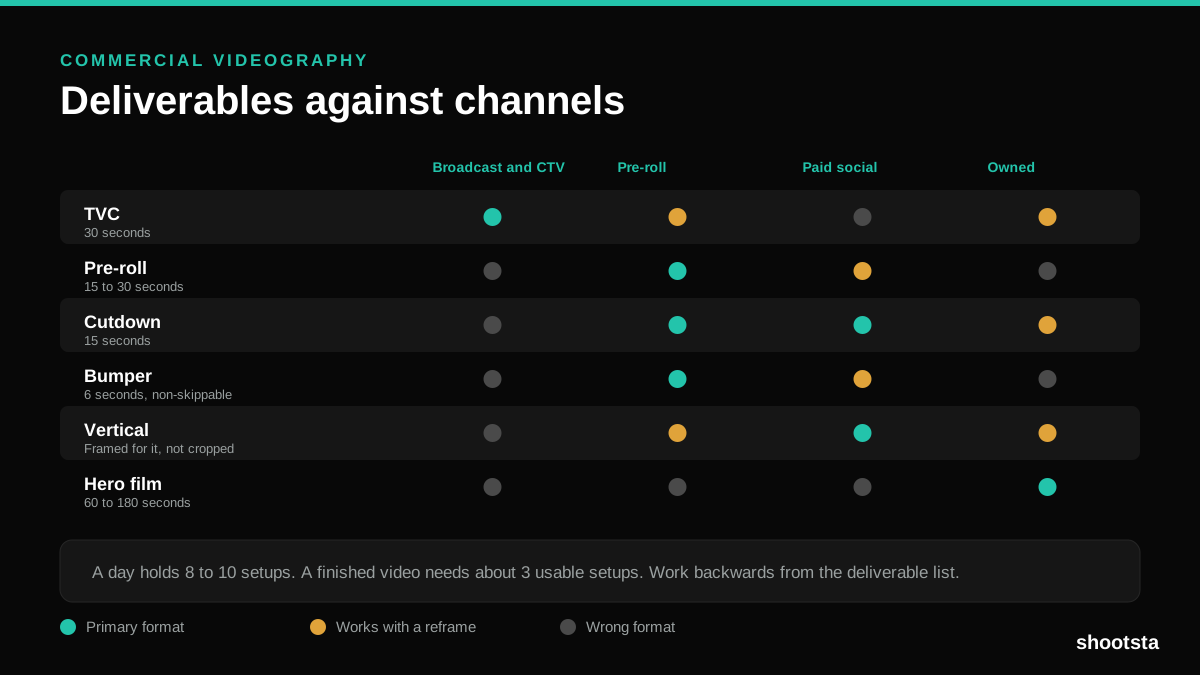
Commercial Videography: Cost and Scope
Commercial videography is priced by the day and judged by the deliverable. Most projects go wrong because those two numbers were never reconciled.
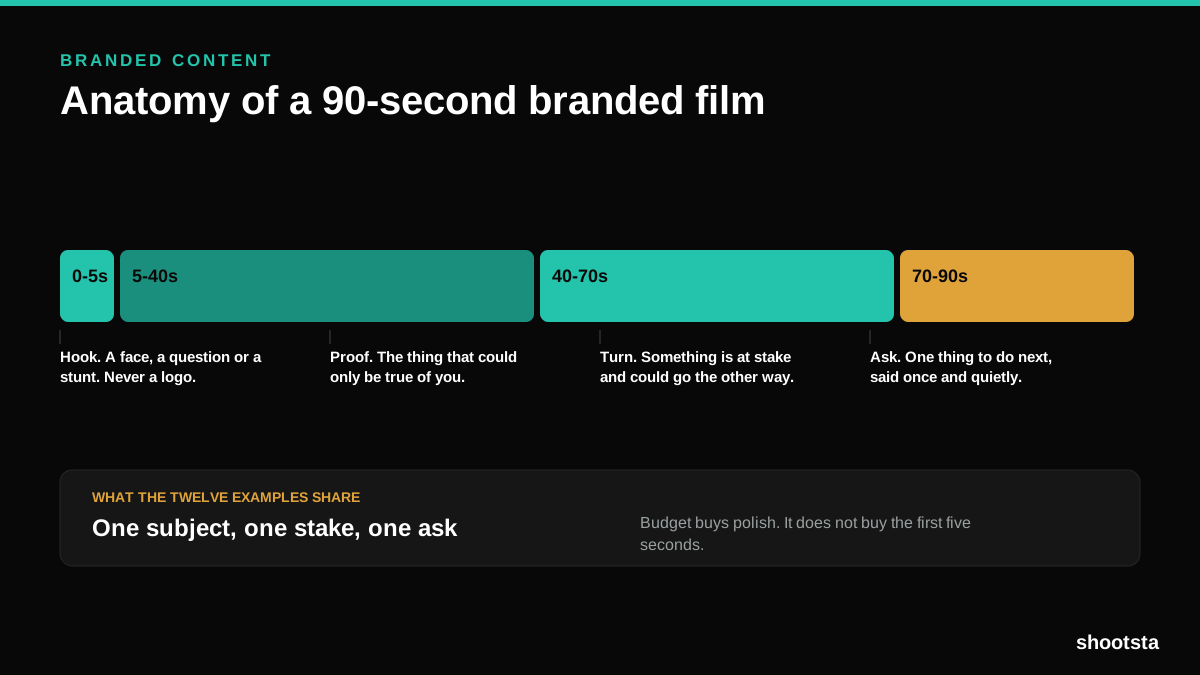
12 Branded Content Examples That Worked
Twelve pieces of branded content that people chose to watch, what each one got right, and the structure underneath all of them.
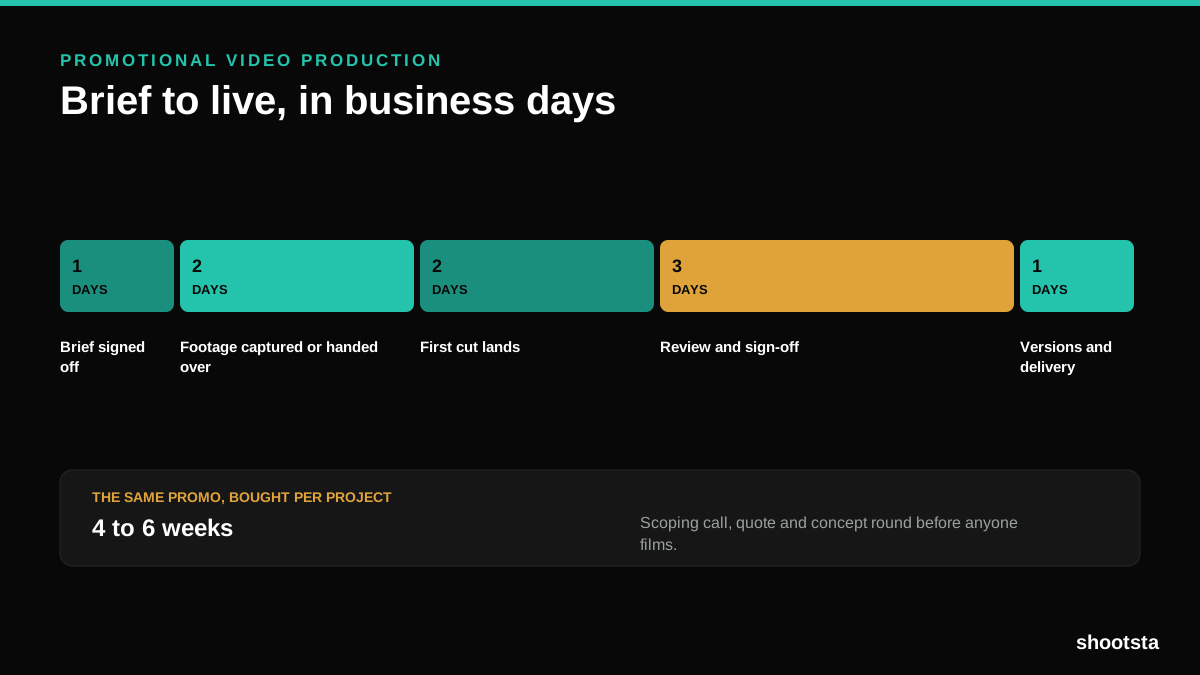
Promotional Video Production: Cost and Time
Most promotional video production schedules are not slow because of the edit. They are slow because of the approval chain. Here is where the days go.
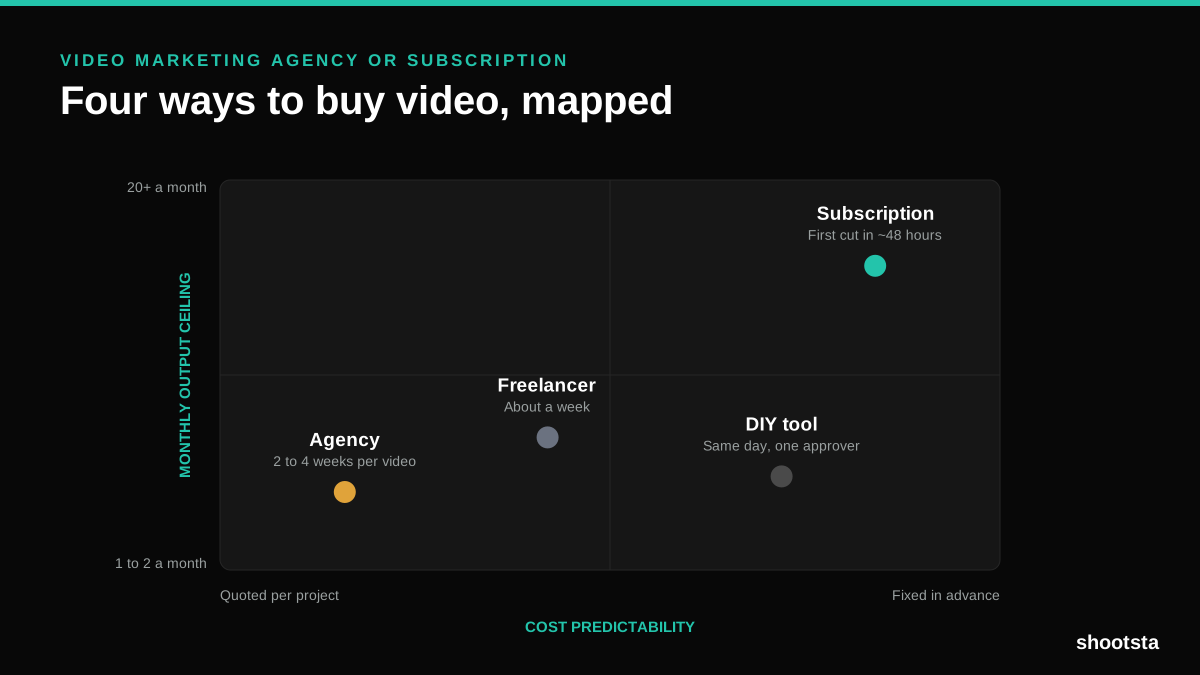
Video Marketing Agency or Subscription?
A video marketing agency prices per project and works in weeks. A subscription prices the year and works in days. Which one fits depends on how often you publish, not on which is better.

B2B Video Production: Costs and Buying Models
There are five ways to buy B2B video production. Each one works well up to a point and then breaks, usually at a volume nobody planned for. Here is what each costs and where the ceiling sits.