
Microlearning Video: Short Videos That Teach
shootsta.
Microlearning Video: Short Videos That Teach
By Shootsta · Published March 31, 2026 · Updated October 2026
How to use microlearning video to train employees in 1-3 minute bursts. Covers when microlearning works, how to structure modules, production tips, and measuring impact.
What is microlearning video?
Microlearning video is training content delivered in short bursts - typically 1 to 3 minutes per video - each focused on a single concept, skill, or task. Instead of a 45-minute training session that covers 10 topics, you produce 10 videos that cover one topic each.
The format matches how people learn at work. Employees don't block out an hour for training. They have 3 minutes between meetings, or they need a quick refresher before performing a task they haven't done in months. Microlearning videos meet them in those moments.
When does microlearning video work best?
Microlearning does not replace all of your training, and it works best in a few specific situations.
Reinforcement after initial training: Your new hire watches a comprehensive onboarding series in their first week. Three months later, they need a reminder on how to submit an expense report. A 90-second microlearning video is the answer - they don't need to rewatch a 20-minute module.
Just-in-time performance support: An employee is about to use a system they don't use often. They pull up a microlearning video on their phone, watch the 2-minute walkthrough, and do the task correctly. No need to call IT or search through a knowledge base.
Ongoing skill building: Daily or weekly "video tips" that build capability over time. A sales team watching one negotiation technique per week. A customer service team getting one de-escalation tip each Monday. Small investments that compound.
Process or policy updates: When a procedure changes, a 90-second video explaining what's different is faster to produce and consume than updating a 50-page manual and hoping employees find the relevant section.
Microlearning doesn't work for complex topics that require deep understanding, hands-on practice, or extended discussion. For those, use longer training formats. See our employee onboarding video guide for structured programs.
How do you structure a microlearning video?
The structure is simple because it has to be. You have 1-3 minutes. Every second needs to earn its place.
The formula
Hook (5-10 seconds): Tell the viewer exactly what they'll learn. "In this video, you'll learn how to create a purchase order in SAP." No preamble, no intro music, no branding sequence.
Content (60-150 seconds): Teach the thing, and keep each video to a single concept, process or skill. Use screen recordings for software, direct-to-camera for concepts, or animation for abstract topics. Show the steps in order.
Summary (10-15 seconds): Recap the key action in one sentence. "To create a PO, go to Transaction ME21N, enter the vendor and material, then submit for approval." Link to the next video if it's part of a series.
Rules that keep microlearning effective
One video, one topic. If you catch yourself saying "and another thing to know is..." you need a second video.
No intros longer than 5 seconds. A branded bumper is fine. A 20-second animated intro on a 90-second video is absurd.
Visual over verbal. Show the screen, the process, the diagram. If you're just talking over a static slide, the video format isn't adding value.
How do you build a microlearning video library?
A microlearning program isn't a single project - it's an ongoing production pipeline. Here's how to set it up.
Identify your highest-frequency questions
Talk to your helpdesk, IT support, HR team, and team leads. Ask them: "What do people ask you how to do most often?" Each answer is a microlearning video waiting to be made.
Group videos into pathways
Group related videos into learning pathways. You might set up "New employee essentials" with 8 videos, "Salesforce basics" with 6 and "Q1 compliance updates" with 4. Pathways give structure without requiring learners to commit to a long course.
Set a production cadence
Produce 2-4 microlearning videos per week. With a video production subscription, each video costs a fraction of a traditional training production. Film them in batches - record 4 screen recordings in one session, send them all for editing, and receive polished videos back within 48 hours.
Distribute through existing channels
Don't create a separate platform for microlearning. Put videos where employees already go: your LMS, intranet, Slack, Teams, or a shared drive. The easier they are to find, the more they'll be used.
How do you produce microlearning video quickly?
Speed matters more than perfection for microlearning. A useful video published today beats a polished video published next month.
Screen recordings: Open the tool, hit record, walk through the process, stop recording. Add a voiceover or narrate as you go. Total filming time: 5 minutes per video.
Phone or webcam pieces: For concept-based microlearning, the subject matter expert records themselves on camera for 2 minutes. No studio needed. Use basic phone filming techniques for decent quality.
Professional finish: Upload raw footage to Shootsta. Editors add branded intros, captions, and graphics. Each microlearning video comes back edited within 48 hours, looking consistent with every other video in your library.
At this cadence, a single L&D professional can produce 50+ microlearning videos per quarter without it becoming their full-time job.
How do you measure microlearning video impact?
Microlearning is harder to measure than formal training because it's consumed informally. Focus on these signals.
View frequency: Check which videos are watched most, because high-traffic videos are solving real problems. Low-traffic ones might be answering questions nobody asks.
Repeat views: Videos with high repeat view rates are being used as reference material - exactly how microlearning should work.
Support ticket reduction: If you create a microlearning video about password resets and IT support tickets for password resets drop by 30%, the video is working.
Manager feedback: Ask team leads whether they're seeing fewer "how do I..." questions from their teams. Qualitative feedback often captures impact that metrics miss.
How do you get started?
Pick the question your team answers most often. Record a 90-second video answering it. Share it and see if people use it, then make the next one.
For a broader view of training video strategy, read our guide to video for L&D teams or see how Shootsta works for Learning & Development teams.
Take this article with you
Read the latest at shootsta.com/blog/microlearning-video-business
You might also like
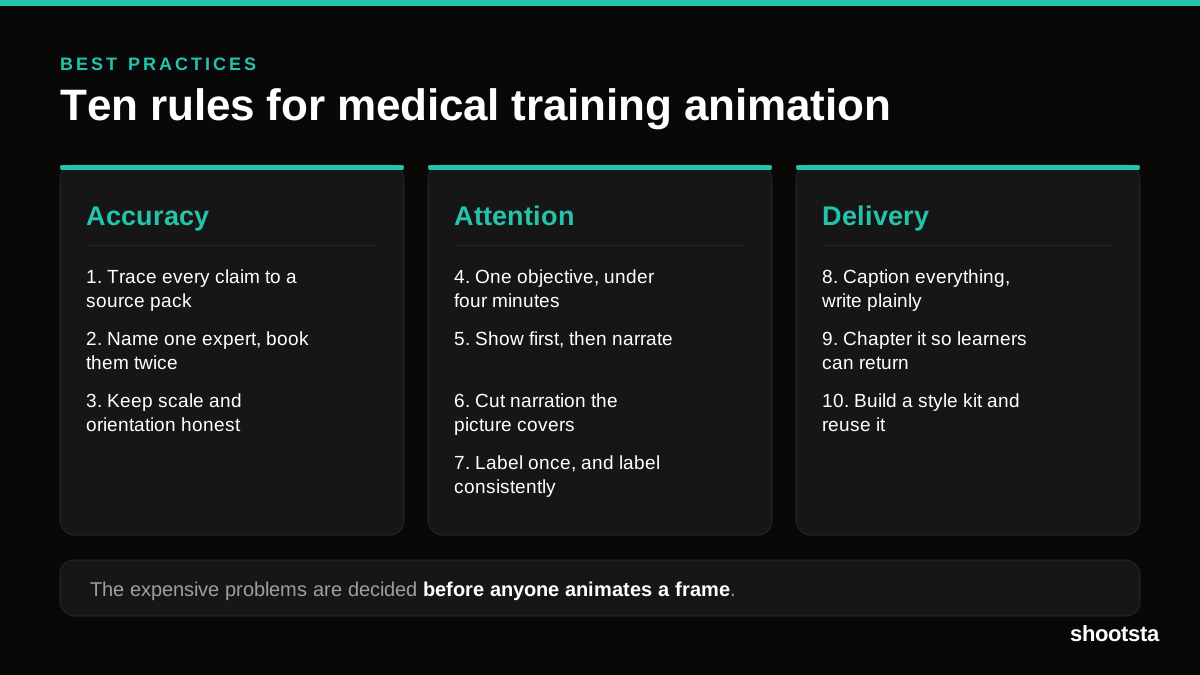
Medical Training Animation Best Practices
Ten rules that hold up across device training, clinical protocol work and mechanism of action modules. Most medical animation fails for dull reasons: too many objectives, narration that repeats the picture, and review that arrives too late to change anything.
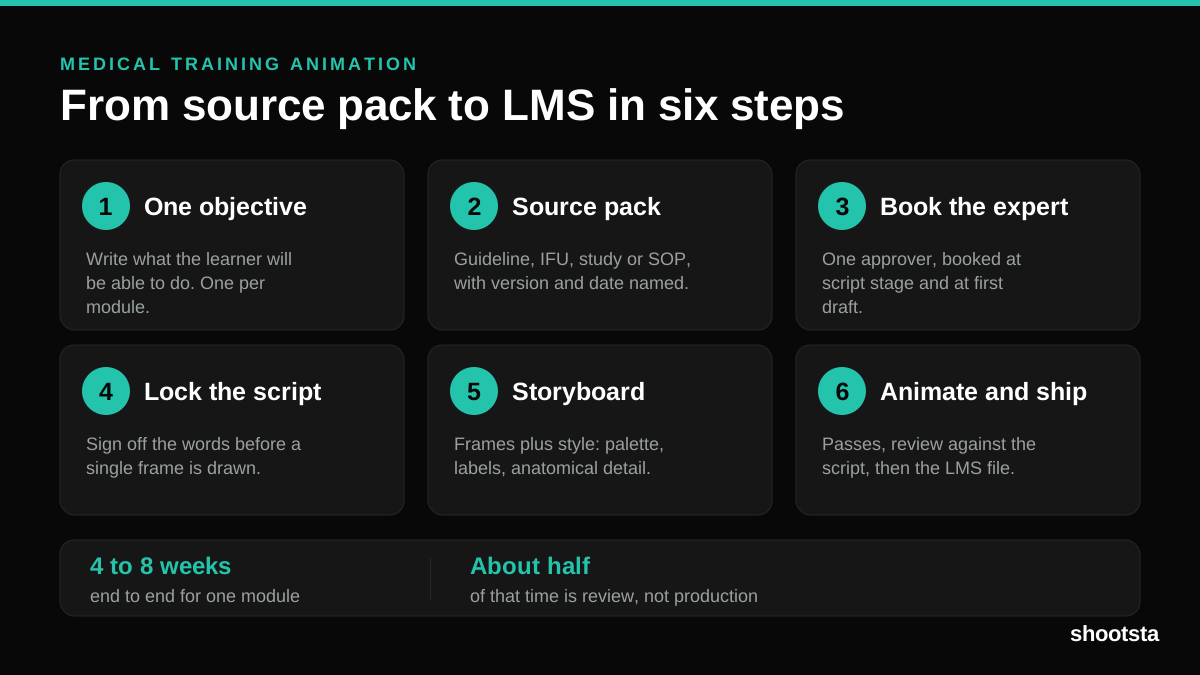
Medical Training Animation: A Complete Guide
A medical training animation teaches a procedure, a device workflow, or a mechanism the camera cannot reach. Here is how one gets made, what it costs, and how to keep medical review from eating the schedule.
What Delayed Training Videos Cost L&D Teams
What Delayed Training Videos Cost L&D Teams
When training video ships late, employees work without the knowledge for longer. For a distributed enterprise, that backlog has a large, measurable cost.
Australian Corporate Training Video Production
Australian Corporate Training Video Production
A practical guide to corporate training video production for Australian teams: compliance and WHS modules, LMS-ready formats, AEST turnaround, and what a training library costs to build.
What Makes a Great Learning Video
What Makes a Great Learning Video
A great learning video changes what someone can do after watching it. Here is how the best ones are built, the mistakes that lose learners, and how the panel scores them.
Animation Use Cases for L&D Teams
Animation Use Cases for L&D Teams
Learning and development teams get more out of animation than almost any other function. Here are the places it works hardest, and where you should still reach for a camera.