
How to Repurpose Event Video for LinkedIn
shootsta.
How to Repurpose Event Video for LinkedIn
By Mark Ashworth · Published April 17, 2026 · Updated October 2026
Stop filming events and posting footage once. One 30-minute keynote can become 10+ LinkedIn clips. Here is the pre, during, and post-event repurposing playbook.
Why do most companies waste their event video?
You may know this pattern. A company spends a large share of its budget on an event and hires a video crew to film all of it. Then it posts a highlight reel on YouTube, shares it once on LinkedIn and moves on. A few months later, nobody remembers the footage exists.
This is the "film and forget" problem, and it is one of the biggest missed opportunities in B2B marketing. That footage holds dozens of separate posts. Speaker clips, audience reactions, product demos and customer conversations are all raw material for months of LinkedIn video.
The companies that get the most from events tend to have a repurposing plan in place before the doors open. A bigger production budget helps less than you would expect.
How many LinkedIn clips can you get from one event?
You can usually get more clips than you expect. As an example, one 30-minute keynote at an industry conference can produce:
- 3-5 standalone insight clips (30-60 seconds each, one key point per clip)
- 1-2 "hot take" clips where the speaker said something bold or contrarian
- 1 audience reaction or Q&A moment
- 2-3 quote cards with video background
- 1 longer "best of" edit (2-3 minutes) for the company page
That is 10+ pieces of content from a single talk. Now multiply that by the number of sessions, panels and interviews at your event. A two-day conference with 10 sessions can produce 100+ LinkedIn clips, which is enough for three months of daily posts.
What should you capture before the event?
Repurposing starts before the event happens. Pre-event content builds anticipation and drives registrations, and it creates matched pairs for post-event content.
Speaker preview videos. Record 30-second clips of each speaker answering "What is the one thing attendees will walk away with?" Post these in the weeks leading up to the event. After the event, pair them with clips of the actual talk delivering on that promise.
Behind-the-scenes setup. Film the venue walkthrough, the tech check and the team preparing materials. These are low-effort, high-engagement clips because people enjoy seeing the "before" version of events they attend or follow.
Teaser campaigns for paid promotion. Cut a 15-second teaser from last year's event footage (or from rehearsal clips) and run it as a LinkedIn video ad targeting your ideal attendee profile. Keep it short and point it at one goal, which is getting people to register.
What is the strategy for capturing content during the event?
It is easy to under-invest in filming on the day itself. A single camera pointed at the stage records the talks, but it misses the informal moments that often make the best clips.
Assign a "roaming" videographer. This person captures hallway conversations, booth interactions, audience reactions, and quick interviews. The raw, authentic clips from a roaming camera often outperform the polished stage footage on LinkedIn because they feel real.
Set up a "video booth." This is a simple setup with a backdrop, a ring light and a mic, where attendees record 30-second testimonials, hot takes or reactions. Salesforce runs booths like this at Dreamforce, and the clips feed its social calendar for months.
Capture audience questions. The Q&A part of a session is often the most useful footage. The questions show you what your audience cares about, and the answers are ready-made content clips. Make sure your recording setup captures both the question and the response clearly.
Film speaker walk-offs. Right after a speaker finishes their talk, grab them for a 60-second debrief. "What was the reaction you did not expect?" or "What is the one thing you wish you had more time to cover?" These clips feel immediate and unscripted because they are.
Free PDF Guide
Get the LinkedIn Video Strategy Guide
Turn one event shoot into a quarter of LinkedIn content. The full repurposing playbook is in the guide.
How do you structure post-event repurposing?
Follow this timeline and one event can supply your LinkedIn plan for 8-12 weeks:
Week 1 (immediate): Post the highlights, such as a 90-second recap video, the best 2-3 speaker clips and a behind-the-scenes montage. Tag speakers and attendees. Engagement is usually highest this week because the event is still fresh.
Weeks 2-4 (deep cuts): Release individual speaker clips, one per day. Each clip should focus on a single insight or takeaway. Write a LinkedIn post that provides context and invites discussion. These clips work as organic posts and as LinkedIn video content for your company page.
Weeks 4-8 (repurpose for paid): Take the clips that performed best organically and turn them into paid ads. You already know what resonates because the organic engagement told you. Run these as retargeting ads to people who engaged with the event but did not convert, and as prospecting ads to lookalike audiences.
Weeks 8-12 (evergreen): The insights from good conference talks do not expire in a month. Re-edit the best clips with updated context, bundle them into themed series, or use them as supporting content in email sequences and nurture campaigns.
How did HPE and Salesforce approach event video repurposing?
HPE Discover is a good example of the multi-format approach. HPE films keynotes, breakout sessions, and customer stories during their annual conference. They then cut those into short clips for LinkedIn, longer edits for YouTube and audio clips for their podcast. That way one event feeds several channels for months.
Salesforce takes this further with Dreamforce. It cuts a very large number of clips from a single event and shares them through employee advocacy (employees share clips from their personal profiles), paid campaigns, email sequences, and their owned media channels. For Salesforce, the event works as a production engine as well as a live experience.
You do not need to operate at Dreamforce scale. The principle is the same whether you are filming a 50-person customer roundtable or a 50,000-person conference: plan for repurposing before you start filming, capture more than you think you need and spread the posts across several weeks.
What tools and workflows make repurposing efficient?
The bottleneck in event video repurposing is usually editing. You come back from an event with 10 hours of raw footage and no time to cut it into 50 clips. This is where having a video production partner like Shootsta pays off. You send the raw footage, and the editing team delivers formatted, captioned clips ready for LinkedIn within days.
For the workflow itself:
- Timestamp during filming. Have someone note the timecodes of key moments while the event is happening. This saves hours in post-production.
- Batch your edits. Do not edit one clip at a time. Cut all the clips from a single session in one sitting.
- Create templates. Standard intro/outro cards, caption styles, and aspect ratio presets for LinkedIn (1:1 or 4:5 for feed, 9:16 for Stories).
- Build a content calendar before editing. Know which clips go where and when before you start cutting. This prevents the "we edited 30 clips and then forgot to post them" problem.
What should you do with your next event?
If you have an event coming up, start planning the repurposing strategy now, while there is still time to change the shoot. Map out the clip types you want (speaker clips, testimonials, behind-the-scenes, recaps). Then assign who captures what and build a 12-week posting calendar.
Download the LinkedIn Video Strategy Guide for a complete framework that covers event video alongside thought leadership, employee advocacy, and paid campaigns. And if you want to see how the measurement side works, our B2B video ROI KPIs post lists the metrics to track for event-sourced content.
Take this article with you
Read the latest at shootsta.com/blog/repurpose-event-video-for-linkedin
You might also like
Commercial Videography: Cost and Scope
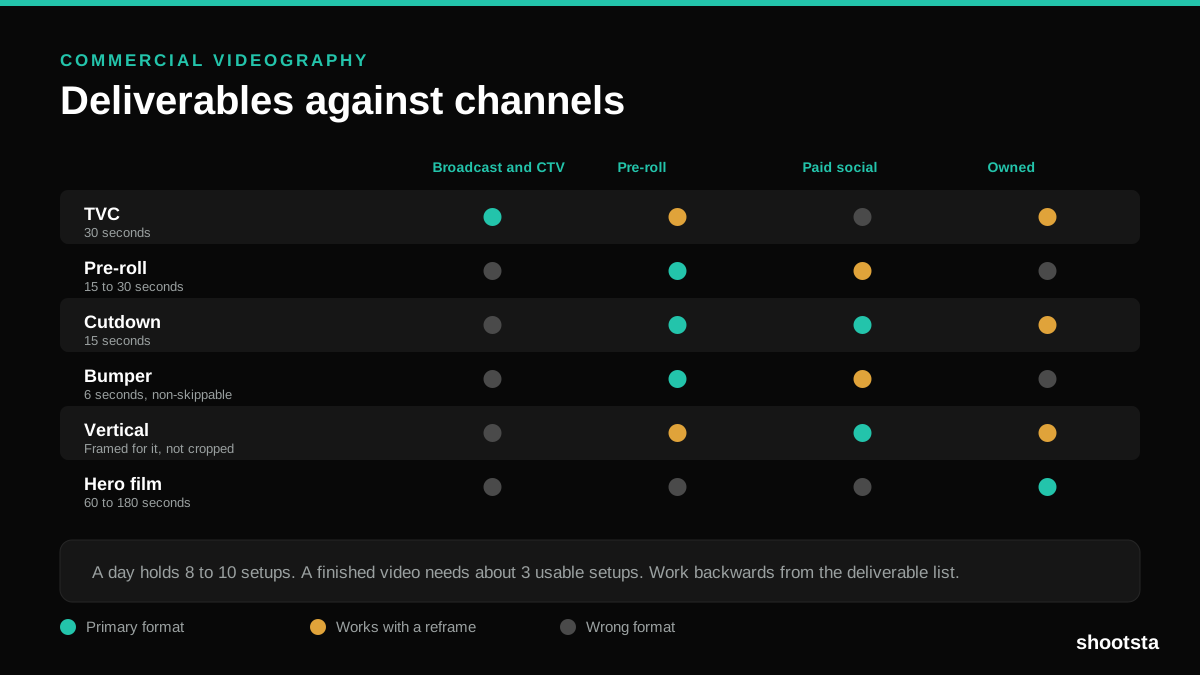
Commercial videography is priced by the day and judged by the deliverable. Most projects go wrong because those two numbers were never reconciled.
12 Branded Content Examples That Worked
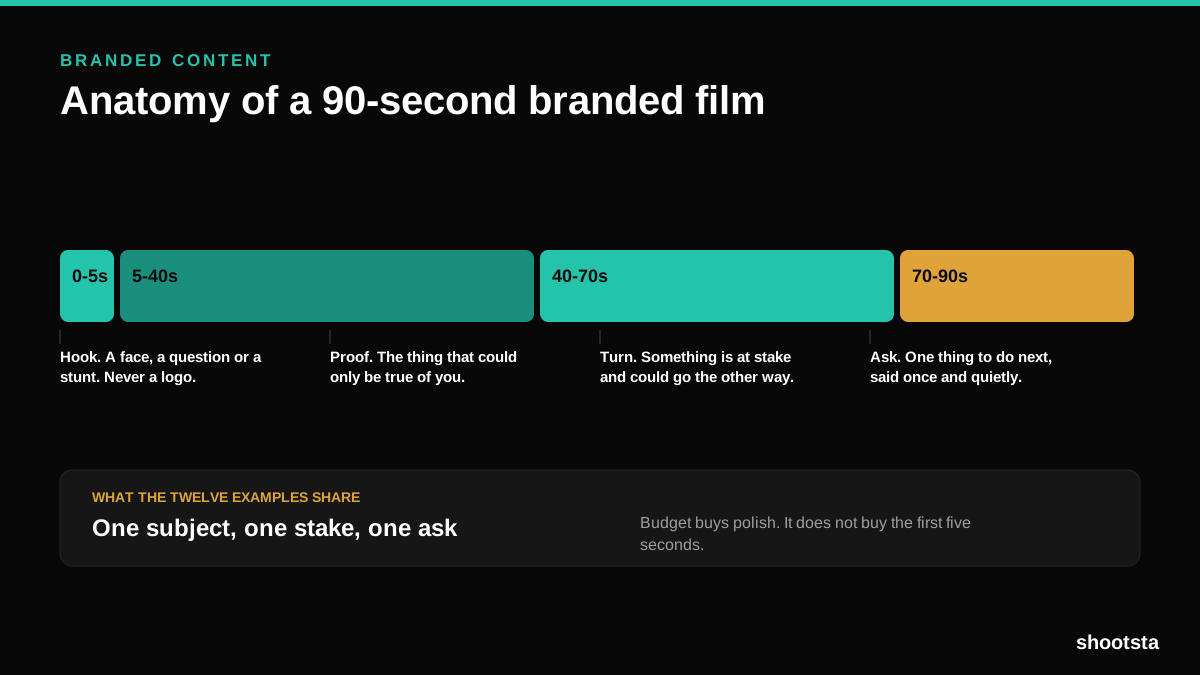
Twelve pieces of branded content that people chose to watch, what each one got right, and the structure underneath all of them.
Promotional Video Production: Cost and Time
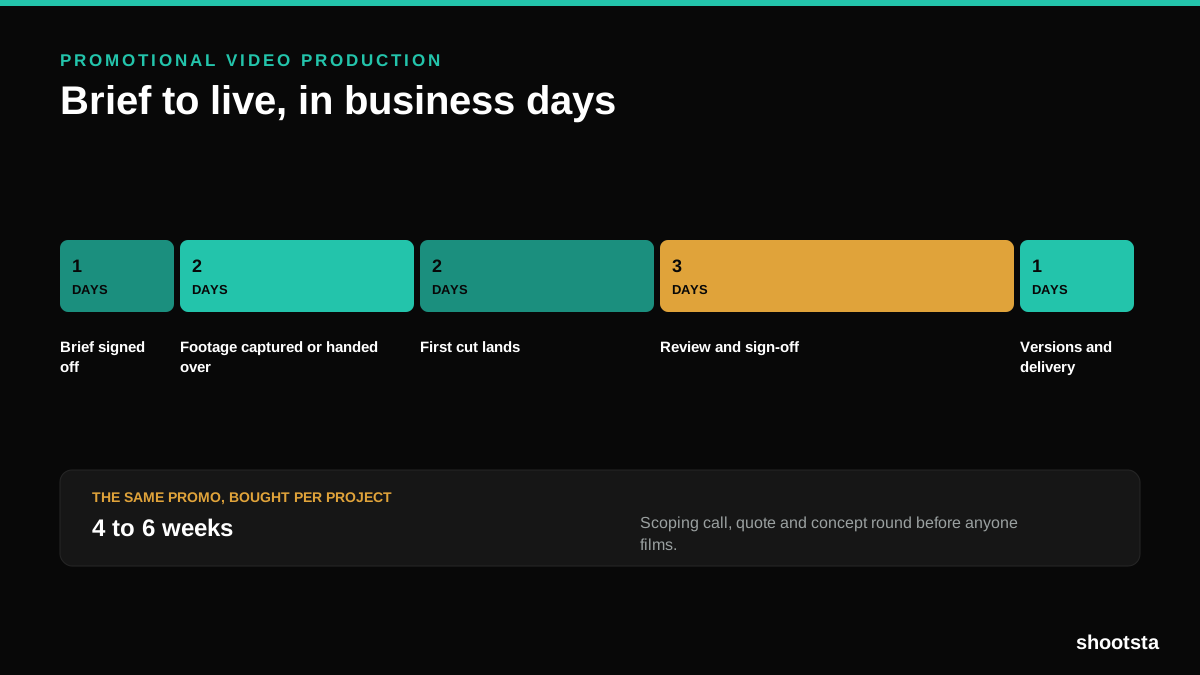
Most promotional video production schedules are not slow because of the edit. They are slow because of the approval chain. Here is where the days go.
Video Marketing Agency or Subscription?
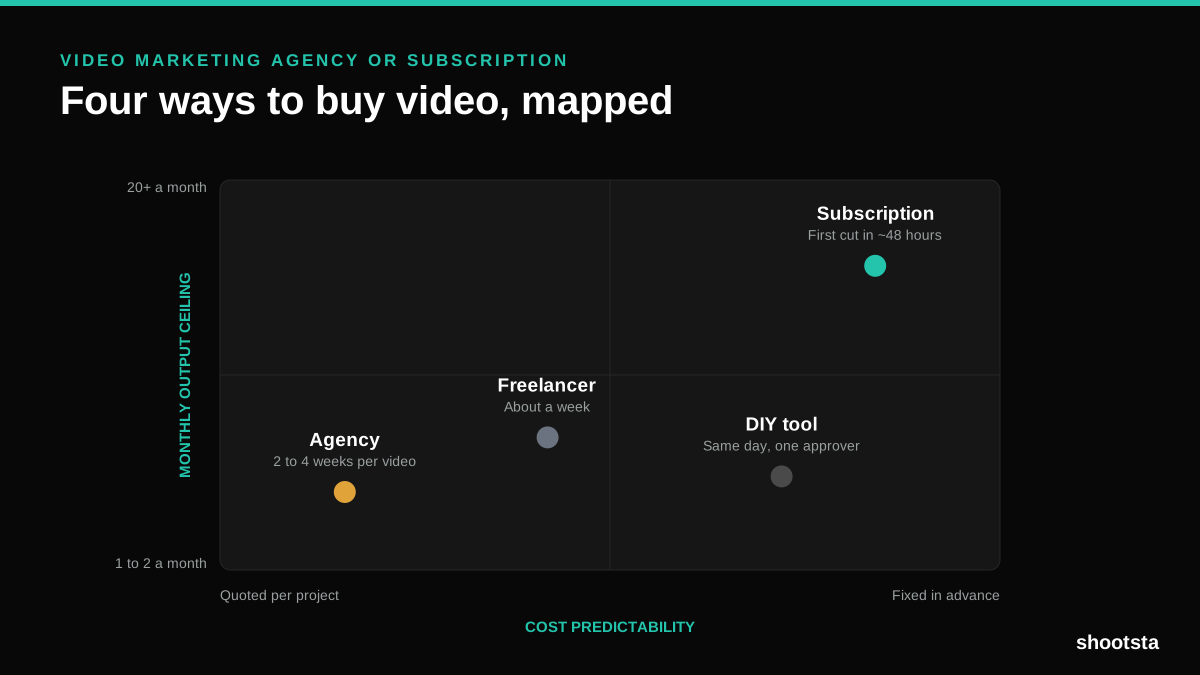
A video marketing agency prices per project and works in weeks. A subscription prices the year and works in days. Which one fits depends on how often you publish, not on which is better.

B2B Video Production: Costs and Buying Models
There are five ways to buy B2B video production. Each one works well up to a point and then breaks, usually at a volume nobody planned for. Here is what each costs and where the ceiling sits.
How to Measure Video Speed-to-Market
How to Measure Video Speed-to-Market
Speed-to-market is the lag between needing a video and publishing it. For marketing teams it is a revenue metric. Here is how to measure and improve it.