
shootsta.
How to Film a Professional Interview: UK Setup Guide
By Mark Ashworth · Published September 16, 2025 · Updated October 2026
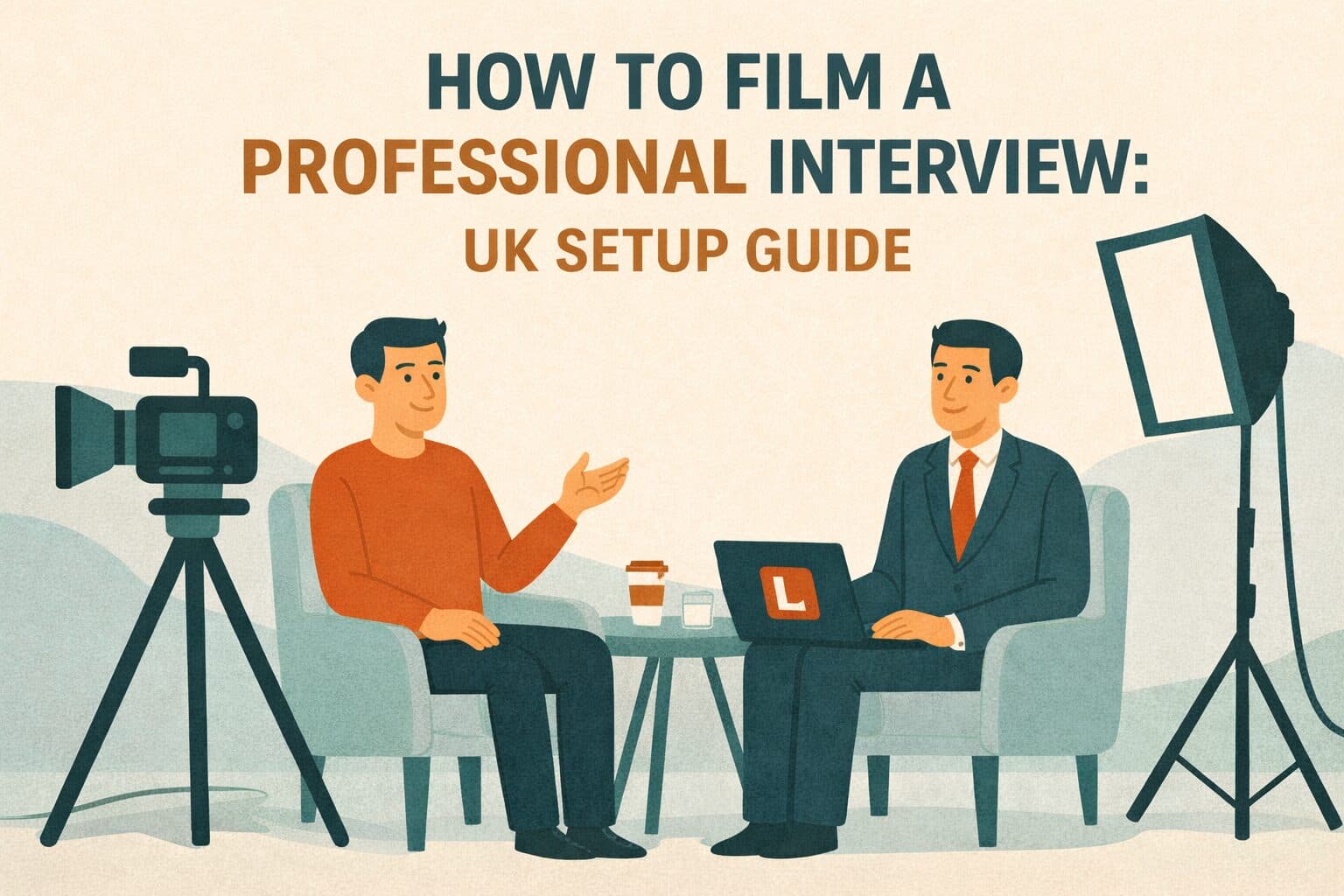
Complete interview setup UK guide covering equipment, lighting, audio, and technique. Learn how to film an interview professionally with this corporate interview guide.
Many UK companies film interviews that look amateur - poor lighting creates bad shadows, distracting backgrounds hurt credibility, and weak audio makes content unwatchable. These problems come from basic setup mistakes, and cheaper gear is rarely the cause. The right technique fixes them quickly.
This guide takes the guesswork out of filming professional interviews. Whether you are capturing executive messages, employee stories, client case studies, or expert interviews, proper setup turns amateur-looking footage into polished content.
We cover equipment, lighting, audio, backgrounds, camera position, and subject direction. Everything you need for broadcast-quality interview videos.
Essential Equipment for Interview Setup UK
Professional interview videos need specific equipment, but the kit does not have to be pricey. Once you know which items make the biggest difference, you can spend where it counts.
Camera Selection
Modern smartphones with 4K can produce great results for most uses. The latest iPhone or Samsung Galaxy models rival cameras costing thousands when you set them up with the right settings.
For regular production, cameras like the Canon M50, Sony ZV-1, or Panasonic Lumix G7 give you better control over focus, exposure, and audio inputs.
Your settings matter more than what the camera cost. Shoot in your highest resolution. Use manual exposure to stop brightness shifts. Keep the shutter speed at double your frame rate.
Audio Equipment
Audio quality matters more than video quality. Viewers forgive average visuals but leave instantly when audio is bad. Never rely on built-in microphones. You need external mics.
Lavalier (lapel) microphones like the Rode Wireless GO II (£250) give you great quality with freedom of movement. Shotgun microphones on cameras also work well when subjects stay fairly still.
On a tight budget, wired lavalier mics (£30-£50) give you a huge audio boost over built-in options.
Lighting Equipment
Good lighting makes the biggest single difference between amateur and professional video. LED panel lights for video (£80-£200 each) give you controlled, flattering light.
At minimum, you need a key light (main light) and a fill light (to soften shadows). A back light to separate the subject from the background is ideal but optional.
On a budget, place subjects near large windows for natural light. You can also use affordable LED panels from photography shops.
Support Equipment
A sturdy tripod stops shaky footage. Spend £50-£150 on one that holds your camera weight with smooth pan/tilt heads. Cheap ones wobble and ruin shots.
Other useful items include light stands, reflectors to bounce light, backdrop stands for portable backgrounds, and teleprompters for scripted content.
Equipment Reality
Great interview results come from technique, and the gear can stay modest. A £500 smartphone with a £250 lavalier mic and £300 LED lights beats a £3,000 camera with bad audio and poor lighting. Spend on audio and lights before upgrading your camera.
Mastering Interview Lighting
Lighting is the biggest factor that separates amateur from professional interviews. Learning the basics gives you consistent quality.
Three-Point Lighting Fundamentals
Professional interviews use three-point lighting. The key light is your main source, placed 45 degrees from the subject at a slight height. This creates natural shadow definition.
The fill light sits on the other side at about 50% of the key light's brightness, which softens the shadows. The back light goes behind and above the subject. It creates a subtle rim on hair and shoulders.
This setup removes flat, unflattering light while also stopping harsh shadows that make people look tired.
Natural Light Techniques
Window light looks beautiful and costs nothing when used right. Place subjects facing large windows with light hitting them at a 45-degree angle. Use white walls or reflectors to fill shadows.
Never put subjects in front of windows - you will get silhouettes. Overcast days give softer, more flattering light than direct sun.
Natural light works well but limits you to certain times and weather.
Common Lighting Mistakes
Avoid overhead fluorescent or LED ceiling lights. They create ugly shadows under the eyes, nose, and chin. Never use on-camera flash. It creates flat, harsh light.
Keep all lights at the same color temperature (measured in Kelvin). Mixing light types creates odd color casts that are hard to fix.
Professional Audio Capture
Great video with bad audio is unwatchable. Getting audio right needs the right gear and technique.
Microphone Placement
Clip lavalier mics to clothing 15-20cm below the mouth, on solid fabric to avoid rustling. Hide them under light sweaters or place them visibly on collars. Run cables under clothing to keep wires hidden.
Point shotgun mics at the subject's mouth from above the camera, as close as you can get without showing in frame.
Test audio before filming. Levels should peak around -12dB to -6dB to prevent distortion while staying clear.
Environment Control
Location has a huge effect on audio quality. Pick quiet spaces away from traffic, air conditioning, and fridges. Turn off fans, heaters, and unneeded equipment. Close windows if outside noise is a problem.
Use carpet, curtains, and soft furniture to absorb sound and prevent echo in hard-surfaced rooms. Record test clips in proposed locations to catch acoustic issues before the real shoot.
Backup Audio
Always record backup audio in case of gear failure. Use a phone voice recorder as a safety net. Wireless transmitter failure, cable issues, or dead batteries will not ruin a shoot if you have a backup.
Audio Priority
Never cut corners on audio. Viewers put up with average visuals but leave when audio is poor. If your budget is tight, buy quality mics before an expensive camera. You can get decent video from a smartphone, but you need proper audio gear.
Background Selection and Composition
Good backgrounds boost professionalism. Bad ones distract from your message and hurt credibility.
Background Principles
Effective backgrounds complement rather than compete with subjects. Avoid busy patterns, bright colors, or distracting items. Place subjects 1-2 metres from the background wall to create a nice depth of field.
Match backgrounds to context. Executive interviews suit professional office settings. Employee stories work fine in casual workplace areas.
Office and Location Backgrounds
Real locations feel authentic but need thought. Pick well-lit areas with interesting but not distracting features like bookshelves, plants, or architectural details. Avoid windows behind subjects unless you have proper exposure control. Logos or company signs can stay in the frame as long as they sit in the background and do not pull focus from the speaker.
Portable Background Solutions
Portable backgrounds give you a consistent look across locations. Collapsible stands with fabric (£100-£300) create clean, professional setups anywhere. Choose neutral colors like grey or soft blue.
Avoid pure white (causes exposure issues) or pure black (looks like a void). Make sure backgrounds are wrinkle-free and pulled tight.
Camera Framing
Place subjects slightly off-center using the rule of thirds. Imagine the frame split into thirds both ways. Put the subject's eyes on the upper line with their nose pointing toward center. This creates a natural, engaging look.
Leave a small space above the head without too much empty area. For typical interviews, frame from mid-chest up to include hand gestures while keeping focus on the face.
Camera Settings and Technical Details
The right technical settings turn a good setup into great results.
Resolution and Frame Rate
Shoot at the highest resolution you can - minimum 1080p HD, ideally 4K. Higher resolution lets you crop in editing without losing quality. Use 25fps or 50fps for UK standards rather than the North American 30fps or 60fps.
Set shutter speed to double your frame rate (1/50 or 1/100 for 25fps/50fps) for natural motion blur.
Focus and Exposure
Use manual focus to stop the camera hunting during the interview. Set focus on the eyes - viewers notice right away if one eye is sharper than the other. Lock exposure to prevent brightness changes during recording.
Expose for the subject's face even if the background gets slightly over or under-exposed. Minor background exposure differences are fine as long as the subject looks right.
White Balance
Set a custom white balance for accurate colors. Most cameras have presets for different lighting (daylight, tungsten, fluorescent), but a custom setting using a white card works best. Keeping white balance the same across all footage makes editing easier and keeps skin tones natural.
Subject Direction and Interview Technique
Technical skill means nothing if subjects look uncomfortable or deliver weak content.
Pre-Interview Preparation
Brief subjects before filming. Explain the process, expected length, and topic areas. Give questions in advance so they can prepare without scripting their answers.
Tell them where to look - usually slightly off-camera toward the interviewer, not directly at the lens. Discuss clothing: solid colors work best, avoid pure white or black, and show branding if wanted.
Creating a Comfortable Environment
Plenty of people feel nervous on camera, so chat with them casually before filming. Tell them mistakes are fine because the footage will be edited. Show them where they will sit and how the setup works.
Start with easy questions to build confidence before harder topics. Give genuine praise throughout to keep energy and confidence up.
Capturing Best Content
Record multiple takes of key answers - first attempts are rarely the best. If an answer is unclear, ask follow-up questions. Get subjects to include the question in their answer so responses stand alone in editing.
Capture extra footage of subjects sitting quietly (useful for cutaways) and the ambient sound of the location (helps with audio transitions).
Professional Result
Companies using proper interview setup techniques report 60-80% less unusable footage, 40-50% faster editing, and much better audience engagement. Getting the technique right pays off immediately through less wasted time and higher quality content.
Benefits of Professional Interview Setup UK
Good interview technique gives you more than better-looking videos. The sections below cover what changes for your audience and your team once the setup is right.
Enhanced Credibility
Professional production signals competence and attention to detail. Audiences judge content quality as a proxy for business quality. Amateur videos suggest amateur operations regardless of actual expertise.
Improved Engagement
Clear audio, flattering light, and good framing keep audiences engaged. Poor quality creates friction - viewers spend mental energy dealing with technical problems instead of absorbing your message.
Versatile Content Assets
Well-filmed interviews provide reusable content across many formats. A single shoot can yield full interviews, social clips, quote graphics, blog content, and presentation footage. Professional quality means the content works everywhere.
Reduced Production Costs
Getting filming right the first time prevents costly reshoots. Bad audio or lighting often makes footage unusable, forcing complete re-filming. Proper technique captures usable content every time.
Professional Interview Setup UK Checklist
Use this checklist to keep quality consistent across all interview shoots.
Interview Filming Checklist
Pre-Production:
- Location scouted with appropriate lighting and minimal ambient noise
- Background selected providing professional, undistracting appearance
- Subject briefed on process, questions, and expectations
- Clothing guidance provided avoiding problematic patterns or colours
Equipment Setup:
- Camera mounted on stable tripod at appropriate height
- Three-point lighting configured with key, fill, and back lights
- External microphone attached and tested for clear audio
- Backup audio recording system activated as safety
Technical Settings:
- Resolution set to highest available (minimum 1080p)
- Frame rate configured to 25fps or 50fps for UK standards
- Manual focus locked on subject's eyes
- Exposure locked preventing brightness fluctuations
- White balance set for accurate colour reproduction
Before Recording:
- Framing checked following rule of thirds composition
- Audio levels tested peaking appropriately without distortion
- Background clear of distractions and appropriately lit
- Subject comfortable and understands where to look
- Test recording reviewed confirming all systems working
During Recording:
- Monitor audio levels throughout preventing technical issues
- Capture multiple takes of important answers
- Record extra footage including cutaways and ambient sound
- Provide positive encouragement maintaining subject confidence
Taking Action on Interview Production
Professional interview setup changes video quality right away with the right knowledge and modest gear spending.
Start by getting essential equipment based on your budget and how often you film. For occasional interviews, a quality smartphone, external mic (£250), and basic LED lighting (£300-£500) will do.
For regular production, invest in a dedicated camera (£500-£1,000), wireless lavalier system (£250-£400), and professional lighting kit (£500-£800). This £1,500-£2,500 spend delivers professional results for years.
Practice before important shoots. Film test interviews with colleagues and review the footage critically. Reading guides helps, but hands-on practice builds real skill. Pay close attention to audio and lighting since these affect perceived quality the most.
Create standard procedures that document your approach. Checklists keep quality consistent across different operators and locations. Standard setups speed up filming while maintaining quality.
Consider hybrid approaches that mix internal and external resources. Many companies handle routine interviews in-house while hiring pros for flagship content. Platform-based solutions give you flexibility - you film straightforward interviews internally while accessing expert teams for complex productions.
Track your results. Monitor engagement metrics, completion rates, and content performance to compare professional setup against your previous approach. Clear improvement justifies continued investment.
Modern platforms that combine human creativity with AI tools deliver professional interview production at scale with under 48-hour turnaround. You keep flexibility for quick internal needs while accessing professional teams for larger projects.
The companies that win with interview content know that professional quality comes from a proper system, not expensive gear alone. They invest in technique, build repeatable processes, and use both internal skills and outside expertise where it makes sense.
Frequently Asked Questions About How to Film an Interview
What camera should we use for professional interview setup UK?
Modern smartphones with 4K produce great results when paired with proper technique, external audio, and good lighting. The latest iPhone Pro or Samsung Galaxy S models match dedicated cameras costing thousands for interview use.
Dedicated cameras like the Canon M50 (£600), Sony ZV-1 (£700), or Panasonic Lumix G7 (£500) offer better manual controls, low-light performance, swappable lenses, and professional audio inputs.
Filming a good interview depends more on lighting, audio, and technique than camera price. A £500 phone with a £250 mic and £300 lights beats a £3,000 camera with built-in audio and bad lighting.
Spend on audio and lights before camera upgrades. You will usually only hit the limits of a smartphone when you produce very high-end work.
How do we get good audio in interview videos?
You need external mics - never use built-in camera or phone mics. Lavalier (lapel) mics work best for interviews. Clip them to clothing 15-20cm below the mouth.
Wireless systems like the Rode Wireless GO II (£250) offer freedom, while wired options (£30-£50) deliver quality on tight budgets. Place mics on solid fabric to avoid rustling and test levels before recording. Peaks should hit -12dB to -6dB.
Choose quiet locations away from traffic and air conditioning. Turn off fans and unneeded gear. Carpeted rooms with curtains and soft furniture absorb sound and cut echo. Always record backup audio on a phone as insurance.
Test audio in proposed locations before the real shoot to catch problems early. Viewers will tolerate average visuals but leave when audio is poor - make audio quality your top priority.
What lighting do we need for professional interview videos?
You need at least two LED panel lights (£80-£200 each) for key and fill lighting. A third back light to separate subjects from backgrounds is ideal but optional.
Place the key light 45 degrees from the subject at a slight height. Put the fill on the other side at 50% brightness. Add the back light behind the subject for a subtle rim light effect.
As an alternative, use large windows for natural light. Position subjects at 45-degree angles to the window and use white walls or reflectors to fill shadows. This only works during daylight in good weather. Avoid overhead ceiling lights as they create unflattering under-eye shadows.
Never use on-camera flash. Budget options include LED panels from photography shops or even desk lamps with daylight bulbs in a pinch.
Proper lighting is the single biggest upgrade you can make. Spend on lights before upgrading cameras.
Where should subjects look when being interviewed?
In standard interviews, subjects look slightly off-camera toward the interviewer beside the camera. This creates a natural, engaging look as though speaking to someone just off screen.
Put the interviewer on the side that shows the subject's better angle - most faces are slightly uneven. For direct-to-camera content like CEO messages, the subject looks straight at the lens. Use a teleprompter if they are reading a script.
Whatever the approach, subjects should hold a steady gaze rather than glancing around. Brief them before filming on where to look and why. Practice runs help them get comfortable.
Some productions use multiple camera angles and cut between direct address and profile shots. This needs careful planning to keep lighting and backgrounds consistent across all angles.
How do we make nervous subjects comfortable on camera?
Set up equipment before subjects arrive so they do not watch the technical prep. Explain the process clearly, including how long it will take. Tell them mistakes are fine because footage will be edited.
Give questions in advance. Chat casually before filming to build rapport. Show them where they will sit and how everything works. Start recording in a relaxed way rather than using a formal countdown.
Begin with easy questions to build confidence before harder topics. Give genuine praise throughout - "that was great" or "exactly what we needed" keeps energy up. Offer breaks if someone seems tired or stressed.
Most people are self-conscious on camera. Good technique works with this reality rather than expecting polished performance from first-timers. Your calm, confident direction sets the tone for the best possible content.
Keep reading
Take this article with you
Read the latest at shootsta.com/blog/professional-interview-setup-uk
You might also like
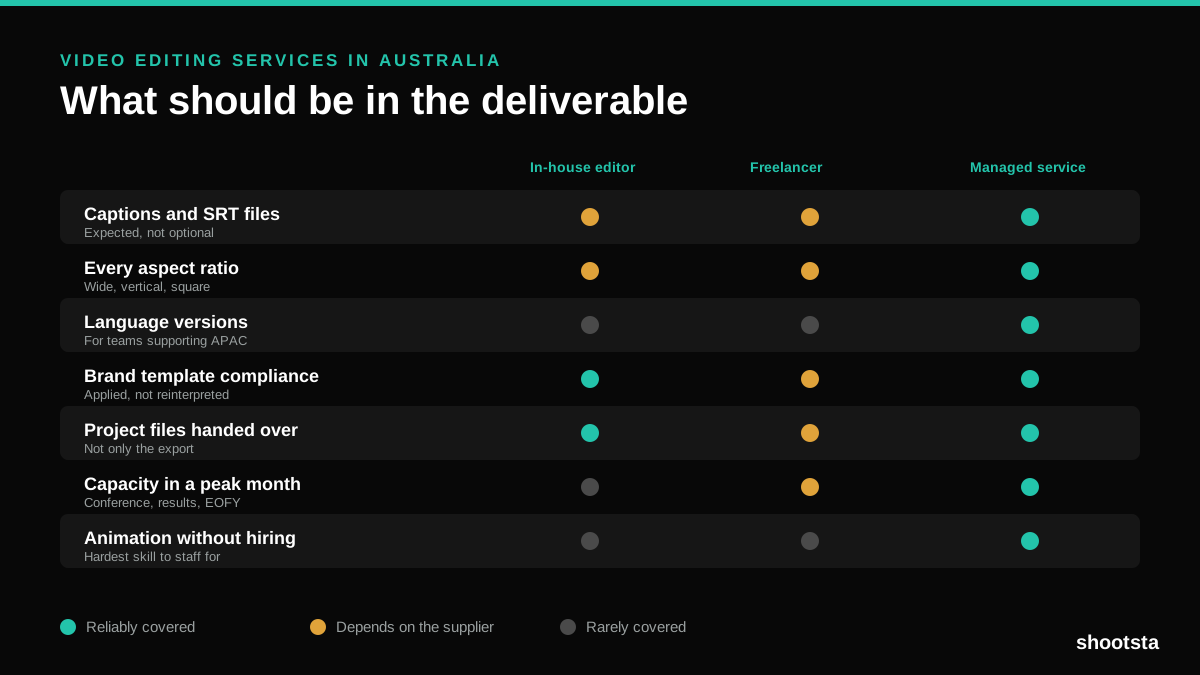
Video Editing Services in Australia
Australian teams are spread across time zones and offices, so the editing queue matters more than the editing. Here is what to expect on cost and turnaround.
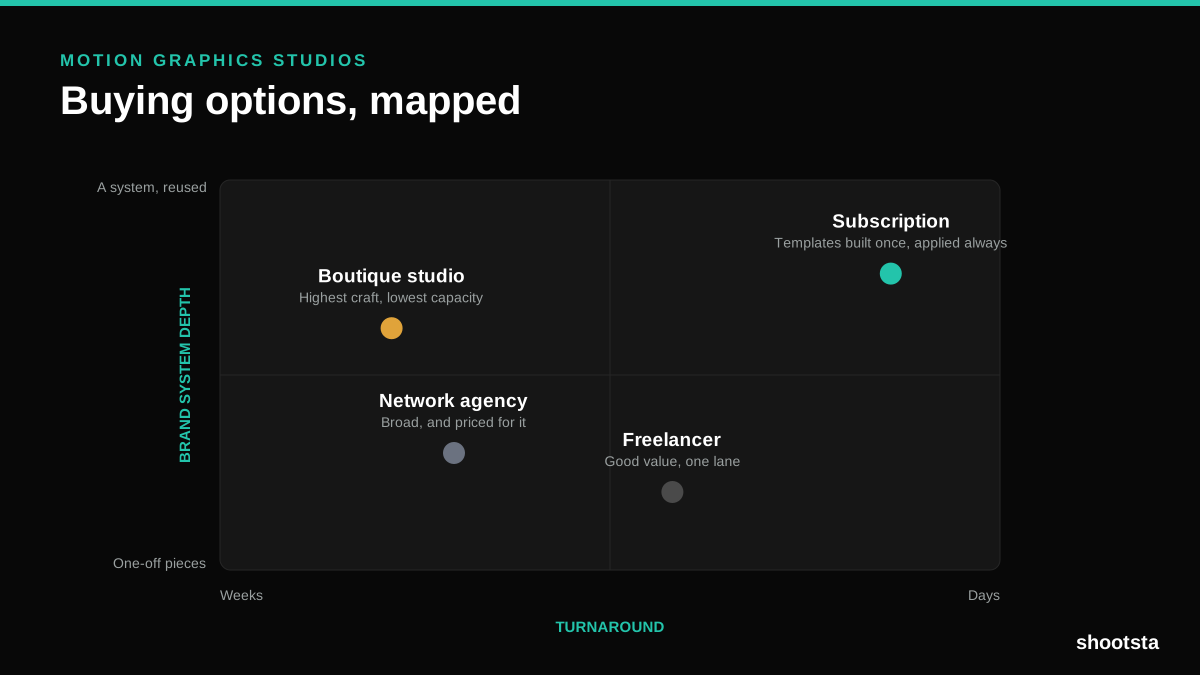
How to Choose Between Motion Graphics Studios
Every motion graphics studio has a good reel. The reel is the one thing that will not tell you how the fifth project goes. These ten criteria will.
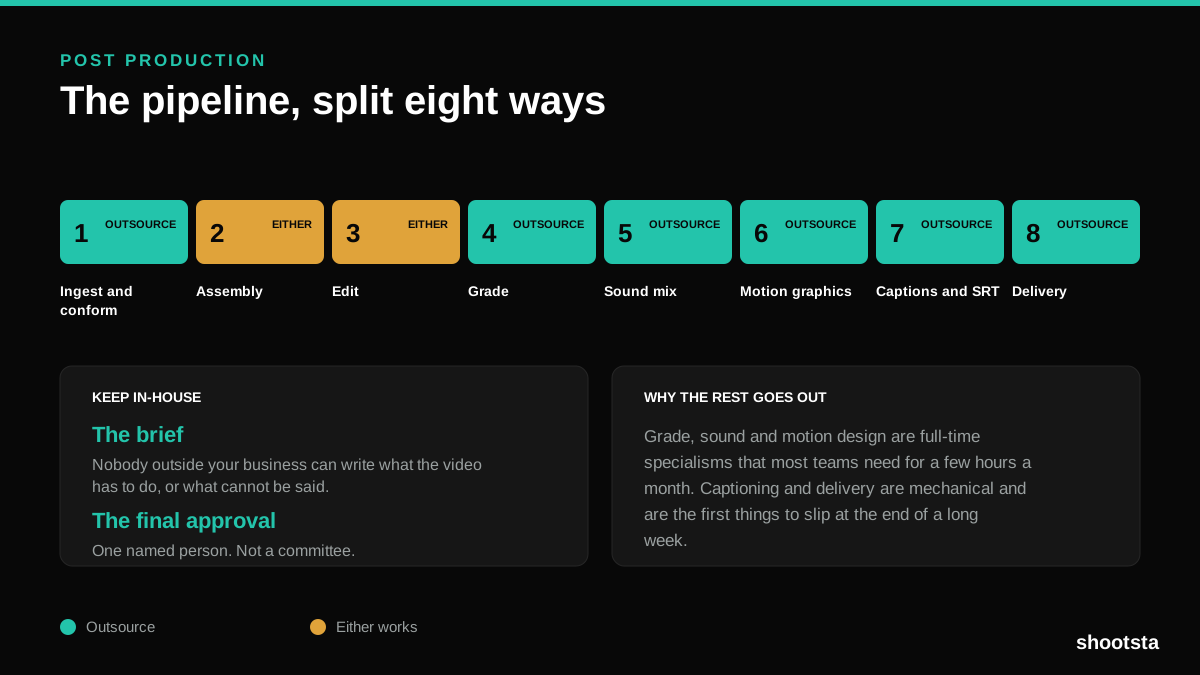
Post Production Agency or In-House Team?
Post production is eight stages, not one. Some of them need context only your team has. The rest are mechanical and are the first things worth handing over.
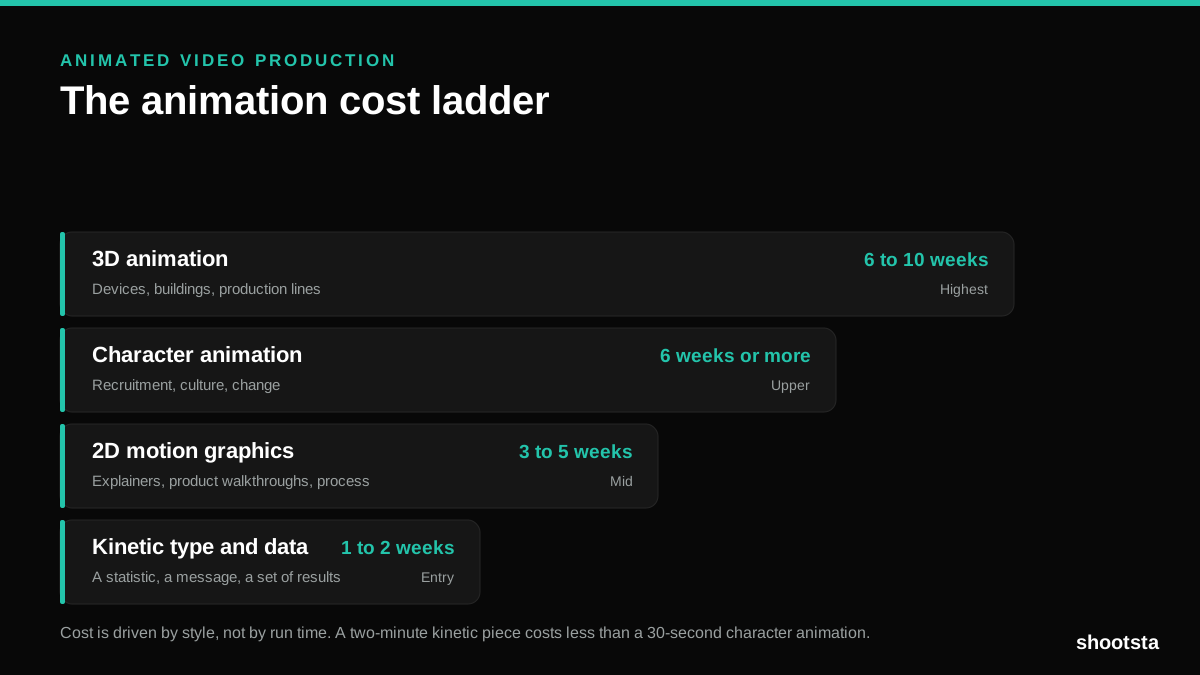
Animated Video Production Cost in the US
Animated video production costs move with style, not with length. Kinetic type, 2D motion, character and 3D sit on four rungs of a ladder. Here is what separates them.
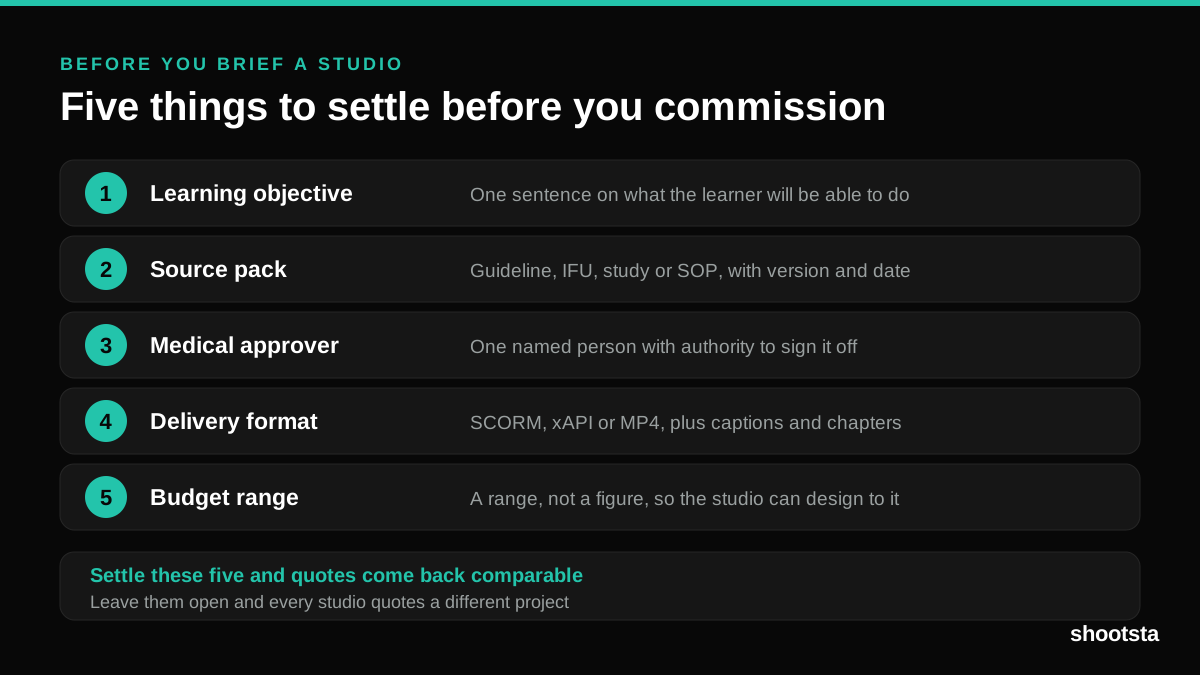
How to Commission Medical Training Animation
Commissioning a medical training animation is mostly decisions you make before anyone animates a frame. The brief fields that matter, what to ask a studio, how much expert time to budget, and the contract terms that stop a rebuild in two years.
How to Write an Animation Brief
How to Write an Animation Brief
Most animation briefs cause delays because they over-specify the visual style and under-specify the outcome. Here are the nine fields an animation production team needs to quote accurately and start without rework.