
shootsta.
How Does a Green Screen Work? Setup and Color
By Ben Rush · Published June 2, 2025 · Updated October 2026
What is green screen? Green screen is a video production technique that films a subject in front of a solid green backdrop so the green can be digitally removed and replaced with any background, environment, or motion graphic. The full name is chroma key compositing, and green is used because it sits furthest from human skin tones on the color spectrum. Green screen shows up in corporate video, marketing content, training videos, news broadcasts, and film production.
This guide covers how green screen works, when it beats shooting on location, how to light and set one up, where it falls down, and how it compares to blue screen and LED virtual production. It is written for teams making corporate, marketing, and training video, not film VFX, so the focus is on clean, repeatable results without a studio crew.
How does green screen work?
Filming happens in front of a solid green background under even lighting. In post-production, editing software reads every frame and removes the pixels that fall inside a tight green color range, which isolates the subject. Editors then drop a new layer behind them: a real location, a branded set, motion graphics, or animation.
Green is the default for one practical reason. It sits furthest from human skin tones, so the software can separate subject from background without eating into faces and hands. Camera sensors also capture more detail in the green channel, which gives editors a cleaner edge to key against. Blue is the main alternative, and the choice between them comes down to wardrobe and lighting.
What color is a green screen, and why green?
The green screen color you want is a specific shade, chosen for how cameras and keying software handle it. Professional green screens use a specific saturated green, sold as chroma key green and matched to Rosco Chroma Key Green or Pantone 354. Digital green, the brighter variant, does the same job with more punch under weaker lighting.
Green won for two reasons. The first is human: almost nobody has green skin or green hair, so the key can be aggressive without eating into the subject. The second is technical. Camera sensors dedicate twice as many pixels to green as to red or blue, so the green channel carries the cleanest, least noisy signal to key against. That means a sharper edge, especially around hair.
Two practical consequences follow from the color choice. Nothing in shot can be green, including a tie, a lanyard, a laptop sticker or a plant in the background. And green bounces, so a subject standing too close to the screen picks up a green rim along the shoulders and jaw. That spill is the single most common reason a key looks fake.
Green screen vs blue screen
Both do the same job. The color is the only real difference, and it changes which one you reach for.
- Green needs less light to expose cleanly and produces a brighter, sharper key. It is the standard for most corporate and marketing video. The downside is that nobody can wear green, and green spill bounces onto skin and light clothing.
- Blue handles green wardrobe, like a presenter in a green company polo, and tends to spill less onto skin tones. It needs more light to expose and is more common in film than in corporate work.
For most business video, green is the right call. Switch to blue only when wardrobe or props force it.
How to set up and light a green screen
Clean keying is mostly lighting. Get these right and post-production is fast; get them wrong and no software will save the edges.
- Hang the backdrop flat. Wrinkles and folds cast shadows that read as different shades of green and break the key. Use tensioned fabric, a roll of backdrop paper, or a painted wall.
- Light the screen separately from the subject. Two lights at 45 degrees give even coverage across the backdrop. The goal is a single flat shade of green with no hot spots or shadows.
- Pull the subject 4-6 feet off the screen. Distance stops green light spilling onto skin and hair, and removes the shadow the subject casts on the backdrop.
- Light the subject with three-point lighting. A key, fill, and back light separate them from the background and add a rim that makes the composite look natural.
- Record in a high-bitrate codec. Heavy compression destroys the fine detail around hair and edges. Shoot the highest-quality codec the camera offers.
When to use a green screen (and when not to)
Green screen earns its place when you need:
- Consistent backdrops across many shoots so every video matches, even when filmed weeks apart in different rooms.
- Branded environments behind a presenter without building a physical set, including product shots and key visuals.
- Locations that are impractical or expensive, like a factory floor, a city skyline, or a stylized world, without the travel.
- Live overlay graphics, the news, weather, and sports approach, with real-time data behind the presenter.
Skip it when a real location tells the story better, when the subject has to handle physical objects, or when you do not have the lighting control to key cleanly. A badly-lit green screen looks worse than an honest office background.
Common green screen mistakes
- Uneven backdrop lighting is the single biggest cause of jagged, unnatural edges. Flat, even light comes first; everything else is secondary.
- Subject too close to the screen causes green spill on skin and clothing and a visible shadow behind them.
- Green or reflective wardrobe makes green vanish, while glasses, jewelry, and glossy hair catch spill and need manual cleanup.
- Heavy compression falls apart around hair and fine edges, exactly where the key matters most.
- Treating it as a fix-in-post rarely works. Keying cannot rescue footage that was lit badly on the day.
Green screen vs LED virtual production
LED volumes, the large walls that display the background live on set, have moved from film into higher-end corporate studios. They show the final background in-camera, so presenters can see their environment and the light reflects off them naturally. The trade-off is cost and a fixed location: an LED stage runs into serious money, and you travel to it rather than the other way around.
Green screen stays the practical choice for most business video. It is portable, cheap to set up, and lets one studio produce unlimited different backgrounds in post. For teams shooting regular corporate, marketing, and training content, green screen still gives the most flexibility per dollar.
Pros and cons at a glance
Pros: low cost per location, full creative control over the background, controlled and repeatable lighting, and easy brand insertion for logos, key visuals, and messaging.
Cons: it demands careful, even lighting, rules out green and reflective wardrobe, adds keying and cleanup time in post, and looks artificial when rushed.
Green screen with Shootsta
Shootsta produces green screen video for corporate, marketing, training, and product content. Our editors handle chroma keying, background composites, motion graphics, and brand kit integration, so your team films the presenter and we build the world behind them. If you are weighing green screen against fully animated content, see our guide to animated video production. For interview-format video that often pairs with green screen, see interview video production, or read our walkthrough on how to film an interview.
Green screen FAQs
What is a green screen in video production?
A green screen is a solid green backdrop used during filming so the green can be digitally removed in post-production and replaced with any image, environment, or motion graphic. The process is called chroma key compositing. Green is used because it sits furthest from human skin tones on the color spectrum, which makes the keying cleaner. Blue is sometimes used as an alternative when the subject is wearing green clothing.
Is green or blue screen better?
Green is better for most corporate and marketing video: it needs less light, produces a sharper key, and camera sensors capture more detail in the green channel. Use blue when someone has to wear green, or when you need less spill on skin tones, which is why film productions reach for it more often. Neither is universally better; the right one depends on wardrobe and lighting.
How does a green screen work?
The subject is filmed in front of a solid, evenly-lit green backdrop. In post-production, video editing software analyzes the footage and removes every pixel within a tight green color range, leaving the subject isolated. Editors then layer in a new background, whether a real location, a brand environment, motion graphics, or animated elements. Clean keying depends on three things: even backdrop lighting, a clear gap between subject and screen, and the subject not wearing green or reflective fabrics.
When should you use a green screen?
Use a green screen when you need consistent backdrops across multiple shoots, when the real location is impractical or expensive, when you want to insert branded environments behind a presenter, or when broadcasting live with overlay graphics like news, weather, and sports. Green screens are common in corporate video, marketing content, training material, and explainer videos that mix presenters with on-screen graphics.
What do you need to set up a green screen?
Five essentials: a wrinkle-free green backdrop (paper, fabric, or painted wall), three-point lighting on the subject, separate even lighting on the green backdrop, a camera that records in a high-bitrate codec for clean edges, and editing software with a quality chroma key plugin. The subject should sit at least 4-6 feet from the backdrop to avoid green color spill on their skin and clothing.
What are the limitations of green screen?
Lighting complexity is the main one. Uneven light on the backdrop creates shadows that produce jagged or unnatural edges in the final composite. Wardrobe restrictions matter too: anyone wearing green vanishes into the background. Reflective surfaces such as glasses, jewelry, and glossy hair products catch the green spill and need extra cleanup. Post-production also takes longer than a standard shoot because the keying, edge cleanup, and background placement add steps.
Can you use a green screen on a phone?
Yes. Modern smartphones shoot footage clean enough for chroma keying when paired with an evenly lit green backdrop. Lighting usually limits the result more than the camera does. Apps like LumaFusion, CapCut, and Adobe Premiere Rush handle keying on mobile, though serious post-production work still moves to desktop tools like Premiere Pro, DaVinci Resolve, or After Effects.
How much does professional green screen video production cost?
Studio-shot green screen video with full lighting setup, presenter direction, and edited background composite is priced per project at traditional agencies, and the lighting and compositing time push that price up. Shootsta's subscription model brings the cost per video down for teams producing several green screen videos a month, and customers who move agency work to Shootsta pay 50-60% less per video: explore plans and pricing or get in touch for a custom quote.
Is it worth keying green screen in-house?
Shooting on green is the easy half. Keying it cleanly, compositing a background that does not look pasted on, and matching grade across a series is skilled post-production work, and it is slow. If your team is filming more than it can finish, the fix is editing capacity rather than another camera: compare the best video editing subscription services on cost per finished video, or look at the best corporate video production companies for full-service options.
Keep reading
Take this article with you
Read the latest at shootsta.com/blog/green-screen
You might also like
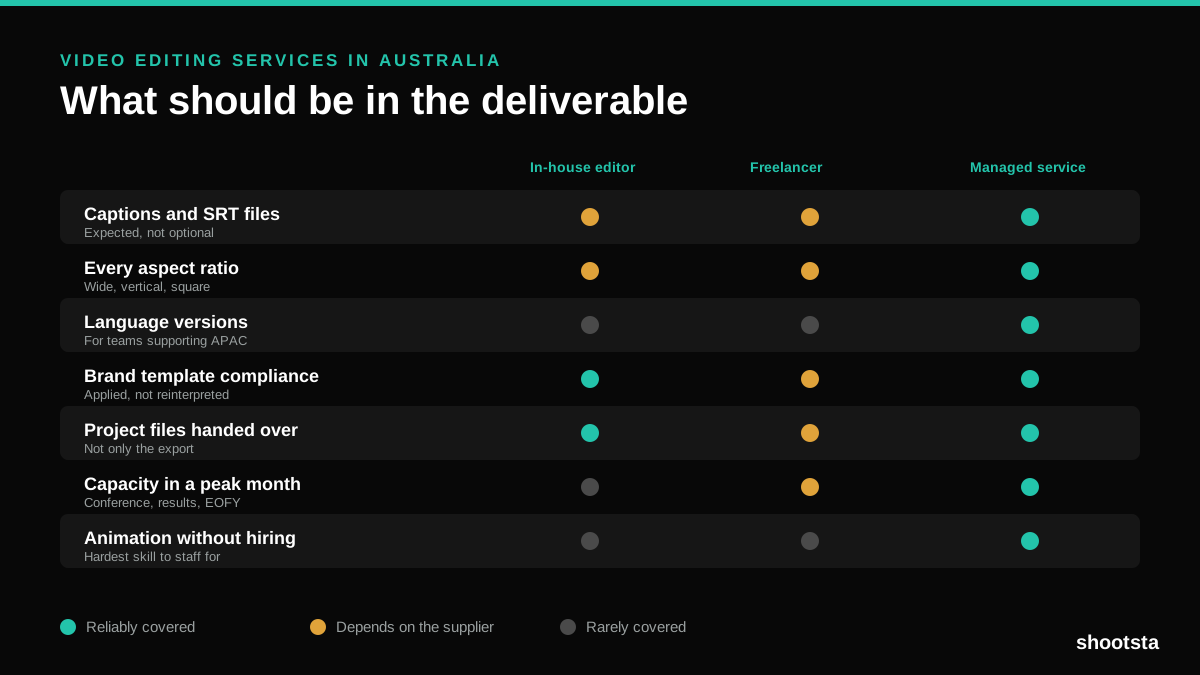
Video Editing Services in Australia
Australian teams are spread across time zones and offices, so the editing queue matters more than the editing. Here is what to expect on cost and turnaround.
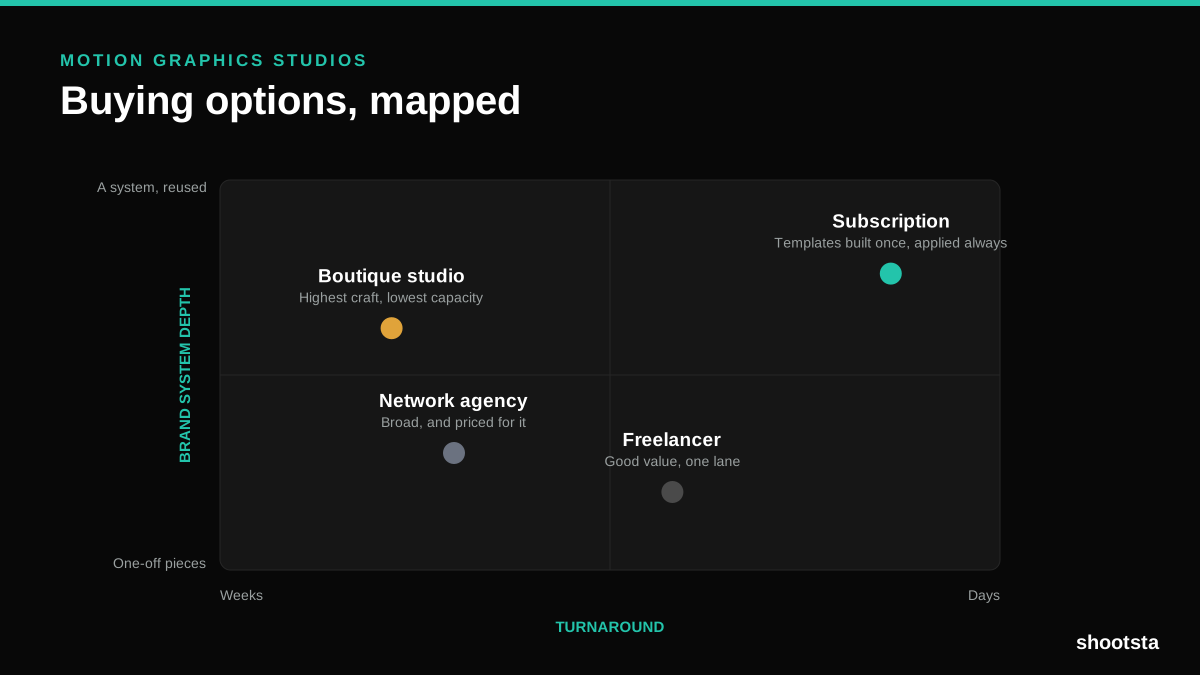
How to Choose Between Motion Graphics Studios
Every motion graphics studio has a good reel. The reel is the one thing that will not tell you how the fifth project goes. These ten criteria will.
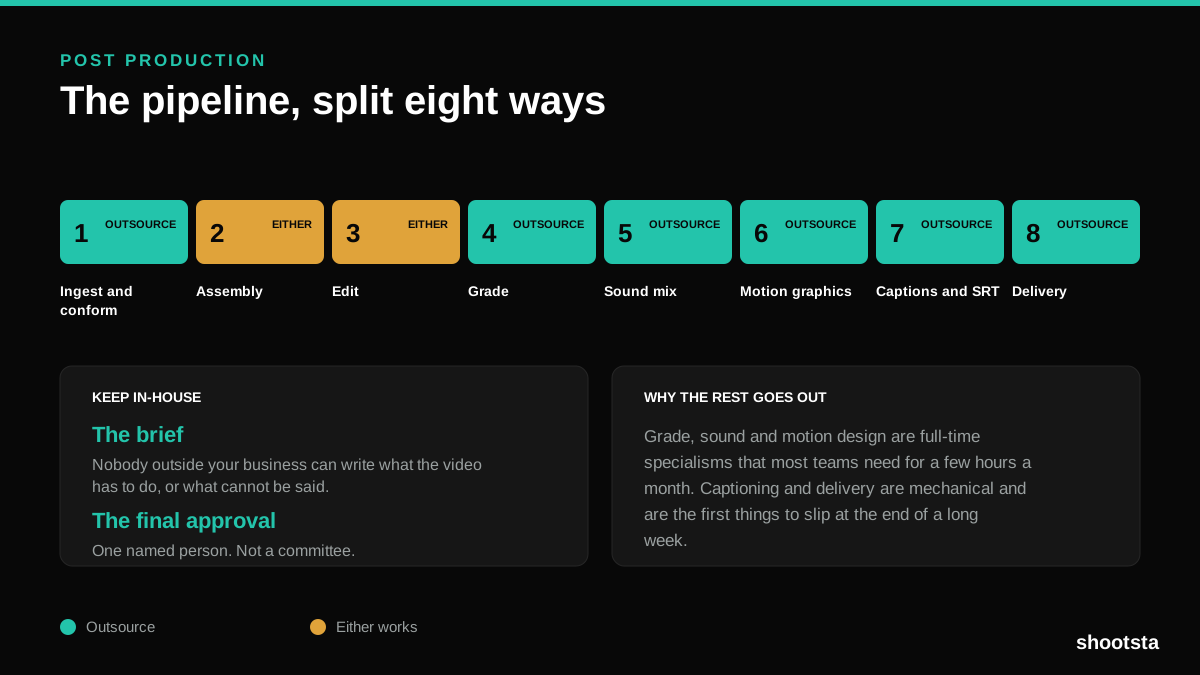
Post Production Agency or In-House Team?
Post production is eight stages, not one. Some of them need context only your team has. The rest are mechanical and are the first things worth handing over.
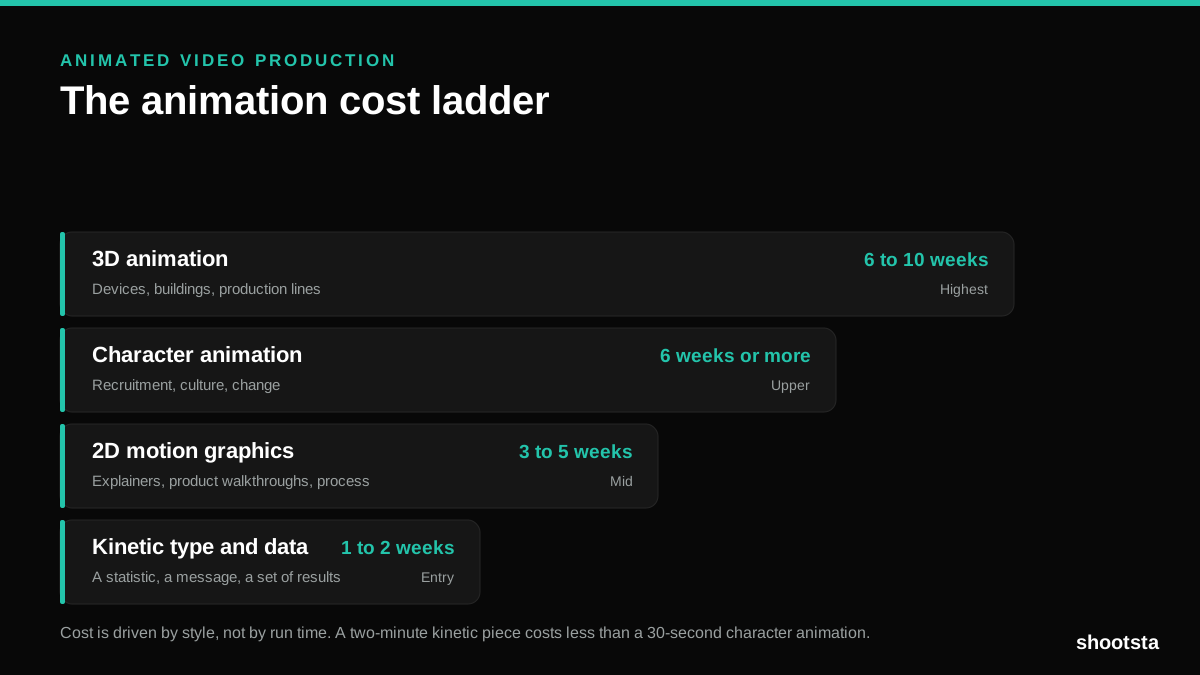
Animated Video Production Cost in the US
Animated video production costs move with style, not with length. Kinetic type, 2D motion, character and 3D sit on four rungs of a ladder. Here is what separates them.
How to Commission Medical Training Animation
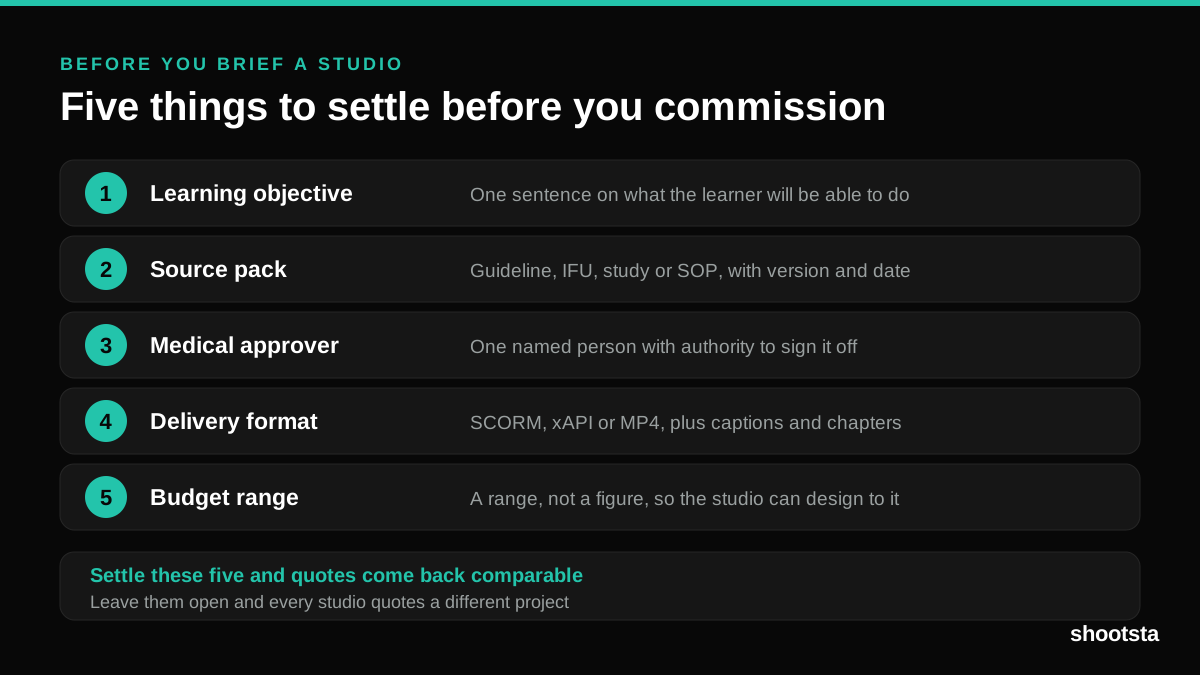
Commissioning a medical training animation is mostly decisions you make before anyone animates a frame. The brief fields that matter, what to ask a studio, how much expert time to budget, and the contract terms that stop a rebuild in two years.
How to Write an Animation Brief
How to Write an Animation Brief
Most animation briefs cause delays because they over-specify the visual style and under-specify the outcome. Here are the nine fields an animation production team needs to quote accurately and start without rework.