
Best Video Maker for Business Teams in 2026
shootsta.
Best Video Maker for Business Teams in 2026
By Shootsta · Published February 24, 2026 · Updated April 2026
Consumer video makers are built for creators. Business teams need something different. Here is how to evaluate video maker tools when your priorities are brand consistency, compliance, and volume.
Why don't consumer video makers work for business?
Tools like Canva Video, CapCut, and InVideo are great for solo creators making YouTube content or social posts. They're cheap, they're fast, and they have templates for every occasion. But when a marketing director needs 20 branded campaign videos per month, or an L&D manager needs consistent training modules across 6 offices, consumer tools break down.
The gaps show up in three areas: brand control (anyone can override your brand kit), quality ceiling (templates look templated), and workflow (no approval chains, no version control, no audit trail). Business video production needs a different kind of tool.
What should a business video maker actually do?
Lock in your brand
Your intros, lower thirds, fonts, colors, and music should be built into every video automatically. Not as optional templates that someone might forget to apply, but as locked defaults that can't be overridden. When Marketing Maurice produces a product launch video and L&D Laura produces a training module, both should look like they came from the same company.
Support non-video people
Most business video isn't made by video professionals. It's made by marketing managers, HR coordinators, product managers, and communications leads. The tool needs to make filming and briefing simple enough that someone with zero video experience can produce usable content. Guided prompts, filming tips, and on-screen instructions are what make this work.
Handle editing professionally
Consumer video makers give you drag-and-drop editing. That produces consumer-quality output. Business video needs professional editing - proper pacing, color grading, audio mixing, and motion graphics. The best business video tools separate filming (which your team does) from editing (which professionals handle).
Scale without scaling cost linearly
If every additional video costs the same as the first, you can't scale. A business video maker should have economics that improve with volume - a subscription model where your per-video cost drops as you produce more.
What are the main types of business video tools?
Template-based video makers
Canva Video, Biteable, Promo. These let you pick a template, swap in your footage and text, and export. Fast and cheap, but limited in quality and customization. Good for quick social media clips. Not enough for training content, sales enablement, or anything where quality represents your brand.
Screen recording tools
Loom, Camtasia, OBS. These capture your screen with optional webcam overlay. Good for product walkthroughs, quick tutorials, and internal updates. Limited for anything that needs professional editing, branding, or a polished finish. Read our training video software guide for a detailed comparison.
AI video generators
Synthesia, HeyGen, Pictory. These create videos from text using AI avatars or automated editing. Fast for certain use cases but limited for brand-sensitive enterprise content. See our honest guide to AI video in the enterprise.
Production platforms
Shootsta. Your team films on their devices using guided prompts. Professional editors deliver branded, polished videos within 48 hours. This is the category designed for business teams that need professional output at volume without hiring editors or learning editing software.
How do you choose the right video maker for your team?
Ask three questions:
How many videos per month do you need? Under 5: a template tool or screen recorder is fine. 5-50: you need a production platform or an in-house editor. Over 50: you need a production platform with subscription economics.
How important is brand consistency? If every video needs to look on-brand (and for most businesses, it does), you need locked brand kits and professional editing. Template tools don't enforce this well enough.
Does your team have video editing skills? If yes, professional editing software (Premiere, DaVinci) gives you full control. If no (most business teams), you need a tool that separates filming from editing so your team handles the easy part and professionals handle the skilled part.
Explore how Shootsta works as a video maker for business teams, or take the video quiz to find the right approach for your situation.
Take this article with you
Read the latest at shootsta.com/blog/best-video-maker-for-business-teams-2026
You might also like
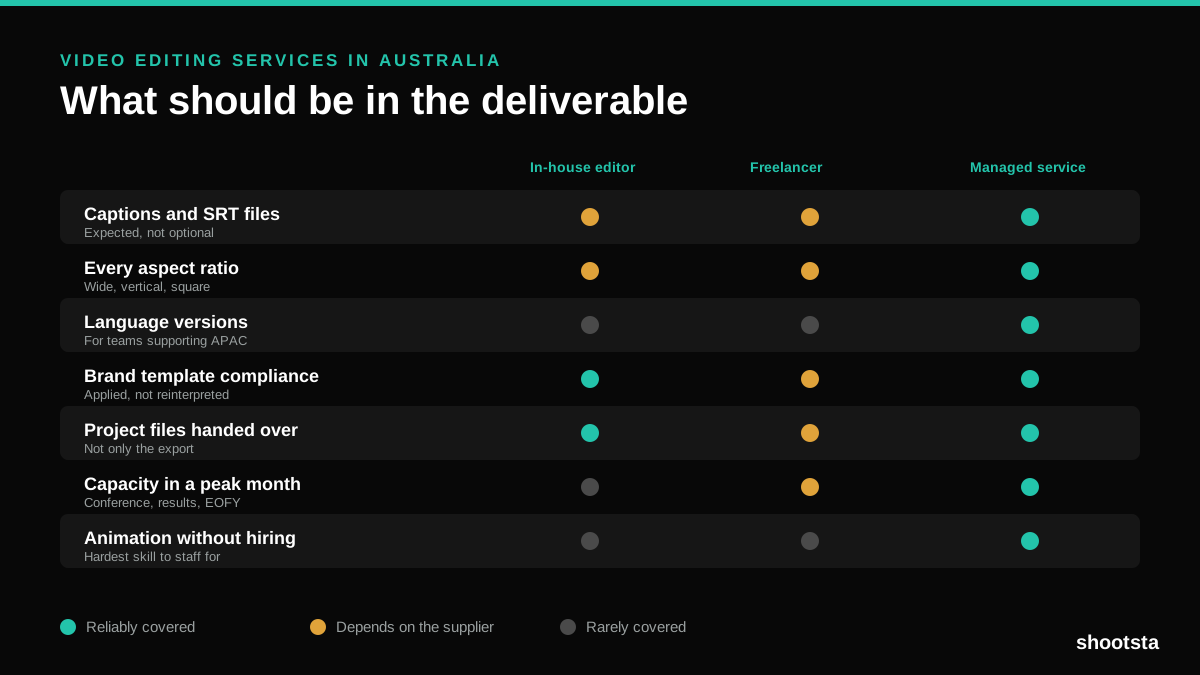
Video Editing Services in Australia
Australian teams are spread across time zones and offices, so the editing queue matters more than the editing. Here is what to expect on cost and turnaround.
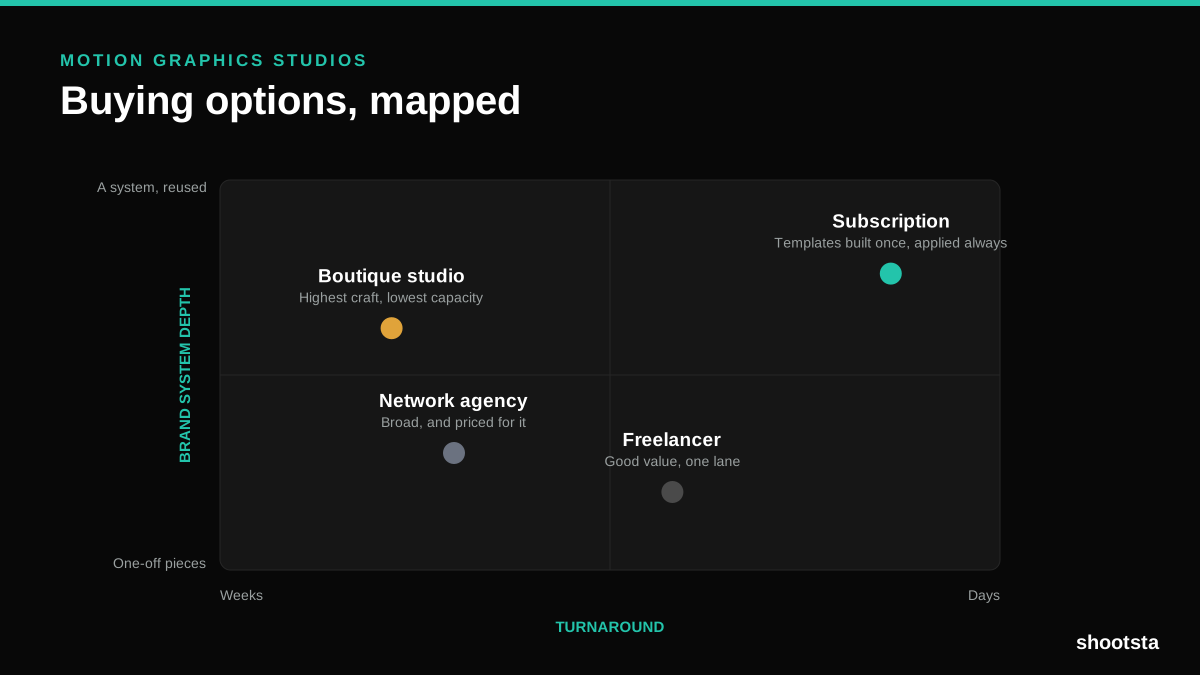
How to Choose Between Motion Graphics Studios
Every motion graphics studio has a good reel. The reel is the one thing that will not tell you how the fifth project goes. These ten criteria will.
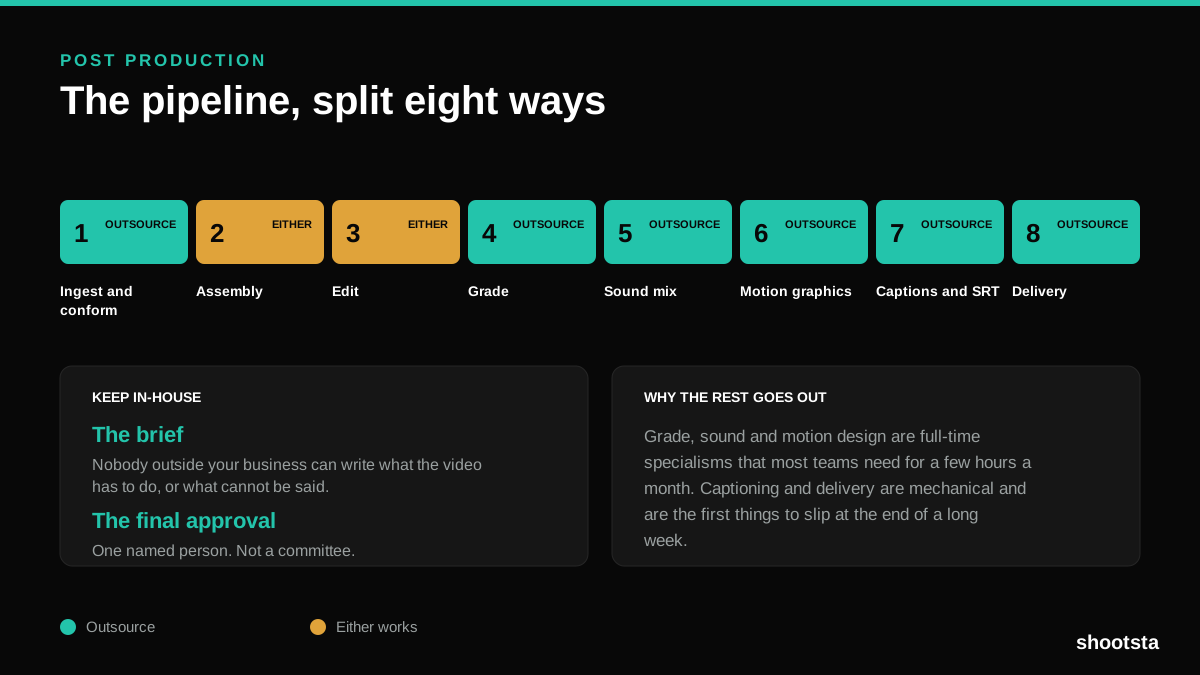
Post Production Agency or In-House Team?
Post production is eight stages, not one. Some of them need context only your team has. The rest are mechanical and are the first things worth handing over.
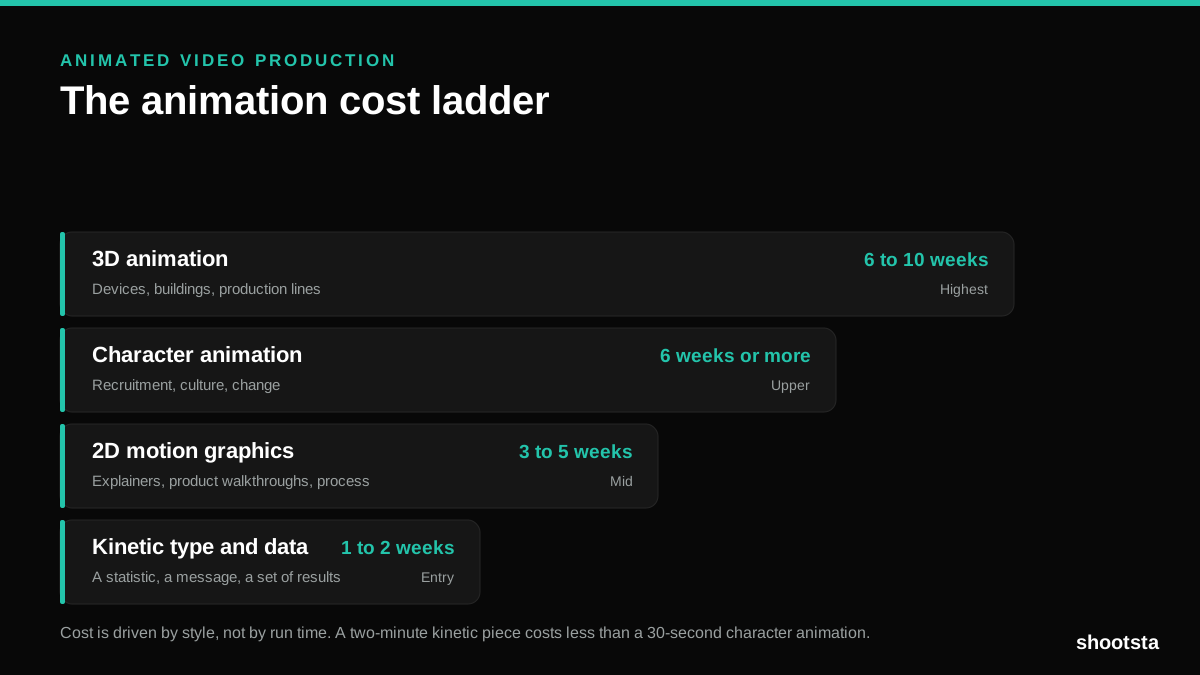
Animated Video Production Cost in the US
Animated video production costs move with style, not with length. Kinetic type, 2D motion, character and 3D sit on four rungs of a ladder. Here is what separates them.
How to Commission Medical Training Animation
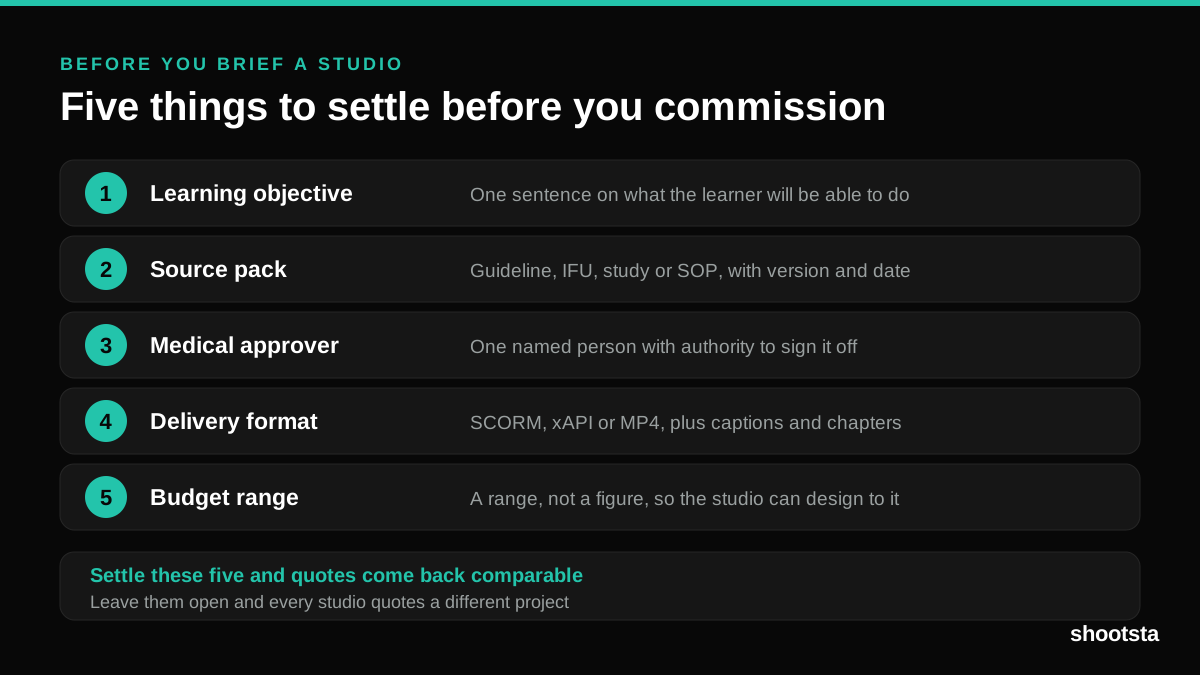
Commissioning a medical training animation is mostly decisions you make before anyone animates a frame. The brief fields that matter, what to ask a studio, how much expert time to budget, and the contract terms that stop a rebuild in two years.
How to Write an Animation Brief
How to Write an Animation Brief
Most animation briefs cause delays because they over-specify the visual style and under-specify the outcome. Here are the nine fields an animation production team actually needs to quote accurately and start without rework.