
Training Video Software: What to Use and When
shootsta.
Training Video Software: What to Use and When
By Shootsta · Published February 20, 2026 · Updated April 2026
There are dozens of training video tools on the market. Here is how they break down by category, what each type does well, and how to pick the right one for your team.
What is training video software?
Training video software is any tool that helps you create, edit, host, or distribute video-based training content. The category is broad - it includes screen recording tools, video editing platforms, learning management systems with built-in video, and full production platforms. Knowing which type you need depends on what you're trying to produce and how much support you need.
What are the main types of training video tools?
Screen recording tools
Tools like Loom, Camtasia, and OBS capture your screen with optional webcam overlay. These are good for software walkthroughs, process documentation, and quick how-to videos. The learning curve is low and most are free or inexpensive. The limitation is that the output looks like a screen recording - fine for internal training, less polished for customer-facing content.
Video editing software
Adobe Premiere Pro, Final Cut Pro, DaVinci Resolve, and CapCut let you edit footage into polished training content. These give you full creative control but require video editing skills. If your L&D team has a dedicated editor, these tools work well. If not, the learning curve is steep and the time investment is significant.
AI-powered video creation tools
Tools like Synthesia, Descript, and Pictory use AI to generate or edit video from text and scripts. Synthesia creates videos with AI avatars. Descript lets you edit video by editing a transcript. These are fast for certain use cases but have limitations for brand-sensitive enterprise content. See our practical guide to AI video in the enterprise for an honest breakdown.
LMS platforms with video
Learning management systems like Docebo, TalentLMS, and Cornerstone include video hosting and sometimes basic creation tools. These are good for distributing and tracking training video, but their creation tools are limited. Most L&D teams produce video externally and upload to their LMS.
Production platforms
Platforms like Shootsta provide the full production workflow - guided filming, professional editing, branding, and delivery. Your team films the content (the easy part), and editors handle post-production (the skilled part). This is the option for teams that need professional-quality training videos at volume without hiring an editor or learning editing software.
How do you choose the right training video software?
Start with three questions.
How many training videos do you need per month? If it's 1-2 quick screen recordings, a free tool like Loom is fine. If it's 5-10 branded training modules, you need a production platform or an in-house editor.
What quality level does the content require? Internal process documentation can be rough. Customer-facing training, compliance content, and anything that represents your brand needs professional editing.
Does your team have video editing skills? If yes, editing software gives you full control. If no, a production platform handles the editing for you. Most L&D teams don't have dedicated editors, which is why the production platform model works well for enterprise training programs.
Can you combine multiple tools?
Most teams do. A common setup is: Loom for quick internal screen recordings, Shootsta for professional branded training content, and the company LMS for hosting and tracking. Each tool handles what it does best.
The key is not to over-invest in tools your team won't use. An enterprise video editing license that nobody touches is wasted budget. Match the tool to the skill level and capacity of the people who will actually use it.
Explore training video production with Shootsta, or read our guide to making training videos employees actually watch for production tips that work with any tool.
Take this article with you
Read the latest at shootsta.com/blog/training-video-software-what-to-use-and-when
You might also like
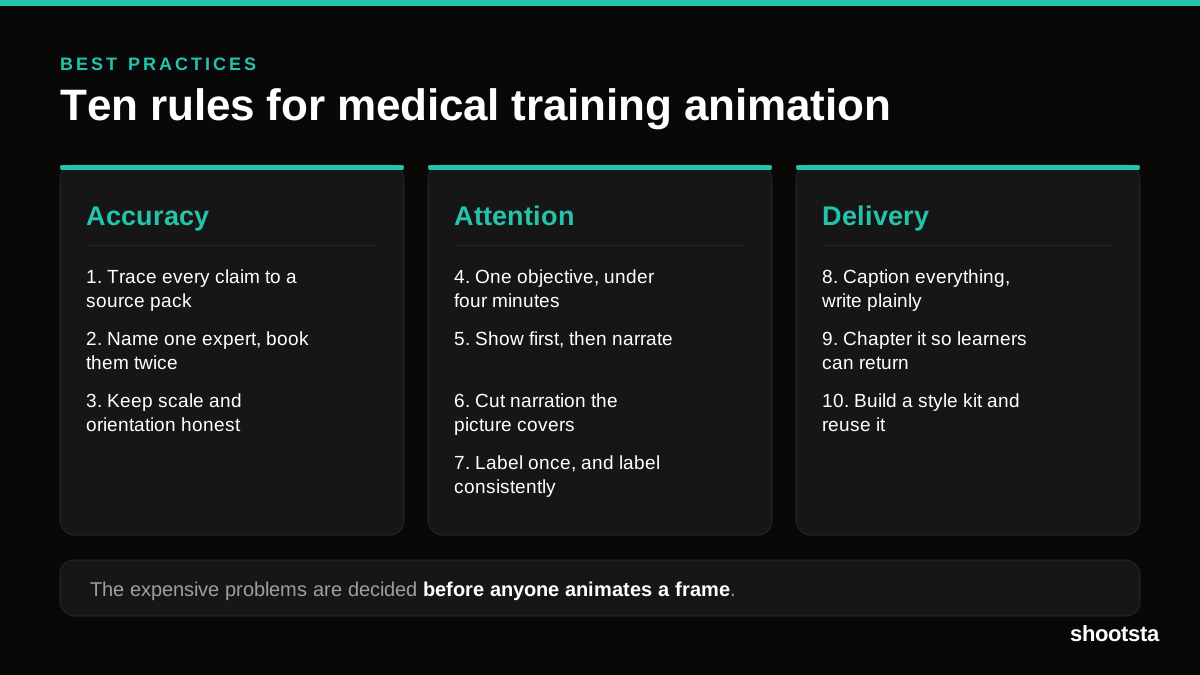
Medical Training Animation Best Practices
Ten rules that hold up across device training, clinical protocol work and mechanism of action modules. Most medical animation fails for dull reasons: too many objectives, narration that repeats the picture, and review that arrives too late to change anything.
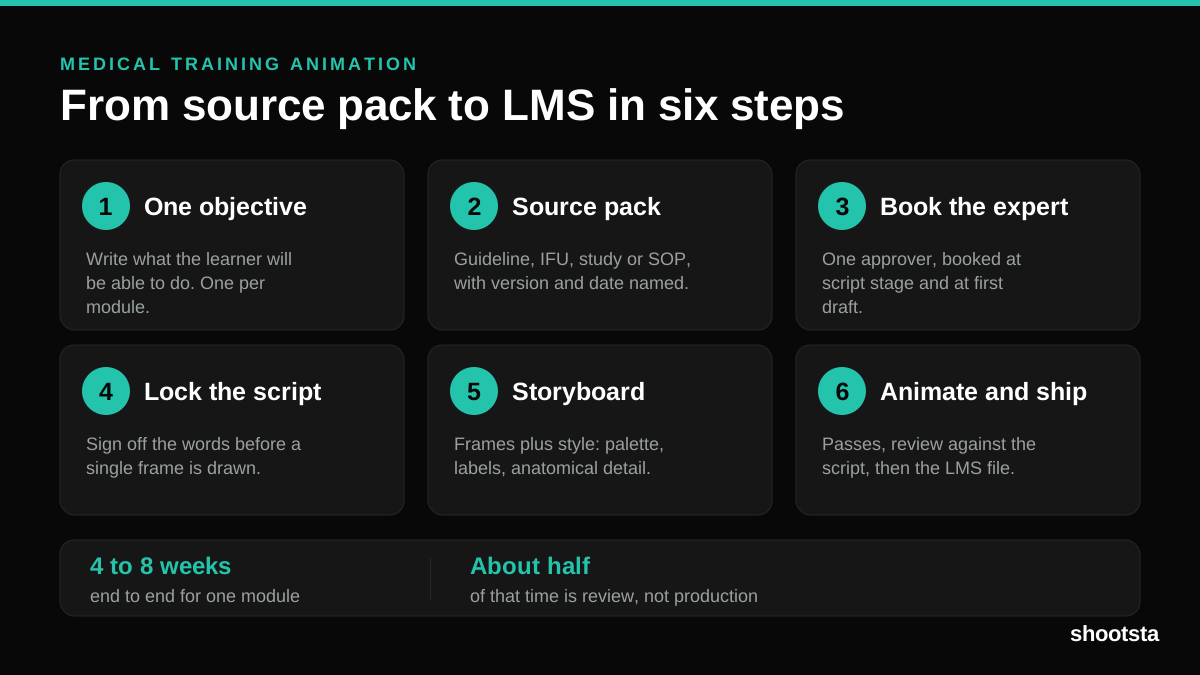
Medical Training Animation: A Complete Guide
A medical training animation teaches a procedure, a device workflow, or a mechanism the camera cannot reach. Here is how one gets made, what it costs, and how to keep medical review from eating the schedule.
What Delayed Training Videos Cost L&D Teams
What Delayed Training Videos Cost L&D Teams
When training video ships late, employees work without the knowledge for longer. For a distributed enterprise, that backlog has a large, measurable cost.
Australian Corporate Training Video Production
Australian Corporate Training Video Production
A practical guide to corporate training video production for Australian teams: compliance and WHS modules, LMS-ready formats, AEST turnaround, and what a training library costs to build.
What Makes a Great Learning Video
What Makes a Great Learning Video
A great learning video changes what someone can do, not just what they have seen. Here is how the best ones are built, the mistakes that lose learners, and how the panel scores them.
Animation Use Cases for L&D Teams
Animation Use Cases for L&D Teams
Learning and development teams get more out of animation than almost any other function. Here are the places it works hardest, and where you should still reach for a camera.