
shootsta.
Best Aspect Ratio for Business Video
By Shootsta · Published March 8, 2026 · Updated May 2026
A platform-by-platform guide to video aspect ratios. When to shoot 16:9, 9:16, 1:1, and 4:5, and the trap of trying to use one aspect ratio everywhere.
What is video aspect ratio?
Aspect ratio is the relationship between a video's width and its height, written as width:height. A 16:9 video is 16 units wide for every 9 units tall (the standard widescreen shape). A 9:16 video is the opposite (tall, like a phone held upright). The ratio determines how a video fills a screen, and on social platforms, how much of the feed it takes up.
Which aspect ratio should I use?
The short answer: it depends on where the video lives. There is no single best aspect ratio for business video. There is a best aspect ratio per channel, and the right approach is to plan the shoot so the same footage works in more than one shape.
16:9 horizontal
Best for YouTube long-form, websites, webinars, internal comms players, and TVs. This is the safe default for any video that lives on a desktop or in a player.
9:16 vertical
Best for TikTok, Instagram Reels, YouTube Shorts, and LinkedIn vertical video. The full screen of a phone is 9:16, so any other shape leaves black bars and tells the algorithm the video wasn't made for that platform.
1:1 square
Best for Instagram feed, Facebook feed, and X (Twitter). Square video takes up more vertical screen real estate in a phone feed than 16:9, but doesn't go full-screen the way 9:16 does. Useful when a video has to work in both feed and email.
4:5 portrait
Best for Instagram feed and Facebook feed when you want the maximum feed footprint without going full-screen. 4:5 is taller than square but doesn't get cropped the way 9:16 does in a feed view.
Should I shoot in multiple aspect ratios?
Most business teams should shoot once and crop multiple times. The way to do this is to frame the shot wide enough that the subject sits inside a 9:16 safe zone, even when the camera is rolling 16:9. This gives the editor room to crop down to vertical, square, or portrait without losing the subject's head or the on-screen text.
Some shoots need native vertical footage (anything where the talent is moving across the frame, or where backgrounds matter). For most talking-head business video, a single 16:9 shoot with safe-zone framing produces all four ratios. Plan this in the video brief, not on set.
Aspect ratio mistakes to avoid
- Posting 16:9 to TikTok. Black bars on top and bottom signal "this is repurposed," and the platform deprioritizes the video.
- Letting graphics fall outside the safe zone. Lower thirds and CTAs that look fine in 16:9 disappear when the same video is cut to 9:16.
- Shooting too tight. If the original frame doesn't have headroom, every other ratio is going to feel cramped or chop the talent's forehead off.
- One ratio for everything. The cost of cropping is small. The cost of bad performance on the wrong-shape platform is large.
FAQs about aspect ratios
What aspect ratio is best for LinkedIn?
For native LinkedIn video on the feed, 1:1 or 4:5 take up the most screen real estate. For LinkedIn Live, 16:9. For the rare vertical-only LinkedIn placement, 9:16. The full LinkedIn breakdown sits in the LinkedIn video strategy guide.
Can I just letterbox my 16:9 video?
You can, but you shouldn't on phone-first platforms. Black bars cut the visual area roughly in half on a 9:16 feed, and platforms like TikTok and Reels treat letterboxed video as low-effort. The drop in completion rate is measurable.
What's the resolution for each aspect ratio?
For most business uses, 1080p is the working standard. That means 1920x1080 for 16:9, 1080x1920 for 9:16, 1080x1080 for 1:1, and 1080x1350 for 4:5. 4K is rarely necessary unless the video is going on a big screen.
Take this article with you
Read the latest at shootsta.com/blog/best-aspect-ratio-for-business-video
You might also like
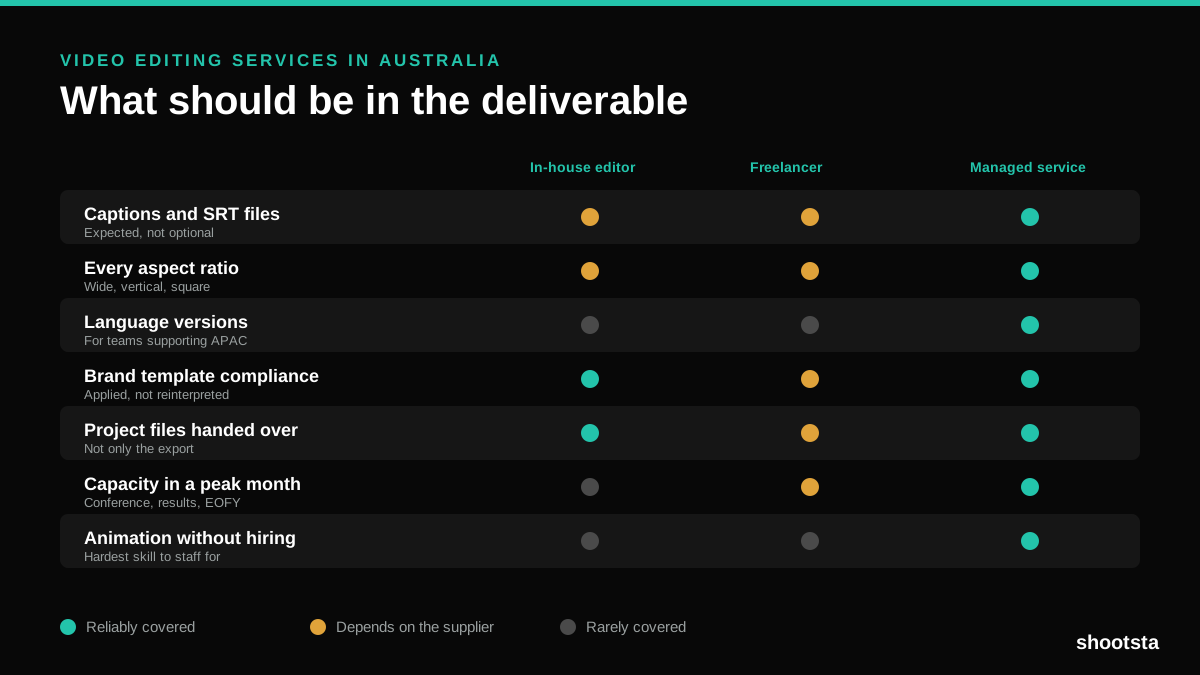
Video Editing Services in Australia
Australian teams are spread across time zones and offices, so the editing queue matters more than the editing. Here is what to expect on cost and turnaround.
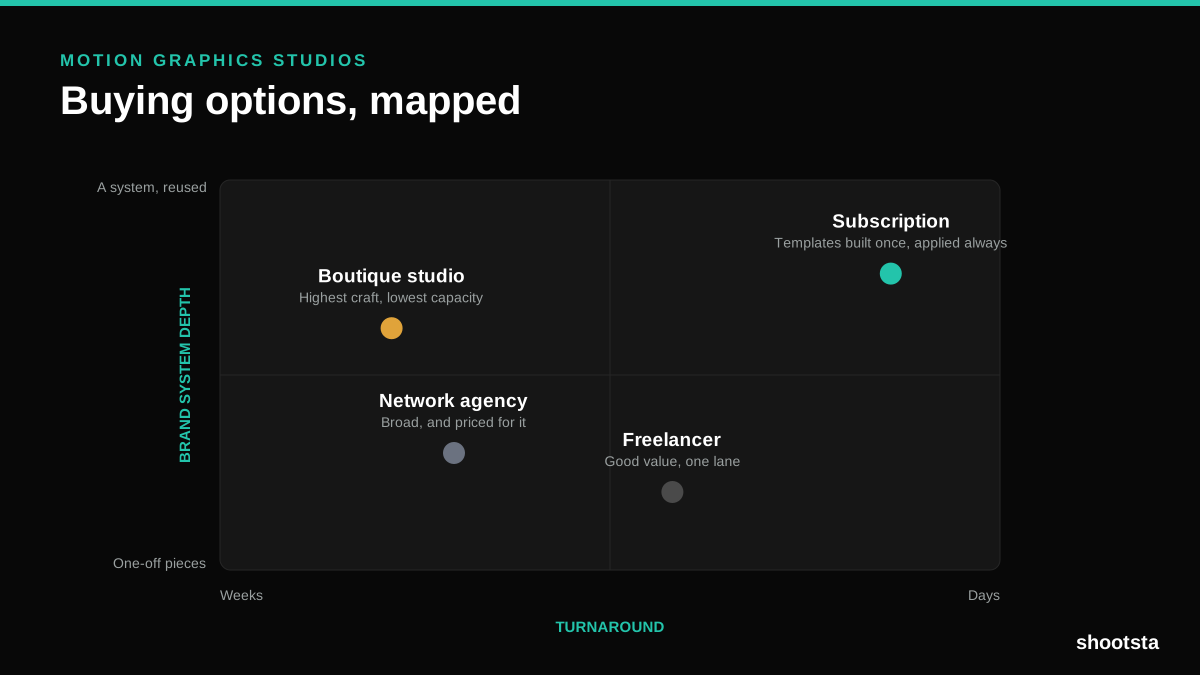
How to Choose Between Motion Graphics Studios
Every motion graphics studio has a good reel. The reel is the one thing that will not tell you how the fifth project goes. These ten criteria will.
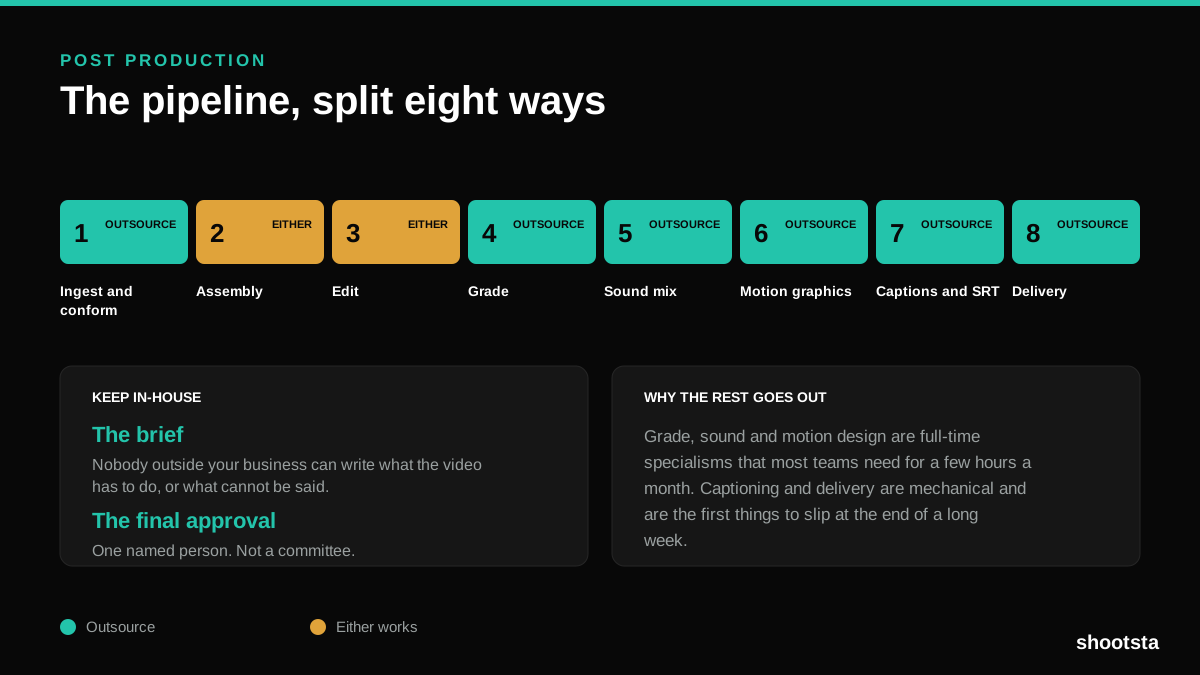
Post Production Agency or In-House Team?
Post production is eight stages, not one. Some of them need context only your team has. The rest are mechanical and are the first things worth handing over.
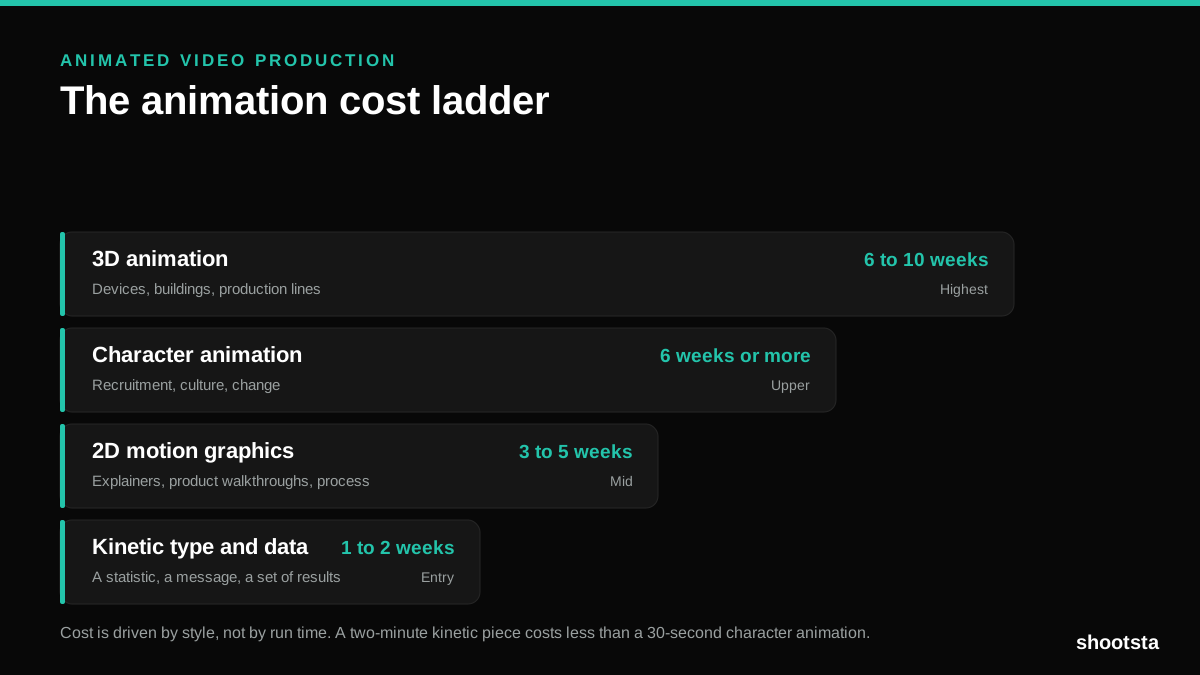
Animated Video Production Cost in the US
Animated video production costs move with style, not with length. Kinetic type, 2D motion, character and 3D sit on four rungs of a ladder. Here is what separates them.
How to Commission Medical Training Animation
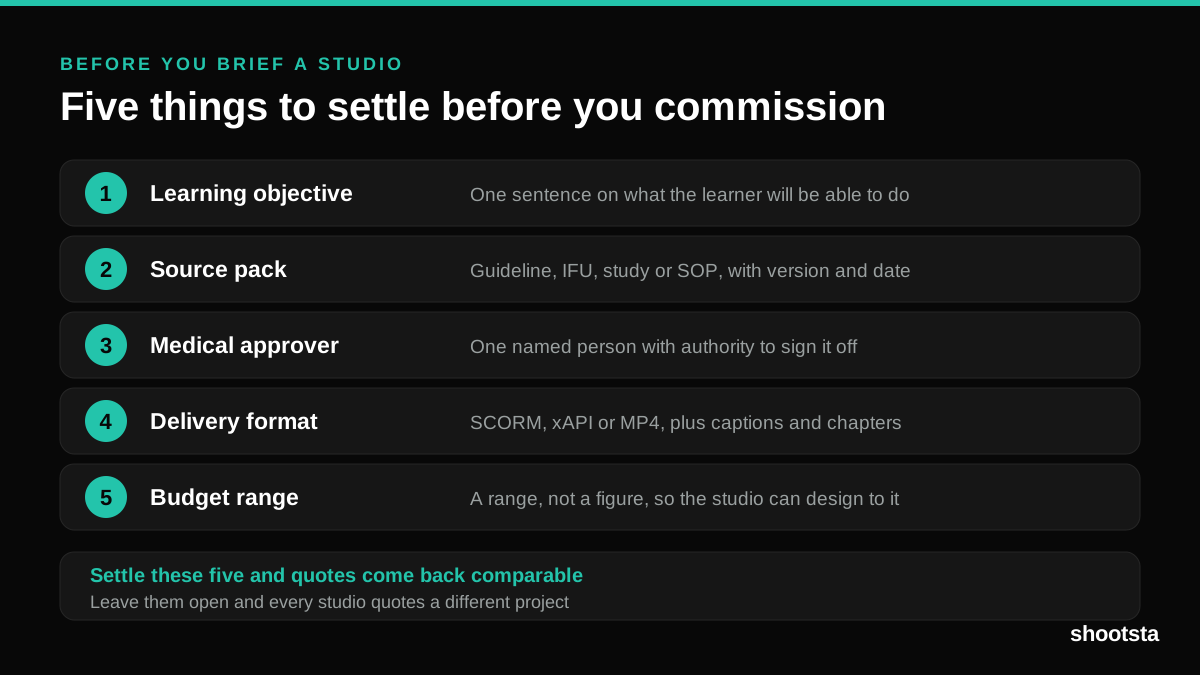
Commissioning a medical training animation is mostly decisions you make before anyone animates a frame. The brief fields that matter, what to ask a studio, how much expert time to budget, and the contract terms that stop a rebuild in two years.
How to Write an Animation Brief
How to Write an Animation Brief
Most animation briefs cause delays because they over-specify the visual style and under-specify the outcome. Here are the nine fields an animation production team needs to quote accurately and start without rework.