
Animation Use Cases for L&D Teams
shootsta.
Animation Use Cases for L&D Teams
By Shootsta · Published June 11, 2026 · Updated October 2026
Learning and development teams get more out of animation than almost any other function. Here are the places it works hardest, and where you should still reach for a camera.
Why does animation fit learning content so well?
Training content is largely built from concepts, processes and rules, which is the material animation handles better than a camera. You can show a workflow, a decision tree, or a policy change clearly, and you can update one module when the content changes without re-filming a presenter.
For learning and development teams the appeal is also practical. Course content dates quickly, learners are distributed, and budgets do not stretch to re-shooting a studio session every time a system or a rule moves. Animation lets a small team keep a large library current. We covered the library side of this in our guide to building a scalable training video library, and the regulated version in medical training animation.
Where does animation work hardest in L&D?
1. Onboarding and orientation
New hires need the same core information delivered consistently, the first time and the hundredth. Animated welcome, brand, and "how we work" videos do that without a live facilitator running the same session over and over. They also stay on-message as the cohorts roll through.
2. Compliance and mandatory training
Compliance modules are often the most-watched and least-loved content in an organization. Short animated modules hold attention better than recorded slides, and the scripted format makes legal sign-off cleaner because every word is fixed before production. Keep modules under five minutes and run them through the LMS.
3. Systems and process walkthroughs
When the focus is the logic of a process rather than a specific screen, animation explains it more clearly than a raw screen recording. A blend works well: animation for the why, screen capture for the exact clicks. When the tool changes, you update the affected section instead of re-recording the whole walkthrough.
4. Microlearning and refreshers
Microlearning works best as thirty to sixty second animated pieces that each reinforce one idea, embedded at the point of need. That might be a quick policy reminder, a single step in a workflow or a definition. These pieces are cheap to produce in a shared style and easy to keep current, which is what makes a microlearning program sustainable.
5. Concept and framework explanations
Models, hierarchies, and frameworks are diagrams in motion. Trying to teach an operating model or a competency framework through a talking head wastes the format. Animation draws the structure and builds it up piece by piece as the narration goes.
When should L&D still use live action?
Reach for a camera when the learning depends on a real person or a real interaction. Scenario-based soft-skills training, where a real conversation models discovery or objection handling, lands harder as live action. So do leadership messages, where the point is hearing it from a named executive, and any content showing physical work or real environments.
The strongest training libraries mix both. Animation carries the concepts and the repeatable process content. Live action carries the human moments and the scenario work. We laid out the decision in more detail in animation vs live action for internal comms, and the logic transfers cleanly to L&D.
How do you keep an animated training library current?
Tag every module with a review date when you build it, and design modules to be small. The advantage of modular animation over a monolithic course is that you can re-record a single four-minute module without rebuilding a forty-minute program. Small modules keep ongoing maintenance affordable and stop updates from piling up into one large rebuild each year.
Plan for part of the library to need updating every year, and budget for it from the start. Compliance content moves with regulation, systems content moves with tools, and only brand and orientation content stays relatively stable.
What does an animated training program cost to run?
Your cost is driven by volume and update frequency more than by the price of any single video. A team producing a steady stream of short modules in a shared style spends far less per video than one commissioning each module as a standalone project, because the style kit and templates carry across everything. The first module sets the look, and every module after it reuses that look.
Where to start
Take the one training module learners complain about most, the one that is either out of date or a wall of slides, and rebuild it as a short animation. Measure completion and comprehension against the old version, then expand into the use cases above in order of pain. To scope a training library, see our training video production and animation production services.
If you want the strategy behind producing animation at volume, see The Business Animation Playbook.
Take this article with you
Read the latest at shootsta.com/blog/animation-use-cases-ld-teams
You might also like
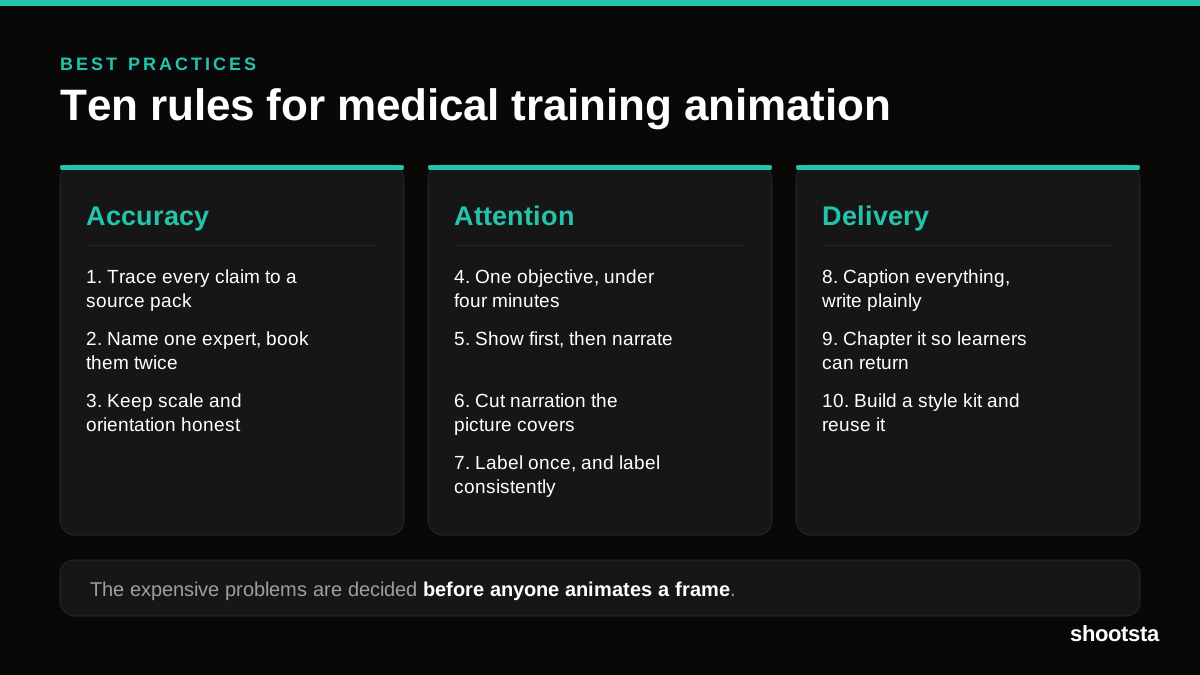
Medical Training Animation Best Practices
Ten rules that hold up across device training, clinical protocol work and mechanism of action modules. Most medical animation fails for dull reasons: too many objectives, narration that repeats the picture, and review that arrives too late to change anything.
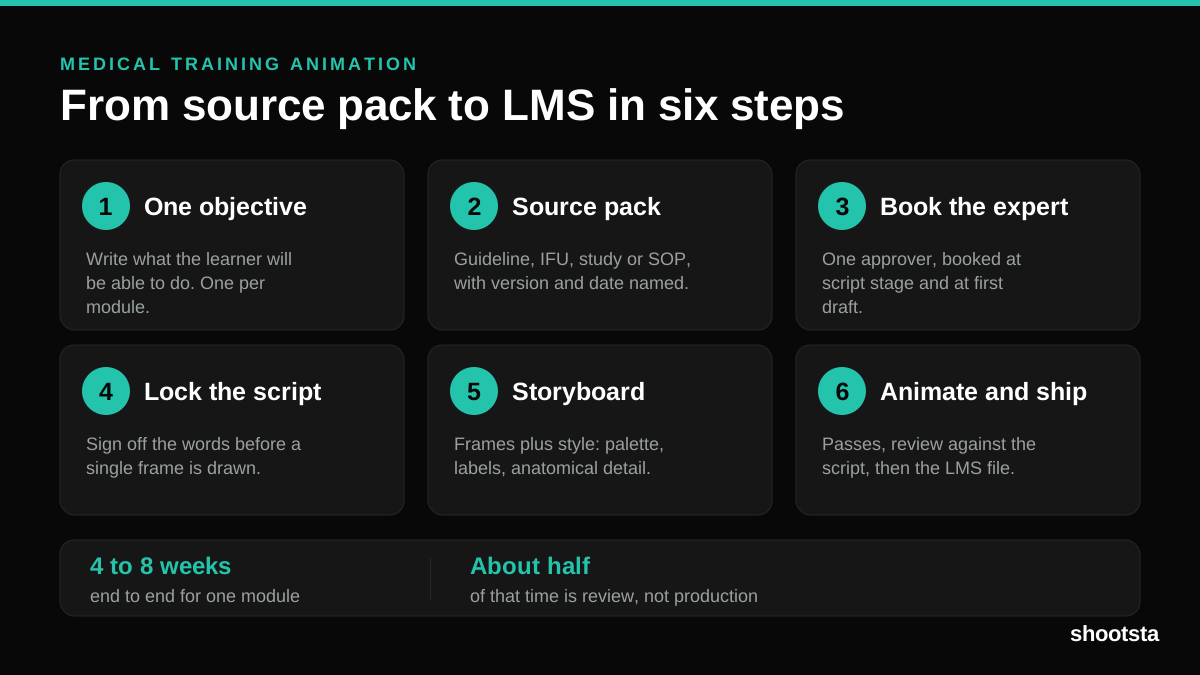
Medical Training Animation: A Complete Guide
A medical training animation teaches a procedure, a device workflow, or a mechanism the camera cannot reach. Here is how one gets made, what it costs, and how to keep medical review from eating the schedule.
What Delayed Training Videos Cost L&D Teams
What Delayed Training Videos Cost L&D Teams
When training video ships late, employees work without the knowledge for longer. For a distributed enterprise, that backlog has a large, measurable cost.
Australian Corporate Training Video Production
Australian Corporate Training Video Production
A practical guide to corporate training video production for Australian teams: compliance and WHS modules, LMS-ready formats, AEST turnaround, and what a training library costs to build.
What Makes a Great Learning Video
What Makes a Great Learning Video
A great learning video changes what someone can do after watching it. Here is how the best ones are built, the mistakes that lose learners, and how the panel scores them.
FSI Onboarding: Build a Training Video Library
FSI Onboarding: Build a Training Video Library
Farmers is onboarding 1,700 new agents in 2026. Progressive is hiring 12,000 staff. Northwestern Mutual is moving 2,000 employees into a new campus. None of that scales without a video library.