
shootsta.
How to Create a Hype Reel Video for Business
By Justin · Published July 14, 2025 · Updated October 2026

TL;DR
A hype reel is the short, highlight-packed cut of your event that makes people who were there want to share it and people who missed it wish they had come. This guide walks through how to plan, shoot and deliver one with Shootsta's tools, so the reel earns attention and helps you show a return on the event.
What is a Hype Reel and Why Does It Matter?
A well-made hype reel shows the energy of an event better than any recap email. It works like a trailer for your event: short, quick and full of feeling. Hype reels pull the best moments from conferences, product launches or staff parties. People share them, and they remind attendees why the day was worth it.
At Shootsta, we make video production simple for businesses of all sizes. Hype reels with a fast turnaround are part of that, and you do not need a film crew in every corner of the room to get one.
Download the FREE Shootsta Video Plan Template
If you want a simple way to plan your next shoot, the Shootsta Video Plan Template is available for FREE to download now. Use the button below to grab it. It is easy to fill in, and you can adapt it to fit each video project.
With this template, you can organize your ideas, manage production details, and make sure every part of your video lines up with your creative vision. Planning this way up front makes the shoot and the edit go faster.
Step 1: Define Your Hype Reel Objectives
Just like any other business video, start with the why:
01
Clarify Your Objective
Before you shoot a single frame, define what success looks like. You might want to build buzz for next year's event, lift social engagement and brand visibility, or thank your team, partners and attendees. Your objective shapes the tone and structure of the reel. It decides whether the cut is high-energy or warm and reflective.
02
Know Your Target Audience
Know who this video is for. It could be your internal team reliving a great moment, current customers you want to keep close, or future attendees who missed out this year. Each group responds to different visuals and messages. When the footage matches the audience, more of them watch to the end and share it.
03
Define a Clear Key Message
Pick the single idea or feeling you want viewers to take away. That might be pride in the team, or the fear of missing out next time. Your key message guides the editing choices, the music and the pacing. It decides what footage makes the cut and how you shape the story.
Step 2: Ditch the Script, Embrace the Moments
Hype reels are visual-first. Instead of writing a traditional script:
01
Review your event run sheet
Use the event run sheet as your roadmap. It shows you when key moments happen - major speakers, announcements, entertainment - so you can plan to capture them without missing anything.
02
List out key highlights
Think about what your audience wants to see: great speakers, lively activities, crowd energy, big reveals, and strong brand visuals. Pick the moments that will spark excitement and tell your event's story.
03
Capture the atmosphere
Go beyond the main action and film the feel of the room: the venue setup, audience reactions, decor, entertainment and team interactions. These shots add emotion and make viewers feel like they were there.
Step 3: Plan for Vox Pops to Add Context
Visuals are the backbone of your hype reel, but short vox pops (quick, informal interviews) bring in the human voice. They give your audience a reason to care.
Aim for 3 to 5 quick interviews, with 1 to 3 short questions for each person. Keep them easy and conversational, and do not hand out a script. Get a mix of speakers, organizers, vendors, and attendees. Try questions like:
- "What's been your highlight today?"
- "Why did you attend this event?"
- "What would you say to someone thinking about coming next time?"
Unscripted answers make the reel feel true to the day. The speakers' energy adds context to the visuals and turns a good-looking montage into a story people follow.
Free Consultation
Want a hand with your next video?
Talk to a Shootsta producer about your goals, timeline, and budget. There is no pitch, just advice you can use.
Step 4: Film It Like You Mean It
With Shootsta, you do not need a big crew to capture big energy. Here is how to get great footage with minimal hassle:
01
Use your Shootsta Kit
Our video kit helps you capture smooth, professional footage with your own team. It works well for filming key moments and crowd shots without a crew.
02
Tap into our global videographer network
If you need a camera operator on the day, we will connect you with a trusted videographer in your city. They can film anything from a big conference to a small team celebration.
03
Upload everything to the Shootsta Platform
Once filming is done, upload your footage to our platform. Our AI-assisted workflows and expert editors will turn it into a polished, on-brand hype reel, usually in about 48 hours.
04
Enjoy fast, consistent, and scalable video production
Whether it is your first reel or your fiftieth, Shootsta edits it quickly and keeps it on brand.
Step 5: Deliver and Distribute with Impact
Your hype reel is only as powerful as its timing and reach. To maximize impact, distribute it with a plan:
01
Share it within 24-48 hours of the event
Timing matters a lot with a hype reel. Post it while the experience is still fresh in everyone's minds, because that is when people are most likely to watch, comment and share.
02
Publish across high-visibility platforms
Post the video on LinkedIn, Instagram Reels, YouTube, and your website. Each platform reaches a different audience, from internal teams and customers to prospects and industry peers.
03
Email it to attendees, registrants, and internal stakeholders
An email with the reel brings the excitement back and shows the value of the event. It is also a good chance to thank people, which builds loyalty to your brand.
04
Use it in future marketing campaigns
Repurpose your hype reel in paid ads, next year's event landing pages, or speaker recruitment. A strong reel builds credibility, and it gives a sign-up page a reason to convert.
05
Include a clear call-to-action
Whether it is "Register now," "See you next year," or "Book a demo," always guide viewers to a next step. That is how a hype reel turns from a highlight into a conversion tool.
Final Thoughts: Capture the Buzz, Build the Brand
A great hype reel recaps what happened in a way that makes everyone wish they had been there. With Shootsta, you can plan and produce hype reels that lift registrations and add to your brand story, without the usual production headaches.
So, next time you plan an event, add one question to the logistics list: "How will we hype this up?"
FAQs
1. What types of events work best for hype reels?
Conferences, product launches, internal staff celebrations, trade shows, and training workshops all work well.
2. How long should a hype reel be?
Aim for 30-90 seconds. A short, energetic cut is easier to watch to the end and easier to share.
3. Can I shoot a hype reel on my phone?
Yes. With the Shootsta Kit and our editing support, even smartphone footage can look great.
4. What makes a hype reel different from an event recap video?
A hype reel is emotion-driven and fast-paced. A recap is usually longer and more detailed.
5. How fast can I get a hype reel back from Shootsta?
You can expect a first cut in about 48 hours using the Shootsta Platform and our global team of editors.
Keep reading
Take this article with you
Read the latest at shootsta.com/blog/shootstas-guide-to-create-a-hype-reel-video-for-your-business
You might also like
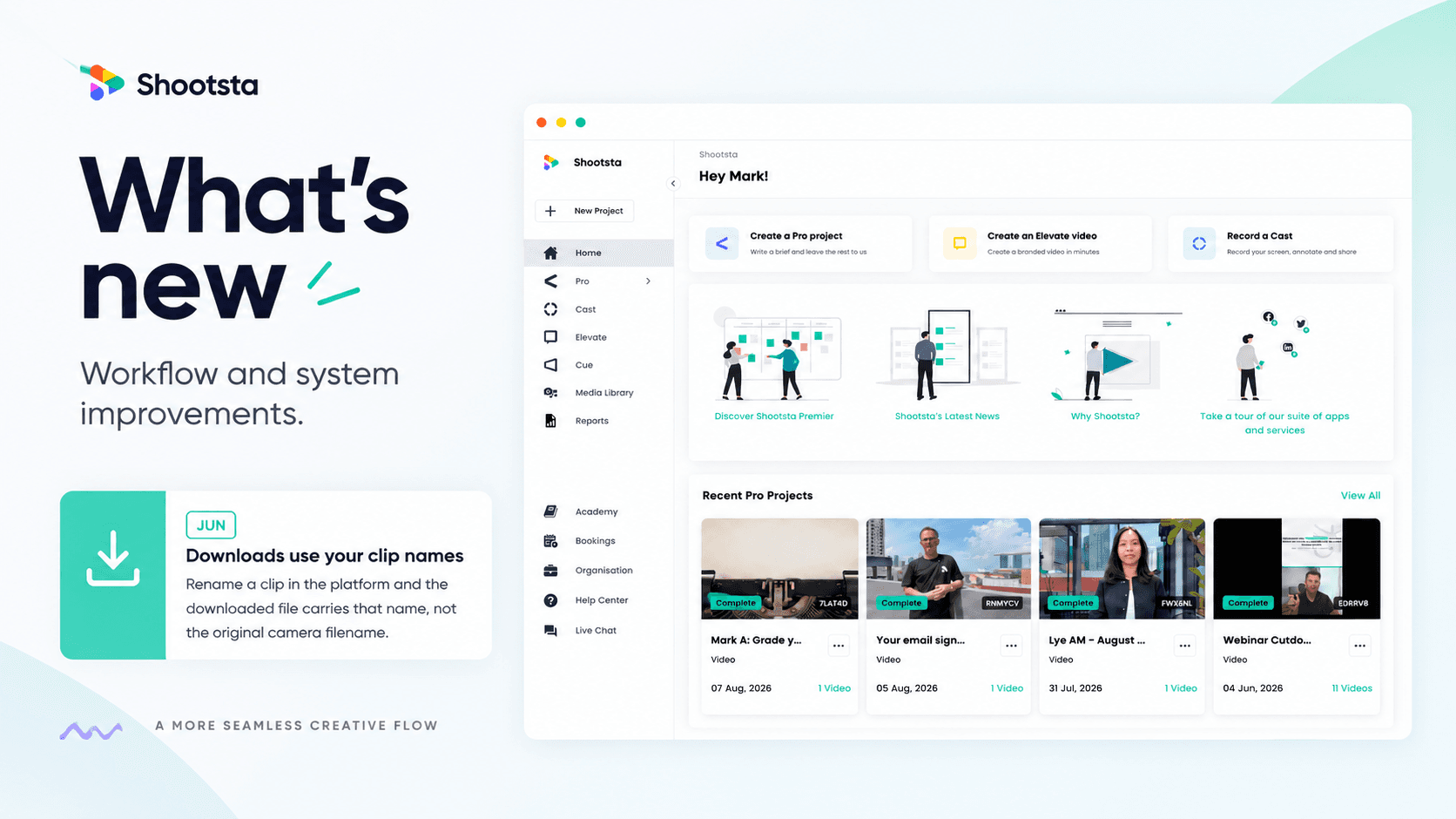
Less Admin, More Video: 15 Shootsta Updates
Fifteen platform updates from June to August 2026, covering video review, your media library, uploads and captions. Here is what changed and why it helps.
What we heard at the CMO Assembly in Nashville
Two days at the Millennium Alliance CMO Assembly in Nashville with marketing leaders from some of the world's biggest brands. Three things came up in almost every conversation: volume is up while budget is flat, brand drifts as volume rises, and speed decides whether a video still matters. Here is what we heard and what we shared.
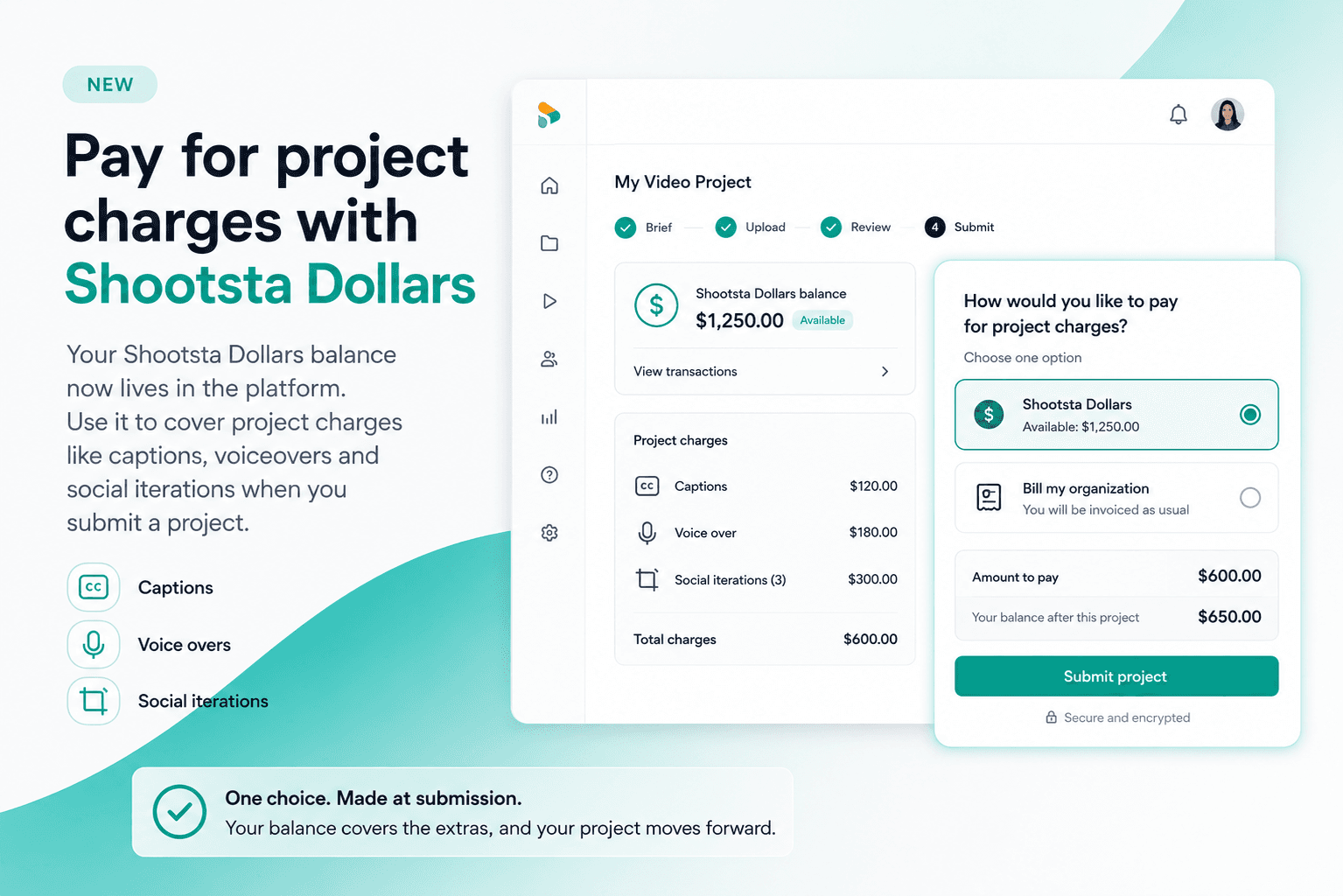
Pay for project charges with Shootsta Dollars
Your Shootsta Dollars balance now lives in the platform. Use it to cover project charges like captions, voiceovers and social iterations when you submit a project.
Shootsta Impact Video Awards 2026: How to Enter
Shootsta Impact Video Awards 2026: How to Enter
Entries are open for the Shootsta Impact Video Awards 2026. Here is what the awards recognise, who can enter, the 14 categories, how the panel judges, and how to nominate your team before July 31.
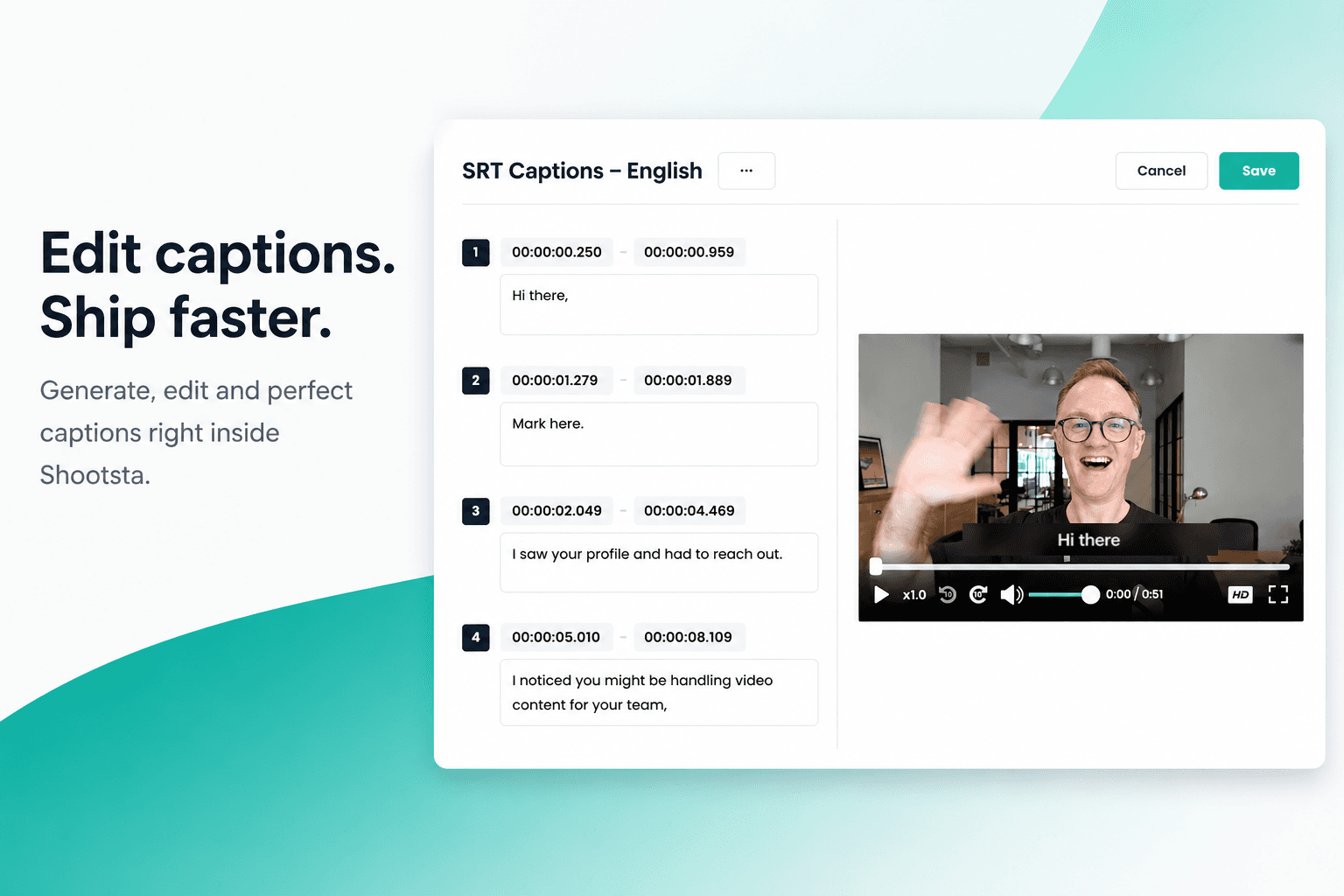
How to Add Captions in Shootsta
Generate and edit captions directly inside the Shootsta platform. No request forms, no back and forth, no waiting on turnaround. Here is how it works.
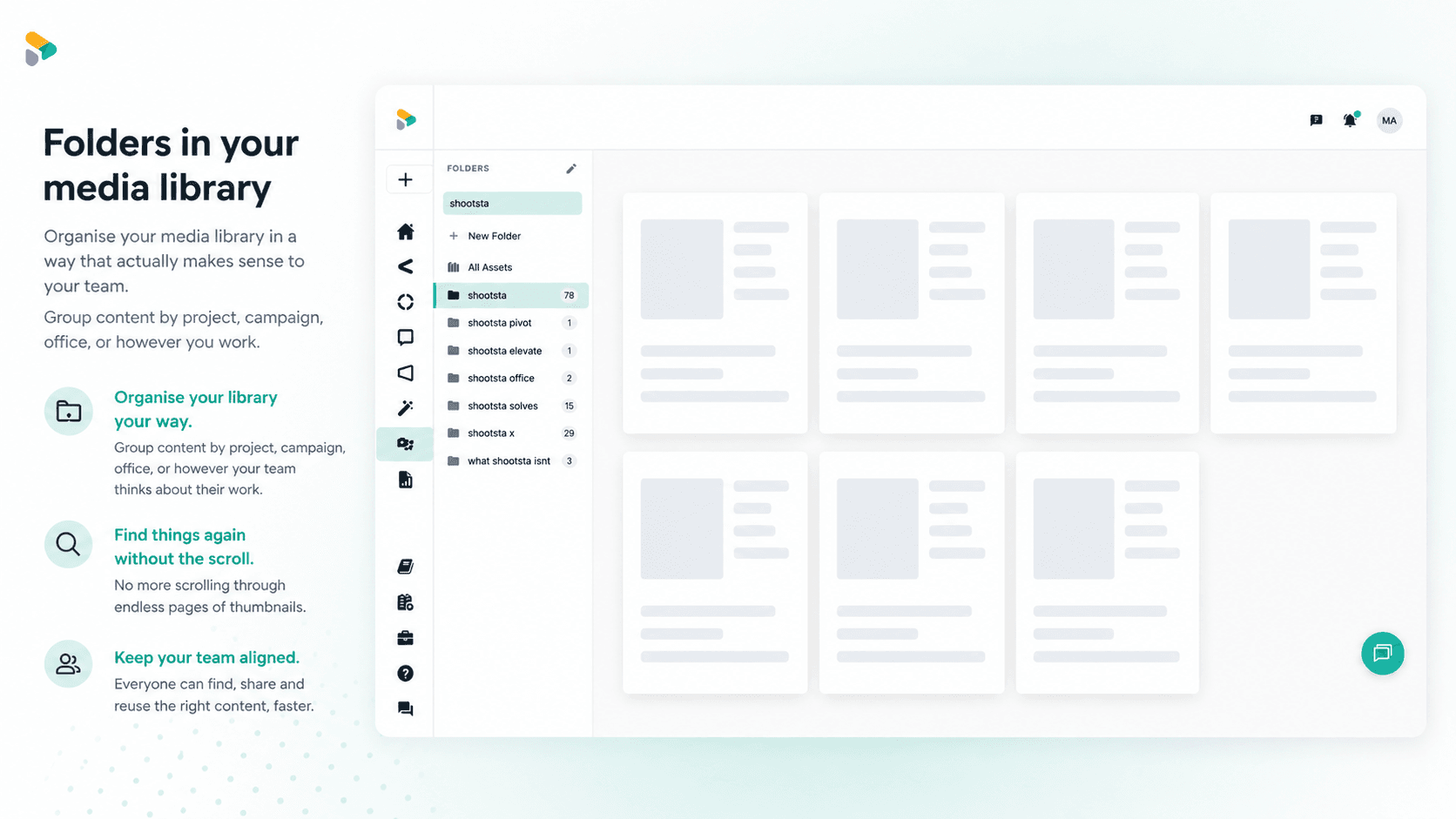
How to Use Media Folders in Shootsta
Organize your video assets into folders directly inside the Shootsta media library. Here is how to create folders, move assets, and keep your library clean as it grows.