What We Shipped in Q1 2026
Three updates that change how teams brief, caption, and organize video in Shootsta. Here is what shipped and why.
We shipped three updates to Shootsta this quarter. All three came from the same observation: teams producing video at volume were losing time on steps that should have been simple.
Briefing took too long. Captions required a separate workflow. Finding the right asset in a growing library meant scrolling through pages of unsorted files. None of these were hard problems individually, but together they added up to hours of friction every month.
Here is what changed.
A rebuilt briefing workflow
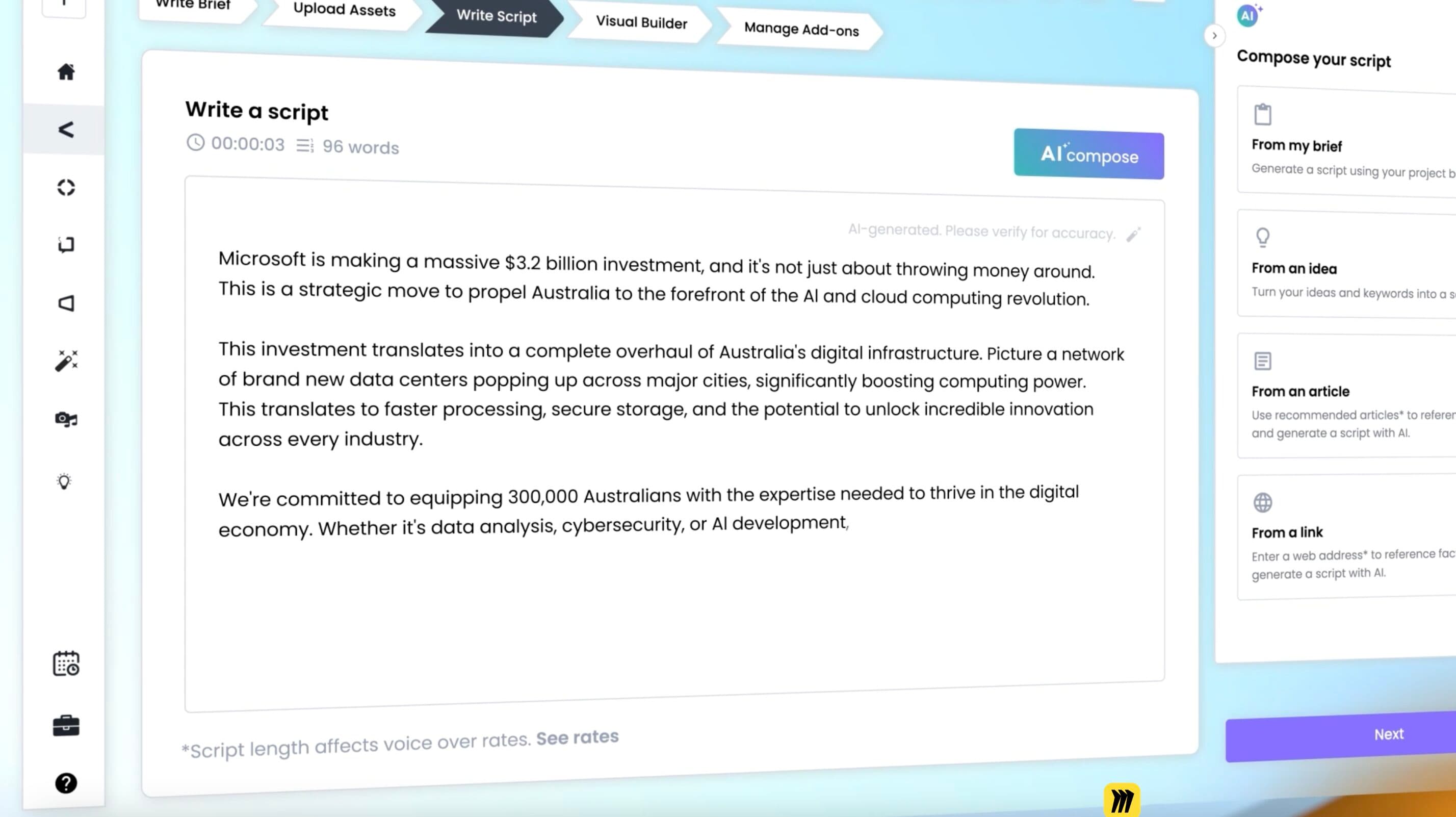
The old workflow split video briefing across multiple steps: write your brief, upload assets, write your script, build your visual plan, then manage add-ons. Five stages, multiple pages, and a lot of context switching.
We replaced it with Plan & Build - a single page where everything lives together. Objectives, script, visual direction, and editor notes are all in one place. Teams choose their starting point: "starting from scratch" for pre-production planning, or "existing footage" for post-production. Both paths use the same interface, and you can switch between them at any point.
The result has been a noticeable drop in briefing time. Internal teams are completing briefs in about 5 minutes instead of 20. Clarification requests from editors have dropped because briefs are more complete when the process is simpler.
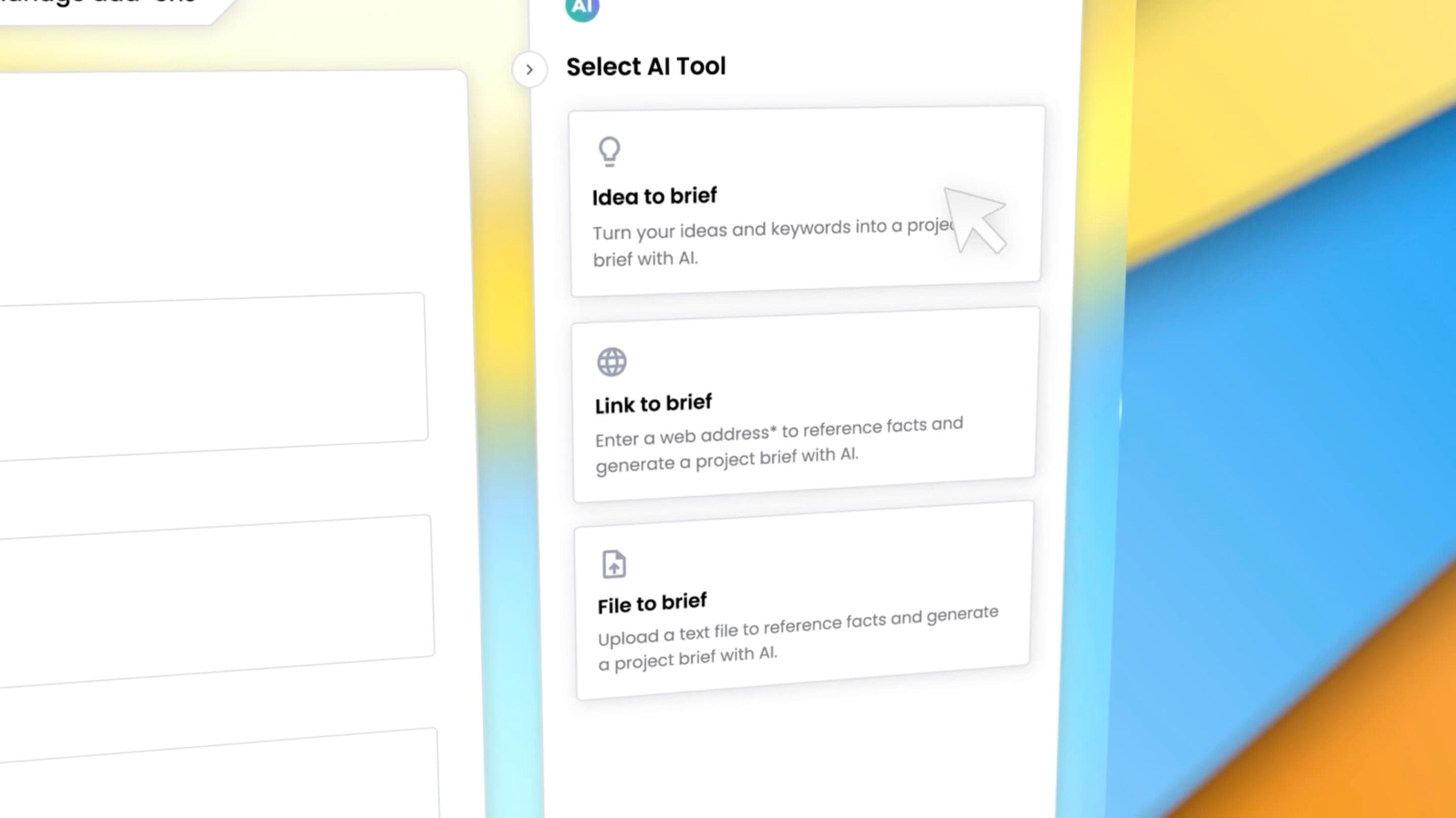
Storyboard and list views let teams customize the level of detail for each project. Quick turnaround videos get a lightweight brief. Complex productions get full scene-by-scene planning with visual descriptions, shot types, and reference links. AI Compose can generate script drafts and scene suggestions from your brief, giving teams a starting point they can edit instead of a blank page.
For a deeper look at what makes a strong brief across any video type, read our guide on writing video briefs that editors get right on the first pass.
Self-serve captions
Captions used to require a request to the production team, a turnaround window, and a review cycle. For a single video, that was fine. For teams shipping dozens of videos a month, it was one more step that quietly held things up.
Now you can generate captions on any video directly in the platform. Auto-generate, review and edit the text and timing, and publish the captioned video in one pass. No separate tools, no file exports, no re-uploads.
This matters most for accessibility. WCAG 2.1 requires captions on all prerecorded video, and around 80% of video on social platforms is watched without sound. Every video that leaves the platform can now be captioned and accessible without an extra workflow step.
We wrote a detailed guide on captioning business videos at scale that covers quality control, open vs. closed captions, and what actually works for enterprise teams producing at volume.
Media folders and tagging
The media library used to be flat. Every asset in one list, sorted by upload date. For teams with a handful of projects, that worked. For teams with hundreds of assets across multiple campaigns and offices, finding the right clip meant scrolling and hoping.
Assets in the media library now support folder-style organization through tagging. Group assets by project, campaign, office, content type, or however your team thinks about their work. Tags give you multiple axes of organization, so you can find "all B-roll from the London event" without remembering which project it was uploaded to.
For teams managing large video libraries, our guide on organizing video assets at scale covers folder structures, naming conventions, and the systems that keep things findable as your library grows.
What these three things have in common
Briefing, captioning, and asset management are not the exciting parts of video production. Nobody makes a highlight reel of their filing system. But they are the parts that determine whether a team can produce 30 videos a month or gets stuck at 10.
The bottleneck for most enterprise video programs is not editing quality or creative talent. It is operational friction - the small steps between "we have an idea" and "the video is published" that take longer than they should. These three updates target that friction directly.
If you want to see how the full Shootsta platform handles video production at scale, or if you want to try any of these updates on your next project, get in touch. Or take our Video Quiz to see which video types fit your goals.
Frequently asked questions
Are these updates available to all Shootsta users?
Yes. Plan & Build, self-serve captions, and media folders are live for all Shootsta workspaces. No upgrade or add-on required.
Do I need training on the new workflow?
The interface is designed to be self-explanatory, but we have walkthrough videos and help centre articles for each feature. Enterprise customers can request a guided session with their account manager.
Can I still use the old briefing workflow?
Plan & Build replaces the old multi-step flow. It covers everything the previous workflow did, with less friction. If you were comfortable with the old process, the same information goes into the same fields - they are just all on one page now.
What caption formats are supported?
Auto-generated captions can be edited directly in the platform. You can adjust text, timing, and line breaks before publishing. For details on caption formats and best practices, see our captioning at scale guide.