
shootsta.
Payment Gateway: Flexibility Meets Simplicity
By Justin · Published June 3, 2025 · Updated April 2026
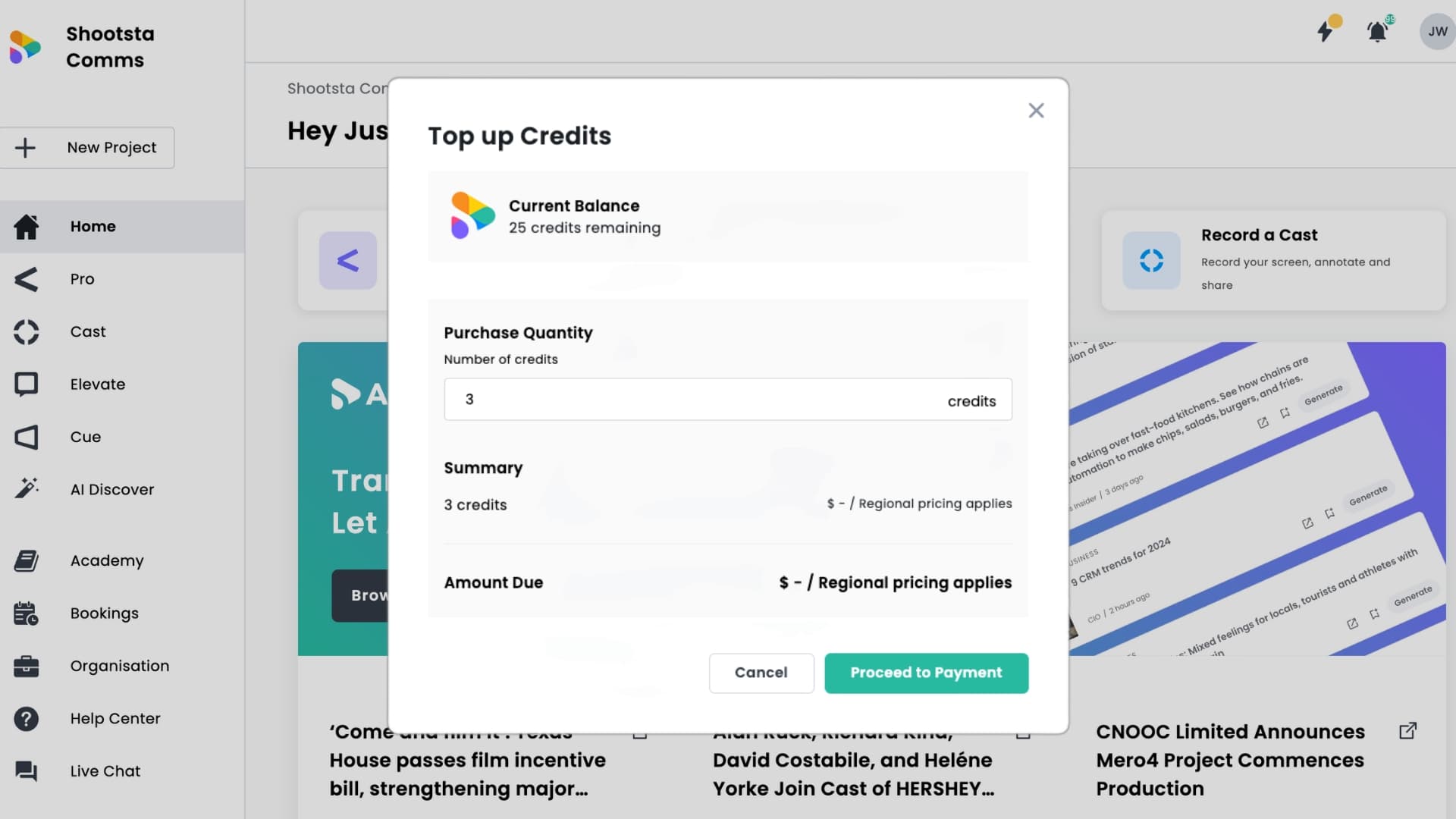
We’re pleased to announce the launch of our brand new Payment Gateway, now live in the Shootsta Platform. This long-awaited update introduces a seamless, self-service payment experience that gives you more control, faster access, and greater flexibility when using Shootsta.
Whether you’re topping up Flex credits, paying for captions or voice-overs, or simply need a last-minute add-on. This update ensures payments are handled directly in-platform, quickly and securely.
What’s New?
The Payment Gateway is powered by Stripe and designed to streamline how you purchase services on Shootsta. Here’s what it unlocks:
✅ No more waiting for invoices
✅ On-demand Flex credit top-ups
✅ Direct payment for project add-ons like captions and social cuts
✅ Secure checkout via credit card
✅ Multi-currency support: AUD, SGD, HKD, USD, GBP
This update reduces friction and empowers you to move fast, without needing to loop in an account manager.
Why It Matters
Until now, simple payments often required manual invoicing or intervention from our team. That meant delays, especially for smaller transactions like an additional service or extra credits to submit your project.
Now you can:
- Remove any bottlenecks before submission by paying upfront for self-service projects.
- Choose your payment method (Flex credits, card, or invoice).
This isn’t just a new feature, it’s a better experience for everyone, from solo creators to enterprise teams.
How It Works
Making a payment is now as easy as 1–2–3:
1. Pay for Add-ons
Once your project is complete, pay for captions, voice-overs, and social cuts by clicking the payment button on your project summary.
2. Review & Settle
View outstanding costs in your project details. Settle directly with your credit card, without waiting for an invoice.
3. Top-Up Credits on the Fly
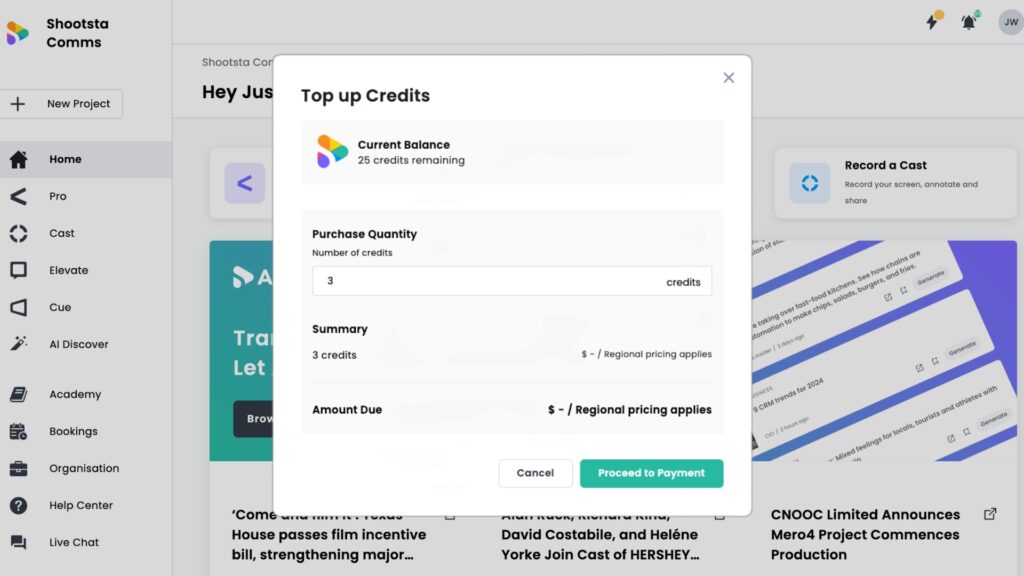
Need a few more credits to complete a project? Instantly top up right before submission using your credit card.
All transactions are securely processed through Stripe, using industry-standard encryption to ensure peace of mind. And yes, major credit cards are accepted globally.
Free Consultation
Want a hand with your next video?
Talk to a Shootsta producer about your goals, timeline, and budget. No pitch, just useful advice.
Start Using It Today
Every video project teaches us something new about what businesses really need. You've been building alongside us through our platform evolution, and this latest feature embodies everything we've learned from working on 60,000+ projects with brands like yours.
With this Payment Gateway as part of Shootsta’s workflow, you have even more control in your hands. We think you'll find it doesn't just change how fast you produce video content, but how confidently you can scale it.
If you hit a snag or have questions about charges, just reach out to support@shootsta.com. Our friendly support team is always here to help.
Keep reading
Take this article with you
Read the latest at shootsta.com/blog/introducing-the-payment-gateway-flexibility-meets-simplicity
You might also like
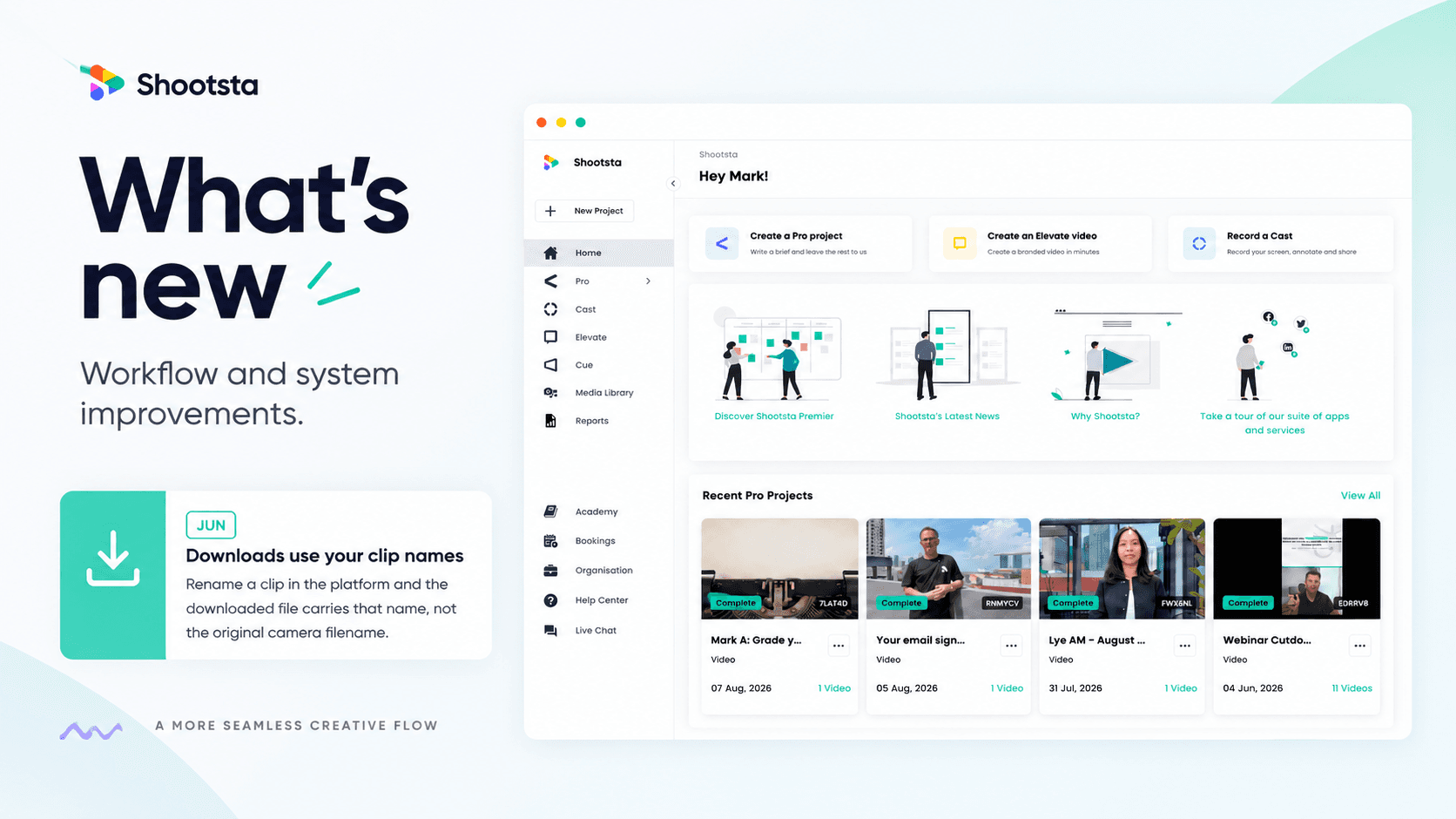
Less Admin, More Video: 15 Shootsta Updates
Fifteen platform updates from June to August 2026, covering video review, your media library, uploads and captions. Here is what changed and why it helps.

What we heard at the CMO Assembly in Nashville
Two days at the Millennium Alliance CMO Assembly in Nashville with marketing leaders from some of the world's biggest brands. Three things came up in almost every conversation: volume is up while budget is flat, brand drifts as volume rises, and speed decides whether a video still matters. Here is what we heard and what we shared.
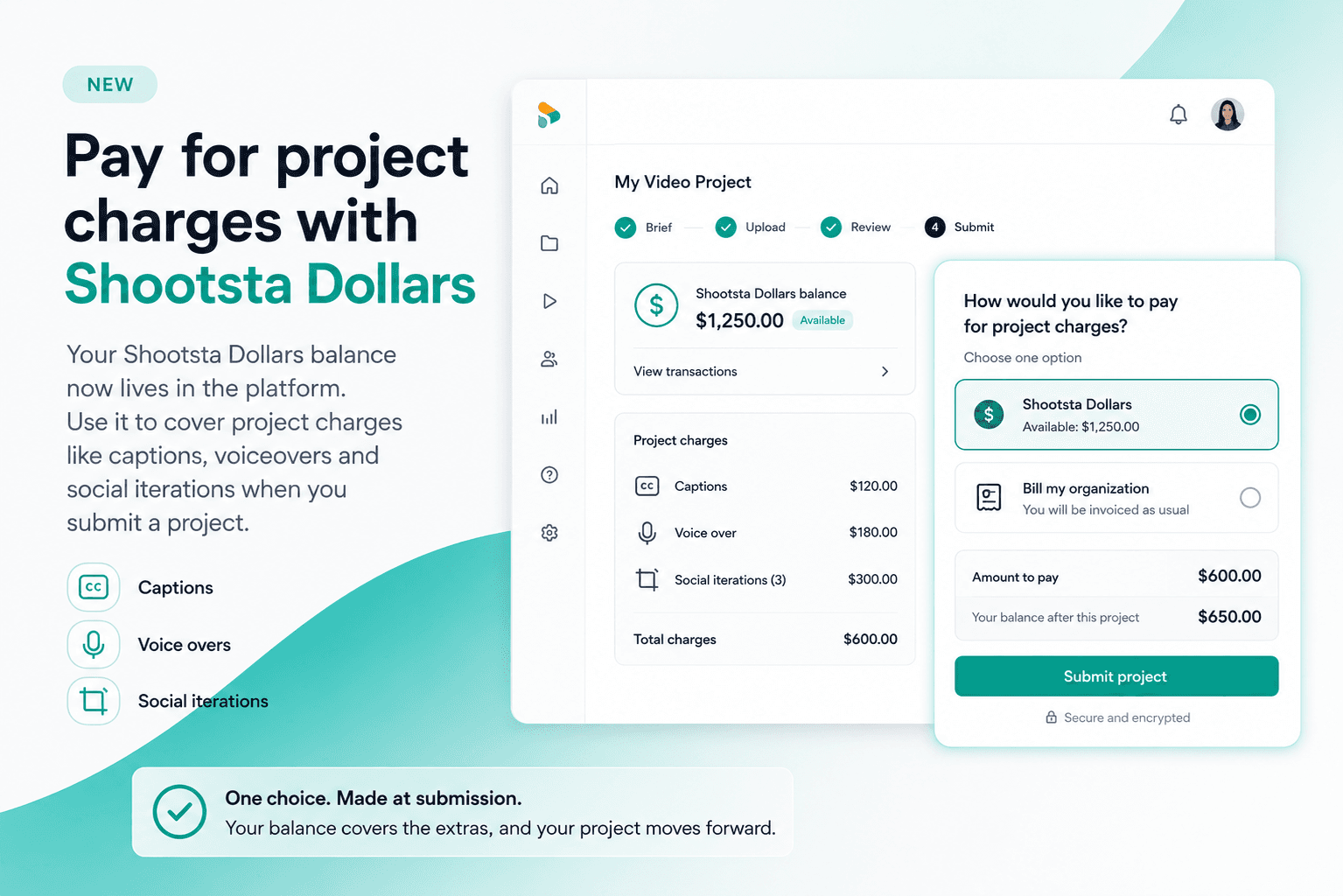
Pay for project charges with Shootsta Dollars
Your Shootsta Dollars balance now lives in the platform. Use it to cover project charges like captions, voiceovers and social iterations when you submit a project.
Shootsta Impact Video Awards 2026: How to Enter
Shootsta Impact Video Awards 2026: How to Enter
Entries are open for the Shootsta Impact Video Awards 2026. Here is what the awards recognise, who can enter, the 14 categories, how the panel judges, and how to nominate your team before July 31.
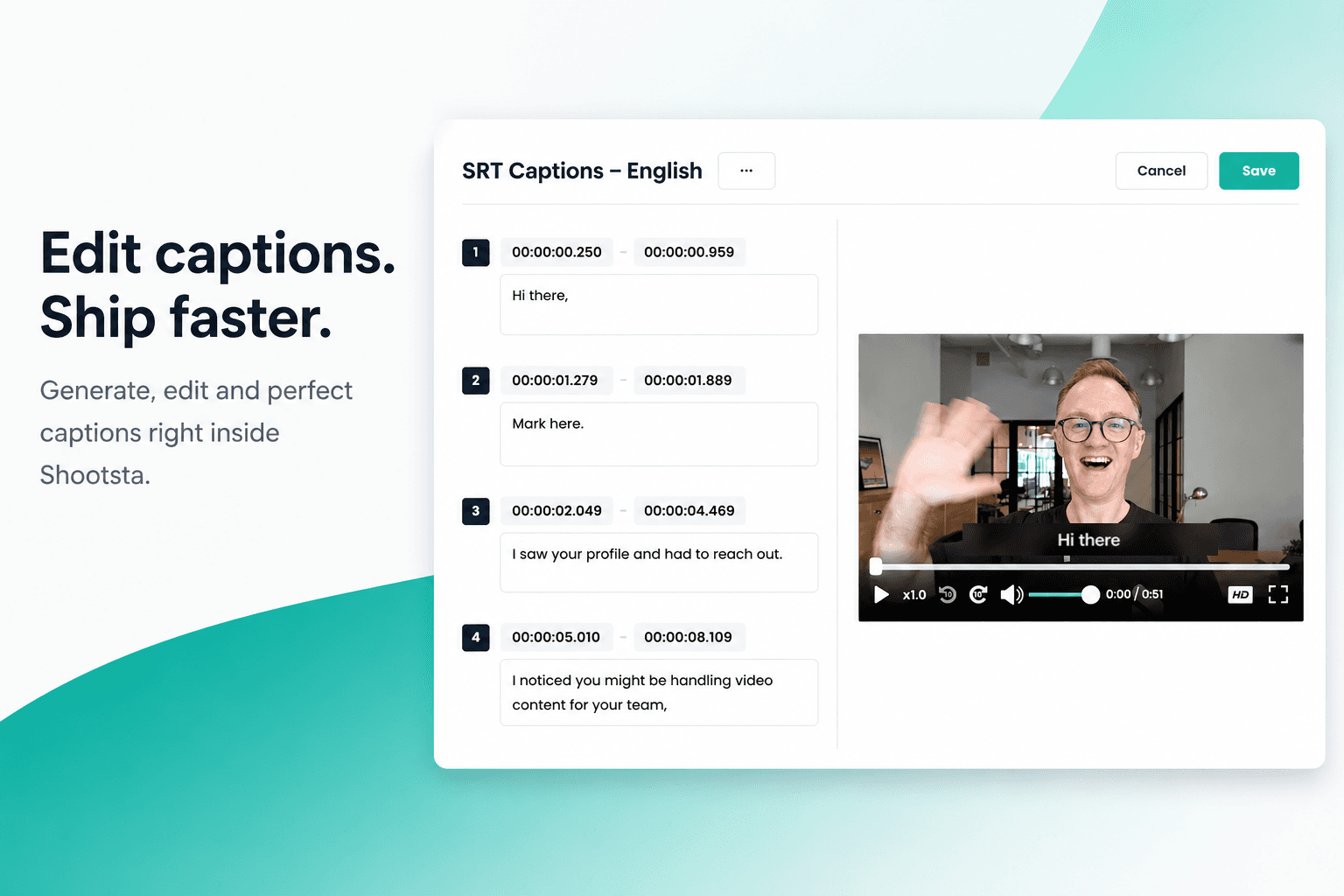
How to Add Captions in Shootsta
Generate and edit captions directly inside the Shootsta platform. No request forms, no back and forth, no waiting on turnaround. Here is how it works.

How to Use Media Folders in Shootsta
Organize your video assets into folders directly inside the Shootsta media library. Here is how to create folders, move assets, and keep your library clean as it grows.