
shootsta.
Streamline Video Scripting with Shootsta AI
By Justin · Published September 20, 2024 · Updated October 2026
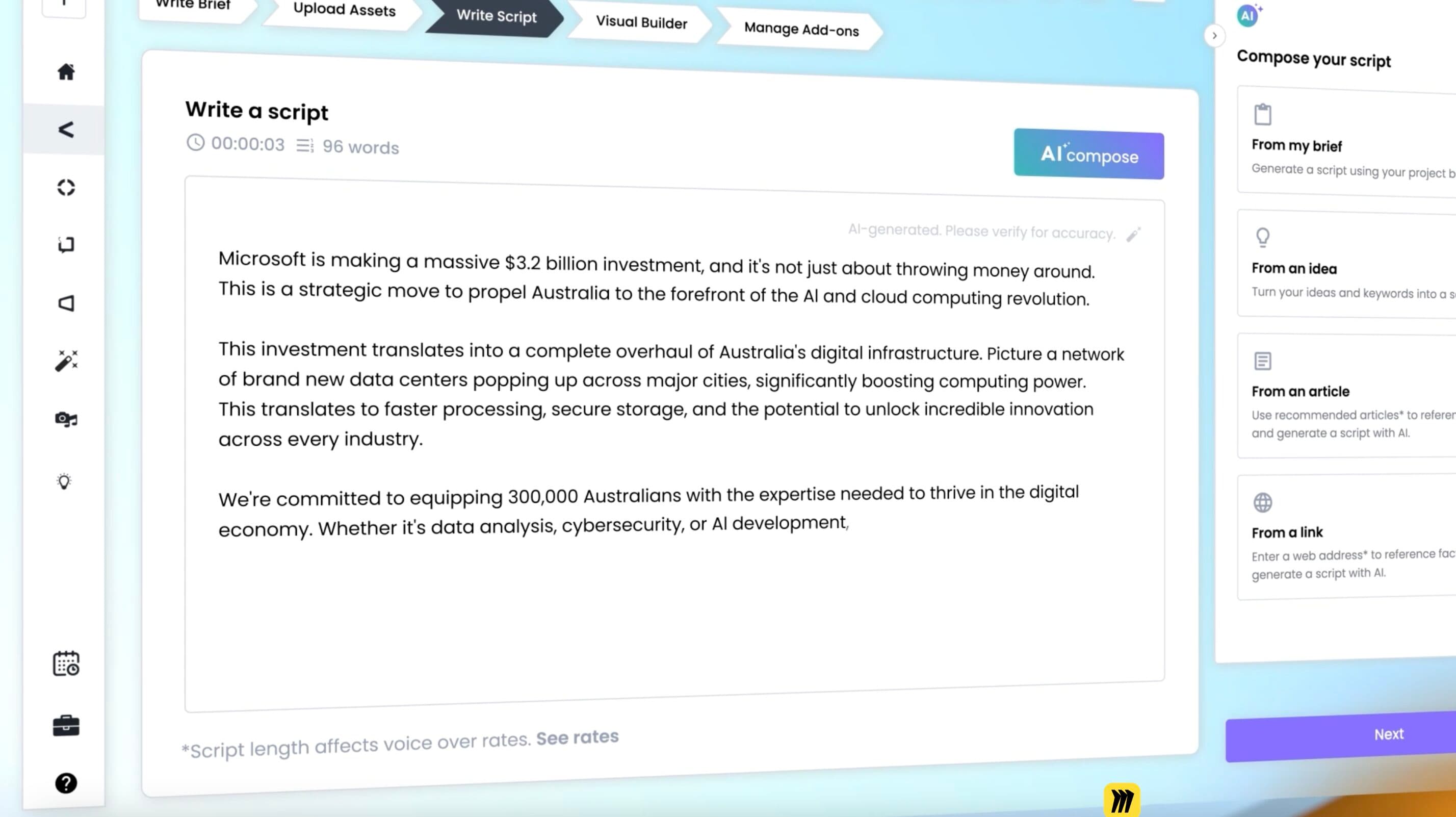
Shootsta AI Compose changes how you write scripts for your video projects.
Writing a script for a video can feel like a big job. You have to capture your ideas, put them in a clear order and make sure they match what you have in mind. Without a clear script, it's easy to lose focus, miss key points and end up with a video that misses the mark.
Scripting is hard because it takes time, focus and a good grasp of story structure. You also have to think about pacing and how to hold the viewer's attention, and those skills are not always on hand in a busy team.
Shootsta AI Compose is a tool that makes the whole scripting process simpler. You can start from scratch, work from an outline or pull from something you already have, such as a blog post or meeting notes. The AI tool turns that input into a script that is close to ready for your video. You then spend your time on the message and the creative ideas.
Scripting Simplified with Shootsta AI Compose
Shootsta AI Compose takes the guesswork out of scripting. It turns your rough ideas or existing material into a video script with a clear structure. The tool works quickly, so a loose idea becomes a working script without you getting stuck on format and layout.
The AI gives you a solid starting point, but you stay in control. You can change the wording, shift the tone and add your own lines until the script says what you want. Those edits keep your brand's voice in the script, so the finished video meets your creative goals and your business goals.
With Shootsta AI Compose, you write scripts faster and with less back and forth. That leaves more of your time for creative work and less for admin.
Benefits of Using Shootsta AI Compose for Scripting
Time-Efficient
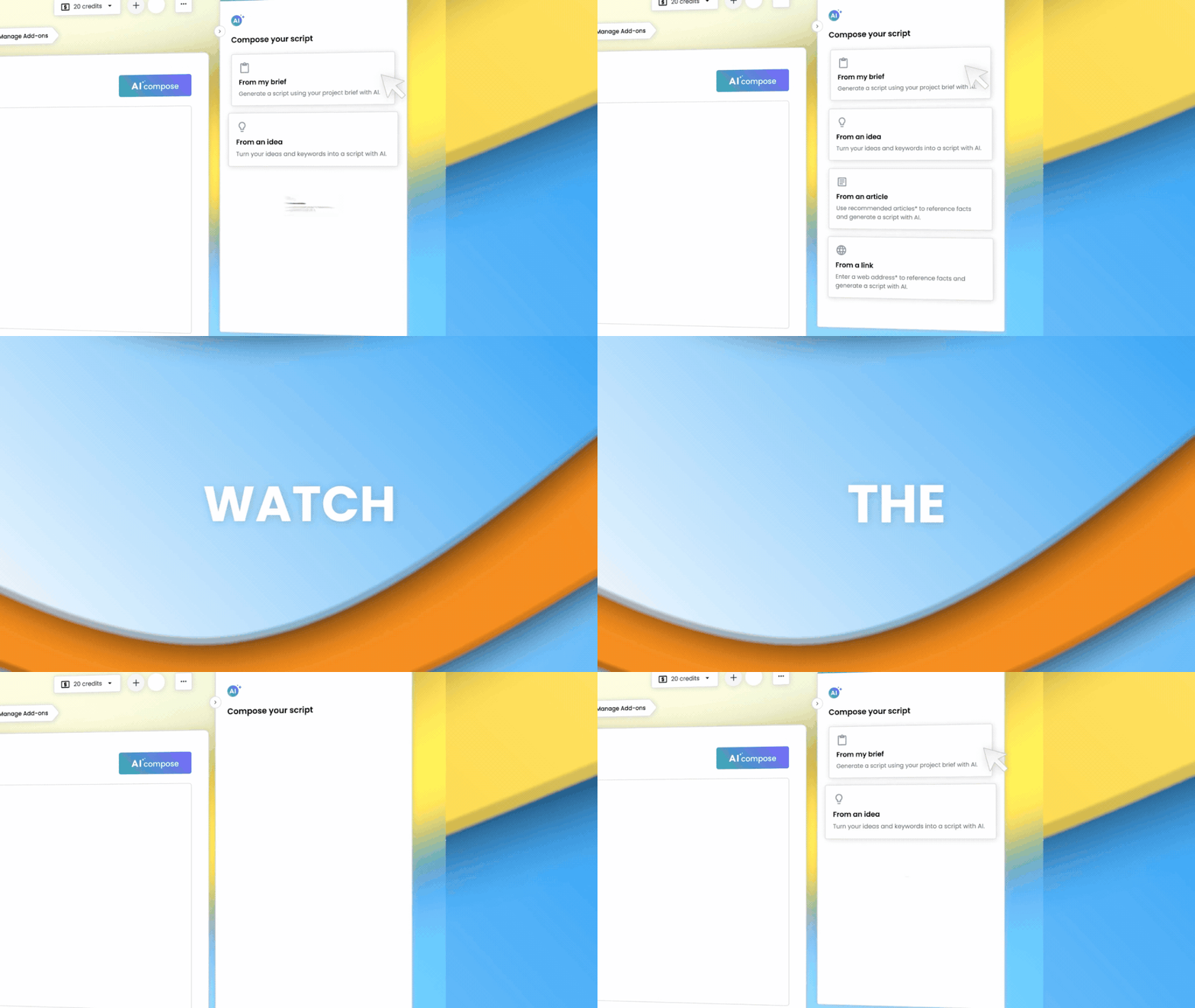
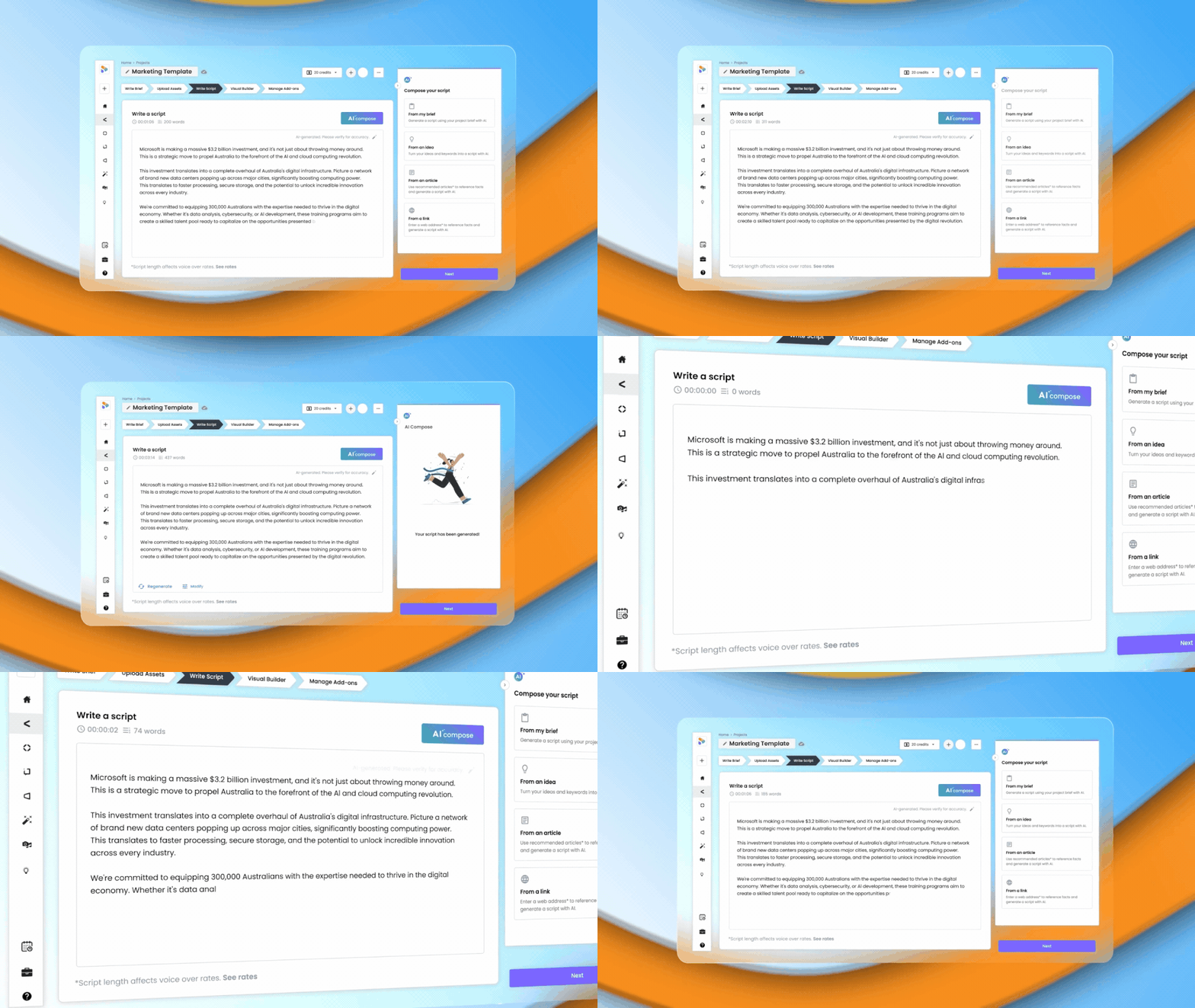
One of the biggest gains from Shootsta AI Compose is the time it saves. You no longer spend hours working out how to order your ideas. The AI does the groundwork and hands you a draft structure to build on. You can then work on your message and your story instead of the mechanics of scripting. A faster script also moves the rest of your production along sooner, which helps when deadlines are tight.
Clear and Concise Messaging
Shootsta AI Compose turns your ideas and key messages into a script that everyone on the production can follow. The AI puts your points into a tidy format, so there is less risk of vague directions or missed details. A clear script makes it easier to work with our editors, with videographers or with your own team. Everyone works from the same message.
Take Full Control of Your Script with Customisation
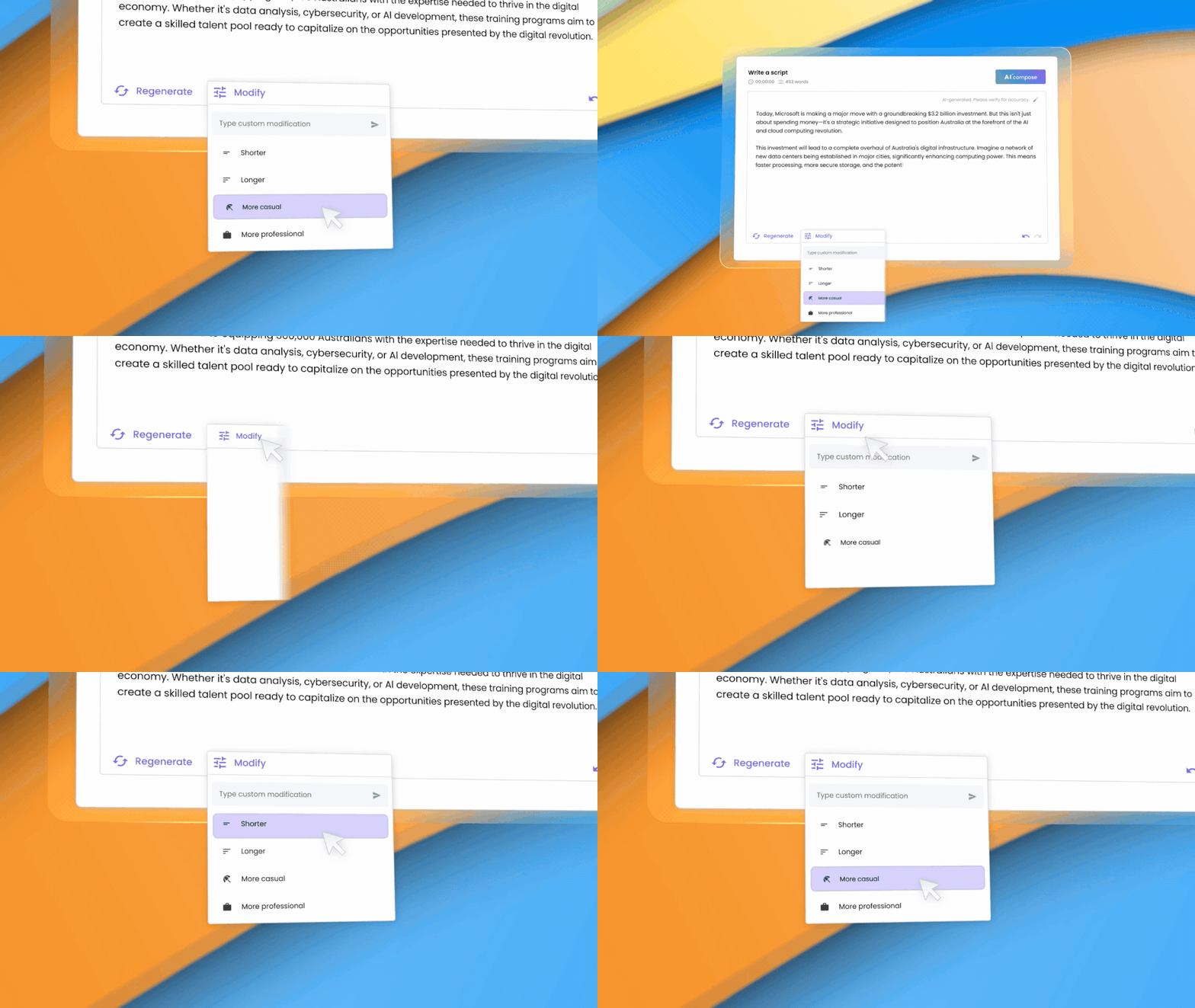
Shootsta AI Compose lets you shape the script yourself. You can regenerate the whole script or change parts of it with common AI prompts that adjust tone, style or structure. If you want more control, you can edit any section by hand. Small tweaks and larger rewrites both work, so you end up with a polished script tailored to your project.
Ready to Write Scripts with Shootsta AI Compose?
Free Consultation
Want a hand with your next video?
Talk to a Shootsta producer about your goals, timeline, and budget. There is no pitch, just advice you can use.
Writing a professional, well-structured script no longer has to eat up your week. The tool handles the structure and you can change any part of it, so you can put more of your effort into the creative side of your videos.
If you want to try it, log in and use Shootsta AI Compose to write the script for your next video project. You will see how much faster the first version comes together.
For a full walkthrough of the new features and a step-by-step demo, check out our latest blog post here.
Keep reading
Take this article with you
Read the latest at shootsta.com/blog/streamline-your-video-scripting-process-with-shootsta-ai-compose
You might also like
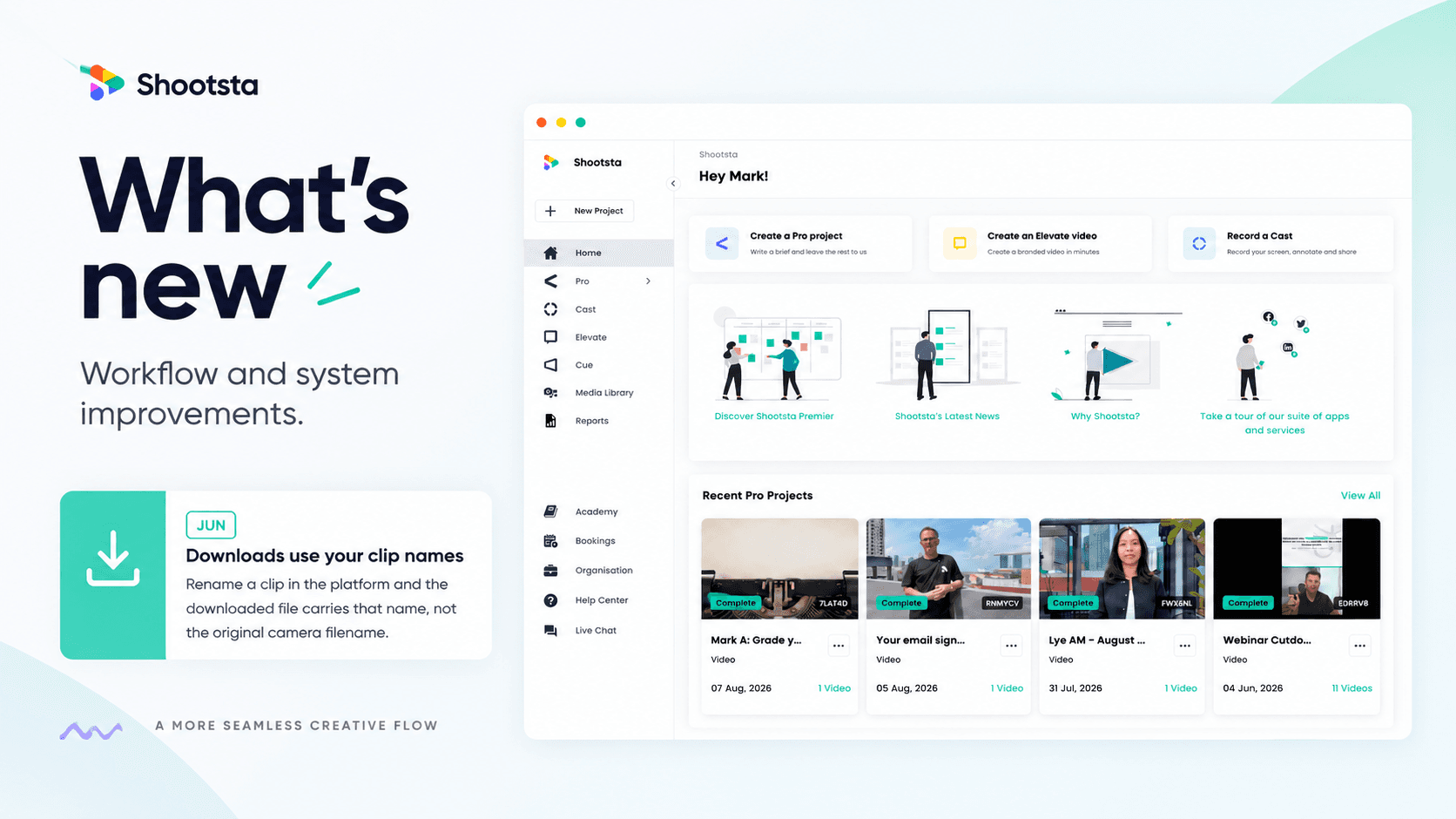
Less Admin, More Video: 15 Shootsta Updates
Fifteen platform updates from June to August 2026, covering video review, your media library, uploads and captions. Here is what changed and why it helps.

What we heard at the CMO Assembly in Nashville
Two days at the Millennium Alliance CMO Assembly in Nashville with marketing leaders from some of the world's biggest brands. Three things came up in almost every conversation: volume is up while budget is flat, brand drifts as volume rises, and speed decides whether a video still matters. Here is what we heard and what we shared.
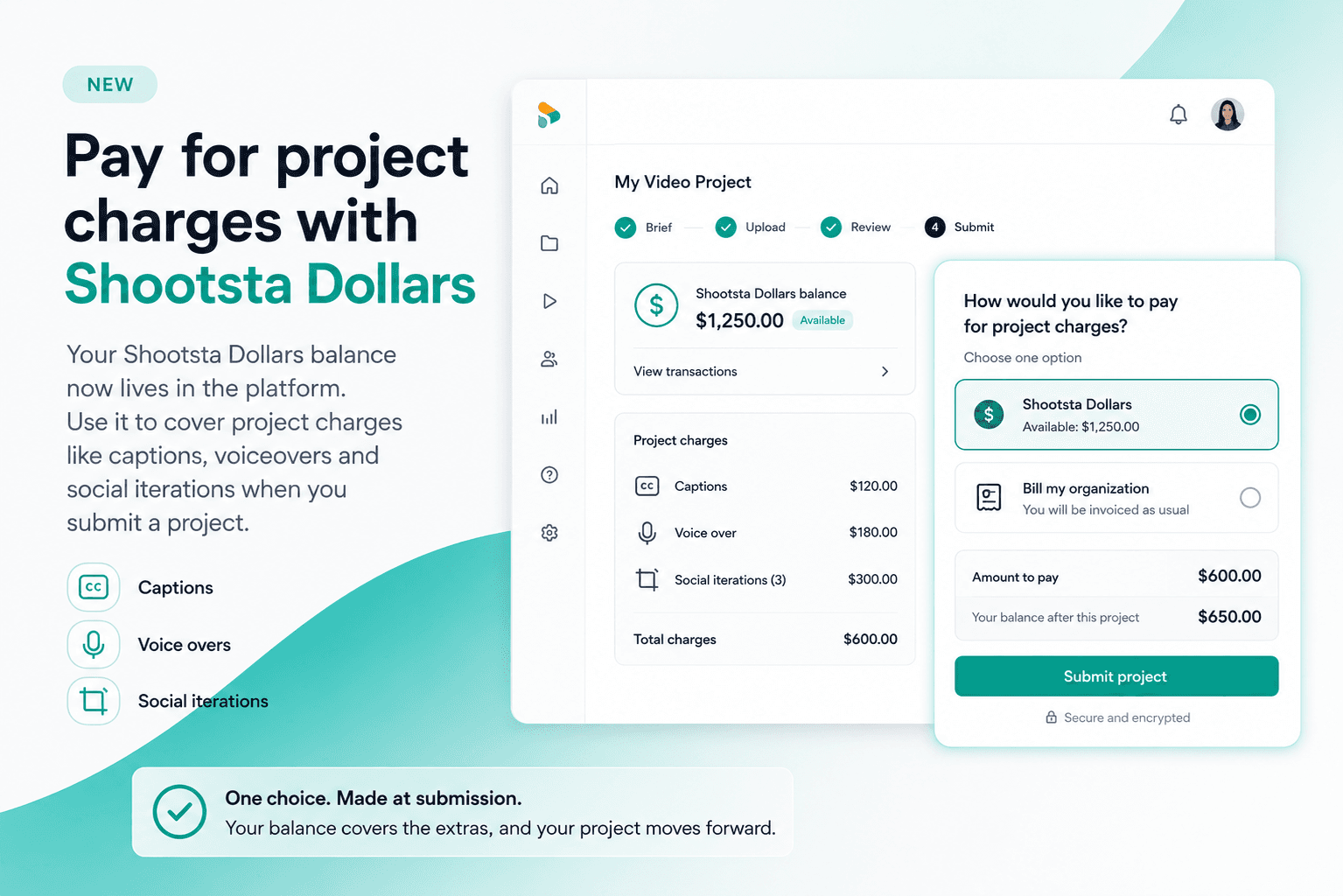
Pay for project charges with Shootsta Dollars
Your Shootsta Dollars balance now lives in the platform. Use it to cover project charges like captions, voiceovers and social iterations when you submit a project.
Shootsta Impact Video Awards 2026: How to Enter
Shootsta Impact Video Awards 2026: How to Enter
Entries are open for the Shootsta Impact Video Awards 2026. Here is what the awards recognise, who can enter, the 14 categories, how the panel judges, and how to nominate your team before July 31.
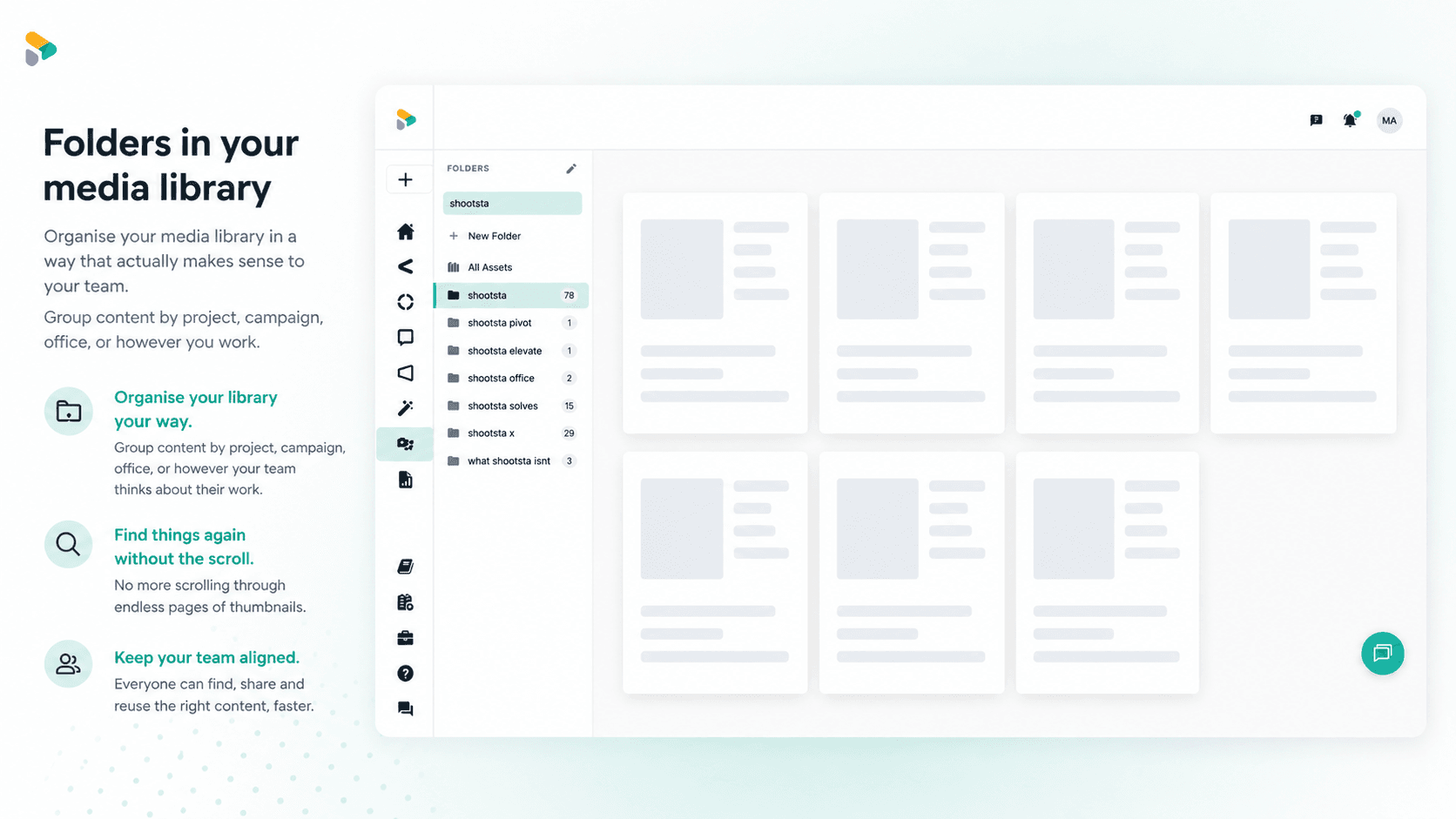
How to Use Media Folders in Shootsta
Organize your video assets into folders directly inside the Shootsta media library. Here is how to create folders, move assets, and keep your library clean as it grows.
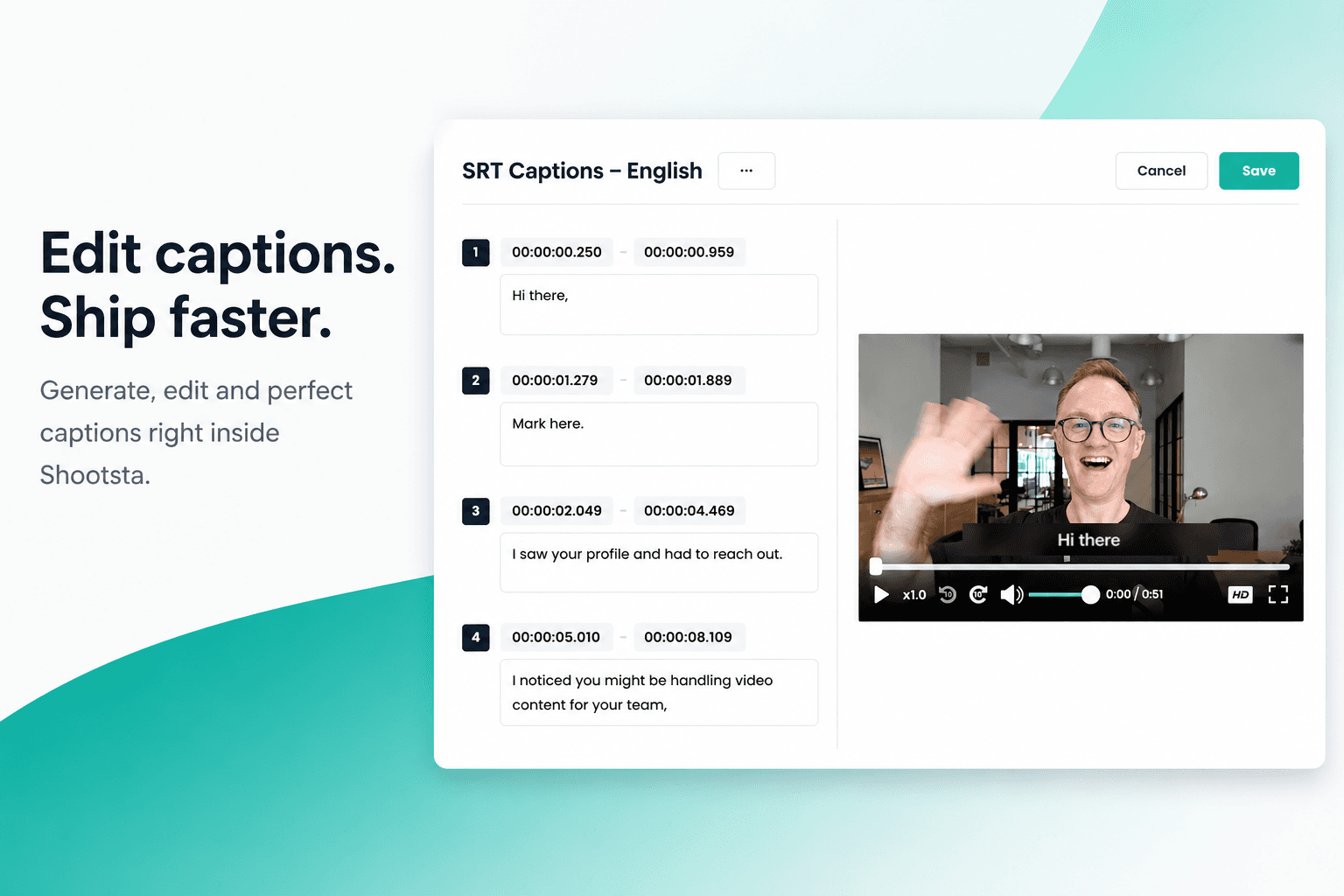
How to Add Captions in Shootsta
Generate and edit captions directly inside the Shootsta platform. No request forms, no back and forth, no waiting on turnaround. Here is how it works.