
Product Demonstration Videos: How to Make One
shootsta.
Product Demonstration Videos: How to Make One
By Shootsta · Published February 13, 2026 · Updated October 2026
Product demo videos let prospects see how your product works before they talk to sales. Here is how to produce demos that shorten sales cycles and answer buyer questions.
What is a product demonstration video?
A product demonstration video shows your product in action. You will often hear it called a product demo video. For software, that means a screen recording walking through key features and workflows. For physical products, it means a hands-on walkthrough showing how the product looks, works, and solves a specific problem.
Product demos sit in the middle of the sales funnel. The prospect already knows they have a problem and is evaluating solutions. A good demo video answers "how does this work?" without the buyer needing to book a sales call.
Why do product demo videos shorten sales cycles?
Without a demo video, the prospect's first real look at your product happens during a live sales demo - which takes scheduling, prep, and a 30-60 minute time commitment from both sides. Many prospects won't book that call until they've already narrowed to 2-3 vendors.
A demo video on your website lets every prospect see the product immediately. They self-qualify before booking a call. When they do talk to your sales rep, they arrive with context and specific questions instead of starting from zero. That saves your reps the first half of the call, which used to go on basic product questions.
What types of product demo videos should you produce?
Overview demo
An overview demo is a 2-3 minute walkthrough of the product's core value. It covers what the product does, who it's for and what makes it different. It lives on your homepage or product page and is often the first look a prospect gets.
Feature-specific demos
Short (60-90 second) videos focused on a single feature or workflow. These answer specific questions: "How does reporting work?" "Can I integrate with Salesforce?" "What does the admin dashboard look like?" Build a library of these and your sales team can send the right one for each prospect's situation.
Use-case demos
Demos framed around a specific audience or scenario: "Product demo for marketing teams" or "How procurement teams use [product]." These perform better than generic demos because the prospect sees their exact situation on screen.
Competitive comparison demos
Side-by-side walkthroughs showing how your product handles a workflow compared to alternatives. These are effective late in the sales cycle when the prospect is choosing between vendors. Keep them fair and factual - show what your product does well without misrepresenting competitors.
How do you produce product demo videos?
For software products
Software demos are usually a screen recording with voiceover narration. Use a clean demo environment (not your personal account with real data). Tools like Loom, Camtasia, or OBS capture the screen. Record the voiceover separately for cleaner audio. Then send the files to professional editors to add your branding, intro, lower thirds, and a polished finish.
For physical products
Film the product in use - not sitting on a table. Show someone opening the box, setting it up, and using it for its intended purpose. Film from multiple angles. A phone on a tripod works for most products. For larger or more complex products, a videographer can help with lighting and framing.
Both approaches work well with Shootsta's product demo video production - your team films the footage, and editors deliver a branded first cut in about 48 hours.
How long should a product demonstration video be?
Match the length to the job the video does. An overview demo on a product page works at 90 seconds to 3 minutes. A feature demo should cover one task in under 90 seconds. A use-case demo sent in a sales email can run 2 to 4 minutes, because the buyer asked to see it.
If a demo runs past 5 minutes, split it into chapters or separate clips. Buyers skip to the part they care about, and shorter clips make that easy.
How do you script a product demonstration video?
Open with the task the viewer wants to get done. Then show the product doing that task from start to finish, in the order a real user would do it. A simple five-part outline covers most demos:
- Problem. One sentence on the job the viewer is trying to do.
- Starting point. Where the viewer begins, such as the dashboard or the box on the desk.
- Steps. Each click or action, with the result shown on screen.
- Result. The finished output, such as the report, the booking or the working product.
- Next step. One call to action, such as booking a live demo or starting a trial.
Record the screen first, then write the voiceover against the footage. That way the words and the clicks line up, and you avoid re-recording the screen to match a script.
What does a product demonstration video cost?
Cost depends on who does the work. A screen recording your team makes in-house costs time rather than cash, though it rarely matches your brand. An agency may charge for a full production day even when the demo is a screen capture. A subscription such as Shootsta sits between the two. Your team records the screen or films the product, and editors add the branding, graphics and captions.
For a side-by-side view of the three models, read our guide to B2B video production cost and buying models.
Where should product demo videos live?
Put demos where buyers make decisions. Start with your product page, above the fold if you can, and your pricing page, where prospects comparing plans want to see what they get. Add them to landing pages for paid campaigns and to sales emails, so reps can share the right demo before and after a call. Your help center is the last stop, because existing customers use demos to learn new features.
Track which demos get the most views and which drive the most meetings booked. That tells you what prospects care about most and where to invest your next round of demo production. See our B2B video KPI guide for measurement setup.
Product demonstration video FAQs
What is the difference between a product demo and an explainer video?
An explainer video tells the viewer why a problem matters and what kind of solution fixes it, often with animation. A product demo shows your own product doing the work. Buyers tend to watch an explainer early and a demo when they compare vendors. Our guide to explainer videos and when to use them covers the first kind.
Should a product demo video show real data?
Use a demo account with clean sample data instead. Real customer data creates privacy risk, and a cluttered account pulls attention away from the feature you want to show.
Can you make a product demonstration video without a film crew?
Yes. For software, a screen recording and a decent microphone capture everything you need. For most physical products, a phone on a tripod in good light is enough. Professional editing then adds the brand finish.
Take this article with you
Read the latest at shootsta.com/blog/product-demo-videos-show-product-in-action
You might also like
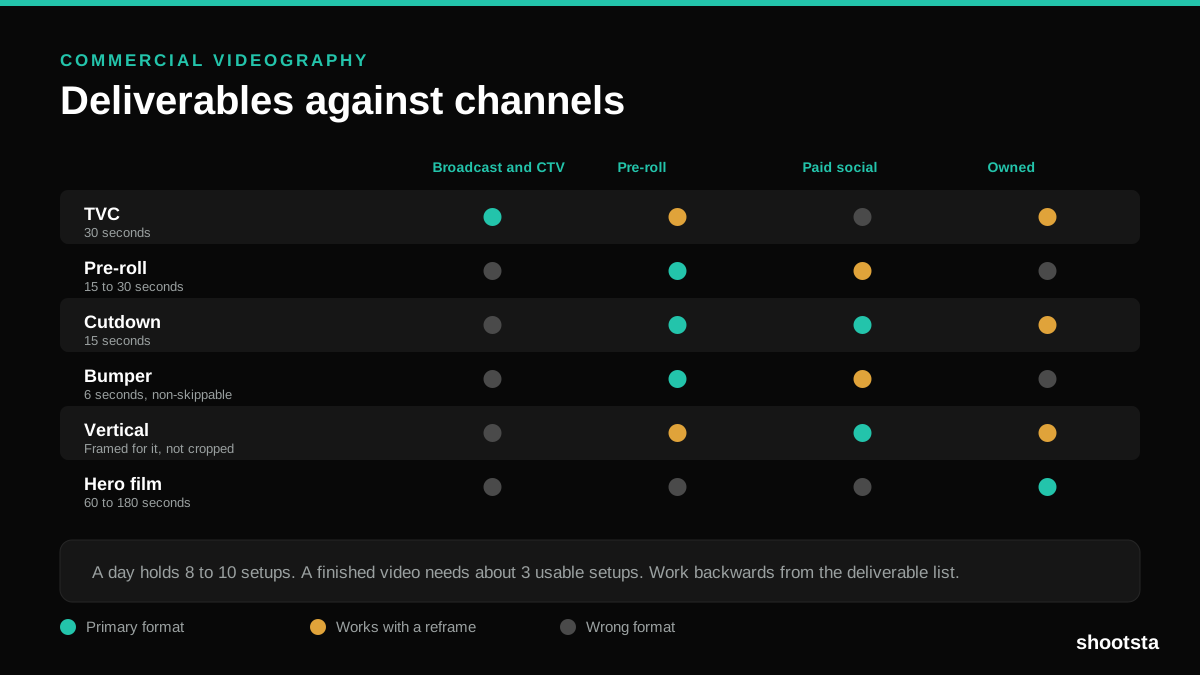
Commercial Videography: Cost and Scope
Commercial videography is priced by the day and judged by the deliverable. Most projects go wrong because those two numbers were never reconciled.
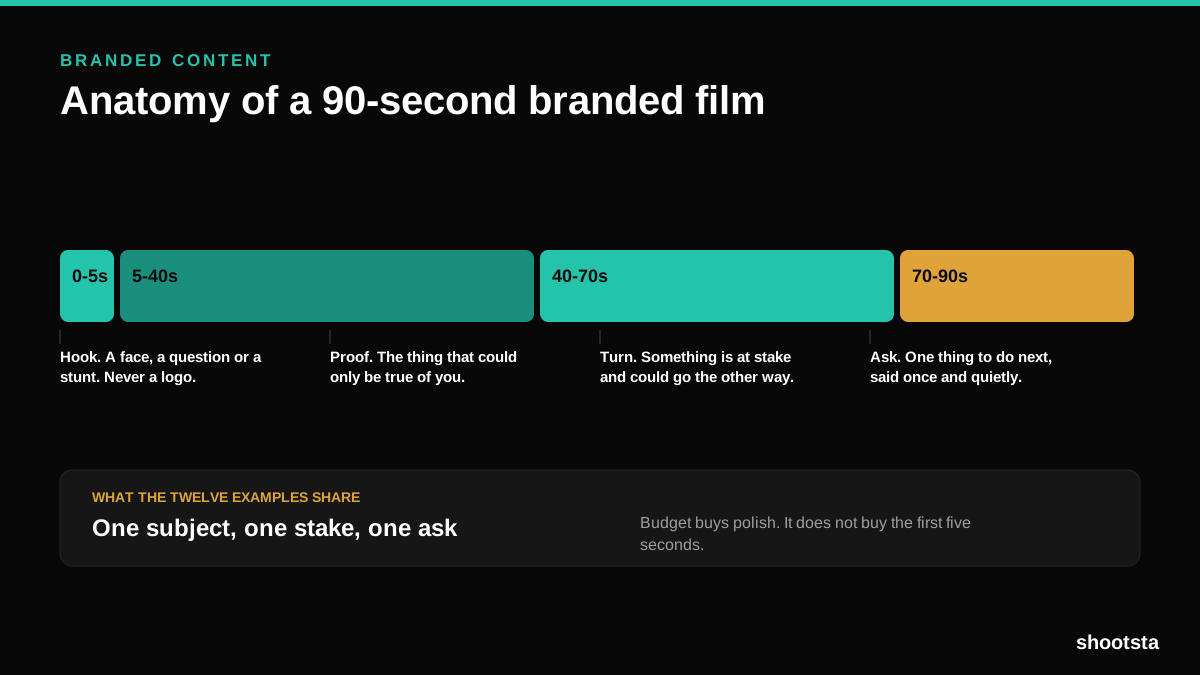
12 Branded Content Examples That Worked
Twelve pieces of branded content that people chose to watch, what each one got right, and the structure underneath all of them.
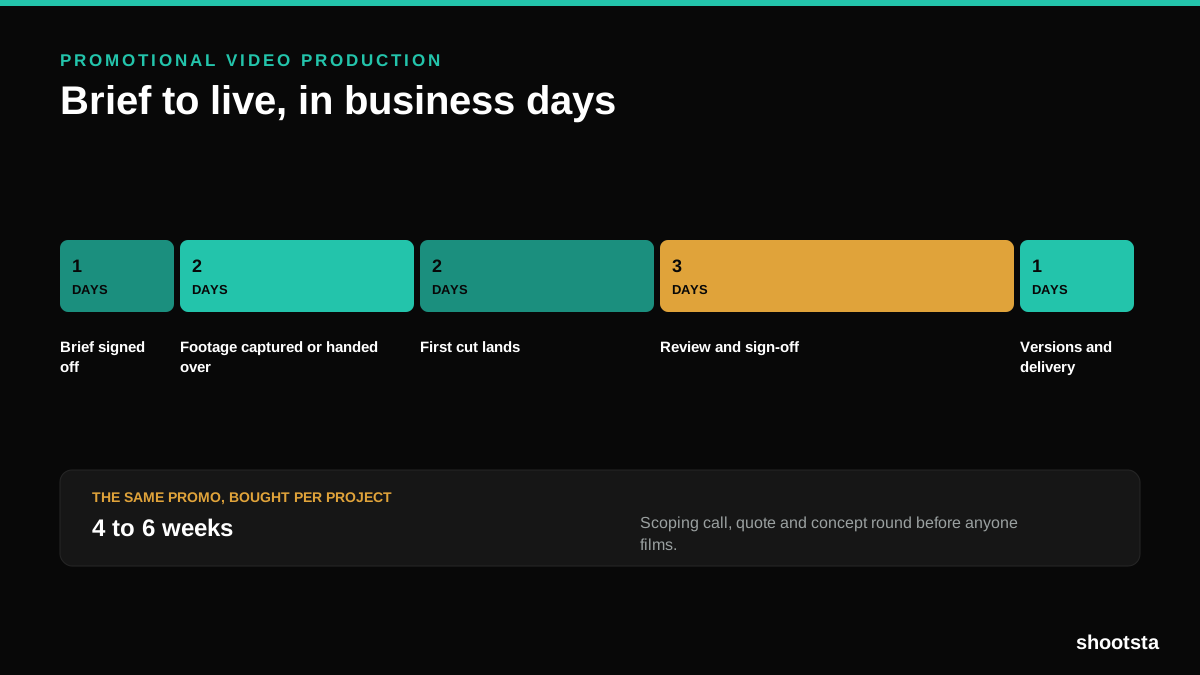
Promotional Video Production: Cost and Time
Most promotional video production schedules are not slow because of the edit. They are slow because of the approval chain. Here is where the days go.
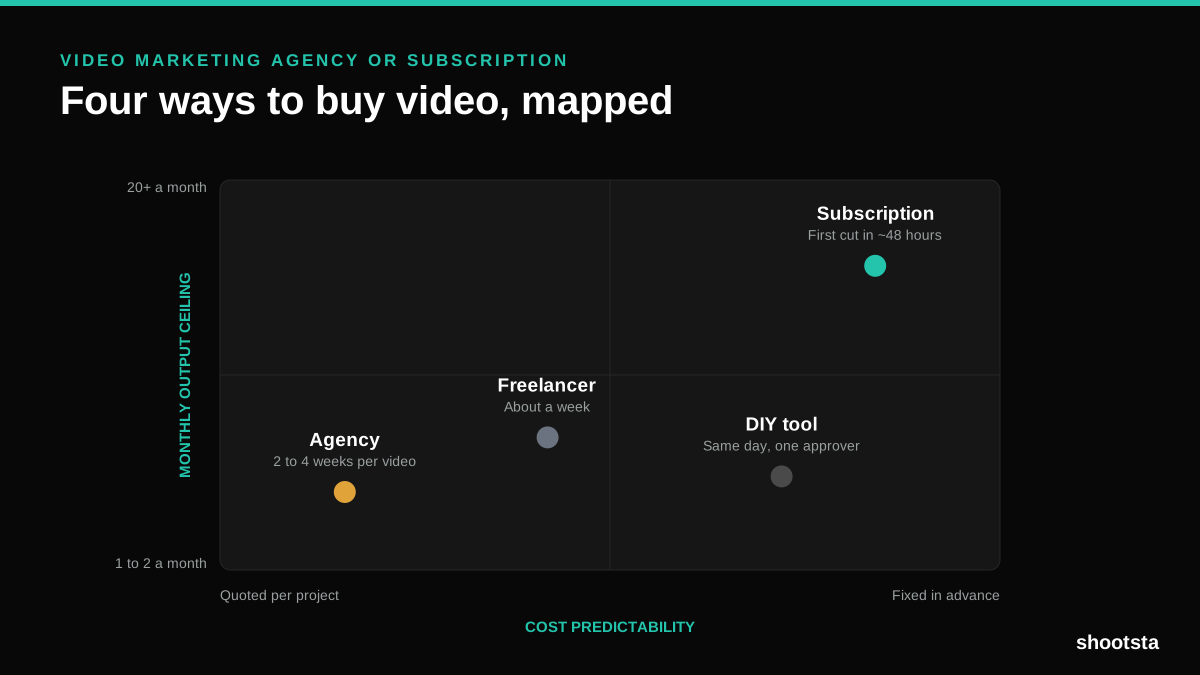
Video Marketing Agency or Subscription?
A video marketing agency prices per project and works in weeks. A subscription prices the year and works in days. Which one fits depends on how often you publish, not on which is better.

B2B Video Production: Costs and Buying Models
There are five ways to buy B2B video production. Each one works well up to a point and then breaks, usually at a volume nobody planned for. Here is what each costs and where the ceiling sits.
How to Measure Video Speed-to-Market
How to Measure Video Speed-to-Market
Speed-to-market is the lag between needing a video and publishing it. For marketing teams it is a revenue metric. Here is how to measure and improve it.