
shootsta.
Video Production Workflow and Process Guide
By Mark Ashworth · Published July 22, 2025 · Updated October 2026
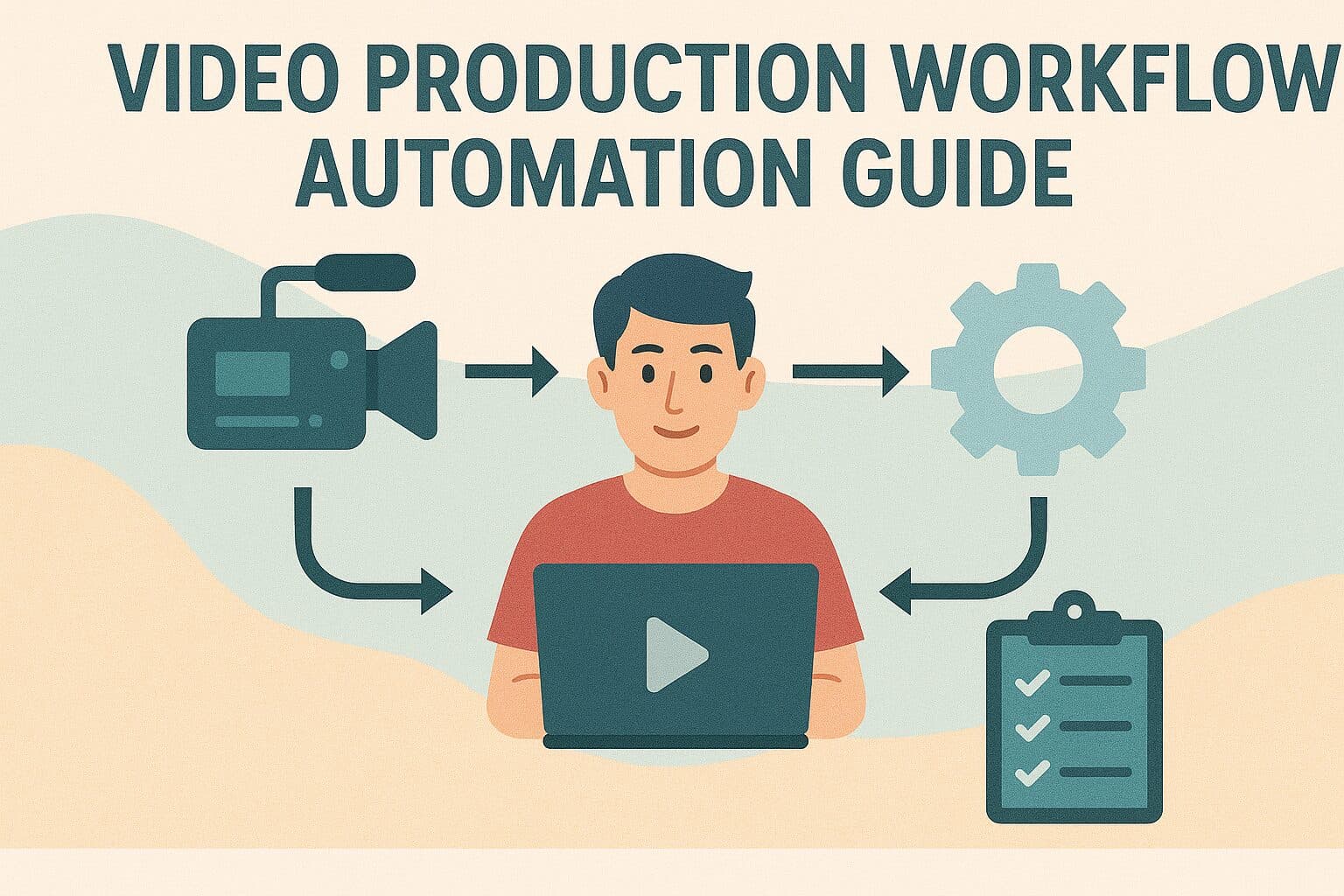
Understanding Video Production Workflow Components
A video production workflow runs through several linked phases, from the first idea to final distribution. Each phase has its own tasks, decisions and handoffs, and many of them repeat on every project. Those repeat steps are where automation pays off. A corporate video workflow has to coordinate creative development, filming, review and distribution. It also has to hold quality steady and meet the goal the video was made for. Seeing each part clearly shows where automation saves the most time.Pre-Production Workflow Elements
Pre-production covers project planning, creative development, booking people and gear, and coordination. These steps set up everything that follows. They often involve several stakeholders, and decisions can stall while everyone weighs in. Key Pre-Production Workflow Components- Project Intake: Request forms, requirement gathering, and initial scope definition
- Creative Planning: Concept development, scriptwriting, and storyboard creation
- Resource Coordination: Team assignment, equipment booking, and schedule planning
- Approval Processes: Stakeholder review, feedback integration, and sign-off procedures
- Production Preparation: Shot lists, location scouting, and logistics coordination
- Technical Setup: Equipment configuration, software preparation, and quality standards
Production Phase Automation Opportunities
During production you are coordinating people, equipment and locations while keeping to the quality bar and the schedule. Many of these tasks get simpler once you automate the routine parts and set a standard way of doing them. On a shoot, automation cuts setup time and keeps the quality consistent from one day to the next. It also reduces the manual coordination that so often causes delays and errors on the day.Post-Production Workflow Optimization
Post-production is the phase of the video production workflow that suits automation best. It is full of technical steps that repeat on every project. Editing, rendering, quality control and delivery all have parts you can hand to software. Post-Production Automation Areas- File Organization: Automatic folder structures, naming conventions, and asset management
- Quality Control: Automated technical checks, compliance verification, and standard validation
- Rendering Processes: Batch processing, format optimization, and delivery preparation
- Review Workflows: Automated notification systems, feedback collection, and approval tracking
- Distribution Preparation: Format conversion, metadata addition, and platform optimization
- Archive Management: Asset storage, backup procedures, and retrieval systems
Strategic Planning for Workflow Automation
Workflow automation works best when you plan it. Start by finding the steps where it will help most, then check what your team can take on and how much change it can absorb. Every automation project should tie back to a business goal and to the volume of video you produce. Rank each candidate step by the time it would save, the errors it would prevent and how hard it is to set up. That way the first projects return the most for the effort.Automation Opportunity Assessment
- High-Volume Tasks: Repetitive activities performed frequently across multiple projects
- Error-Prone Processes: Manual steps with high mistake rates or quality inconsistency
- Time-Intensive Activities: Tasks requiring significant manual effort or coordination time
- Bottleneck Operations: Workflow steps that frequently delay project completion
- Compliance Requirements: Regulatory or quality standards requiring consistent application
- Resource-Heavy Procedures: Activities consuming excessive staff time or technical resources
What are the stages of the video production process?
Every video, from a 30-second internal update to a brand film, moves through the same six stages. Naming them is what makes the workflow measurable, because you can only automate a step you can point at.
- Brief. What the video is for, who it is aimed at, and what has to be true when it is finished.
- Script and storyboard. The words and the shots, agreed before anyone books a camera.
- Approval of the plan. This is the cheapest place to change your mind, and it is the stage that gets skipped most often.
- Filming. Capture, whether that is a crew day or a phone in a meeting room.
- Edit. Assembly, grading, sound, graphics, captions and versioning.
- Review, sign-off and publish. Feedback gathered, applied, and the file pushed to where it lives.
A video production project approach that treats these as one continuous process, rather than six handovers, is what separates a team shipping weekly from a team shipping quarterly.
Where does the video production workflow stall?
Filming is rarely where a project stalls, because a shoot has a date and a date creates urgency. The delays tend to gather in three places.
Between brief and script. When nobody owns the first version of the script, it waits. The fix is structural: a template that forces the objective, audience and single message before anything else. The video planning tool exists for exactly this.
Between first cut and second. Feedback arrives from several people, in different formats and over many days, and some of it contradicts the rest. The fix is timestamped comments in one place, with a stated deadline and a named decision-maker when notes conflict.
Between final cut and publish. The video is finished and sits in a folder because nobody owns distribution. The fix is to name the publisher in the brief, at the start of the project.
Which steps should you automate first?
Automate the parts that are repeated and rule-based. Leave the parts that need judgment alone. In practice that means intake, versioning, captioning and delivery.
- Intake. A structured request form instead of an email. It ends the back-and-forth about what the video is even for.
- Asset and version control. One numbered location per project, so nobody edits over the wrong file or reviews an old cut.
- Brand application. Use locked templates for intros, lower thirds, end cards and palette. This is the highest-value step, because it removes a decision from every video.
- Captions and language versions. Machine-generated then human-checked, rather than typed from scratch.
- Review routing. The right reviewer notified at the right stage, with a clock on it.
- Publishing and metadata. Title, description, thumbnail and destination filled from the brief rather than rewritten.
What should not be automated is the creative decision about what the video says. Automation makes execution repeatable. It does not turn a weak brief into a good video.
Video production process FAQs
How long should the video production process take?
For recurring content, a working week from brief to published is a reasonable target, and a first cut about 48 hours after the footage lands is achievable when a dedicated team handles the edit. For a scripted brand film, six to twelve weeks is normal. The video production turnaround framework covers where speed costs quality and where it does not.
What is the difference between a workflow and a process?
The process is the sequence of stages. The workflow is who does what, in what order, with which tools and handovers. Two teams can run the same process with very different workflows, and the workflow is usually why one of them is so much faster.
Do you need software to automate a video production workflow?
You need less software than vendors suggest. A shared brief template, one asset location, a named approver per stage and a single review tool cover most of the gain. Wait to buy software until the manual version works and your volume has outgrown it.
How does the workflow change as volume rises?
A workflow that handles one video a month will break at ten. It usually fails at brand consistency and review, well before production capacity runs out. Scaling video content across an enterprise covers what changes at each step up.
Keep reading
Take this article with you
Read the latest at shootsta.com/blog/video-production-workflow-automation-guide
You might also like
What Makes a Great Internal Comms Video
What Makes a Great Internal Comms Video
Internal comms video competes with everyone's inbox. The best ones are honest, short, and clear about what changes. Here is how they are built and how the panel scores them.
APRA-Aligned Video Production for AU FS
APRA-Aligned Video Production for AU FS
AU financial services video carries a specific regulatory load. APRA, ASIC and AFCA shape the workflow. The compliance gate pattern, the SM-equivalent accountability requirements under FAR and BEAR, and the per-asset audit trail that holds at APRA inspection for Big 4 banks, super funds and insurers.
Animation vs Live Action for Internal Comms in Banks
Animation vs Live Action for Internal Comms in Banks
Internal comms teams in banking default to talking-head videos. Animation is often the better format. Here is a clear framework for choosing between them.
Event Recap Videos for Tourism Boards: When 48 Hours Matters
Event Recap Videos for Tourism Boards: When 48 Hours Matters
Trade shows, ribbon cuttings, festivals. Tourism boards generate dozens of events a year. The recap video is the asset that lives forever, but only if it ships within days.
AI Rollout Comms in Financial Services
AI Rollout Comms in Financial Services
AI tools are landing inside every major FSI firm in 2026. The communication challenge is bigger than the technology. Here is how to use animation to roll AI out across staff.
Recruitment Video Production Formats
Recruitment Video Production Formats
Job listings with video get more applications from better candidates. Here are the recruitment video formats that work, with production tips for each one.