
shootsta.
What Is a PSA Video and How to Make One
By joelwarren · Published August 8, 2023 · Updated October 2026

An effective announcement video holds your audience's attention and gets them to act. Below we cover what PSA videos are, why they work, what to put in them and how to make one that lands.
If you want inspiration first, see our breakdown of 12 PSA video examples that changed behavior - mostly corporate brand-led films from P&G, Apple, Microsoft, Lloyds, Mastercard, and others - then come back here for the production playbook.
Contents:
What is a PSA video?
Public service announcement (PSA) videos are short, educational, and made to create awareness or change attitudes / behavior on issues in the public interest e.g. by governments or not-for-profit organizations. These PSA videos vary depending on the objective, target audience and key message, and use formats like traditional announcements through to narrative videos, songs and even animations, or a combination.
What does PSA stand for?
PSA stands for public service announcement. It started as a broadcast term for airtime given free by radio and television stations to messages serving the public interest rather than selling a product.
The term now covers any short video made to change what people do, or to raise awareness of an issue, whoever pays for it. That includes government campaigns, charity appeals, and corporate videos on safety, health, inclusion or the environment where the message is the point and the product is not mentioned.
People often ask what PSA stands for in a commercial context, because the line has blurred. The distinction that still holds is intent. A commercial asks you to buy something. A PSA asks you to do something, stop doing something, or think differently, and the sponsor's logo is usually the last thing you see rather than the first.
What are the benefits of PSA videos?
Drive Action
PSA videos with a strong call to action can motivate viewers to make a move.
Evoke Emotion
Narrative-driven videos evoke emotions, often through drama or shock, to drive change.
Far Reaching
PSA videos are typically short, about 30-60 seconds, which allows you to communication clearly and concisely.
Targeted Reach
Today, thanks to the internet and social media, you can target smaller, specific audience groups.
Three PSA video formats
For real campaigns broken down by sponsor and result, see our list of 12 PSA examples and PSA ideas.
When brainstorming ideas for public service announcement videos, consider your goal, target audience, and message. Determine which type of video would resonate best with your audience, considering what you want to convey and the desired action. In recent times, popular choices have included announcements, narrative videos, and songs.
Announcement video
Announcement videos are the foundation of a classic PSA campaign: typically, a series of 'piece to camera' and / or voiceover videos that communicate information to the masses.
Narrative video
The PSA narrative video is usually reserved for issues serious in nature e.g. smoking, motor safety etc. These videos use techniques like interviews, dramatised / re-enacted scenes, montages and footage of true events, in ways that are designed to cut through apathy and promote real change.
Song video
If we're talking PSA videos specific to COVID-19, there's no question that Vietnam is the hands-down winner. Their National Institute of Occupational Safety and Health reworked a V-pop hit song into a public service announcement video (which then went viral thanks to a dance challenge on TikTok) and paired it with awesome animations. Who said PSA videos had to be boring?
How to make a PSA video
Pre-Production
Planning is everything. Ensure you follow each step of this process carefully to keep your project focused.
01
Set Your Goal
Define the purpose of your PSA video, whether it's raising awareness or changing perceptions.
02
Know Your Audience
Understand who your video is for and adapt your message to their preferences.
03
Craft Your Message
Convey a clear, simple message and one action you want viewers to take.
04
Define CTA and KPI
Decide the call to action (CTA) you want viewers to follow and the key performance indicator (KPI) to measure success.
05
Research
Use recent, accurate facts and statistics to back your message and build trust.
06
Script and Storyboard
Write a concise script with 3-5 key points. Plan visuals to enhance understanding. Storyboarding helps visualize shots. Remember, your PSA video aims to communicate effectively and prompt action.
Production
For more detail on the production phase of the project, read our comprehensive guide on how to shoot professional video.
01
Gear Setup
Start with a stable setup. Check that your equipment, whether it's the Shootsta kit or your own gear, is charged and working. Steady shots make your video look far more professional.
02
Set up your shot
Pay attention to the composition. Ensure your subject is well-placed within the frame, adhering to principles like the rule of thirds for a visually appealing shot. The backdrop and subject positioning should work harmoniously to tell your story.
03
Record your video
Convey a clear, simple message and one action you want viewers to take.
Post-Production
The final step is editing, where your footage becomes a clear story that holds attention.
01
Edit Your PSA
For Shootsta clients, our editors handle this step. If you need editing help, contact us through the form below for video production assistance.
02
Share Your Video
With your video complete, share it on social media, through email, or at events, giving it broad exposure. Tag partners like celebrities or influencers if you collaborated with them.
03
Learn from Feedback
After your video goes public, use listening tools to gauge reactions. Check whether people are responding well and whether the message is getting through. Watch what they do next, and adjust your approach if you need to.
Need a Partner to Create Your AMAZING Videos?
Shootsta helps businesses bring their video content ideas to life, guiding them through each step of the pre-production, production and post-production process.
Explore Shootsta's Video Solutions: From providing a custom-built camera kit for capturing high-quality footage to offering a team of dedicated editors, Shootsta ensures businesses have everything they need to make strong videos, whether they are filming their first one or running a regular video program.
Get More From Video: Shootsta focuses on videos that inform your audience and stay with them. It is a one-stop solution for businesses that want more from their video content.
Contact us today to learn more!
PSA video FAQs
What is a PSA video in simple terms?
A PSA (public service announcement) video is a short non-commercial video produced to raise awareness or change behavior on an issue of public interest. PSAs are typically 15-60 seconds long, focus on a single message, and end with a clear call to action. Government agencies, not-for-profits, and corporate social responsibility teams are the primary producers. The format varies from straight-to-camera announcements to narrative storytelling, animation, and music videos.
What is the purpose of a PSA video?
To inform, persuade, or change behavior on a public-interest issue. Common goals include raising awareness of a health risk, promoting a public health behavior (vaccination, road safety, mental health support), driving fundraising, or shifting attitudes on a social issue. Unlike commercial advertising, a PSA measures success by behavior change or awareness lift rather than revenue.
How long should a PSA video be?
15-60 seconds for broadcast and social distribution. 15-second versions work for pre-roll ads and short-form social. 30-second versions are the standard for TV, radio adaptation, and most paid placements. 60-second versions allow more narrative space and work well on YouTube, in-feed social, and waiting-room screens. Anything over 60 seconds rarely runs on paid media unless it is being used for events or training.
What makes a good PSA video?
Five things: a single clear message (not three), an emotional hook in the first five seconds, a recognizable specific human story rather than abstract stats, a credible source on screen (a doctor, a person directly affected, a recognized authority), and one specific action the viewer can take immediately - a number to call, a website to visit, a behavior to start.
How do you make a PSA video?
There are six steps. First, define the single behavior or attitude you want to change and the audience you want to change it for. Second, write a script that opens with a hook, names the issue, presents the consequence or solution, and ends with a specific call to action. Third, storyboard the scenes, because a PSA works through its pictures first and its script second. Fourth, film with the right format (live action, animation, or hybrid). Fifth, edit tight - cut anything that does not move the message forward. Sixth, distribute through paid media, partnerships, and earned channels.
What are the most common PSA video formats?
Three formats are the most common. Direct announcement videos feature a presenter or affected person speaking straight to camera. Narrative videos use a short story arc to dramatize the issue and resolution. Animated PSAs work well for sensitive topics, statistics-heavy messages, or campaigns aimed at younger audiences - see our animated video production service for animated PSA work. Many of the strongest PSAs use a hybrid format that blends two of these.
How much does a PSA video cost to produce?
Production cost varies widely depending on format and distribution scope. A straightforward live-action PSA with one location and one presenter can be produced from $3,000-$10,000. Animated PSAs typically run $5,000-$25,000 depending on style and length. Broadcast-grade campaigns with multiple versions for different placements can run $25,000-$100,000+. Subscription production models like Shootsta bring unit cost down significantly for organizations running ongoing PSA programs - get in touch for a quote.
Produce your next PSA with Shootsta
Shootsta produces PSA-format video for government agencies, not-for-profits, and corporate CSR teams. Live-action PSAs get a first cut in 48 hours with full brand kit integration; animated and hybrid PSAs need more time at the desk, with a first cut in around 10 days. For animated PSAs, see our animated video production service. For interview-led PSA formats featuring affected people or experts, see interview video production. For inspiration before you start scripting, see 12 PSA video examples that changed behavior.
What does it cost to have a PSA produced for you?
A single PSA from a US production company typically runs $8,000 to $50,000 depending on cast, locations and animation. A campaign of them, cut for broadcast, social and internal channels, prices very differently on a subscription model because the brand system and templates only get built once. See the best video editing subscription services compared for the recurring model, or the best explainer video companies if the story works better animated.
Keep reading
Take this article with you
Read the latest at shootsta.com/blog/how-to-create-a-psa-video
You might also like

Shootsta at Day 1 of B2B Marketing Leaders Forum
Shootsta is at B2B Marketing Leaders Forum Asia in Singapore on 14 and 15 October 2026. Watch our day 1 video, edited overnight and ready before the first coffee break on day 2.
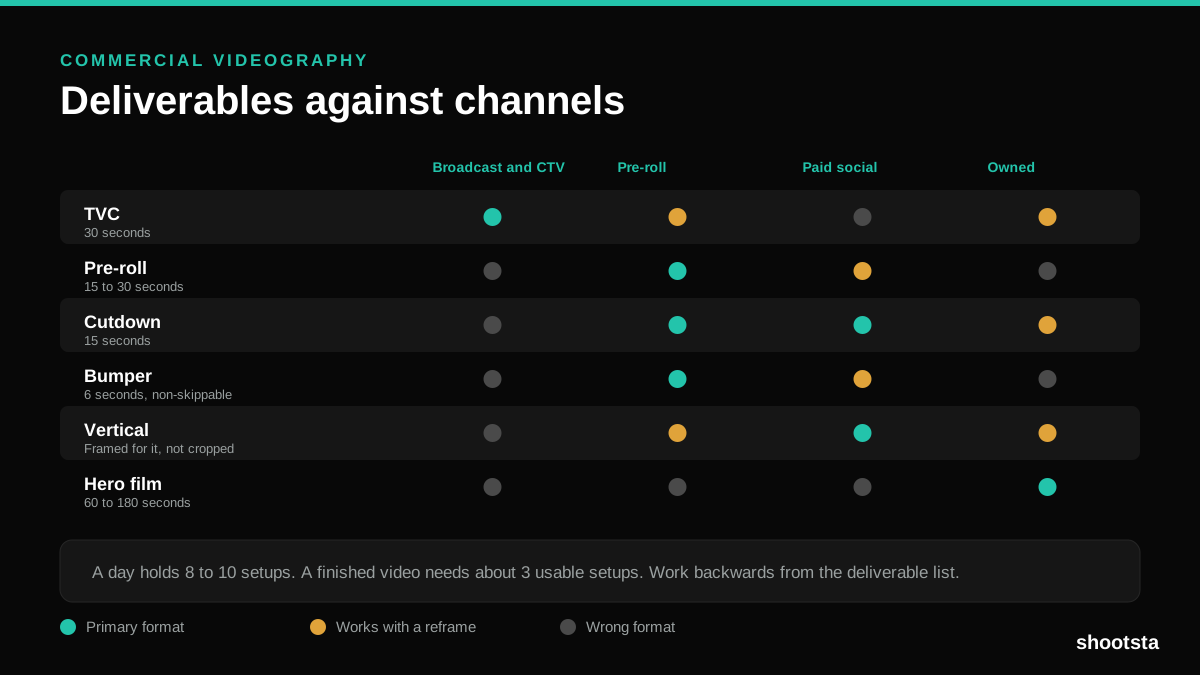
Commercial Videography: Cost and Scope
Commercial videography is priced by the day and judged by the deliverable. Most projects go wrong because those two numbers were never reconciled.
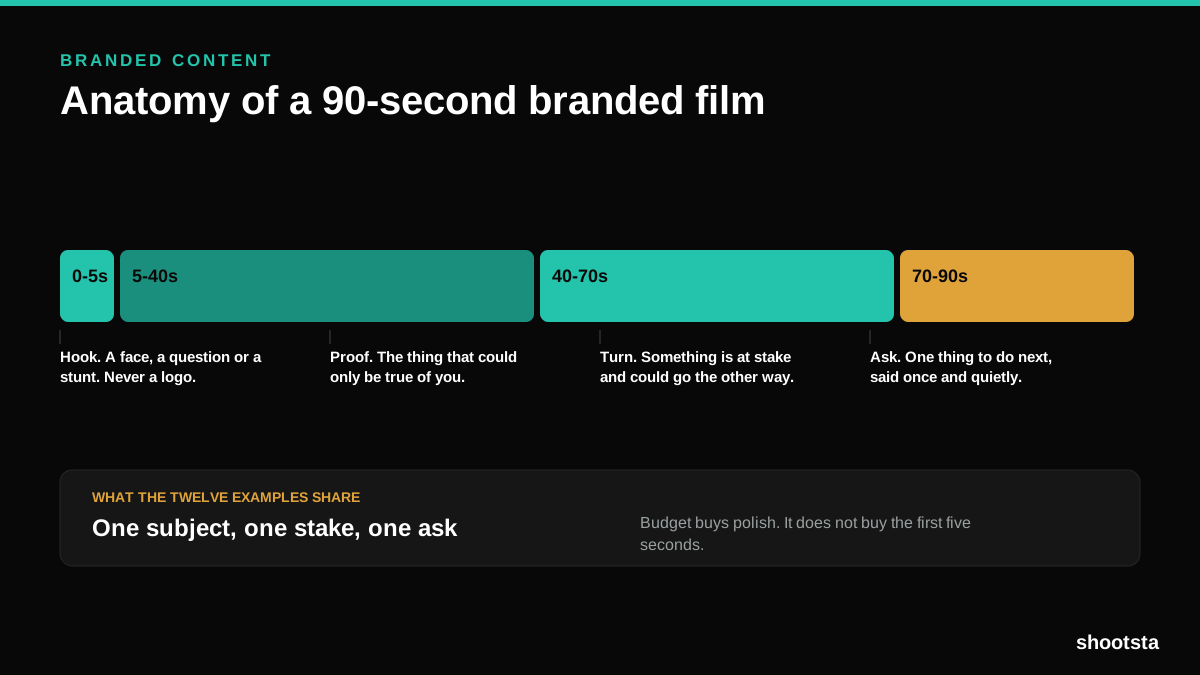
12 Branded Content Examples That Worked
Twelve pieces of branded content that people chose to watch, what each one got right, and the structure underneath all of them.
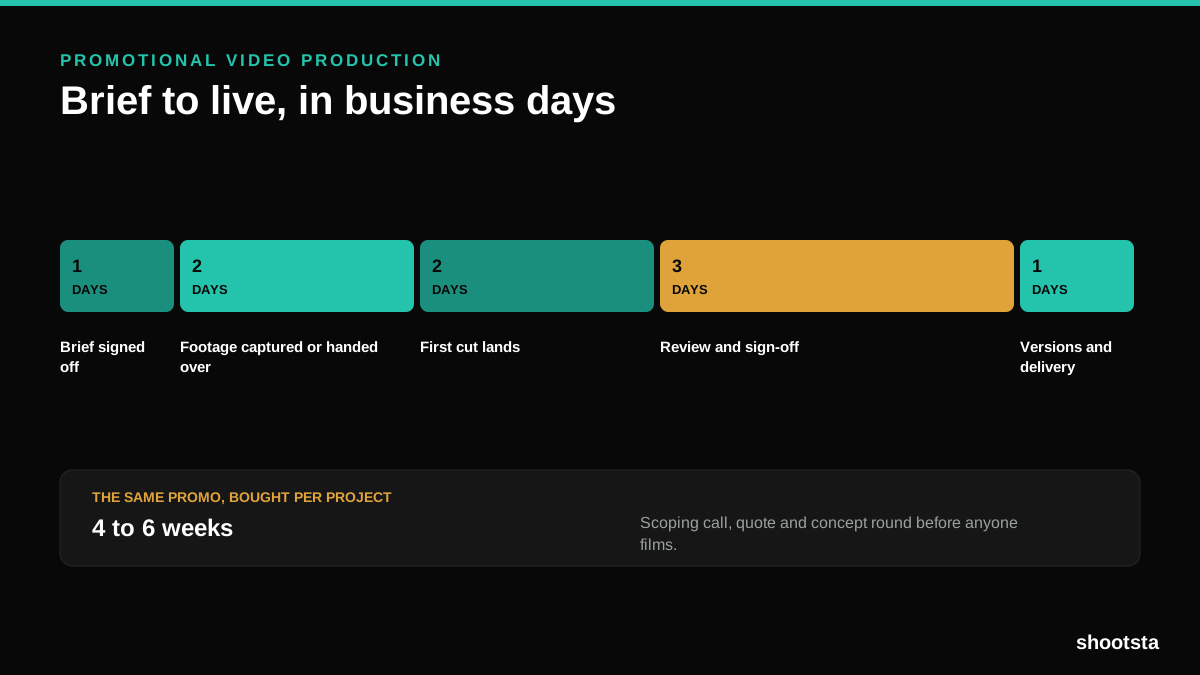
Promotional Video Production: Cost and Time
Most promotional video production schedules are not slow because of the edit. They are slow because of the approval chain. Here is where the days go.
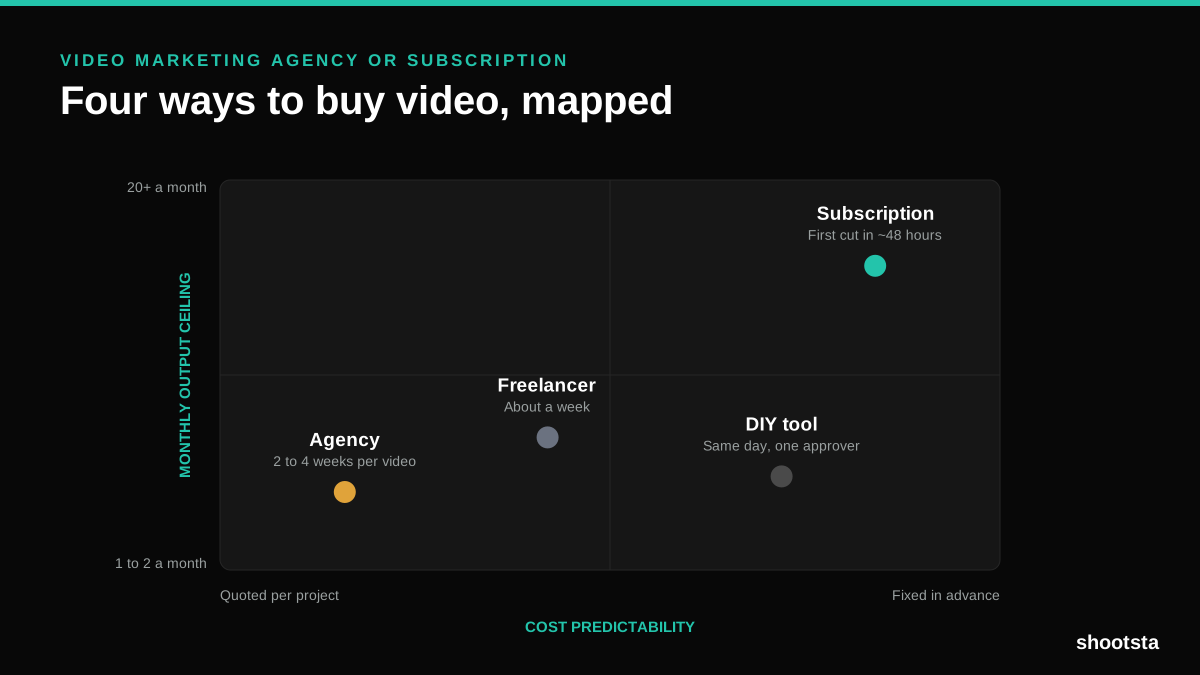
Video Marketing Agency or Subscription?
A video marketing agency prices per project and works in weeks. A subscription prices the year and works in days. Which one fits depends on how often you publish, not on which is better.

B2B Video Production: Costs and Buying Models
There are five ways to buy B2B video production. Each one works well up to a point and then breaks, usually at a volume nobody planned for. Here is what each costs and where the ceiling sits.