
Educational Videos for Business
shootsta.
Educational Videos for Business
By Shootsta · Published March 22, 2026 · Updated October 2026
How to produce educational videos that teach something. Covers formats, scripting, filming approaches, and how to measure whether your audience is learning.
What makes an educational video effective?
An educational video has one job: help the viewer understand something they didn't understand before. That sounds simple, but plenty of business videos miss it. They run too long, pack in too much, or spend the budget on looking polished instead of being useful.
The best educational videos share a few traits. Each one covers a single topic, and its visuals reinforce what the presenter is saying instead of decorating the screen. They also respect the viewer's time by getting to the point quickly.
When should you use educational video in your business?
Educational video works well when you need to explain something that's hard to convey in text. If you're training employees on a new process, showing them is faster than writing a 10-page manual. If you're helping customers use your product, a 2-minute walkthrough beats a support article with 15 screenshots.
Common use cases include:
- Employee training: Onboarding, compliance, software systems, and process documentation
- Customer education: Product tutorials, feature walkthroughs, and troubleshooting guides
- Partner enablement: Channel partner training, certification programs, and co-selling content
- Thought leadership: Industry explainers, methodology breakdowns, and expert interviews
If you're building a broader training program, see our guide to video for L&D teams for a full production framework.
Educational video formats that work
Screen recording with narration
Screen recording is the fastest format to produce. Record your screen while walking through a process, and narrate as you go. This works for software training, dashboard walkthroughs, and step-by-step procedures. Tools like Loom or OBS make recording easy, and Shootsta's editors can clean up the footage and add branded intros.
Talking head with graphics
A presenter on camera explaining a concept, with supporting graphics, diagrams, or text overlays that appear alongside them. This format balances personal connection with visual clarity. It's the go-to for explaining abstract ideas or concepts that benefit from a human guide.
Animated explainers
When your topic is conceptual, sensitive, or hard to film live, animated explainer videos are a strong choice. They simplify complex information using motion graphics and can be updated without reshooting. L&D teams often use them for compliance topics, data-heavy subjects and product overviews.
Interview or panel format
Bring in a subject matter expert and ask them questions. This works well when the SME has deep knowledge but isn't comfortable scripting a presentation. The conversational format also keeps viewers engaged longer than a straight monologue. Check our guide to filming interviews for practical setup tips.
Microlearning modules (under 3 minutes)
Microlearning videos are short, single-topic clips built for just-in-time learning. Employees watch them when they need a quick refresher, outside any scheduled course. Stack multiple microlearning videos into pathways for more comprehensive coverage.
How do you script an educational video?
Good educational videos start with a clear script. It doesn't have to be a word-for-word teleprompter script. A structured outline that keeps the presenter on track is usually enough.
Start with the outcome
Write down what the viewer should be able to do after watching before you write anything else. Everything in your script should serve that outcome. If a section doesn't help the viewer reach the goal, cut it.
Open with context
Tell the viewer why this matters in the first 10 seconds. "After this video, you'll know how to process a refund in under 2 minutes" is more compelling than "Welcome to module 3 of our customer service training series."
Break it into steps
Chunk the content into 3-5 clear steps or sections. Each section should teach one thing. Number them if it helps - viewers retain numbered sequences better than unstructured information.
End with a summary or action
Recap the key points in 1-2 sentences, then tell the viewer what to do next. Link to a related video, a practice exercise, or the tool they just learned about.
Production tips for educational video
You don't need a studio to produce effective educational videos. These are the things that make the biggest difference.
Audio quality is more important than video quality. Viewers will tolerate average video if the audio is clear. They won't tolerate great video with muffled or echoey audio. Use an external microphone - even a $30 lapel mic makes a significant difference.
Keep it short. Aim for 2-5 minutes per video. If your topic needs more time, split it into a series. Completion rates tend to drop once a training video runs past six minutes.
Show, don't just tell. If you're explaining a process, show the process on screen. If you're teaching a concept, use a diagram or visual metaphor. Make the visual channel carry information, so the viewer is never watching a talking head for five minutes straight.
Add captions. Many employees watch training videos at their desk without headphones, or in environments where audio isn't practical. Captions also improve comprehension for non-native English speakers in global teams.
For more filming basics, see our tips for filming on your phone or explore corporate training video production at Shootsta.
How do you measure whether your educational video works?
Views tell you how many people saw the video, but they say nothing about what anyone learned. The metrics that matter for educational video are different from marketing video.
Completion rate: Track the share of viewers who watch to the end. As a rule of thumb, if 60% or more complete the video, the length and content are working. Below 40%, the video is too long or not engaging enough.
Quiz or assessment scores: If your LMS supports post-video assessments, compare scores for video-trained employees versus other methods.
Support ticket volume: For customer education videos, track whether support requests decrease for the topic the video covers.
Time to competency: For employee training, measure how quickly new hires become productive compared to pre-video onboarding methods.
Getting started
Pick one topic your team explains again and again, such as a process, a tool or a policy, and turn it into a 3-minute video. Measure whether it reduces the number of times someone has to explain it live. That saved time is your first proof of concept.
With a video production subscription, you can film the raw content and have a professionally edited educational video back in about 48 hours. Your team doesn't need to learn editing software or add headcount, and your in-house people stay focused on the learning design.
Take this article with you
Read the latest at shootsta.com/blog/educational-video-strategies-to-transform-learning-development
You might also like
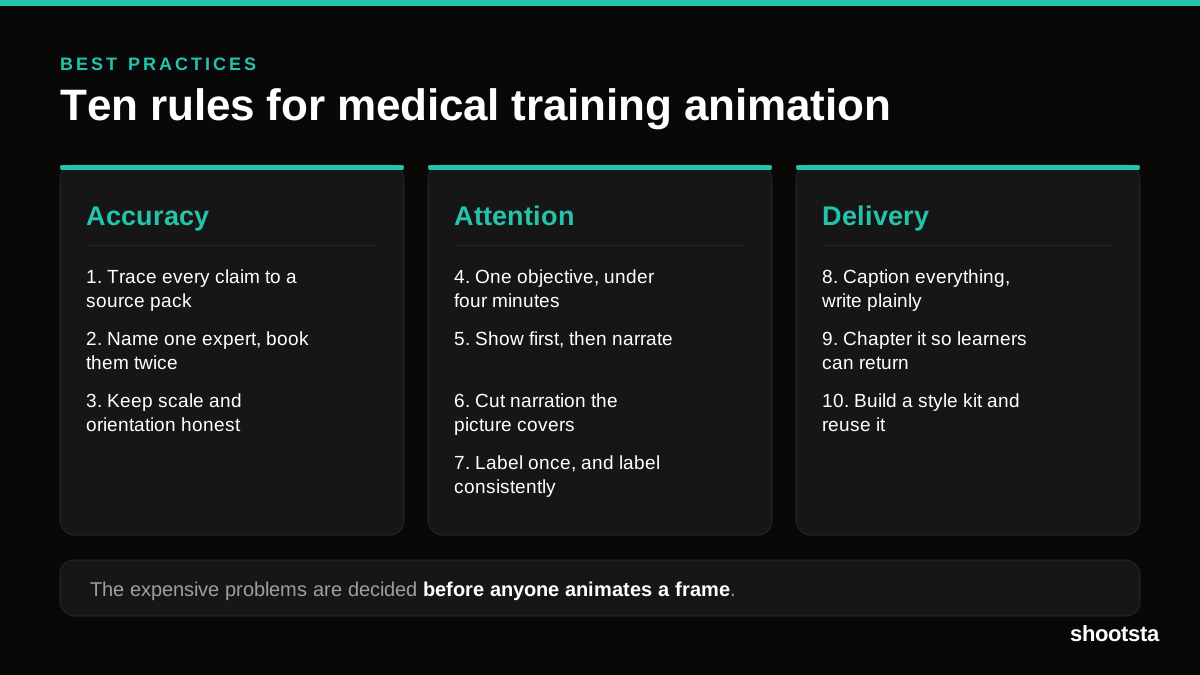
Medical Training Animation Best Practices
Ten rules that hold up across device training, clinical protocol work and mechanism of action modules. Most medical animation fails for dull reasons: too many objectives, narration that repeats the picture, and review that arrives too late to change anything.
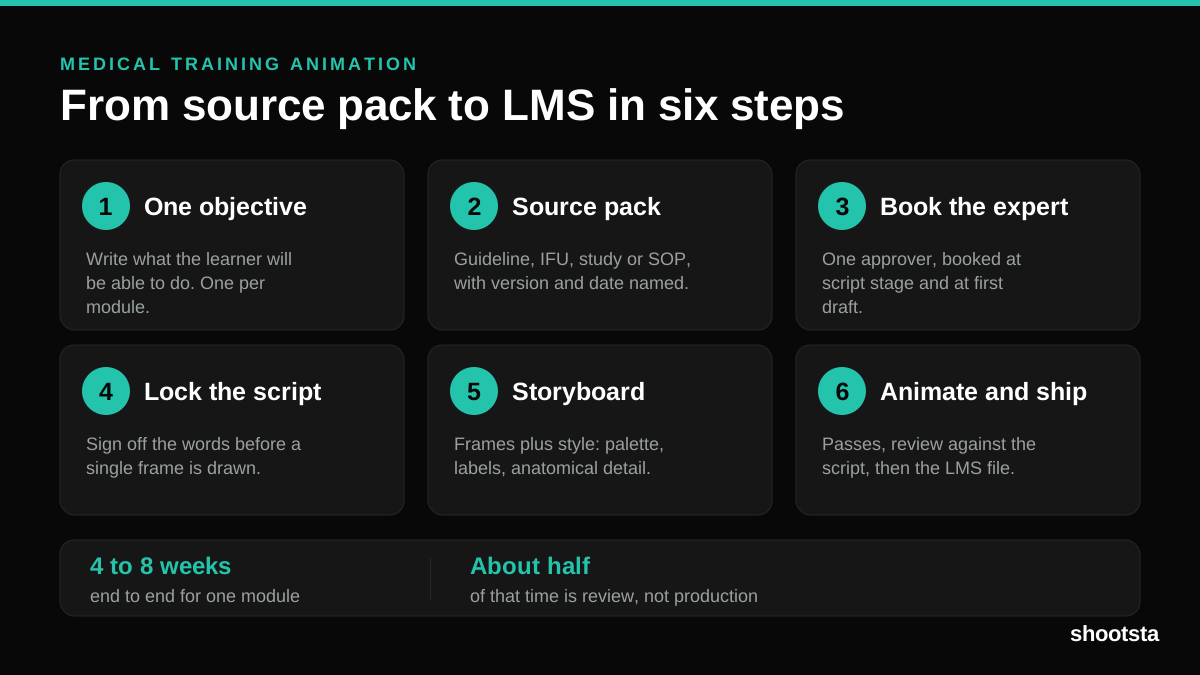
Medical Training Animation: A Complete Guide
A medical training animation teaches a procedure, a device workflow, or a mechanism the camera cannot reach. Here is how one gets made, what it costs, and how to keep medical review from eating the schedule.
What Delayed Training Videos Cost L&D Teams
What Delayed Training Videos Cost L&D Teams
When training video ships late, employees work without the knowledge for longer. For a distributed enterprise, that backlog has a large, measurable cost.
Australian Corporate Training Video Production
Australian Corporate Training Video Production
A practical guide to corporate training video production for Australian teams: compliance and WHS modules, LMS-ready formats, AEST turnaround, and what a training library costs to build.
What Makes a Great Learning Video
What Makes a Great Learning Video
A great learning video changes what someone can do after watching it. Here is how the best ones are built, the mistakes that lose learners, and how the panel scores them.
Animation Use Cases for L&D Teams
Animation Use Cases for L&D Teams
Learning and development teams get more out of animation than almost any other function. Here are the places it works hardest, and where you should still reach for a camera.