
shootsta.
Shootsta's Stock Footage Solution: To Unlimited and Beyond
By joelwarren · Published August 7, 2024 · Updated October 2026
Why Stock Footage Matters
Stock footage helps when the deadline or the budget is tight. It lets you add professional shots that you could not capture yourself. If you need a busy city street,
you can skip the permits, the scheduling and the worry about rain on the day. A stock clip gives you the same shot in minutes. You can make varied videos without filming every scene from scratch.
The Common Struggles
Buying stock footage has usually been slow and expensive. Paying for clips one at a time adds up quickly, and each purchase needs a sign-off. You can end up going back and forth with finance for a few seconds of footage, or struggling to justify the cost at all. That back and forth slows the project down and eats into the budget you set aside for the video itself.
Our Hassle-Free Solution
That is why we built Shootsta Stock Unlimited. The stock footage library is available to Shootsta customers inside the Shootsta Platform. You pick clips while you work on a project instead of buying them one at a time through a separate supplier. Your account manager can tell you how stock is covered on your plan, so the budget question is settled before the edit starts.
How It Works
Stock Unlimited is easy to use. While you work on a project in the Shootsta Platform, you browse the library and add the clips you want in a few clicks. Our editors then cut those clips into your video so they match the rest of the footage. The library covers a wide range of subjects, so you can use it for any type of video you make.
1. Enhance Your Piece-to-Camera
When filming a piece to camera, supporting what the presenter is saying with relevant cutaways can make your video more engaging and reinforce your message. Say you are filming a corporate update or a product demo. Stock footage can supply the shots that support it, such as a busy office or a wide view of your city's skyline, when you lack the time to film them. We still suggest you film your own cutaways where you can. For the more general shots, stock footage saves time and gives the story some variety.
2. Create Dynamic Title Slides
People often overlook title slides, yet they are your first chance to catch the viewer when you introduce a topic. Instead of a still image or a plain background, try a stock clip that relates to the subject. If your video is about new technology, a shot of someone using a device sets the tone from the first frame. The title looks more alive, and the viewer knows the theme before the main part of the video starts.
3. Build Entire Videos with Stock Footage
Sometimes you need to create a video quickly without the time or budget for a full shoot. In that case you can build the whole video from stock footage. Pair a voiceover with clips chosen for each line, and the result holds together as one story. This works for a story about global travel, a summary of industry trends or a message to lift your team. The library has enough range to carry each of them.
Keep reading
Free Consultation
Want a hand with your next video?
Talk to a Shootsta producer about your goals, timeline, and budget. There is no pitch, just advice you can use.
Take this article with you
Read the latest at shootsta.com/blog/shootstas-stock-footage-solution-to-unlimited-and-beyond
You might also like
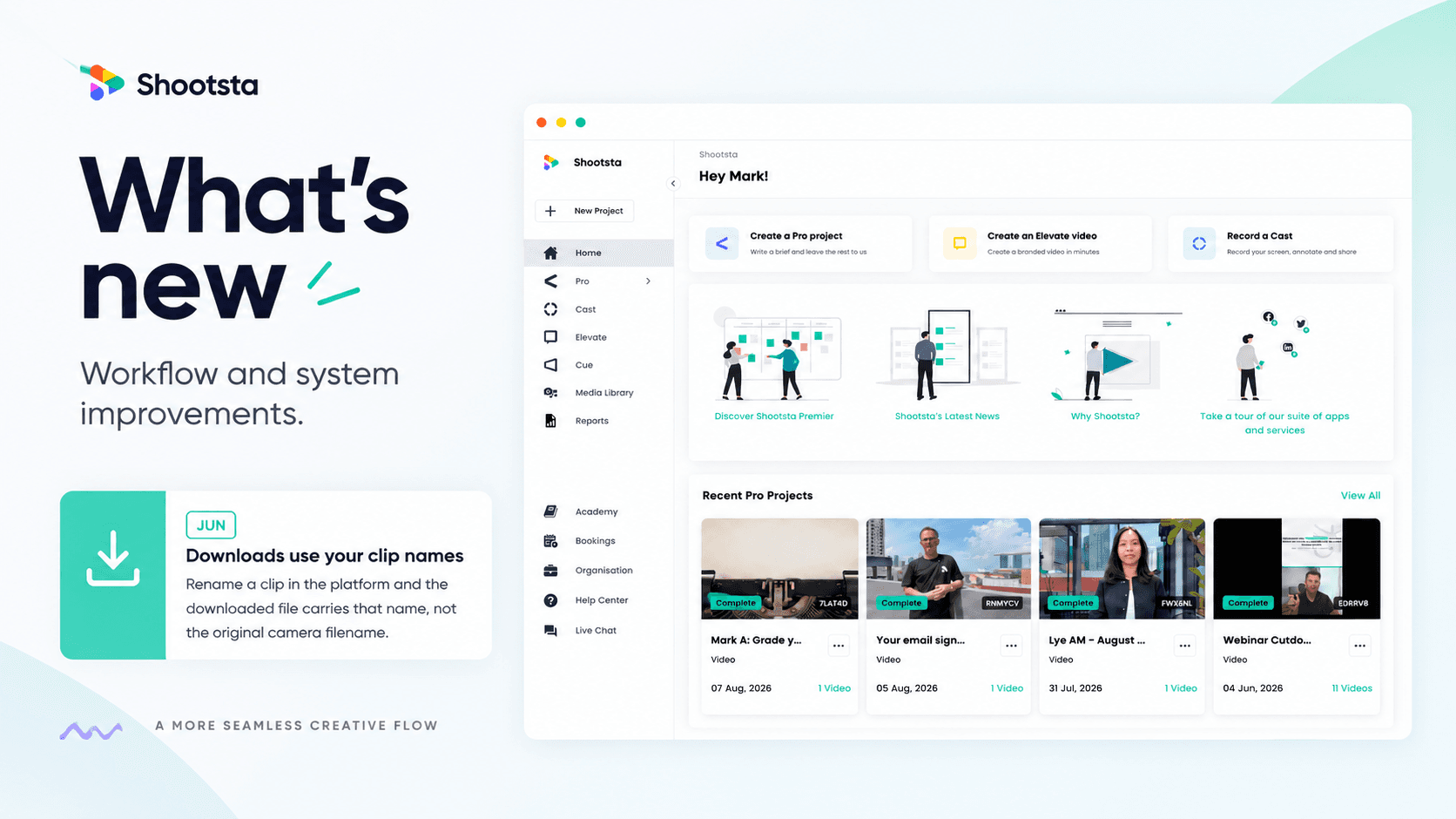
Less Admin, More Video: 15 Shootsta Updates
Fifteen platform updates from June to August 2026, covering video review, your media library, uploads and captions. Here is what changed and why it helps.

What we heard at the CMO Assembly in Nashville
Two days at the Millennium Alliance CMO Assembly in Nashville with marketing leaders from some of the world's biggest brands. Three things came up in almost every conversation: volume is up while budget is flat, brand drifts as volume rises, and speed decides whether a video still matters. Here is what we heard and what we shared.
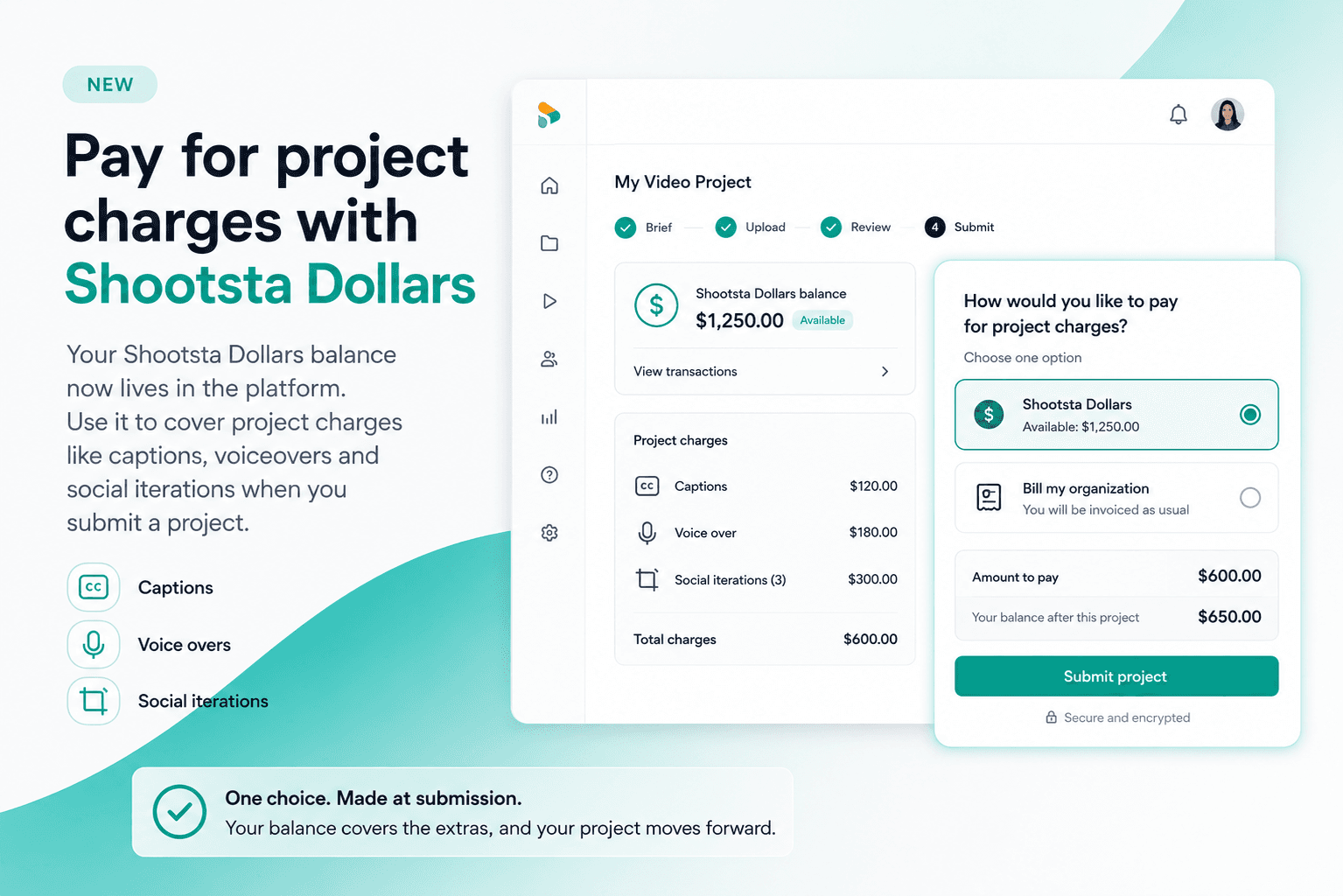
Pay for project charges with Shootsta Dollars
Your Shootsta Dollars balance now lives in the platform. Use it to cover project charges like captions, voiceovers and social iterations when you submit a project.
Shootsta Impact Video Awards 2026: How to Enter
Shootsta Impact Video Awards 2026: How to Enter
Entries are open for the Shootsta Impact Video Awards 2026. Here is what the awards recognise, who can enter, the 14 categories, how the panel judges, and how to nominate your team before July 31.
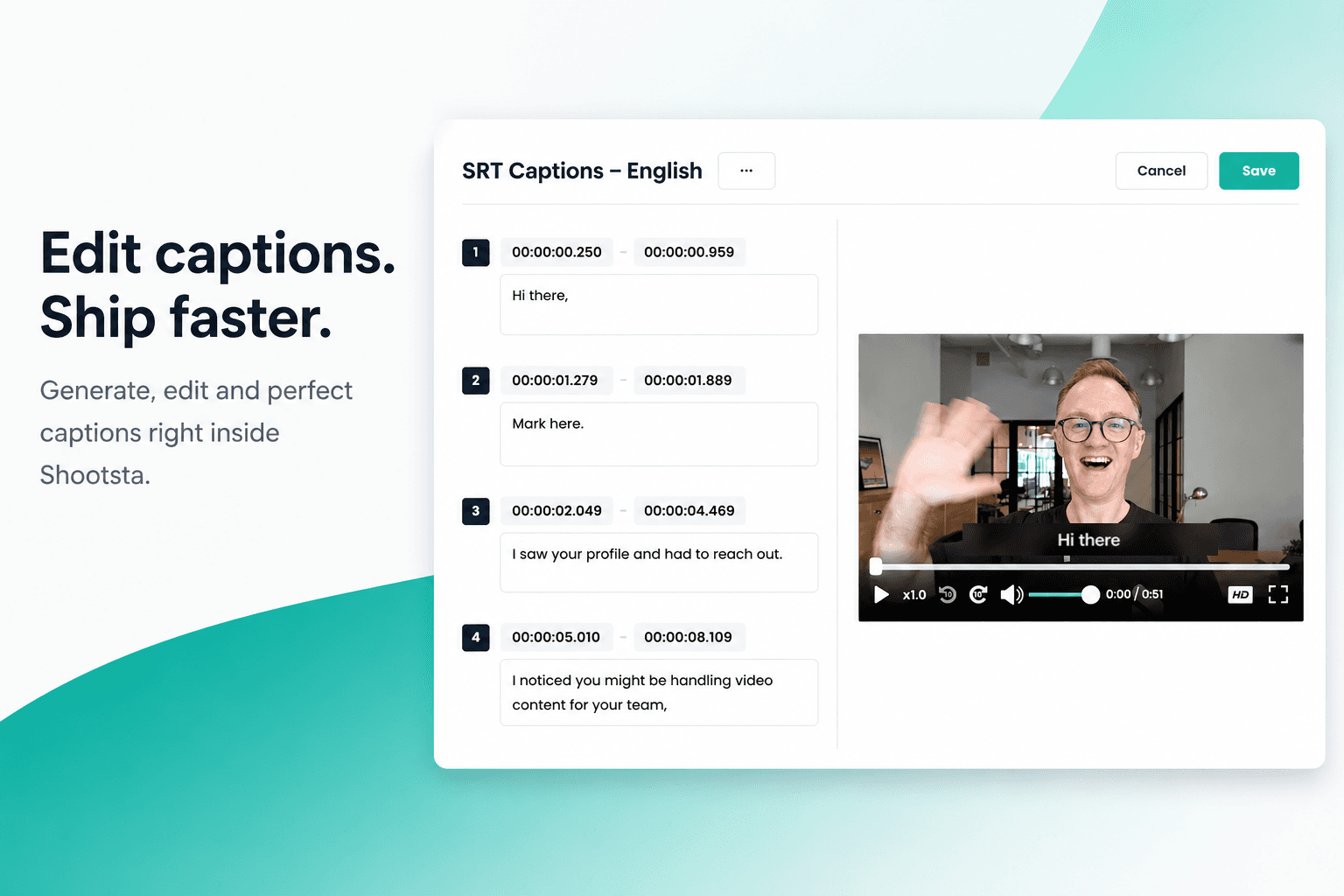
How to Add Captions in Shootsta
Generate and edit captions directly inside the Shootsta platform. No request forms, no back and forth, no waiting on turnaround. Here is how it works.
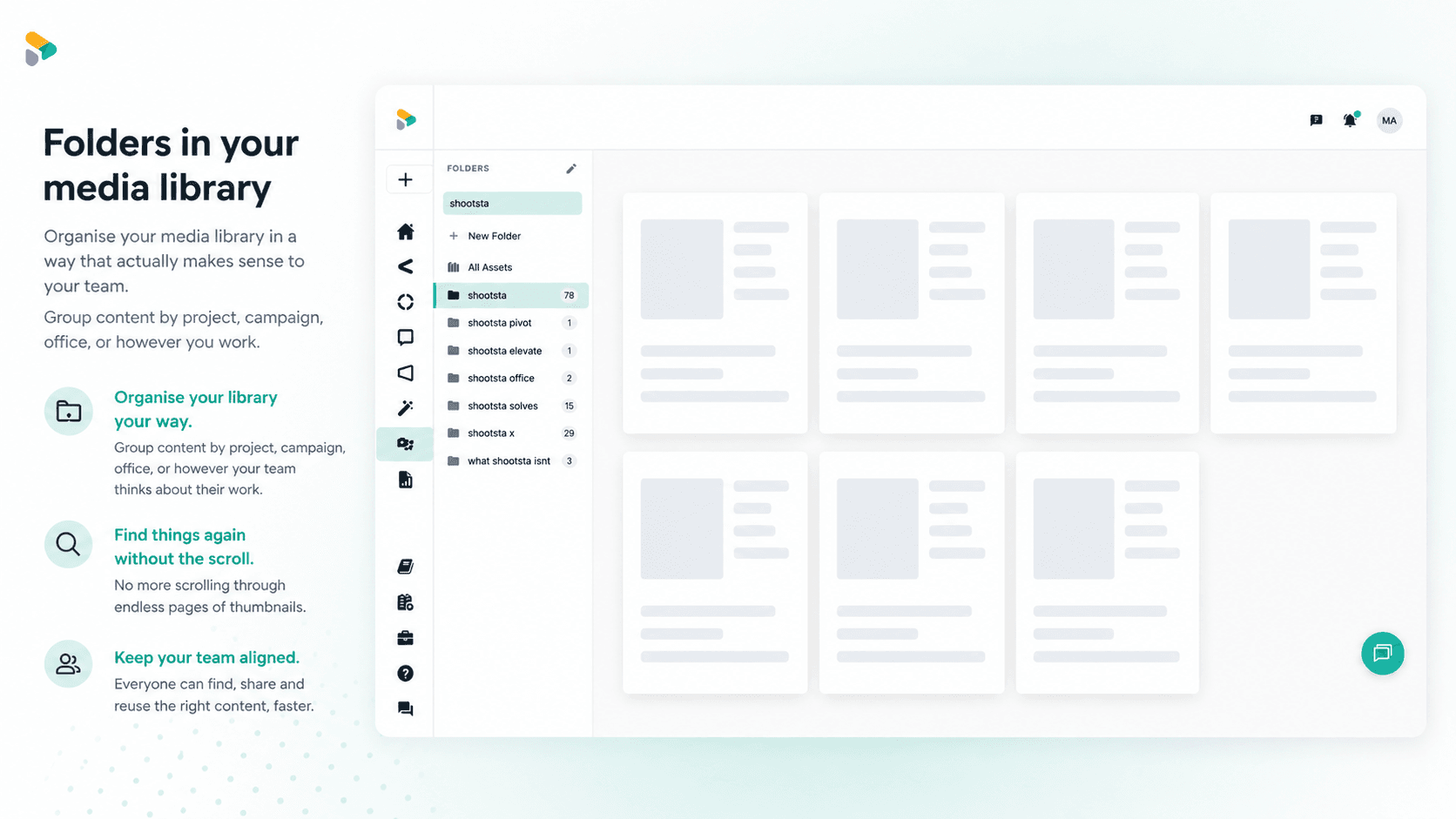
How to Use Media Folders in Shootsta
Organize your video assets into folders directly inside the Shootsta media library. Here is how to create folders, move assets, and keep your library clean as it grows.